


Audio AI Dynamics (AAID) vs Mix Check Studio
Side-by-side comparison of features, pricing, ratings, and alternatives.
Audio AI Dynamics (AAID) is a free, browser-based suite of AI-powered audio tools for analyzing, editing, and understanding music. It offers everything from music key/BPM/mood detection and genre identification to audio trimming, voice recording, live harmonic analysis (HPCP Chroma), BPM tapping, and an online metronome. The platform is designed for musicians, producers, singers, dancers, and audio enthusiasts who want quick, accessible audio insights without installing software.
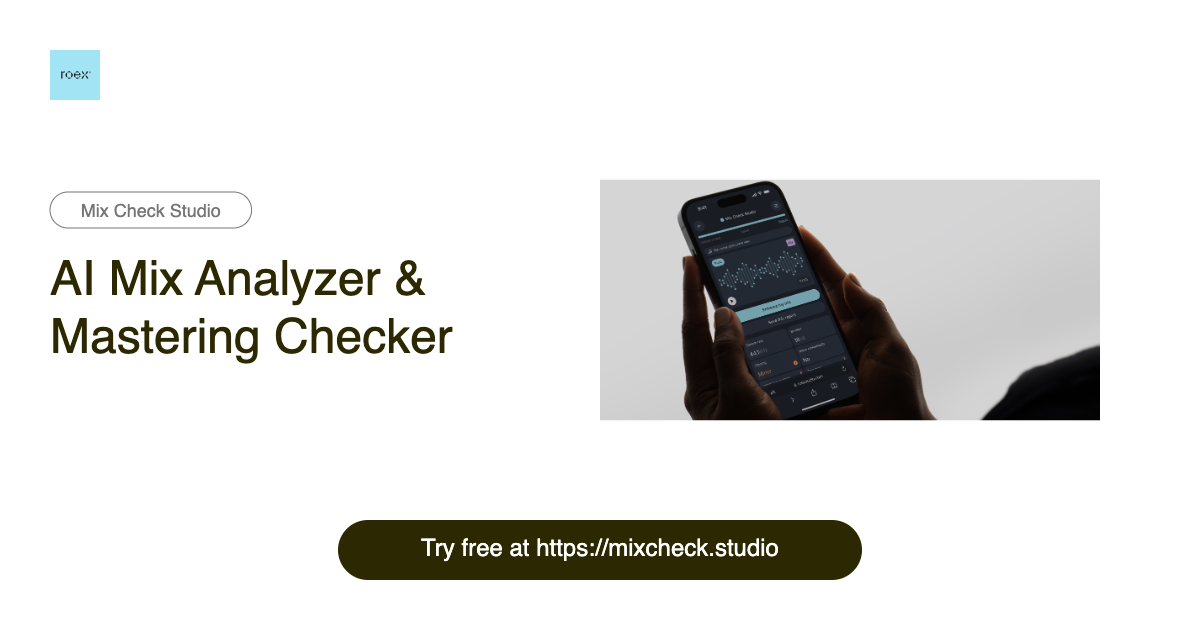
Mix Check Studio is a free, browser-based AI mix analyzer and mastering checker from RoEx, built for music creators at every level. It lets you upload a WAV, FLAC, or MP3 track and receive instant, objective feedback on your mix or master. The tool has already analyzed over 1.1 million tracks, making it a widely used second set of ears for producers, mixing engineers, and labels worldwide. Instead of guessing whether your track sounds good, Mix Check Studio breaks the sound down into key technical dimensions: EQ balance across frequency bands, dynamic range and compression, integrated loudness relative to streaming targets, stereo width and imaging, and tonal profile. The AI adapts its recommendations based on the genre you select—from electronic and hip-hop to rock, jazz, and orchestral—so the feedback stays relevant to your style of music. The result is an easy-to-read report that tells you what to fix before release rather than after. For creators who want more than analysis, the optional Mastering+ feature applies AI-powered processing to automatically enhance clarity, loudness, and stereo imaging. The free Check feature gives everyone access to professional-grade analysis, while Studio Pro subscribers get unlimited Mastering+ downloads for a monthly fee. Whether you are a bedroom producer testing a rough mix, an independent artist preparing for distribution, or a label checking a final master, Mix Check Studio makes professional audio quality checks accessible to all.
Mix Check Studio is free to use, and Studio Pro is a monthly subscription with unlimited Mastering+ downloads, but no price is listed on the page.
- Free to use
- No installation required — runs directly in the browser
- AI-powered music analysis: key, BPM, Camelot, moods, and genres
- Real-time tools like HPCP Chroma and BPM Tapper
- Free professional-grade mix analysis for everyone
- Instant AI feedback on multiple mix dimensions
- Genre-aware analysis tailored to your style
- No installation required—works directly in the browser
- Some features are still marked as 'Coming Soon' or TBA
- Requires an internet connection since it's online-only
- Limited advanced editing capabilities compared to desktop DAWs
- No mention of offline mode or desktop apps
- The free Check feature only provides analysis; Mastering+ enhancement requires a Studio Pro subscription.
- Uploads are limited to 173 MB and only WAV, FLAC, or MP3 files are supported.
- As an online tool, it requires an internet connection and may not capture the artistic nuance of a human mastering engineer.
More alternatives & similar tools
Alternatives to Audio AI Dynamics (AAID)
View all →An all-in-one, browser-based AI audio suite for creating, cleaning, splitting, and mastering music without leaving your browser.
Free AI mix analyzer that tells you exactly what to fix in your mix or master before release.
Alternatives to Mix Check Studio
View all →
Free online audio AI tools for musicians, producers, and music lovers.
The Verdict
AI-generated from listing dataAudio AI Dynamics offers a free, broad‑range browser toolkit for music analysis and basic editing, while Mix Check Studio focuses on AI‑driven mix/master diagnostics with optional paid mastering upgrades.
Key differences
- •AAID provides free, real‑time analysis tools (key, BPM, mood, genre) and basic editing; Mix Check Studio specializes in mix/master quality metrics and actionable feedback.
- •AAID is a pure free web app; Mix Check Studio has a freemium model with a paid Studio Pro tier for unlimited Mastering+ downloads.
- •Mix Check Studio supports specific file formats (WAV, FLAC, MP3) up to 173 MB and offers genre‑aware EQ/dynamics analysis; AAID works on any audio uploaded for analysis but lacks detailed mix metrics.
- •AAID includes tools like voice recorder, metronome, and audio trimmer; Mix Check Studio does not provide these creation utilities.
- •Mix Check Studio cites analysis of over 1.1 million tracks, indicating broader industry usage; AAID does not provide usage statistics.
Pricing & value
AAID is completely free with no paid tier; Mix Check Studio’s advanced Mastering+ requires a subscription.
Ease of use / learning curve
Both run in browsers with no installation; each offers distinct toolsets but similar accessibility.
Features & depth
Mix Check Studio offers detailed mix/master metrics and optional AI mastering; AAID focuses on basic analysis and simple editing.
Integrations & ecosystem
Mix Check Studio mentions integration with industry workflows (mastering, large track database); AAID lists no integrations.
Collaboration
Neither product mentions collaboration features; both are single‑user web tools.
Scalability
Mix Check Studio handles large‑scale analysis (1.1 M tracks) and supports sizable uploads; AAID’s capacity is unspecified.
Support, Security & privacy
No information provided about support channels, data security, or privacy policies for either tool.
Choose Audio AI Dynamics (AAID) if…
Musicians or hobbyists needing free, quick key/BPM/mood analysis and basic editing without a budget.
Choose Mix Check Studio if…
Producers seeking AI‑driven mix/master diagnostics and optional paid mastering enhancements.
Common questions
Is there any cost to use either tool?
AAID is completely free; Mix Check Studio is free for analysis but charges a subscription for unlimited Mastering+ downloads.
Can I get actionable mix improvement feedback?
Yes, Mix Check Studio provides AI‑generated mix/master feedback; AAID only offers analysis (key, BPM, genre, mood) without mix guidance.
Do either tools require installing software?
Both run entirely in the browser, so no installation is required.