Discover, compare, and save the best file management alternatives.
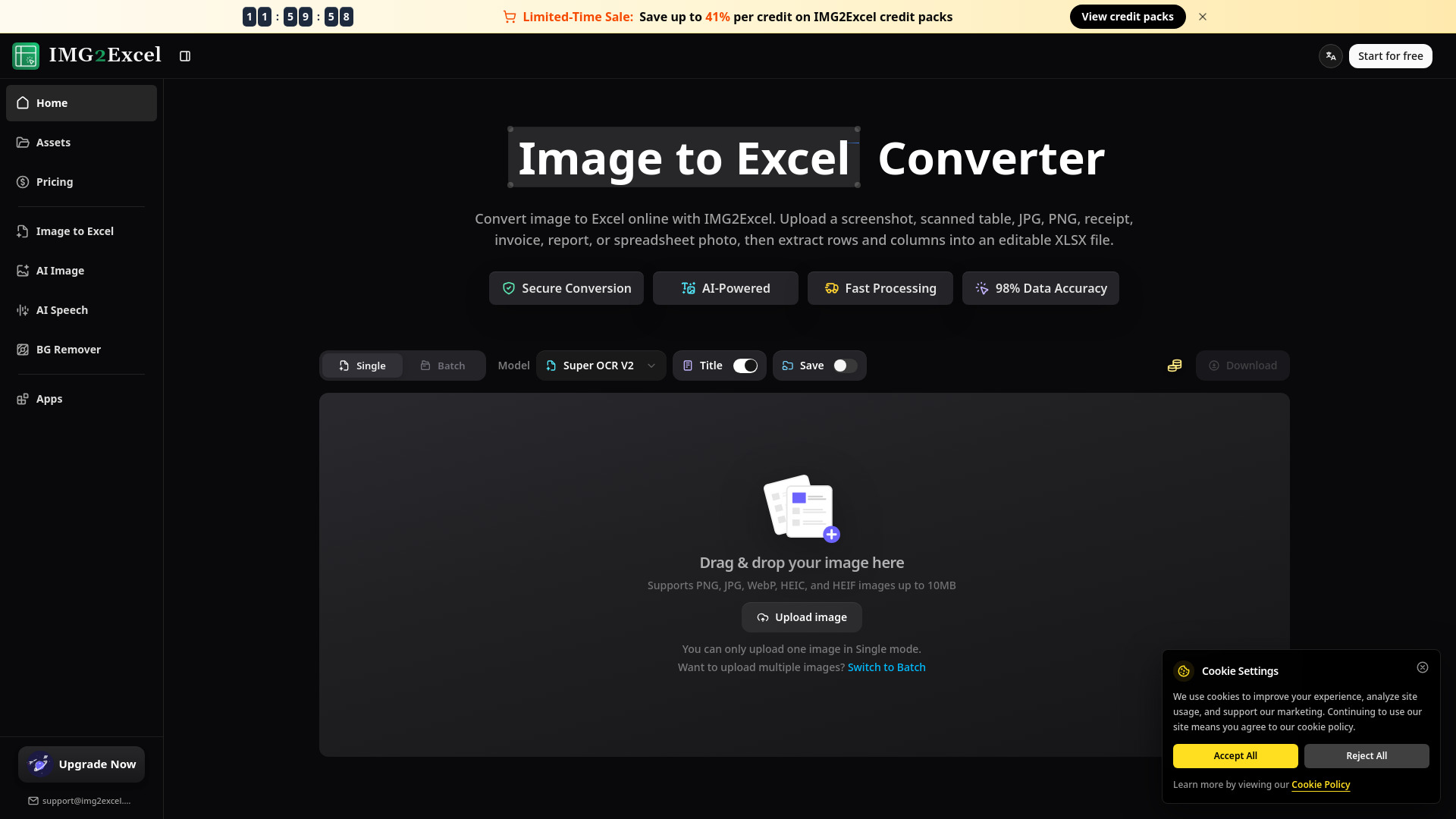
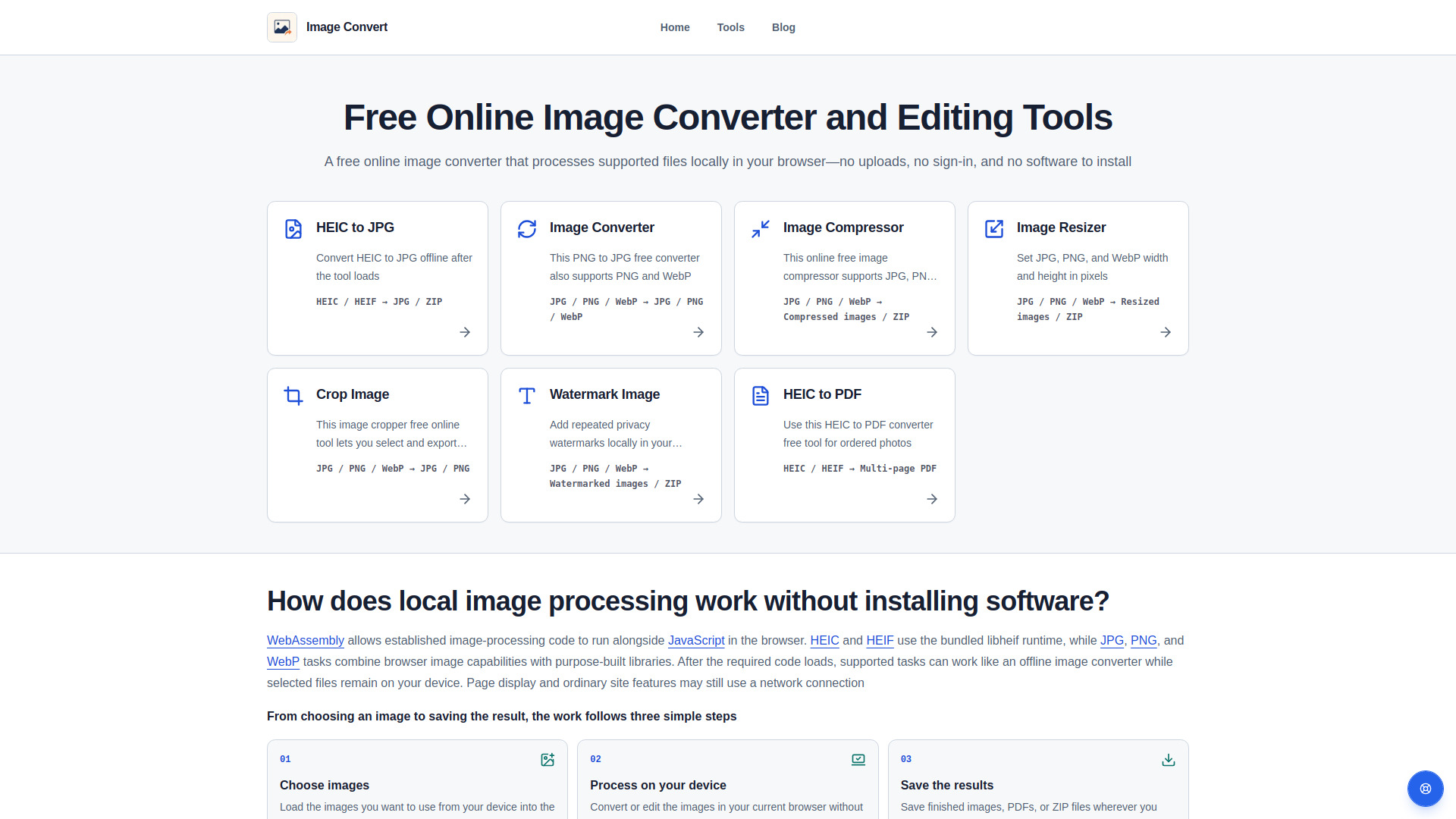
Box, Dropbox, Google Drive, IMG2Excel, FileOptimizer and Image Convert are among the top-rated File Management picks.
File Management software helps individuals and organizations efficiently organize, store, and retrieve their digital files. These tools are ideal for anyone who needs to manage large collections of files, including professionals, students, and businesses. By using File Management software, users can solve problems such as lost or misplaced files, cluttered digital spaces, and inefficient data retrieval. Different File Management options offer varying features, pricing models, and tradeoffs. For instance, cloud storage services like Dropbox and Google Drive provide seamless file sharing and collaboration, while archivers and compression tools like 7-Zip focus on reducing file size and securing data. File converters and duplicate finders, on the other hand, help with file format compatibility and reducing storage waste. To choose the right File Management software, consider your specific needs and priorities. Findalternative.net's comparison tool helps narrow down the options by allowing you to filter and compare features, pricing, and user reviews. By evaluating the strengths and weaknesses of each option, you can make an informed decision and find the perfect File Management solution for your needs.
Cloud storage services like Box and Google Drive store files online, allowing access from anywhere, while local file management tools like ForkLift and Double Commander manage files on your device. Choose cloud storage for collaboration and accessibility, or local management for security and control.
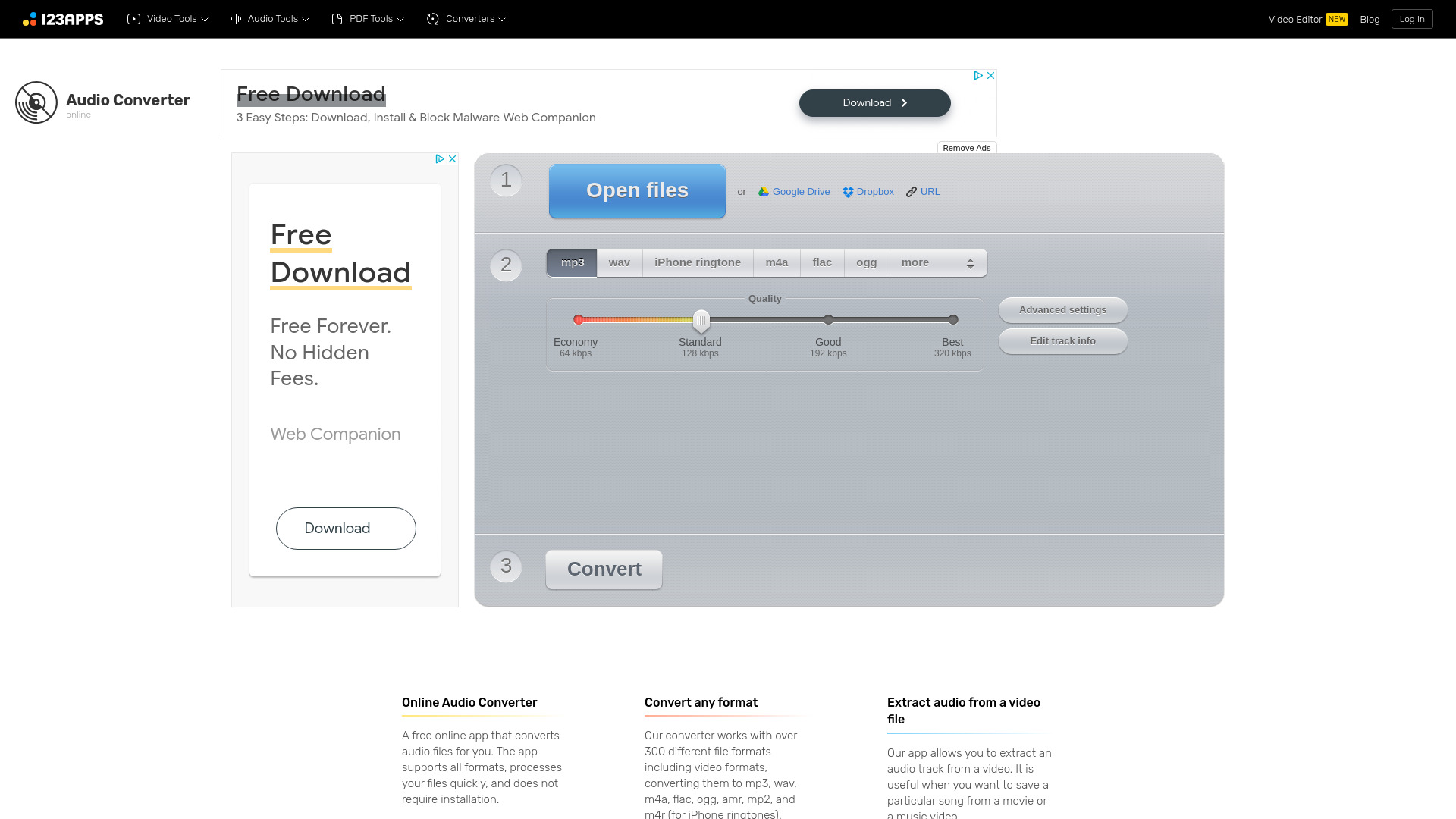
Consider the file formats you need to convert and the frequency of use. If you need to convert multiple formats, look for a comprehensive converter. For occasional use, a free or low-cost option may suffice. Evaluate features like batch conversion, format support, and user interface to find the best fit.
Disk space analyzers like WinDirStat and DaisyDisk help identify large files, duplicates, and unused space, allowing you to free up storage and optimize your device's performance. They provide a visual representation of your file system, making it easier to manage your digital space.
Yes, you can use multiple File Management tools to address different needs. For example, you might use a cloud storage service for collaboration and a local file manager for organization. Using multiple tools can help you create a customized workflow that suits your specific requirements.
Look for software with robust security features like encryption, access controls, and secure sharing options. Consider tools with two-factor authentication and regular software updates to protect your files from unauthorized access and data breaches.
File archivers and compression tools like 7-Zip reduce file size, making it easier to store and transfer files. They also provide a secure way to share files, as compressed files can be password-protected and encrypted, ensuring confidentiality and data integrity.
Many File Management tools offer cross-platform compatibility, allowing you to access and manage your files on different devices, including desktops, laptops, and mobile devices. Look for software with syncing capabilities to ensure seamless access to your files across all your devices.
File Management splits into 6 subcategories worth browsing on their own: File Managers (28), Cloud Storage (19), Archivers & Compression (10), File Converters (10), Duplicate Finders (7), and Disk Space Analyzers (6) — worth a look if you already know roughly which kind you need.
Browsing by use case instead? These products also surface under File Manager (35), Open Source (18), Security (13), Productivity (10), File Synchronization (10), and Windows Utility (9) — topic pages that pull from the whole catalog, not just File Management.
Comparing across more than just software? Findalternative.net also covers Hardware, Gadgets, Appliances, Games, and Hosting alternatives.
70% run on Windows, 56% on Mac, 34% on Web, and 34% on Linux — check platform support before committing if you need something specific.
Computed from real platform data across the category.
Across the File Management products in our directory, 72% are free or freemium. 30% of products with a documented drawback cite support or documentation gaps as a tradeoff worth knowing about going in.
Computed from real pricing and pros/cons data across the category — not a review aggregate.