Discover, compare, and save the best file converters alternatives.
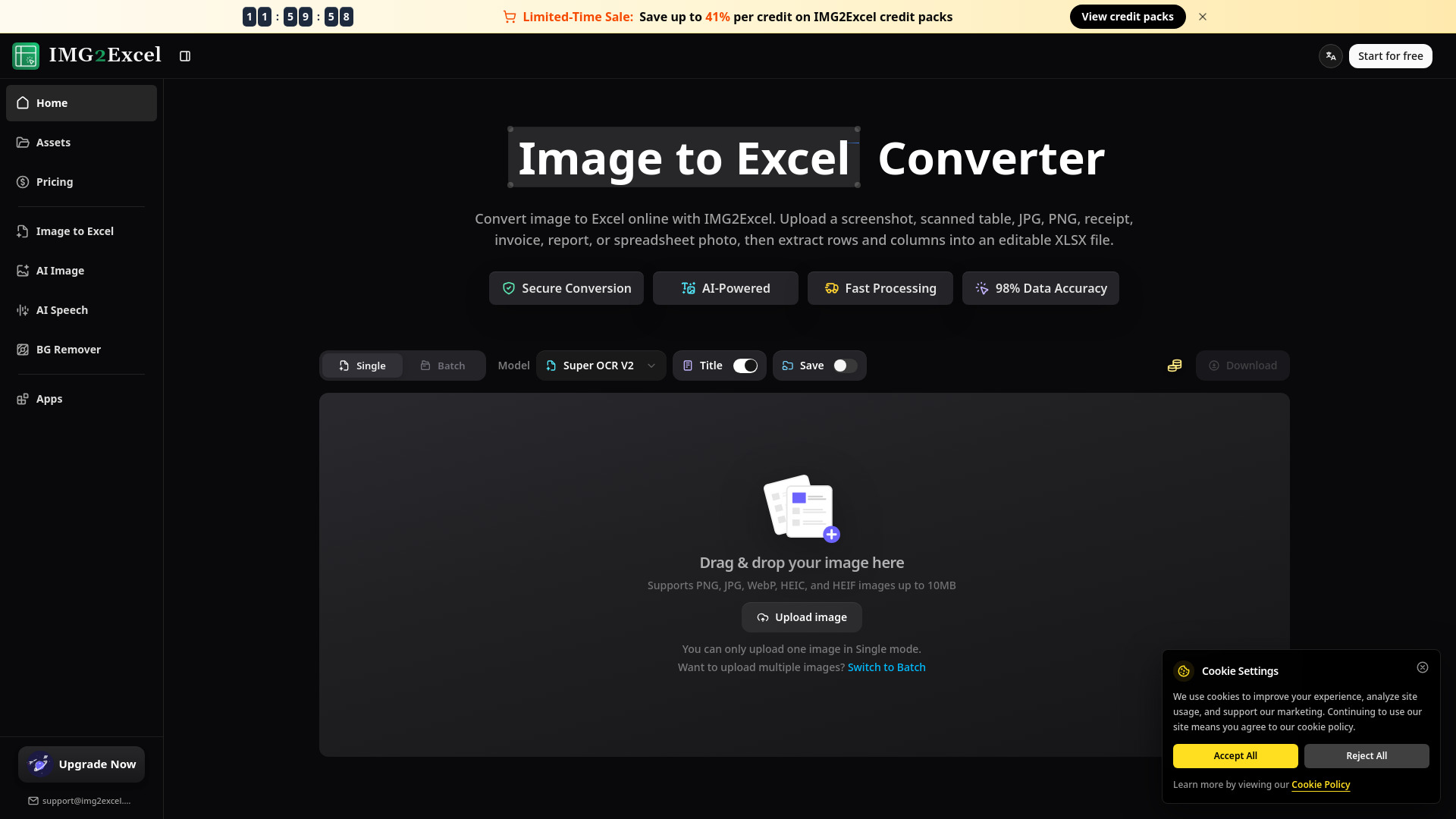
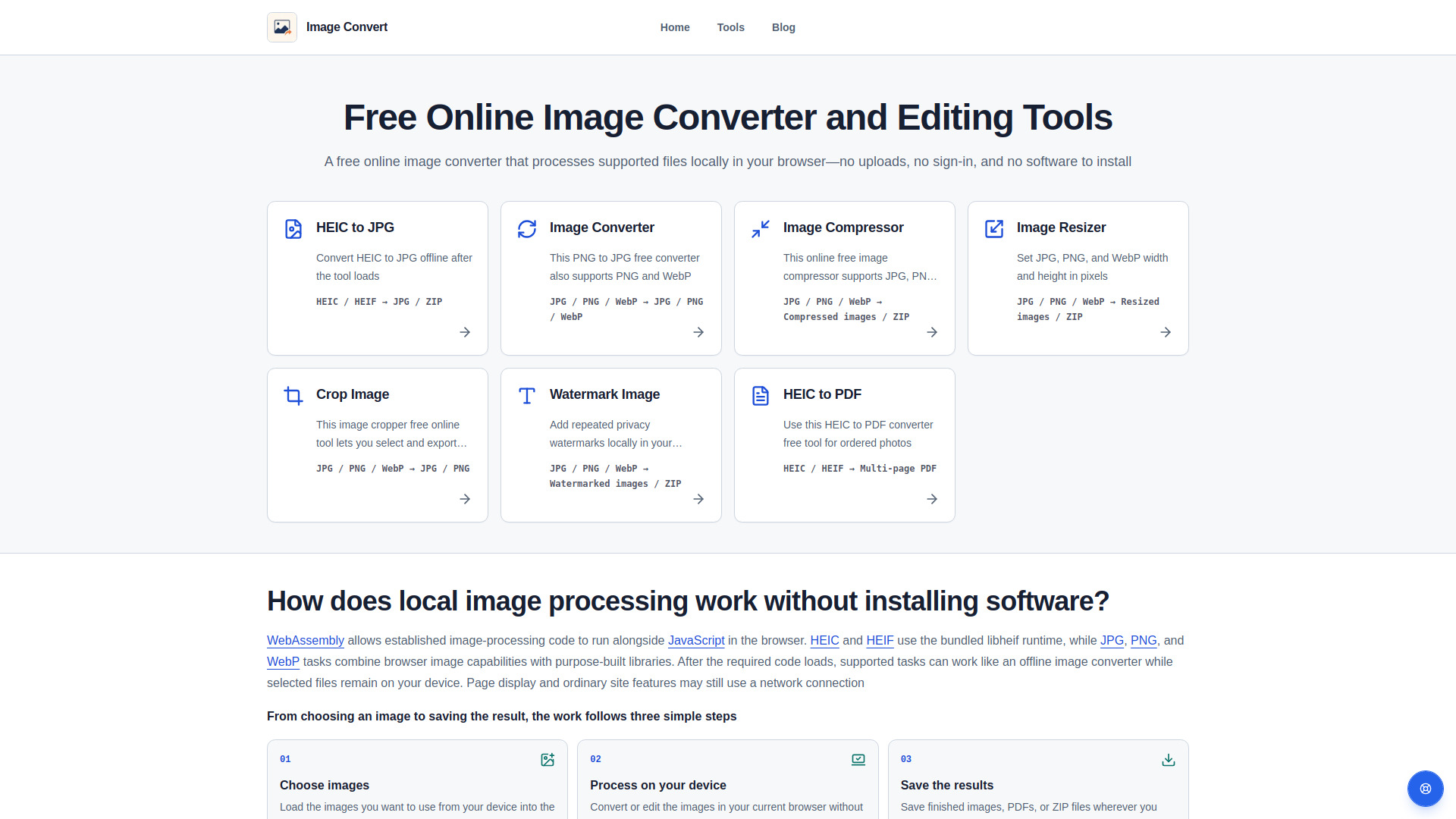
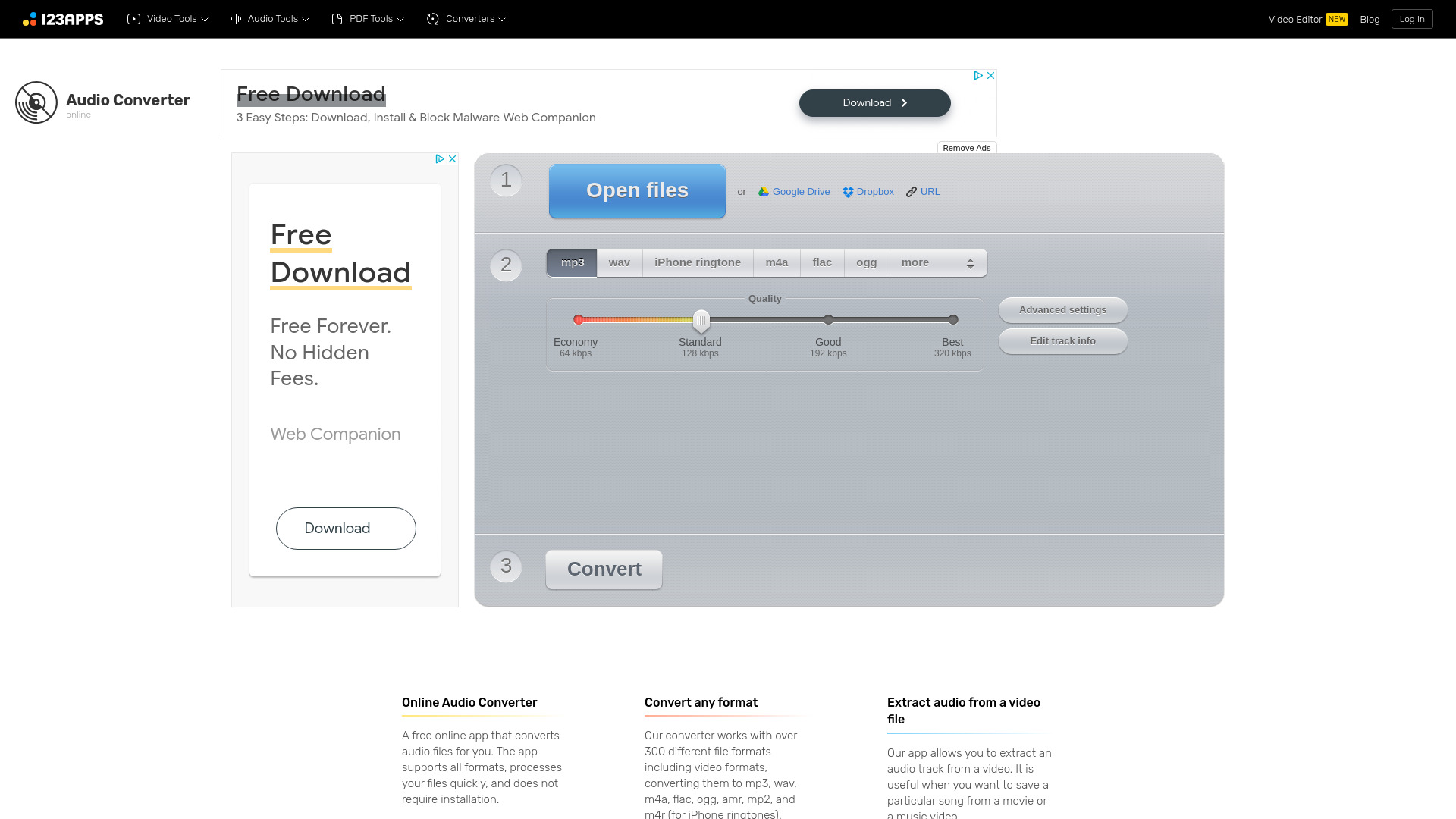
IMG2Excel, Image Convert, Online Audio Converter, How to Convert, Squoosh and Zamzar are among the top-rated File Converters picks.
File Converters are software tools designed to convert files from one format to another, making them accessible across different platforms and applications. These tools are ideal for individuals and businesses that frequently work with various file types, such as documents, images, and videos. By using a File Converter, users can overcome compatibility issues and ensure seamless collaboration and sharing of files. The key differences between File Converters lie in their features, pricing models, and conversion capabilities. For instance, Zamzar and CloudConvert offer a wide range of conversion options, including document, image, and video conversions, while Pandoc specializes in document conversions. Additionally, some File Converters, like FreeConvert, offer free services with limitations, while others require subscription or one-time payments. Understanding these differences is crucial to selecting the most suitable File Converter for specific needs. Choosing the right File Converter can be overwhelming, given the numerous options available. Findalternative.net's comparison tool helps narrow down the options by providing a comprehensive overview of each File Converter's features, pricing, and user reviews. By comparing these factors, users can make informed decisions and select the File Converter that best fits their requirements, ensuring efficient and hassle-free file conversions.
File Converters can convert various file types, including documents, images, videos, and audio files. For example, Zamzar can convert PDF to Word, while CloudConvert can convert MP4 to AVI.
Reputable File Converters, such as those listed on findalternative.net, prioritize user safety and security. They use encryption and secure servers to protect user files and data.
Not always. Some File Converters, like CloudConvert and FreeConvert, offer online conversion services that do not require software installation. Others, like Pandoc, may require installation or have optional desktop applications.
Yes, many File Converters support batch conversions, allowing users to convert multiple files simultaneously. For example, Zamzar and CloudConvert offer this feature, making it convenient to convert large numbers of files.
Yes, there are free File Converters available, such as FreeConvert and markitdown. These tools often have limitations, such as file size restrictions or watermarks, but can still be useful for occasional conversions.
To choose the best File Converter, consider factors such as the types of files you need to convert, the level of quality required, and your budget. You can also read user reviews and compare features on findalternative.net to make an informed decision.
Some File Converters, like CloudConvert, offer additional features such as file compression and editing. However, not all File Converters provide these services, so it's essential to check the features of each tool before selecting one.
File Converters splits into 5 related categories worth browsing on their own: File Managers (29), Cloud Storage (21), Archivers & Compression (10), Duplicate Finders (7), and Disk Space Analyzers (6) — worth a look if you already know roughly which kind you need.
Browsing by use case instead? These products also surface under File Conversion (3), Open Source (2), and Security (2) — topic pages that pull from the whole catalog, not just File Converters.
Comparing across more than just software? Findalternative.net also covers Hardware, Gadgets, Appliances, Games, and Hosting alternatives.
80% run on Web, 40% on Windows, 40% on Mac, and 30% on Linux — check platform support before committing if you need something specific.
Computed from real platform data across the category.
Across the File Converters products in our directory, 70% are free or freemium. 40% of products with a documented drawback cite support or documentation gaps as a tradeoff worth knowing about going in.
Computed from real pricing and pros/cons data across the category — not a review aggregate.