


BackupBuddy vs Dropmysite
Side-by-side comparison of features, pricing, ratings, and alternatives.
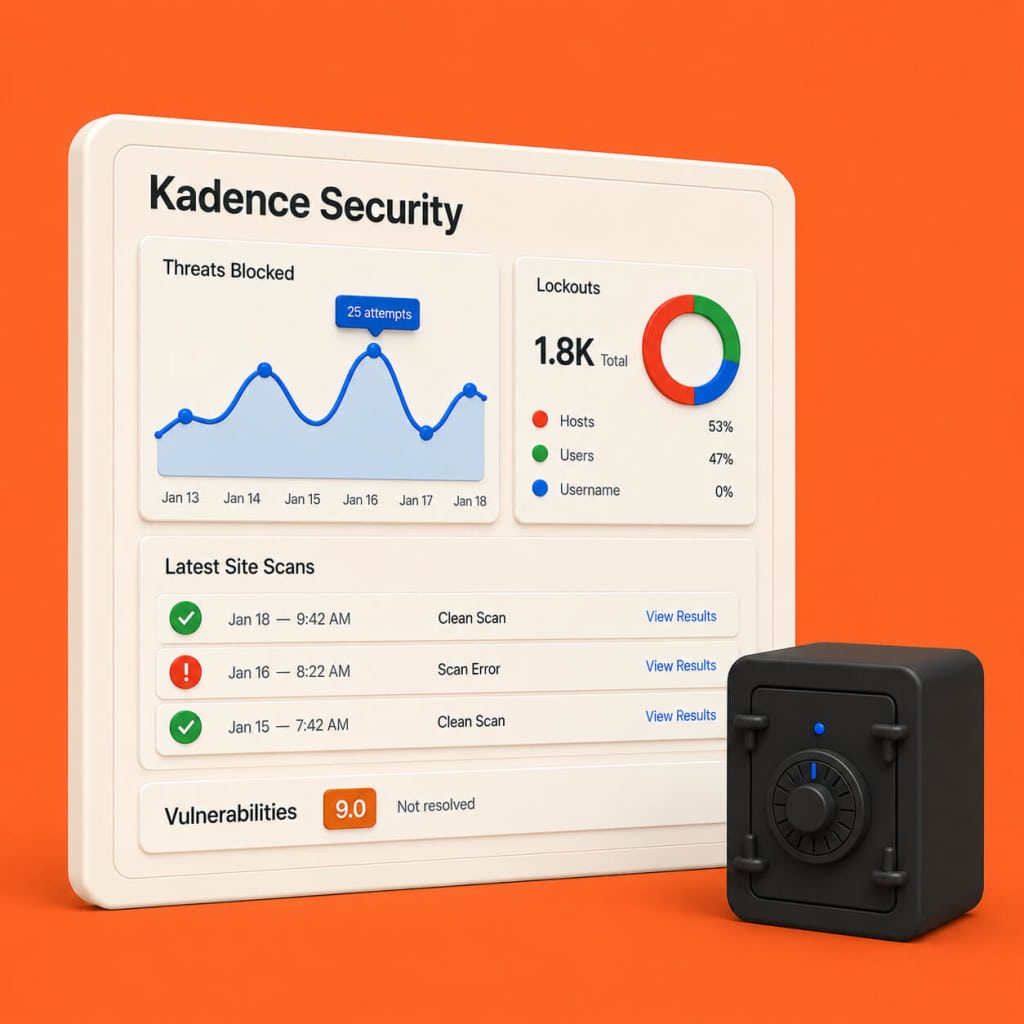
BackupBuddy is a comprehensive WordPress backup solution that lets you schedule automatic backups, store them off‑site, and restore your site with a single click. It also includes migration tools for moving sites between hosts without downtime. Designed for developers, agencies, and site owners, BackupBuddy integrates with popular cloud storage services and provides detailed logs to keep you in control of every backup operation.
Dropmysite provides automated, scheduled backups of website files and databases to secure cloud storage. It supports popular platforms like WordPress, Joomla, and custom PHP sites, ensuring you can restore quickly after hacks or server failures. The service includes versioned backups, one-click restores, and optional offsite storage for disaster recovery, making it a reliable safety net for web developers, agencies, and resellers.
- Easy one‑click backup and restore
- Supports multiple offsite storage providers
- Built‑in migration wizard
- Detailed logs and email alerts
- Fully automated backup scheduling
- One‑click restore reduces downtime
- Supports major CMS platforms out of the box
- Reseller‑friendly white‑label options
- One‑time purchase can be pricey for small sites
- Limited to WordPress only
- No built‑in incremental backup; full backups each run
- Limited free tier storage
- No on‑premise backup option
- Advanced reporting requires paid plan
More alternatives & similar tools
Alternatives to BackupBuddy
View all →


Alternatives to Dropmysite
View all →The Verdict
AI-generated from listing dataDropmysite offers a free, multi‑CMS backup service with encrypted multi‑region storage, while BackupBuddy is a paid, WordPress‑only solution with built‑in migration tools.
Key differences
- •Platform support: Dropmysite backs up WordPress, Joomla, Drupal and others; BackupBuddy works only with WordPress.
- •Pricing model: Dropmysite has a freemium tier; BackupBuddy requires a one‑time purchase.
- •Storage options: Dropmysite stores encrypted backups across multiple data‑center regions; BackupBuddy relies on external services like S3, Google Drive, Dropbox.
- •Migration feature: BackupBuddy includes a built‑in WordPress migration wizard; Dropmysite does not mention migration.
- •Backup history: Dropmysite retains up to 30 days of history; BackupBuddy’s retention details are not specified.
Pricing & value
Dropmysite provides a free tier; BackupBuddy has no free option and requires a one‑time payment.
Uptime & reliability
Neither product’s uptime or SLA information is provided.
Performance
No performance metrics (speed, backup window) are specified for either service.
Developer experience
Dropmysite supports multiple CMS platforms and integrates with cPanel/Plesk; BackupBuddy is limited to WordPress.
Regions & compliance
Dropmysite stores encrypted backups across multiple data‑center regions; BackupBuddy’s region coverage is not detailed.
Support
Support details (hours, channels) are not mentioned for either product.
Lock‑in
Dropmysite works with several CMSs, reducing platform lock‑in; BackupBuddy ties you to WordPress.
Choose BackupBuddy if…
WordPress site owners who want a paid, one‑click migration and restore tool.
Choose Dropmysite if…
Agencies or freelancers needing multi‑CMS backups and a free entry point.
Common questions
Can I use Dropmysite for a WordPress site without paying?
Yes, Dropmysite offers a free tier that includes automated backups for WordPress sites.
Does BackupBuddy support incremental backups?
No, BackupBuddy performs full backups each run; incremental backups are not listed.
Which service provides more storage region options?
Dropmysite stores encrypted backups across multiple data‑center regions; BackupBuddy’s storage region details are not specified.