


Claude vs Mix Check Studio
Side-by-side comparison of features, pricing, ratings, and alternatives.
Claude is Anthropic's family of large language models and conversational assistant, designed with a focus on being helpful, harmless, and honest. It is known for strong long-form reasoning, careful instruction-following, and large context windows that allow it to work with entire codebases or lengthy documents at once. Projects let users organize conversations around persistent context, such as a codebase or a set of reference documents, so Claude can stay consistent across many related tasks. Artifacts create a side-by-side workspace for iterating on code, documents, and diagrams generated during a conversation. Claude is available directly via claude.ai, as an API for developers building on top of the model, and integrated into products like Claude Code for agentic software development tasks.
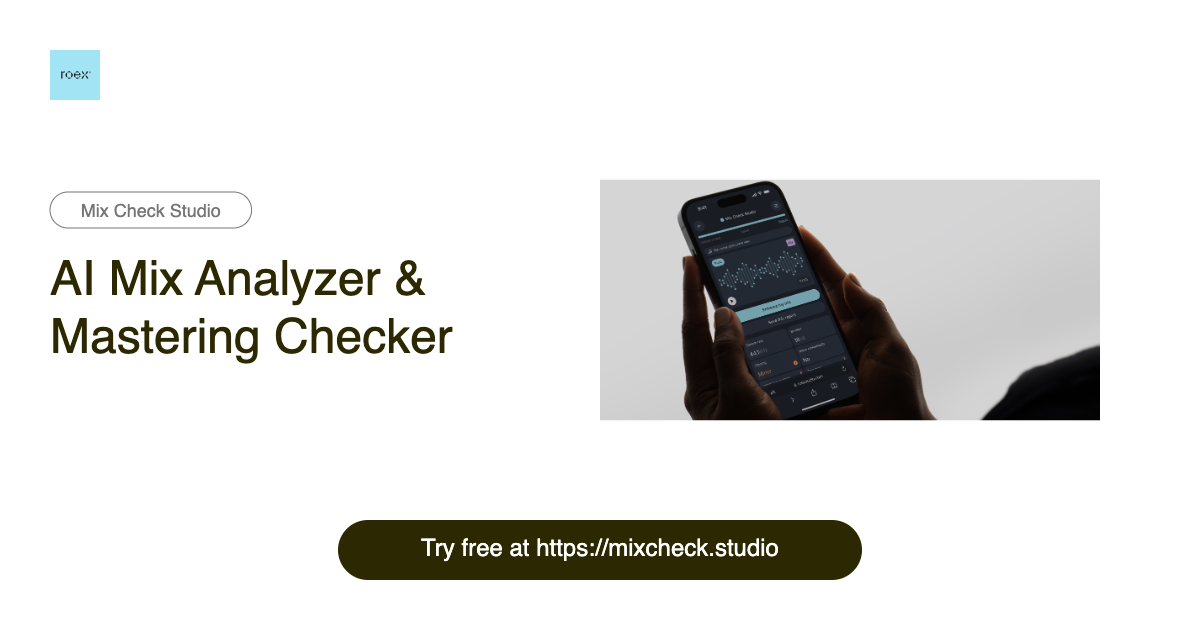
Mix Check Studio is a free, browser-based AI mix analyzer and mastering checker from RoEx, built for music creators at every level. It lets you upload a WAV, FLAC, or MP3 track and receive instant, objective feedback on your mix or master. The tool has already analyzed over 1.1 million tracks, making it a widely used second set of ears for producers, mixing engineers, and labels worldwide. Instead of guessing whether your track sounds good, Mix Check Studio breaks the sound down into key technical dimensions: EQ balance across frequency bands, dynamic range and compression, integrated loudness relative to streaming targets, stereo width and imaging, and tonal profile. The AI adapts its recommendations based on the genre you select—from electronic and hip-hop to rock, jazz, and orchestral—so the feedback stays relevant to your style of music. The result is an easy-to-read report that tells you what to fix before release rather than after. For creators who want more than analysis, the optional Mastering+ feature applies AI-powered processing to automatically enhance clarity, loudness, and stereo imaging. The free Check feature gives everyone access to professional-grade analysis, while Studio Pro subscribers get unlimited Mastering+ downloads for a monthly fee. Whether you are a bedroom producer testing a rough mix, an independent artist preparing for distribution, or a label checking a final master, Mix Check Studio makes professional audio quality checks accessible to all.
Free tier available; Pro is $20/month, Team and Enterprise plans available.
Mix Check Studio is free to use, and Studio Pro is a monthly subscription with unlimited Mastering+ downloads, but no price is listed on the page.
- Strong performance on long-context and reasoning tasks
- Careful, thoughtful responses
- Artifacts make iterative work easier to manage
- Claude Code well-suited to agentic coding workflows
- Free professional-grade mix analysis for everyone
- Instant AI feedback on multiple mix dimensions
- Genre-aware analysis tailored to your style
- No installation required—works directly in the browser
- Free tier usage limits are fairly restrictive
- Fewer third-party plugin integrations than some competitors
- Image generation not natively supported
- The free Check feature only provides analysis; Mastering+ enhancement requires a Studio Pro subscription.
- Uploads are limited to 173 MB and only WAV, FLAC, or MP3 files are supported.
- As an online tool, it requires an internet connection and may not capture the artistic nuance of a human mastering engineer.
What reviewers say
Claude Reviews
4.7 (3)Solid choice
Our team evaluated a few options before settling on Claude. Artifacts make iterative work easier to manage. One minor gripe: fewer third-party plugin integrations than some competitors, but it hasn't been a dealbreaker. Would recommend to anyone considering it.
Solid choice
Claude has quickly become part of our daily workflow. Careful, thoughtful responses. No major complaints so far. Would recommend to anyone considering it.
Does exactly what we need
Been a daily user of Claude for a while now. Claude Code well-suited to agentic coding workflows. No major complaints so far. Would recommend to anyone considering it.
Mix Check Studio Reviews
No reviews yet.
More alternatives & similar tools
Alternatives to Claude
View all →
Alternatives to Mix Check Studio
View all →
Free online audio AI tools for musicians, producers, and music lovers.