


DaisyDisk vs DriveDx
Side-by-side comparison of features, pricing, ratings, and alternatives.
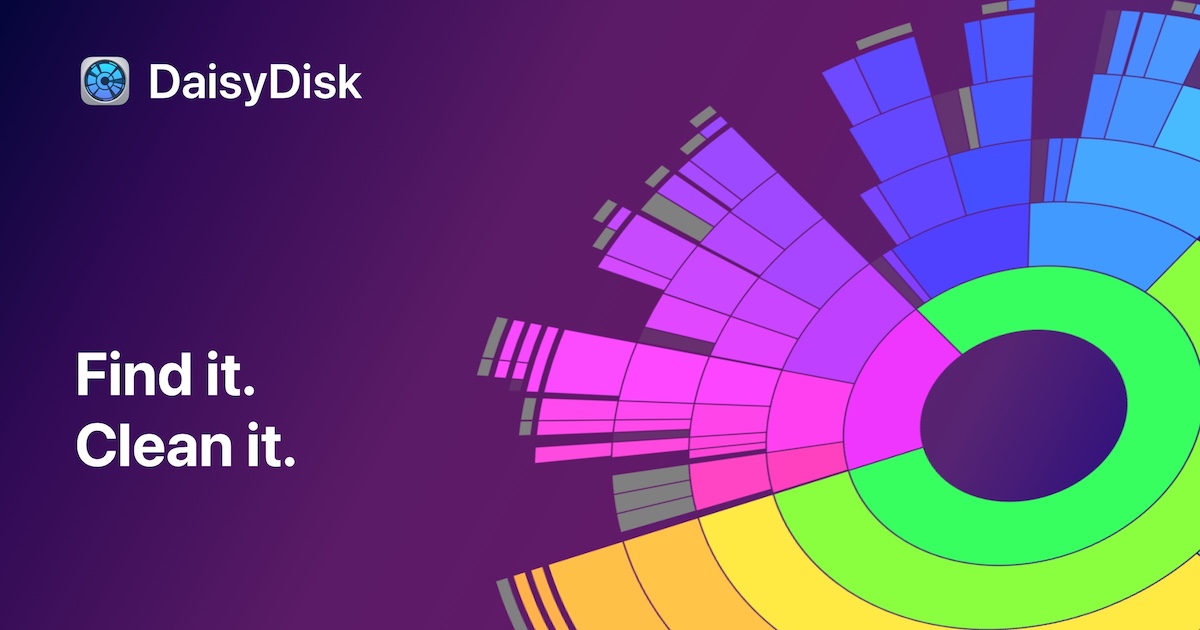
DaisyDisk is a disk space analyzer for macOS that scans internal and external drives, SSDs, HDDs, USB and Thunderbolt devices, network volumes, and cloud storage folders such as Dropbox, Google Drive, OneDrive, and Box to show exactly what is consuming disk space. Results are rendered as an interactive circular sunburst chart, letting users click into folders and drag files to a collection area for deletion, with system and application files automatically protected from accidental removal. The app is built for speed, with the developer claiming a full drive scan takes about 15 seconds versus several minutes in Finder, and it can run with administrator privileges to reveal hidden system files. DaisyDisk is sold as a one-time $9.99 lifetime license covering up to 5 personal Macs, available directly from daisydiskapp.com and on the Mac App Store, with no subscription fees and a 30-day money-back guarantee.
DriveDx is a macOS utility that continuously analyzes S.M.A.R.T. attributes and other health indicators for internal and external hard drives and SSDs, flagging each drive as OK, Failing, or Failed. The goal is to surface early warning signs of drive failure while there's still time to back up data, rather than discovering a dead drive after the fact. It runs background monitoring with desktop alerts, offers short and extended self-tests, and calculates separate health and performance ratings using algorithms tuned differently for SSDs versus traditional HDDs. It also supports scheduled email reports for remote or headless Mac monitoring.
- One-time $9.99 purchase with no subscription, covering up to 5 Macs
- Fast scanning speed compared to Finder
- Intuitive sunburst visualization makes it easy to spot large files and folders
- Includes a 30-day money-back guarantee
- Catches early failure warnings before total drive loss
- One-time purchase, not a subscription
- Covers up to 3 personal Macs on one license
- Separate SSD and HDD-aware health algorithms
- Mac-only, no Windows or Linux version
- License only explicitly covers minor updates and bug fixes
- Requires administrator access for full hidden-file visibility
- Mac only, no Windows version
- Cannot repair a drive, only detects and warns of problems
- S.M.A.R.T. data isn't always reliable on every external enclosure or controller
More alternatives & similar tools
Alternatives to DaisyDisk
View all →Free, open-source treemap visualizer that shows exactly what is filling up your Mac's disk space.
Alternatives to DriveDx
View all →
The Verdict
AI-generated from listing dataDaisyDisk is best for quickly visualizing and cleaning disk space, while DriveDx focuses on monitoring drive health and preventing failures.
Key differences
- •DaisyDisk visualizes storage usage with an interactive sunburst chart; DriveDx provides continuous S.M.A.R.T. health monitoring.
- •DaisyDisk scans internal, external, and cloud folders for large files; DriveDx monitors internal and external drives for health and free‑space alerts.
- •DaisyDisk’s primary goal is space reclamation; DriveDx’s primary goal is early failure detection and data‑loss prevention.
- •DaisyDisk offers a one‑time $9.99 license covering up to 5 Macs; DriveDx’s one‑time license covers up to 3 Macs.
- •DaisyDisk includes cloud‑storage integration (Dropbox, Google Drive, OneDrive, Box); DriveDx has no cloud‑service integrations.
Pricing & value
One‑time $9.99 covers up to 5 Macs; DriveDx covers only 3 Macs for an unspecified price.
Ease of use / learning curve
Interactive sunburst visualization makes DaisyDisk intuitive for casual users; DriveDx requires understanding S.M.A.R.T. alerts.
Features & depth
DriveDx continuously reads S.M.A.R.T., runs self‑tests, and sends alerts—far deeper health monitoring than DaisyDisk’s cleanup focus.
Integrations & ecosystem
DaisyDisk scans cloud folders (Dropbox, Google Drive, OneDrive, Box); DriveDx has no listed integrations.
Collaboration
Neither product mentions multi‑user or team collaboration features.
Scalability
DaisyDisk license scales to 5 Macs; DriveDx limited to 3 Macs per license.
Support
Both provide email support; DaisyDisk adds a 30‑day money‑back guarantee, DriveDx offers a knowledge base.
Security & privacy
DaisyDisk states it does not collect or transmit user data; DriveDx’s data handling not specified.
Migration / lock‑in
Both are standalone desktop apps with no APIs, making migration similar.
Choose DaisyDisk if…
Mac users who need fast, visual disk‑space cleanup and want cloud‑folder scanning.
Choose DriveDx if…
Mac users or IT pros who need proactive drive‑health monitoring and early failure warnings.
Common questions
Can either tool free up space automatically?
DaisyDisk lets you preview and manually delete files; it does not auto‑delete. DriveDx does not manage space.
Do they work on Windows or Linux?
Both are Mac‑only; no Windows or Linux versions are listed.
Is there a subscription or recurring cost?
Both are one‑time purchases with no subscription; DaisyDisk $9.99, DriveDx price not specified.