


DaisyDisk
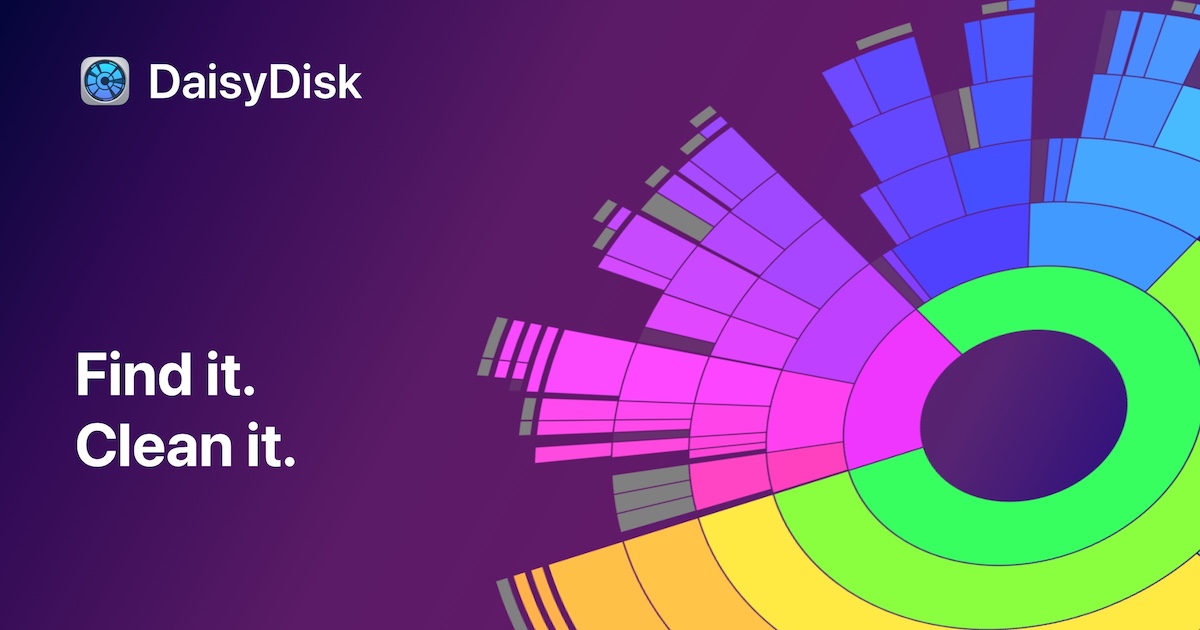
Scan your Mac's drives and instantly reclaim disk space with an interactive visual map.
Best for
Mac users who want a fast, one-time-purchase way to visualize and reclaim disk space.
Skip if
You're on Windows or Linux, or you want a free/open-source alternative.
What is DaisyDisk?
DaisyDisk is a disk space analyzer for macOS that scans internal and external drives, SSDs, HDDs, USB and Thunderbolt devices, network volumes, and cloud storage folders such as Dropbox, Google Drive, OneDrive, and Box to show exactly what is consuming disk space. Results are rendered as an interactive circular sunburst chart, letting users click into folders and drag files to a collection area for deletion, with system and application files automatically protected from accidental removal. The app is built for speed, with the developer claiming a full drive scan takes about 15 seconds versus several minutes in Finder, and it can run with administrator privileges to reveal hidden system files. DaisyDisk is sold as a one-time $9.99 lifetime license covering up to 5 personal Macs, available directly from daisydiskapp.com and on the Mac App Store, with no subscription fees and a 30-day money-back guarantee.
SpecificationsAI-estimated
Key Features of DaisyDisk
Use Cases for DaisyDisk
Freeing Up Mac Storage
Quickly locate the largest files and folders eating up space on a MacBook or iMac before running out of room.
Cleaning Before an OS Upgrade
Scan and clear unnecessary files to make room for a macOS update or upgrade.
Auditing External Drives
Check what is filling up an external SSD, USB drive, or network share connected to a Mac.
Managing Cloud Storage Usage
See what is taking up space in synced Dropbox, Google Drive, OneDrive, or Box folders.
Pros & Cons of DaisyDisk
Pros
- One-time $9.99 purchase with no subscription, covering up to 5 Macs
- Fast scanning speed compared to Finder
- Intuitive sunburst visualization makes it easy to spot large files and folders
- Includes a 30-day money-back guarantee
Cons
- Mac-only, no Windows or Linux version
- License only explicitly covers minor updates and bug fixes
- Requires administrator access for full hidden-file visibility
Frequently Asked Questions
Is DaisyDisk free?
No, DaisyDisk is a one-time $9.99 purchase covering up to 5 personal Macs, not a free app.
Does DaisyDisk work on Windows?
No, DaisyDisk is macOS-only and requires macOS 10.13 or newer.
Can DaisyDisk scan cloud storage?
Yes, it can scan cloud-synced folders such as Dropbox, Google Drive, OneDrive, and Box.
Does DaisyDisk protect system files from deletion?
Yes, the app automatically protects critical system and application files from accidental deletion.
Pricing Overview
View full pricing →Reviews & Ratings0.0
No reviews yet. Be the first to write one!
Top Alternatives & Similar Software
View all alternatives & similar software→People also viewed

Best For
Related searches
About the Product
Is this your tool?
Claim this page to update details, reply to user reviews, and drive more traffic to your product.
Claim this Product →
Tags
Explore Related Topics
Keep up with DaisyDisk alternatives
New alternatives, pricing changes and the week's biggest movers - one email every Tuesday.