


DriveDx vs GrandPerspective
Side-by-side comparison of features, pricing, ratings, and alternatives.
DriveDx is a macOS utility that continuously analyzes S.M.A.R.T. attributes and other health indicators for internal and external hard drives and SSDs, flagging each drive as OK, Failing, or Failed. The goal is to surface early warning signs of drive failure while there's still time to back up data, rather than discovering a dead drive after the fact. It runs background monitoring with desktop alerts, offers short and extended self-tests, and calculates separate health and performance ratings using algorithms tuned differently for SSDs versus traditional HDDs. It also supports scheduled email reports for remote or headless Mac monitoring.
GrandPerspective is a free macOS utility that scans a folder or volume and displays disk usage as a treemap, where each file is drawn as a rectangle sized proportionally to how much space it consumes. This makes it fast to spot the largest files and folders visually rather than digging through nested Finder windows. Released under the GNU General Public License, GrandPerspective supports multiple color-mapping schemes (by file type, size, or modification date), filtering and search, and can compare or combine multiple scans. It is distributed for free from SourceForge, with an optional paid copy on the Mac App Store for users who prefer automatic updates and app-review verification.
- Catches early failure warnings before total drive loss
- One-time purchase, not a subscription
- Covers up to 3 personal Macs on one license
- Separate SSD and HDD-aware health algorithms
- Completely free and open source under the GPL.
- Treemap view makes large files and folders obvious at a glance.
- Actively maintained with recent updates for current macOS releases.
- Lightweight, single-purpose tool with no bundled extras or ads.
- Mac only, no Windows version
- Cannot repair a drive, only detects and warns of problems
- S.M.A.R.T. data isn't always reliable on every external enclosure or controller
- Interface is functional but visually dated compared to modern paid alternatives.
- macOS only, so it cannot help clean up drives on other operating systems.
- No automated cleanup actions; it only visualizes usage, deletion is manual.
More alternatives & similar tools
Alternatives to DriveDx
View all →
Alternatives to GrandPerspective
View all →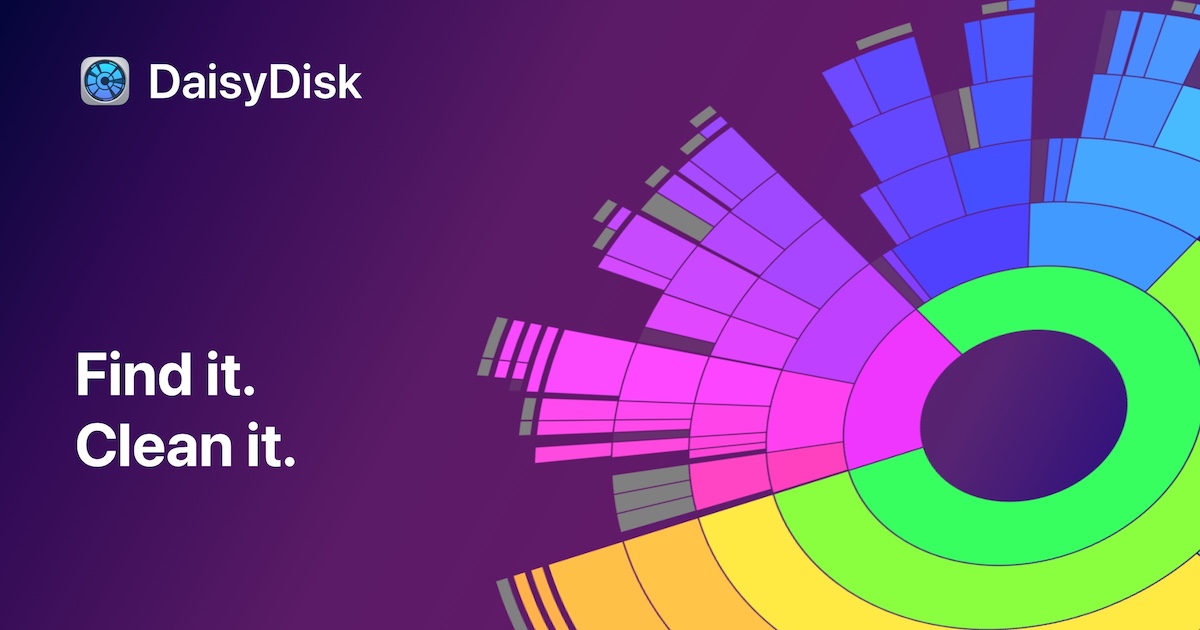

The Verdict
AI-generated from listing dataGrandPerspective is a free, open‑source visual disk‑usage tool for macOS, while DriveDx is a paid Mac‑only health monitor that reads S.M.A.R.T. data to warn of drive failure.
Key differences
- •GrandPerspective visualizes file‑level space usage; DriveDx monitors drive health via S.M.A.R.T. attributes.
- •GrandPerspective is completely free and open source; DriveDx requires a one‑time purchase.
- •GrandPerspective works on any folder, volume or external drive for space analysis; DriveDx focuses on internal/external drives health and tests.
- •GrandPerspective offers only manual cleanup; DriveDx provides real‑time alerts and scheduled email reports for health issues.
Pricing & value
GrandPerspective is free and open source; DriveDx costs a one‑time fee.
Ease of use / learning curve
Both are macOS desktop apps with straightforward interfaces; neither requires extensive training.
Features & depth
DriveDx offers continuous S.M.A.R.T. monitoring, alerts, self‑tests, and health ratings; GrandPerspective only visualizes disk usage.
Integrations & ecosystem
GrandPerspective is a standalone utility with no integrations, same as DriveDx; neither offers APIs.
Support
DriveDx provides email support and a knowledge base; GrandPerspective only has a SourceForge project page.
Security & privacy
GrandPerspective processes data locally and is open source; DriveDx sends email reports, which may expose data.
Choose DriveDx if…
Mac users or IT pros who need proactive health monitoring and failure alerts for internal/external drives.
Choose GrandPerspective if…
Mac users needing a free visual tool to locate large files and clean up space.
Common questions
Is there any cost to use GrandPerspective?
No, GrandPerspective is free and open source under the GPL.
Can DriveDx automatically fix a failing drive?
No, DriveDx only detects and warns; it cannot repair drives.
Do either of these tools work on Windows?
Both are macOS‑only; neither provides a Windows version.