


Family Party: 30 Great Games Obstacle Arcade vs Game Party: In Motion
Side-by-side comparison of features, pricing, ratings, and alternatives.
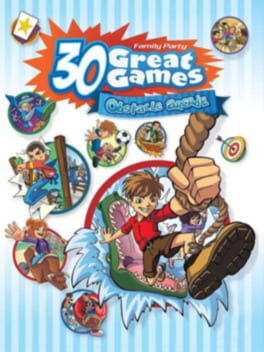
Family Party: 30 Great Games Obstacle Arcade brings home wacky and wild competitions for kids of all ages. With a variety of arcade-style challenges, players can jump, dodge, and race through obstacle courses that test reflexes and teamwork. The game supports both single‑player and split‑screen multiplayer, making it perfect for family gatherings or friendly competition. Its easy‑to‑learn controls and colorful visuals keep players engaged from the first round to the last.
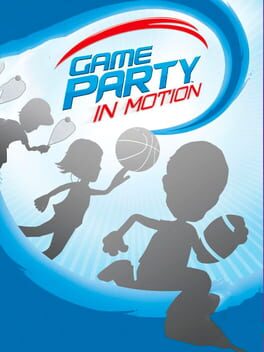
Game Party: In Motion brings a collection of arcade, sports, and party mini‑games to the Xbox 360, designed exclusively for Kinect motion controls. Players can jump, swing, and dance their way through a variety of fast‑paced challenges that are easy to pick up and play. The title supports single‑player, multiplayer, co‑operative, and split‑screen modes, making it a versatile choice for family gatherings, friends’ get‑togethers, or casual gaming sessions at home.
- Wide variety of mini‑games keep gameplay fresh
- Simple controls make it accessible for all ages
- Split‑screen multiplayer encourages social play
- Bright visuals and upbeat music create an engaging atmosphere
- Innovative Kinect motion controls
- Wide variety of arcade and sports mini‑games
- Supports up to four players locally
- Family‑friendly content and rating
- Limited to local multiplayer, no online mode
- Graphics are modest compared to newer titles
- Replay value may diminish after mastering all challenges
- Very low critic score indicating poor reception
- Limited depth for hardcore gamers
- Requires Kinect accessory, limiting platform use
More alternatives & similar tools
Alternatives to Family Party: 30 Great Games Obstacle Arcade
View all →

Alternatives to Game Party: In Motion
View all →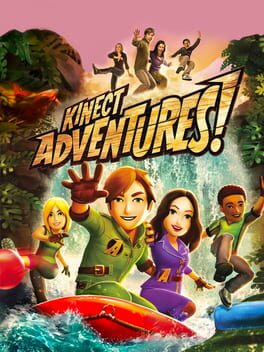
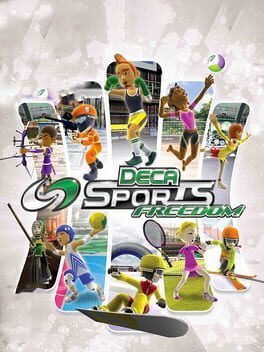
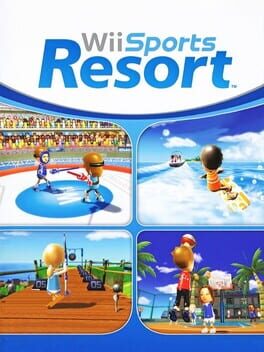
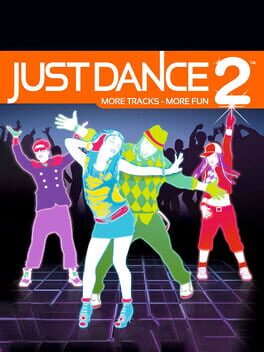
The Verdict
AI-generated from listing dataFamily Party offers solid local split‑screen fun with simple controls and no extra hardware, while Game Party relies on Kinect and has poor critical reception.
Key differences
- •Control method: A uses standard gamepad/buttons, B requires Kinect motion tracking.
- •Hardware requirement: A runs on any console, B needs a Kinect sensor.
- •Critical reception: A has no score listed, B has a 10/100 critic score indicating very poor reviews.
- •Graphics: A’s cartoon‑style visuals are modest but functional; B’s graphics are not described, so not comparable.
- •Release age: A released in 2012, B in 2010, making A slightly newer.
Gameplay & fun factor
A provides 30 mini‑games with simple button controls; B’s motion controls are less reliable and poorly received.
Platform availability
A runs on any standard console; B only works with Kinect, limiting platform choice.
Price & value
Both are one‑time purchases, but A’s $19.99 offers usable gameplay without extra hardware costs.
Multiplayer / co‑op
Both support up to four players locally in split‑screen; B adds co‑op against AI, but both lack online.
Content & replayability
A includes leaderboards and progressive single‑player challenges; B’s replay value is limited by low critic score.
Difficulty & accessibility
A’s simple button controls are easy for children; B’s motion gestures can be harder for younger players.
Graphics & performance
A’s vibrant cartoon graphics are described; B provides no graphic details, so A is the only known visual quality.
Choose Family Party: 30 Great Games Obstacle Arcade if…
Families with kids who want easy local couch play without extra hardware.
Choose Game Party: In Motion if…
Households that already own a Kinect and don’t mind low‑quality reviews.
Common questions
Do I need any extra accessories to play?
A uses standard controllers only; B requires a Kinect sensor.
Which game has better critical reception?
A has no critic score listed; B has a 10/100 score, indicating very poor reception.
Can both games be played online?
No, both are limited to local multiplayer only.