


Mahjong Cub3d vs Microsoft Mahjong
Side-by-side comparison of features, pricing, ratings, and alternatives.
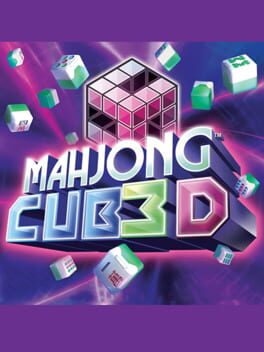
Mahjong Cub3d brings the timeless Shanghai mahjong experience into a three‑dimensional world, offering players a fresh visual twist on a beloved puzzle. With three distinct game modes, you can enjoy solo challenges or compete with friends in multiplayer matches. The game features adjustable difficulty settings, ensuring both newcomers and seasoned tile‑matching fans find the perfect level of challenge. Its sleek 3D graphics and intuitive controls make it easy to pick up and play anytime.
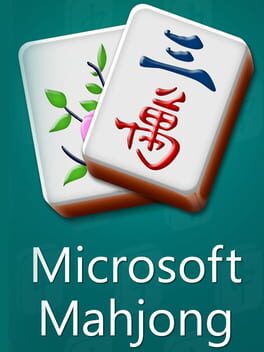
Microsoft Mahjong brings the timeless Mahjong solitaire experience to modern devices with a sleek Windows‑style interface. The game offers a variety of tile sets, backgrounds, and difficulty levels to keep puzzle lovers engaged. Available as a free download for PC, Android, and iOS, it supports offline play, touch controls, and daily challenges, making it perfect for quick sessions or longer puzzle marathons.
- Beautiful 3D presentation
- Multiple game modes for varied play
- Adjustable difficulty keeps it accessible
- Supports both solo and multiplayer
- Free to download and play
- Cross‑platform support on PC, Android, and iOS
- Customizable themes and tile sets
- Daily challenges keep gameplay fresh
- Limited platform availability
- No online leaderboards
- Graphics may feel dated on modern hardware
- Limited multiplayer options (single‑player only)
- No built‑in tutorial for new Mahjong players
- Ads may appear in the free mobile version
More alternatives & similar tools
Alternatives to Mahjong Cub3d
View all →
Classic Mahjong puzzle with three distinct game modes and themed tiles
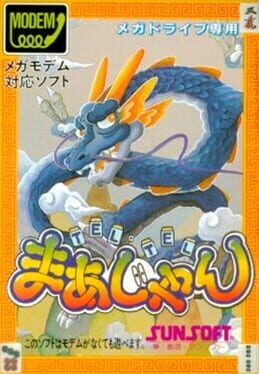
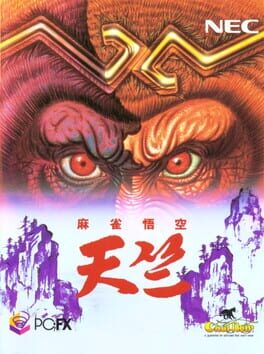
Alternatives to Microsoft Mahjong
View all →Classic Mahjong puzzle with three distinct game modes and themed tiles
Classic Shanghai mahjong puzzles in vibrant 3D with multiple difficulty levels and game modes.