


RemNote vs Teachally
Side-by-side comparison of features, pricing, ratings, and alternatives.


RemNote combines note-taking, flashcard creation, PDF annotation, and AI-powered study tools into one app built around helping students retain what they learn, not just record it. Notes can be automatically or manually converted into flashcards, which are then reviewed using a spaced repetition algorithm that schedules reviews at optimal intervals for memory retention. Beyond flashcards, RemNote supports PDF and PowerPoint annotation, typed and handwritten notes, an AI tutor chat, and databases for organizing course material, positioning itself as a replacement for juggling separate tools like Quizlet, Anki, Notion, and Evernote.
Teachally is an AI-powered lesson planning and instructional platform designed for educators. It enables teachers to generate complete, standards-aligned lessons, presentations, worksheets, and assessments with minimal effort, without requiring prompts or chat interfaces. The platform integrates over a million built-in national, state, AP, and specialized standards, automatically unpacks them into actionable steps, and offers differentiation down to the student level, translation into 100+ languages, and a full-featured assignment editor. Teachally emphasizes privacy and security with FERPA, COPPA, and SOC 2 Type II certifications, and is now part of McGraw Hill.
No pricing information was found on the page; no plans or prices are listed.
- Combines note-taking and spaced-repetition studying in one app instead of two separate tools
- Generous free plan includes unlimited notes and flashcards
- PDF annotation and image occlusion are useful for STEM and visual subjects
- Offline mode with cross-device sync
- Saves significant time in lesson planning and content creation
- Built-in standards alignment with automatic unpacking and question-level mapping
- Robust differentiation and translation features for diverse student needs
- Classroom-ready materials (presentations, worksheets, assessments) with export options
- Free plan caps PDF annotation, image occlusion cards, and handwritten documents fairly low
- Full AI feature set (lecture recorder, AI grading) requires the pricier Pro with AI tier
- Learning curve for students used to simpler flashcard-only tools like Quizlet
- Pricing is not disclosed on the website, requiring direct contact or demo
- May have a learning curve for teachers unfamiliar with AI-driven planning tools
- Dependence on AI-generated content may require manual verification to ensure accuracy
- Limited information on integration with existing LMS or school systems
More alternatives & similar tools
Alternatives to RemNote
View all →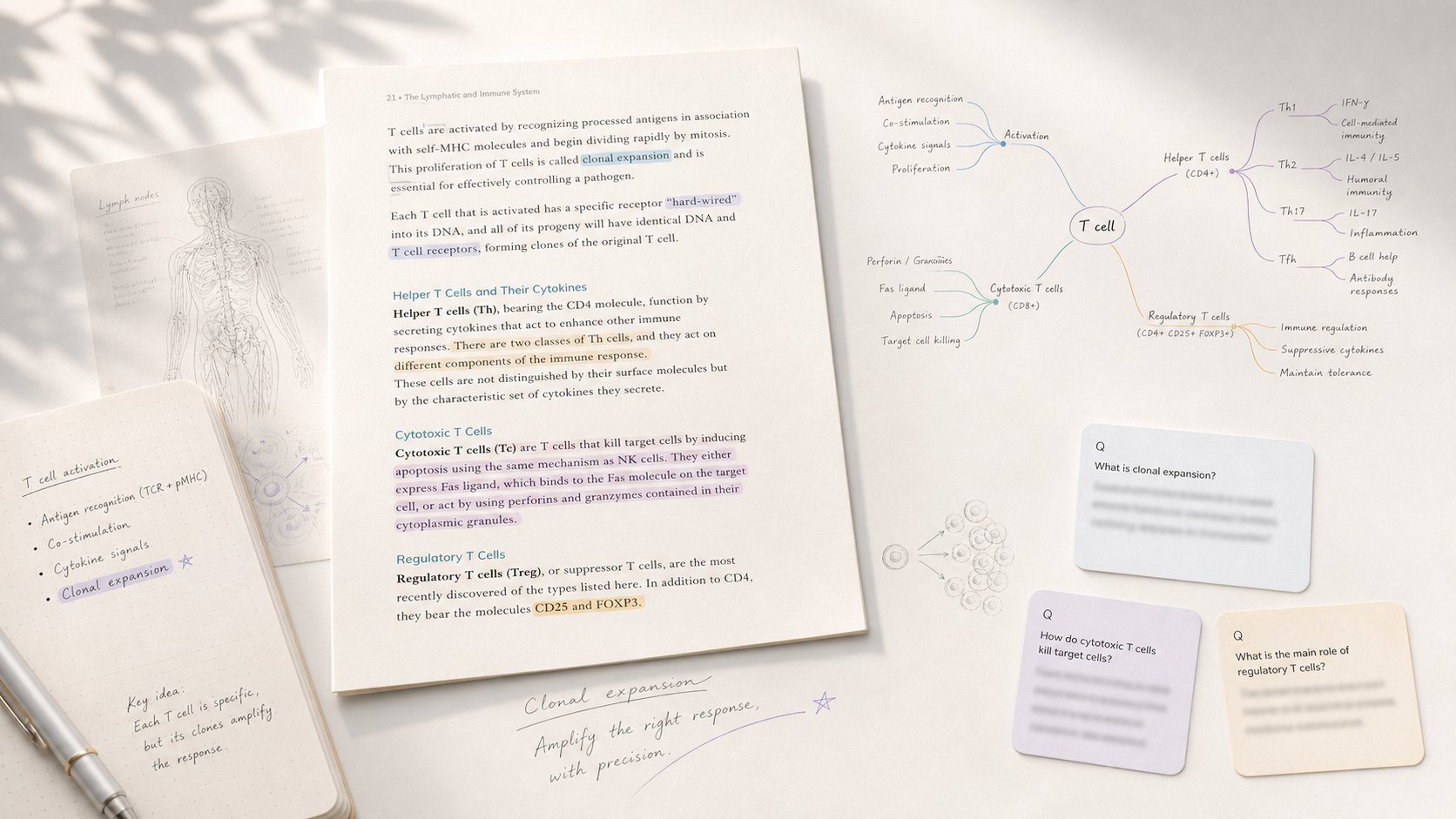
Study app that turns PDF/EPUB annotations into mind maps and spaced-repetition flashcards.

All-in-one study platform with flashcards, notes, and AI-generated practice exams

Turns lecture slides, PDFs, and recordings into an AI tutor that knows your course material
Alternatives to Teachally
View all →No alternatives listed yet. Browse similar tools →
The Verdict
AI-generated from listing dataTeachally is a teacher‑focused AI lesson‑planning suite with deep standards alignment and strong privacy credentials, but pricing is undisclosed; RemNote is a free‑to‑start note‑taking and spaced‑repetition tool for students, with optional paid AI features.
Key differences
- •Target audience: Teachally serves K‑12 educators, RemNote serves students/individual learners.
- •Pricing model: Teachally does not list prices (requires contact), RemNote offers a freemium plan with a paid Pro tier.
- •Core functionality: Teachally generates lesson plans, assessments, and translations; RemNote creates flashcards from notes with spaced‑repetition.
- •Security & compliance: Teachally lists FERPA, COPPA, SOC 2, GDPR certifications; RemNote provides no security certifications.
- •Integration depth: Teachally is part of McGraw Hill ecosystem with standards database; RemNote only offers PDF/PowerPoint import and sync.
Pricing & value
RemNote has a free tier and clear pricing; Teachally’s pricing is not disclosed, requiring contact.
Ease of use / learning curve
RemNote’s note‑taking interface is familiar to students; Teachally may require learning AI‑driven planning workflows.
Features & depth
Teachally offers AI‑generated lessons, standards unpacking, differentiation, translation, and export formats; RemNote focuses on notes and flashcards.
Integrations & ecosystem
Teachally is integrated with McGraw Hill’s standards database and can export to PDF, DOCX, Google Forms; RemNote only imports PDFs/PowerPoints.
Collaboration
RemNote syncs across devices and supports shared decks; Teachally’s collaboration features are not specified.
Security & privacy
Teachally lists FERPA, COPPA, SOC 2 Type II, GDPR certifications; RemNote provides no security certifications.
Support
RemNote offers email and Help Center; Teachally’s support options are not detailed.
Choose RemNote if…
Students or self‑directed learners wanting free note‑taking with flashcards and spaced‑repetition.
Choose Teachally if…
K‑12 teachers needing AI‑generated, standards‑aligned lessons and strong data privacy.
Common questions
What is the cost to get started?
RemNote offers a free plan with unlimited notes and flashcards; Teachally does not list pricing and requires contacting sales.
Does the tool meet student data privacy regulations?
Teachally lists FERPA, COPPA, SOC 2 Type II, GDPR compliance; RemNote does not specify any privacy certifications.
Can I export the content for use in other systems?
Teachally exports lessons and assessments to PDF, DOCX, and Google Forms; RemNote only syncs notes and flashcards across its own apps.