


Road Trip Navigator vs Sygic Travel Maps
Side-by-side comparison of features, pricing, ratings, and alternatives.

Road Trip Navigator is a web-based travel planning tool designed to make US road trip planning quick and straightforward. Users enter a starting city and a destination, and the app presents a road trip plan with a mapped route. It focuses on eliminating the friction of traditional trip planning by offering an easy, quick, and fun workflow that runs entirely in the browser. The app's core interface is intentionally minimal: an origin field, a destination field, and an interactive map. Once the user supplies those two details, Road Trip Navigator renders the journey across a Google Maps view, giving immediate visual context for the route. Example placeholders like "Los Angeles, CA" and "Dallas, TX" guide users through the input process, while the online map shows the surrounding road network and regional geography. A distinctive part of the service is its freemium model. New users can plan up to three trips at no cost, and the homepage displays a remaining-trip counter. To go further, users can add their own OpenAI API key, which unlocks unlimited trip planning. This bring-your-own-key approach keeps the core tool accessible while enabling frequent travelers to rely on AI-assisted road trip planning whenever they need it.
Sygic Travel Maps lets travelers design multi‑day itineraries on a visual world map, adding attractions, hotels, restaurants and transport options. The app syncs across devices so you can edit your plan on desktop, then access it offline on mobile. The platform offers AI‑driven suggestions, curated travel guides and the ability to export routes to popular navigation apps. A free tier provides core planning tools, while a premium subscription unlocks advanced features such as offline maps and unlimited custom itineraries.
- Extremely simple two-field planning interface.
- Free access to the first 3 trips without any signup mentioned.
- Bring-your-own-key model provides unlimited planning for power users.
- Interactive map gives immediate visual feedback for routes.
- Intuitive map‑based interface
- AI suggestions speed up planning
- Free tier covers basic needs
- Offline access for travelers
- Free tier is limited to just 3 trips before an API key is required.
- Unlimited mode requires users to supply their own OpenAI API key, which may be unfamiliar or incur extra API costs.
- The planner is focused on US road trips, so international travel planning is not covered.
- The homepage does not mention account features, saved trip libraries, or collaboration tools.
- Premium subscription required for unlimited itineraries
- Limited integration with third‑party booking services
- Occasional sync delays on large itineraries
More alternatives & similar tools
Alternatives to Road Trip Navigator
View all →

Alternatives to Sygic Travel Maps
View all →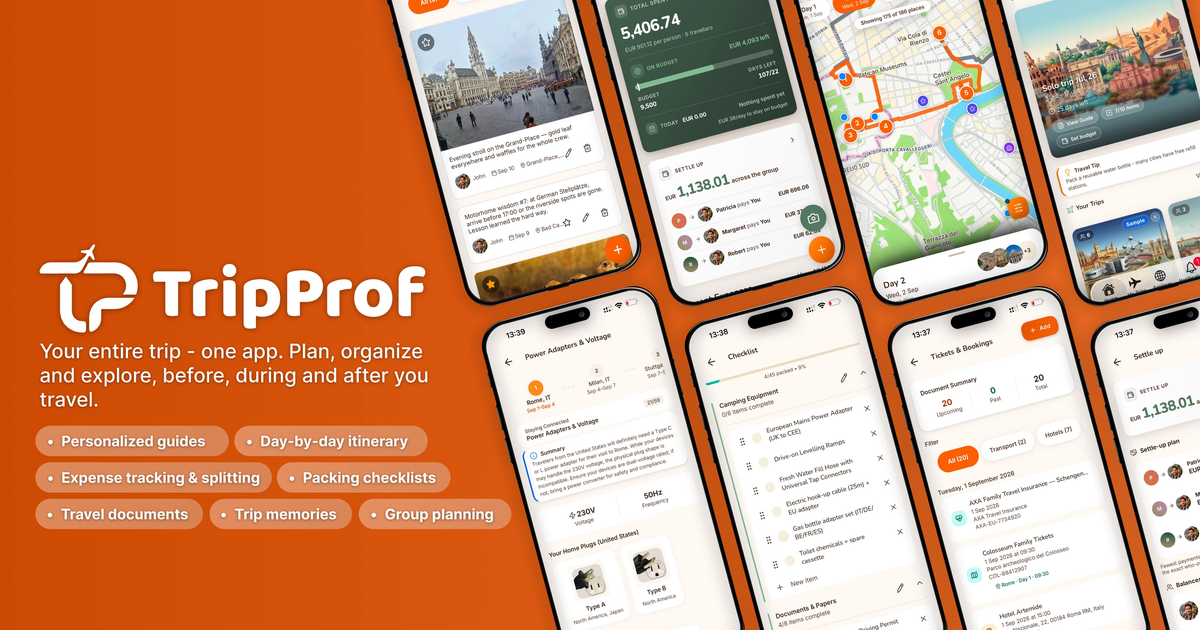

Trip planning app with an interactive globe, automatic route tracking, and shareable travel books
The Verdict
AI-generated from listing dataSygic Travel Maps offers a freemium, cross‑platform, offline‑capable planner with AI suggestions and collaboration, while Road Trip Navigator is a web‑only US‑focused tool with a limited free tier and requires a personal OpenAI key for unlimited use.
Key differences
- •Geographic scope: Sygic supports global destinations; Road Trip Navigator only supports the United States.
- •Platform & offline use: Sygic works on iOS, Android, web, Mac and offers offline maps; Road Trip Navigator runs only in a browser with no offline mode.
- •Collaboration: Sygic lets users share editable trip links; Road Trip Navigator provides no collaboration features.
- •Pricing model: Sygic has a freemium tier with optional premium subscription; Road Trip Navigator offers 3 free trips then requires a user‑supplied OpenAI API key for unlimited planning.
Pricing & value
Sygic provides a free tier covering basic needs; Road Trip Navigator limits free use to 3 trips and needs an external API key for more.
Ease of use / learning curve
Road Trip Navigator uses a simple two‑field input; Sygic requires dragging points and managing itineraries, which is slightly more complex.
Features & depth
Sygic includes day‑by‑day itineraries, accommodation/transport booking, offline maps, and export options; Road Trip Navigator focuses only on route planning.
Integrations & ecosystem
Sygic integrates with Google Maps, Apple Maps, TripAdvisor and offers an API; Road Trip Navigator only uses Google Maps and OpenAI.
Collaboration
Sygic allows sharing editable trip links for group planning; Road Trip Navigator has no collaboration tools.
Scalability
Road Trip Navigator can handle unlimited trips if the user supplies an OpenAI key; Sygic requires a premium subscription for unlimited itineraries.
Support
Sygic lists email, help center, and community forum; Road Trip Navigator provides no support details.
Choose Road Trip Navigator if…
US road‑trip enthusiasts who want a quick, browser‑only planner and can manage their own OpenAI API key.
Choose Sygic Travel Maps if…
Travelers needing global, offline‑ready planning with collaboration and multi‑device sync.
Common questions
Can I plan trips outside the United States with Road Trip Navigator?
No, the product is limited to the United States.
Is there a way to use Road Trip Navigator without paying for an OpenAI key after the free trips?
Only the first three trips are free; unlimited use requires the user to provide their own OpenAI API key.
Does Sygic Travel Maps work without an internet connection?
Yes, it offers downloadable offline maps and itineraries for use without internet.