


Adventure Box
Create and share your own 3D voxel adventures directly in the browser
Best for
Kids and budding game designers wanting free browser‑based voxel creation
Skip if
Developers needing photorealistic graphics or deep engine scripting
What is Adventure Box?
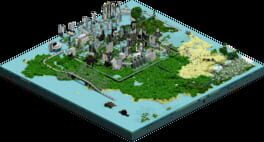
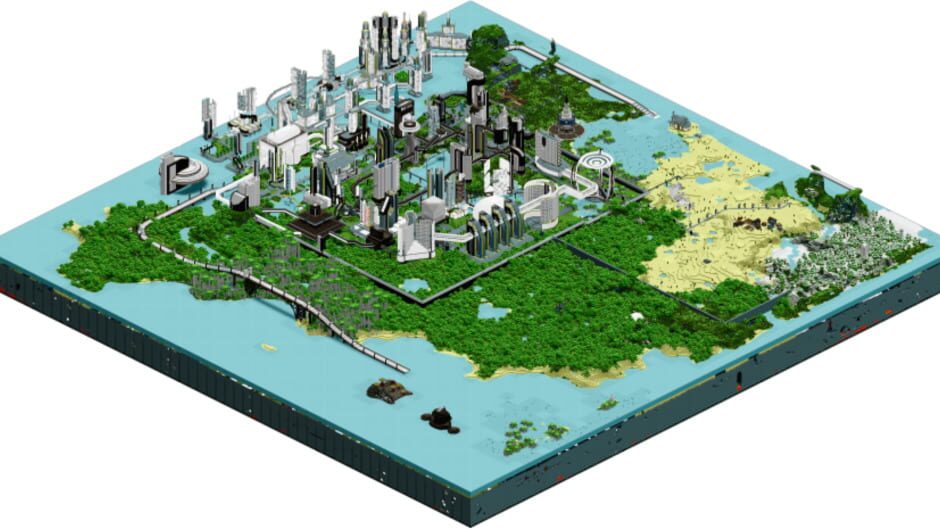
Adventure Box lets anyone design, build, and publish their own 3D voxel games without installing anything. The browser‑based editor provides a sandbox where players can craft storylines, characters, and worlds using simple drag‑and‑drop tools. The platform also hosts community‑made games, like Happy Landlord Games' "The Rise of an Empire," letting players explore user‑generated adventures while learning basic game‑design concepts. It supports both solo play and multiplayer sessions, making it a versatile space for creators and gamers alike.
SpecificationsAI-estimated
Key Features of Adventure Box
Use Cases for Adventure Box
Student Project
Students can build interactive history or science simulations as part of class assignments.
Indie Prototype
Indie developers prototype gameplay ideas quickly before committing to larger engines.
Family Game Night
Families create custom adventure maps for shared play on any computer.
Community Challenge
Players design timed challenges that the community can compete in online.
Pros & Cons of Adventure Box
Pros
- No installation required – runs in any modern browser
- Free to use with robust creation tools
- Supports both solo and multiplayer experiences
- Encourages learning through hands‑on game design
Cons
- Limited to voxel aesthetic, which may not suit all styles
- Performance depends on browser and hardware capabilities
- Advanced scripting options are basic compared to full engines
Frequently Asked Questions
Do I need to download anything to create games?
No, Adventure Box runs entirely in the browser, so there’s nothing to install.
Can I play games created by other users?
Yes, the platform includes a public gallery where you can browse and play community‑made titles.
Is there a cost for premium features?
Adventure Box is free‑to‑play; all core creation tools are available at no charge.
What browsers are supported?
The game works on current versions of Chrome, Firefox, Edge, and Safari on desktop computers.
Pricing Overview
View full pricing →Detailed plans are not listed. Visit the official website for pricing information.
Reviews & Ratings0.0
No reviews yet. Be the first to write one!
Top Alternatives & Similar Games
View all alternatives & similar games→No alternatives available yet.
People also viewed


Best For
Related searches
About the Product
Is this your tool?
Claim this page to update details, reply to user reviews, and drive more traffic to your product.
Claim this Product →
Explore Related Topics
Keep up with Adventure Box alternatives
New alternatives, pricing changes and the week's biggest movers - one email every Tuesday.