


AI Baby Generator by BabyVideo.ai
Turn parent photos into a cute, shareable future baby preview with AI.


What is AI Baby Generator by BabyVideo.ai?
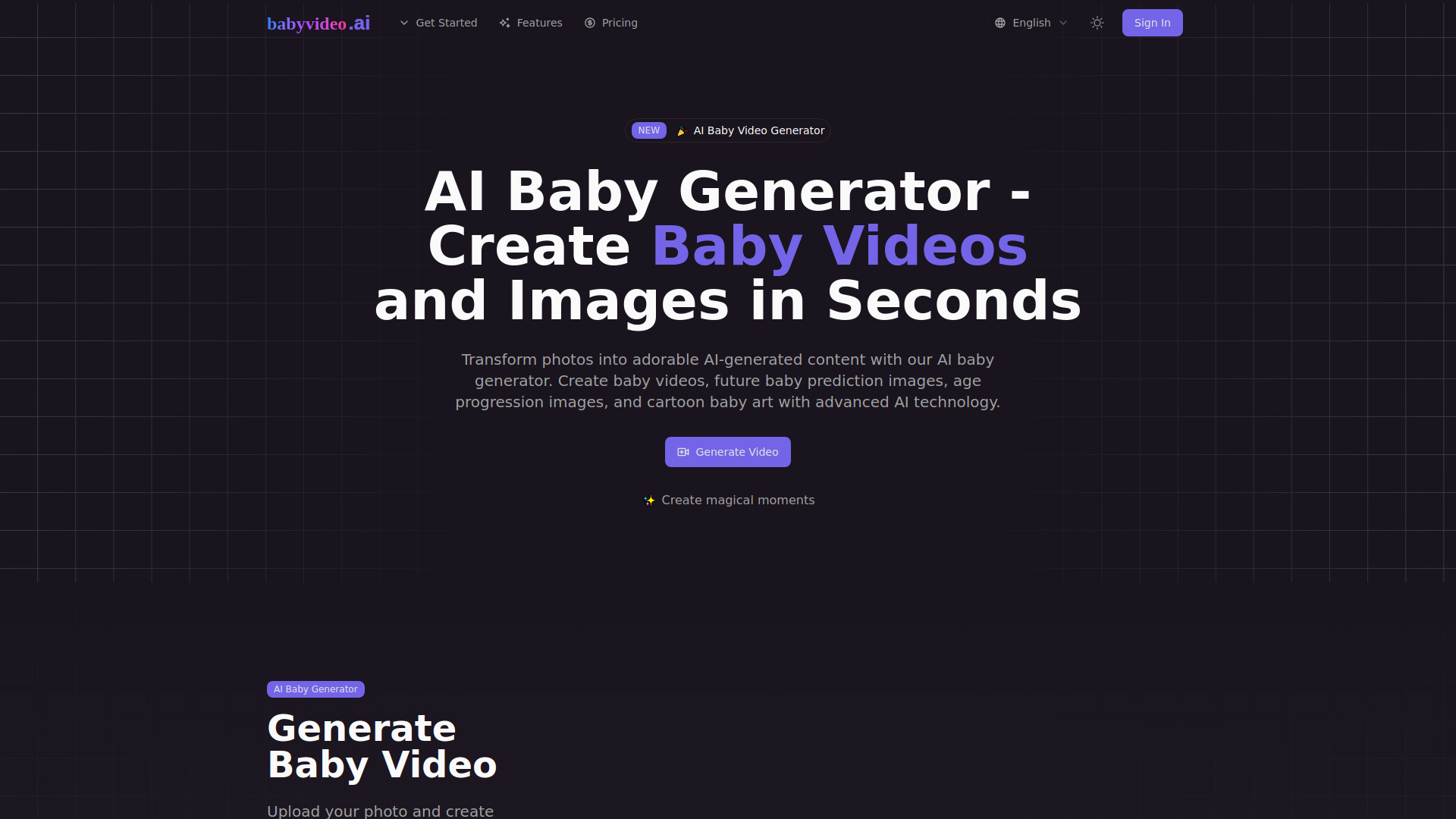
BabyVideo.ai is an AI-powered web tool that generates a creative future baby preview from parent photos. By analyzing visible facial traits such as eye color, eye shape, hair color, hair texture, skin tone, face shape, nose shape, lip shape, cheek fullness, and overall facial harmony, the AI blends the parents' features into a realistic baby-style portrait. Users can choose to generate a baby boy, baby girl, or a surprise variation, making each result a fun and shareable keepsake rather than a scientific prediction. Beyond still images, BabyVideo.ai also offers baby video tools that turn the generated baby photo into short clips, including talking, singing, and dancing baby videos. The workflow is simple: upload one or two clear front-facing parent photos, select a gender preference or surprise mode, and generate. The platform also provides photo tips for better results, such as avoiding blur, sunglasses, side profiles, and face coverings. The service is aimed at couples, families, and creators who want to imagine future family moments, plan baby shower activities, add fun to gender reveals, or create social media content. It positions itself as entertainment-only and does not claim medical or genetic accuracy. Parent photos are kept private and not displayed as public examples, and users can start with free daily check-in credits before purchasing low-cost credit packs or creator subscription plans.
SpecificationsAI-estimated
Key Features of AI Baby Generator by BabyVideo.ai
Use Cases for AI Baby Generator by BabyVideo.ai
Couples & Curiosity
Imagine what your future baby could look like together by blending two parent photos into a cute preview.
Baby Shower Ideas
Create prediction images for party games, invitations, or family reactions at a baby shower.
Gender Reveal Fun
Generate boy and girl versions from the same parent photos for playful comparison at a gender reveal.
Social Posts
Share a sweet future baby preview with friends and family on social media.
Baby Photo to Video
Turn the generated future baby image into a short animated baby video clip.
Talking, Singing, and Dancing Baby Clips
Create playful talking, singing, or dancing baby videos from the AI-generated baby portrait.
How to use AI Baby Generator by BabyVideo.ai?
Upload Parent Photos
Add one or two clear parent photos. Front-facing selfies with visible eyes, nose, mouth, and face shape work best.
Choose Boy, Girl, or Surprise Me
Pick a baby boy, baby girl, or let the generator create a natural surprise variation.
Generate Your Future Baby
Let the AI blend visible facial traits into a realistic baby-style portrait that you can save or share.
Explore Baby Video Tools
After generating a future baby image, use BabyVideo.ai's tools to create talking, singing, or dancing baby videos.
Pros & Cons of AI Baby Generator by BabyVideo.ai
Pros
- Free daily check-in credits let you test baby previews without paying
- No credit card required to start
- Parent photos are kept private and not shown publicly
- Supports one or two parent photos plus boy, girl, or Surprise Me modes
- Generates both baby images and playful baby videos
Cons
- Results are creative previews, not genetic, medical, or scientific predictions
- Different generations can produce noticeably different baby previews
- Free credits expire 3 days after they are awarded and require daily check-ins; signing up alone gives no credits
- Photo quality heavily affects output; blurry, filtered, or side-profile photos may produce less natural results
Frequently Asked Questions
What is an AI baby generator?
An AI baby generator creates a creative future baby preview from parent photos. It is designed for fun, curiosity, family sharing, and social posts.
How does an AI baby generator work?
The generator uses uploaded parent photos and visible facial traits to create a realistic baby-style portrait. The result is a baby face prediction for entertainment, not a scientific result.
Can I use two parent photos?
Yes. You can upload one or two parent photos. Two clear parent photos usually give the AI more visible facial information to blend into a future baby preview.
Can I generate a baby boy or baby girl?
Yes. Choose baby boy, baby girl, or Surprise Me before generating. You can create different future baby versions from the same parent photos.
Is the AI baby generator free?
Signing up or signing in alone does not award credits. Daily Check-in gives 10 credits per day, for up to 30 check-ins per account. Each 7-day consecutive streak adds 20 credits. Free credits expire 3 days after they are awarded.
Is this a real genetic prediction?
No. AI baby generator results are creative previews for fun. They are not medical, genetic, or scientific predictions.
Are uploaded parent photos private?
Parent photos are used to create your AI baby preview and are not shown as public homepage examples. You should only upload photos you own or have permission to use.
What kind of photos work best?
Clear, front-facing parent photos with visible eyes, nose, mouth, forehead, cheeks, and jawline usually work best. Avoid sunglasses, heavy filters, side profiles, and group photos.
Can I turn the future baby image into a video?
Yes. After generating a future baby image, you can explore BabyVideo.ai tools for baby photo to video, AI baby talking, baby singing, and dancing baby videos.
Reviews & Ratings0.0
No reviews yet. Be the first to write one!
Top Alternatives & Similar Software
View all alternatives & similar software→No alternatives available yet.
People also viewed


Related searches
Is this your tool?
Claim this page to update details, reply to user reviews, and drive more traffic to your product.
Claim this Product →
Tags
Explore Related Topics
Keep up with AI Baby Generator by BabyVideo.ai alternatives
New alternatives, pricing changes and the week's biggest movers - one email every Tuesday.