


AI Story Builders
A free AI novel-writing app that keeps your characters, locations, and timelines on track across every chapter.
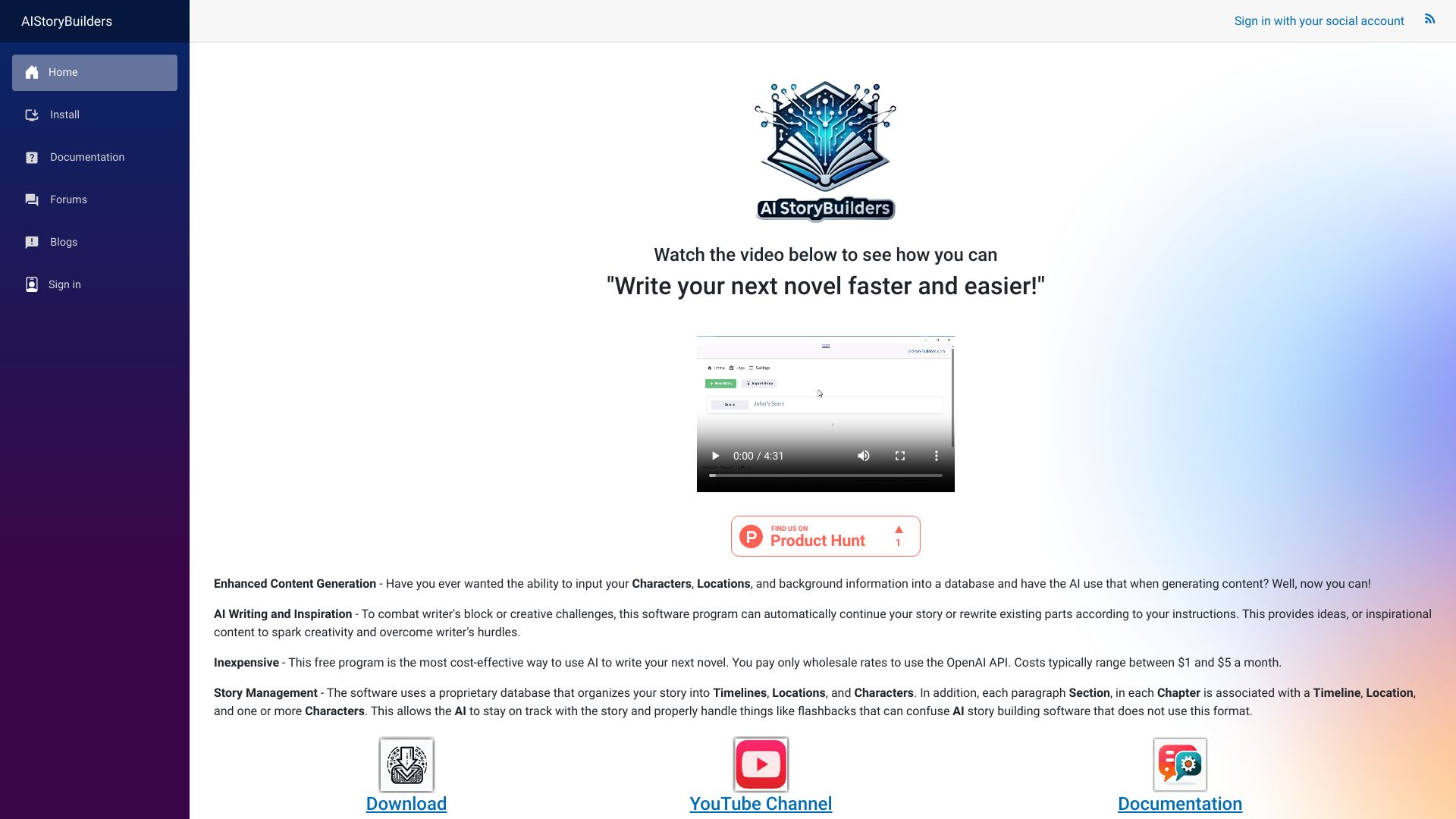
What is AI Story Builders?
AI Story Builders is an AI-powered novel writing application designed to help authors draft, continue, and revise long-form fiction more quickly. Its defining feature is a proprietary story database that organizes characters, locations, timelines, chapters, and sections, so the AI can reference that structured context every time it generates or rewrites text. This means generated continuations and rewrites are meant to fit the established world, cast, and chronology of the book, including through flashbacks and complex plot structures. The software offers a range of writing support tools. Writers can have the AI automatically continue a story, rewrite existing passages according to their instructions, or brainstorm ideas through a chat interface grounded in their own characters and timelines. Authors can control tone and style by choosing a writing style, editing the system message, or supplying a lexical fingerprint of their own prose so generated text better matches their voice and pacing. Existing manuscripts in .docx, .pdf, .txt, or .md format can be imported, with the AI automatically splitting them into chapters and sections and identifying characters, locations, and timelines. AI Story Builders is aimed primarily at novelists and long-form fiction writers who want AI assistance without losing continuity across a large manuscript. The software itself is free; users connect their own AI provider such as OpenAI, Azure OpenAI, Anthropic, Google AI, or a local Ollama model and pay only wholesale API costs, typically a few dollars per month, or nothing when running a local model. It is available as an online browser version and as a Windows desktop app from the Microsoft Store.
SpecificationsAI-estimated
Key Features of AI Story Builders
Use Cases for AI Story Builders
Drafting a new novel
Start from a title and synopsis and let the AI draft characters, locations, timelines, and chapter outlines.
Overcoming writer's block
Ask the AI to continue a scene or suggest directions that fit the existing story.
Revising existing passages
Rewrite sections according to specific instructions while keeping characters and timelines intact.
Managing complex plots
Track multiple characters, locations, and flashbacks so the AI maintains continuity across the manuscript.
Developing an author voice
Feed in your own prose to guide generated text toward your tone, voice, and pacing.
Working on an existing manuscript
Import a finished or in-progress draft and have it automatically organized for AI-assisted editing.
How to use AI Story Builders?
Install or open the app
Use the online browser version or install the Windows desktop app from the Microsoft Store.
Connect an AI provider
Open Settings and add your API key for OpenAI, Anthropic, Google AI, Azure OpenAI, or a local Ollama model.
Create or import your story
Click New Story and enter a title and synopsis, or import an existing manuscript in a supported format.
Build your story database
Review the generated characters, locations, timelines, and chapters, and add World Facts as needed.
Write and refine with AI
Generate new sections, rewrite passages, or use Chat to brainstorm, applying suggested changes when you approve them.
Pros & Cons of AI Story Builders
Pros
- Structured story database of characters, locations, and timelines keeps AI output consistent with the manuscript
- Software is free; users pay only wholesale AI provider costs, often $1–$5 per month or nothing with local Ollama models
- Can match an author's own voice via a lexical fingerprint and configurable style settings
- Imports existing manuscripts and automatically organizes them into chapters, sections, and story elements
Cons
- Requires connecting a third-party AI provider or local model, adding setup complexity and variable usage costs
- Output quality depends on the chosen AI model and the quality of the story data entered
- Desktop version is limited to Windows, with a browser version as the only cross-platform option
Frequently Asked Questions
How do I install AI Story Builders?
Use the Online Web Browser Version or install the Windows Desktop Version from the Microsoft Store.
How is AI Story Builders different from other AI tools?
It keeps your novel in a database of Timelines, Locations, and Characters, and every Section is linked to these so the AI stays on track, even through flashbacks and complex plots.
Can I control the AI's writing style?
Yes. You can pick a Style, edit the System Message, or provide a lexical fingerprint of your writing voice so generated content matches your prose.
Can I chat with the AI about my story?
Yes. The Chat feature lets you brainstorm and ask questions grounded in your story data. It can propose changes, but nothing is changed until you click Apply.
Can I import an existing manuscript?
Yes. Import .docx, .pdf, .txt, or .md files, and the AI will split them into chapters and sections and identify characters, locations, and timelines.
Is it really free to try?
The software is free. You pay only wholesale rates to your AI provider, typically $1–$5 per month, or nothing at all with a local Ollama model.
Pricing Overview
View full pricing →The software itself is free; users pay only wholesale rates directly to their AI provider, typically $1–$5 per month, or nothing with a local Ollama model.
Reviews & Ratings0.0
No reviews yet. Be the first to write one!
Top Alternatives & Similar Software
View all alternatives & similar software→No alternatives available yet.
People also viewed




Related searches
Is this your tool?
Claim this page to update details, reply to user reviews, and drive more traffic to your product.
Claim this Product →
Tags
Explore Related Topics
Keep up with AI Story Builders alternatives
New alternatives, pricing changes and the week's biggest movers - one email every Tuesday.