


AI Upscaler
Smarter AI 4K Upscaler - Free AI Image Upscaler to Enhance Photos
What is AI Upscaler?
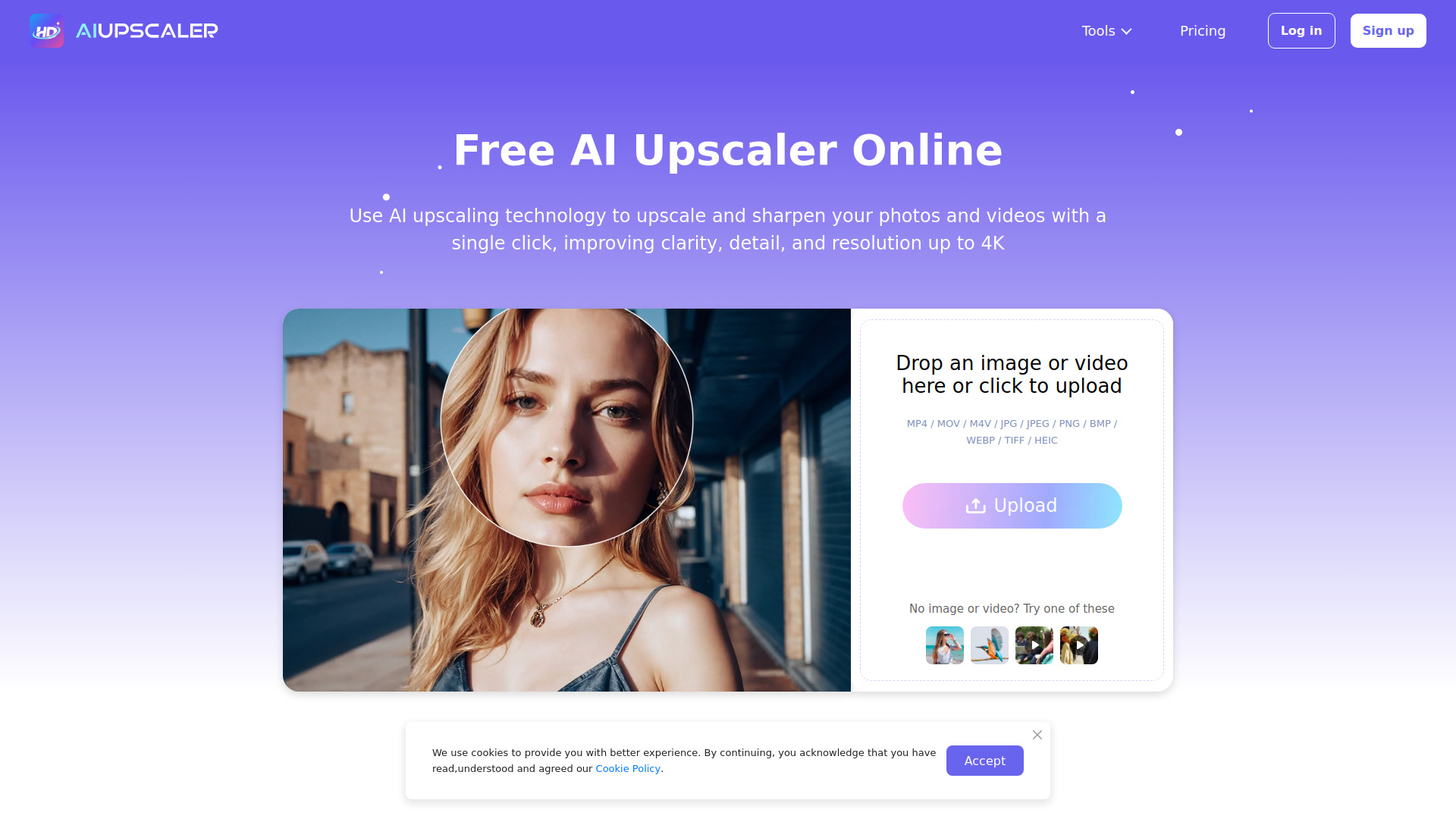
Free AI-powered image and video upscaling service to enhance resolution, sharpness, and overall quality. Uses advanced AI to upscale low-res images and videos to 4K with one click, restoring details and fixing blur without manual editing.
SpecificationsAI-estimated
Key Features of AI Upscaler
Use Cases for AI Upscaler
Improve low-resolution photos
Enhance old or pixelated images to 4K quality
Enhance video clarity
Increase video resolution to HD/4K while maintaining smooth motion
Restore blurred pictures
Fix out-of-focus or blurry images while retaining original colors
How to use AI Upscaler?
Upload your file
Choose an image or video in a supported format.
Click Upscale
The AI processes the file automatically.
Download result
Get the enhanced high-resolution output.
Pros & Cons of AI Upscaler
Pros
- Free to use
- No installation required – works directly in browser
- One-click upscaling without manual selection
- Supports multiple image and video formats (JPG, PNG, WebP, MP4, MOV, M4V)
- Privacy-safe with file security processing
- Restores textures and details in images
- Upscales videos to 4K with frame-by-frame enhancement
Cons
- No explicit limitations mentioned on the website; free tiers may have restrictions on file size or number of uploads.
Frequently Asked Questions
Is AI Upscaler really free?
The website states it is free to use with one-click upscaling and no installation.
What file formats are supported?
Images: JPG, PNG, WebP; Videos: MP4, MOV, M4V.
Do I need to install software?
No, it works directly in your browser.
Is my data safe?
According to the site, all uploaded files undergo rigorous security processing to protect your information.
Reviews & Ratings0.0
No reviews yet. Be the first to write one!
Top Alternatives & Similar Software
View all alternatives & similar software→No alternatives available yet.
People also viewed


Related searches
About the Product
Is this your tool?
Claim this page to update details, reply to user reviews, and drive more traffic to your product.
Claim this Product →
Tags
Explore Related Topics
Keep up with AI Upscaler alternatives
New alternatives, pricing changes and the week's biggest movers - one email every Tuesday.