


Apply AI
Tailor your CV to every job posting with AI and see exactly what the ATS is looking for.
What is Apply AI?
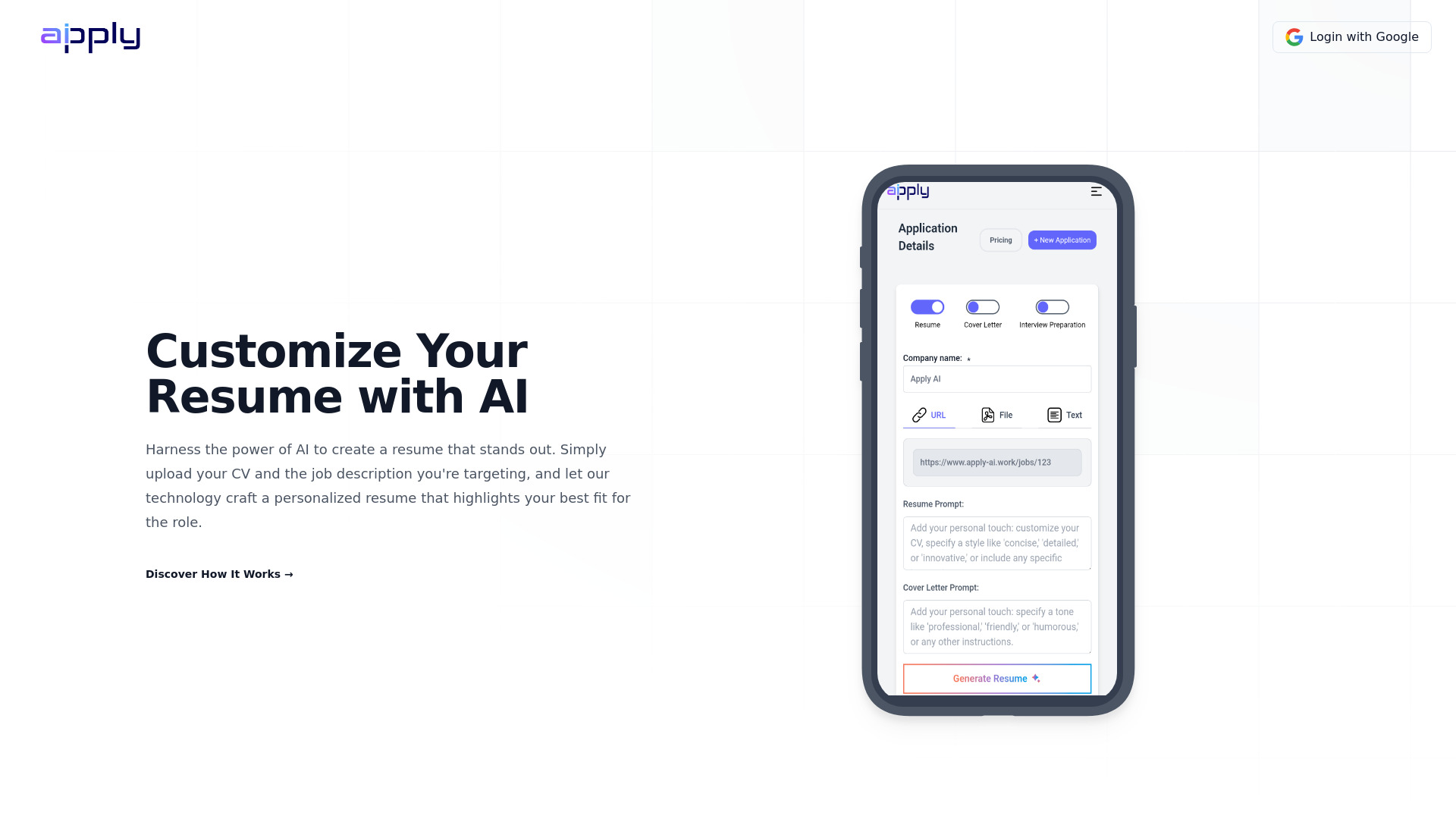
Apply AI is an online AI resume builder that automates the repetitive parts of job applications. Instead of starting from a blank page, users upload their resume once, paste a job posting, and the platform rewrites their CV to match the role, generates a matching cover letter, and scores the result against an applicant tracking system — all in a single conversation-style interface.
SpecificationsAI-estimated
Key Features of Apply AI
Use Cases for Apply AI
Tailoring a CV to a specific job posting
Paste the posting and get a rewritten CV that matches the role instead of sending the same resume everywhere.
Checking ATS compatibility
Get an ATS score in seconds and see exactly which keywords are missing before submitting your application.
Writing matching cover letters
Generate a cover letter from the same posting as the CV so both documents agree with each other.
Preparing for interviews
Practice with questions drawn from the role you applied for to prepare for interviews.
Tracking application status
Manage every application in one pipeline from draft through offer, so you never lose track of what you sent where.
Automating applications
Set your roles, locations, and salary once and let Auto Apply via JobCopilot submit tailored applications while you are away.
Switching resume designs
Switch between 24 resume templates without rewriting your content or starting over.
How to use Apply AI?
Upload your CV once
Upload a PDF or Word file (max 5MB). Apply AI reads it and keeps your profile on file for every application after that.
Paste the posting
Copy and paste the job posting. Apply AI pulls out the company, the title, and what they are asking for.
Talk to the draft
Review the AI-tailored CV, check your ATS score and missing keywords, then ask for changes in plain language.
Switch templates if needed
Switch between 24 templates without starting over if you want a different look.
Download and track your application
Download the final CV and cover letter, then track the application in your pipeline from draft to offer.
Pros & Cons of Apply AI
Pros
- Tailors your CV and cover letter to each specific job posting automatically
- Shows your ATS score and exactly which keywords are still missing
- All-in-one workflow: CV, cover letter, interview practice, and application tracking
- Free plan available with no credit card required
- Supports English, German, French and Polish
Cons
- The free plan watermarks downloaded resumes and limits you to three applications per month.
- Auto Apply is not included in Apply AI plans and requires a separate, paid JobCopilot subscription.
- The platform appears to be web-only, with no native mobile or desktop apps mentioned.
Frequently Asked Questions
Is Apply AI free to use?
Yes. Apply AI offers a free plan at $0/month that includes three watermarked applications per month, basic templates, and cover letter generation.
Does the free plan require a credit card?
No. The free plan does not require a credit card. You can get an ATS score in 30 seconds without even signing up.
Does Premium or Lifetime include Auto Apply?
No, Auto Apply is billed separately by JobCopilot. An Apply AI plan does not include it, and an Auto Apply subscription does not include Apply AI.
What resume file formats are supported?
You can upload PDF, DOC, or DOCX files up to 5MB.
Which languages does Apply AI support?
Apply AI is available in English, German, French, and Polish.
What is an ATS score?
It is a score that shows how well your resume matches a job posting and lists the exact keywords that are still missing for the applicant tracking system.
Can I change templates after my resume has been tailored?
Yes. You can switch between 24 resume templates without starting over — the content carries across.
Is my data secure with Apply AI?
The website states that your data is secure, stays private, and that no credit card is needed for the free experience.
Reviews & Ratings0.0
No reviews yet. Be the first to write one!
Top Alternatives & Similar Software
View all alternatives & similar software→No alternatives available yet.
People also viewed

.png)


Related searches
Is this your tool?
Claim this page to update details, reply to user reviews, and drive more traffic to your product.
Claim this Product →
Tags
Keep up with Apply AI alternatives
New alternatives, pricing changes and the week's biggest movers - one email every Tuesday.