


Booklet AI
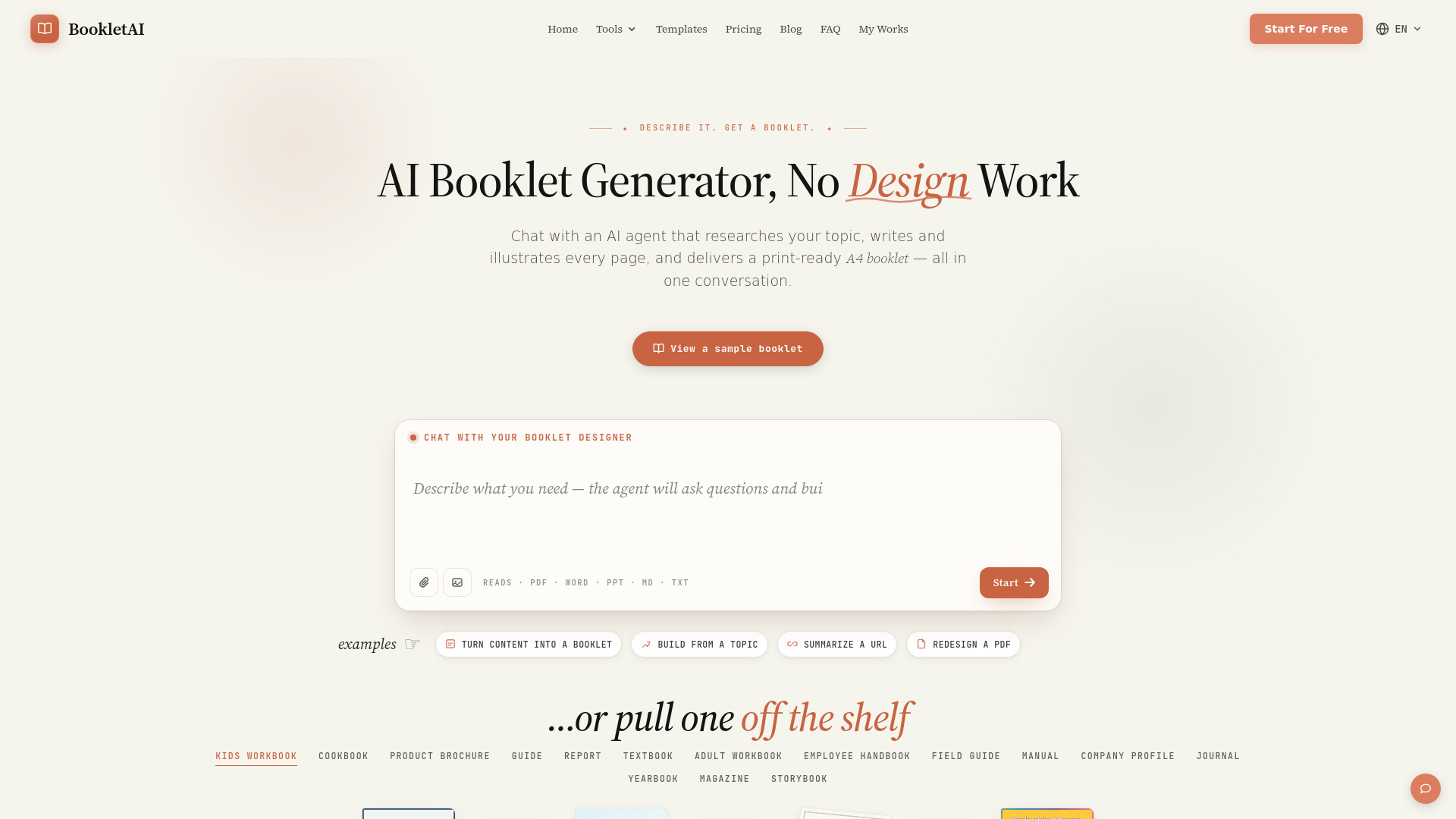
Chat with an AI agent that researches, writes, illustrates, and ships a print-ready A4 booklet in minutes.



What is Booklet AI?
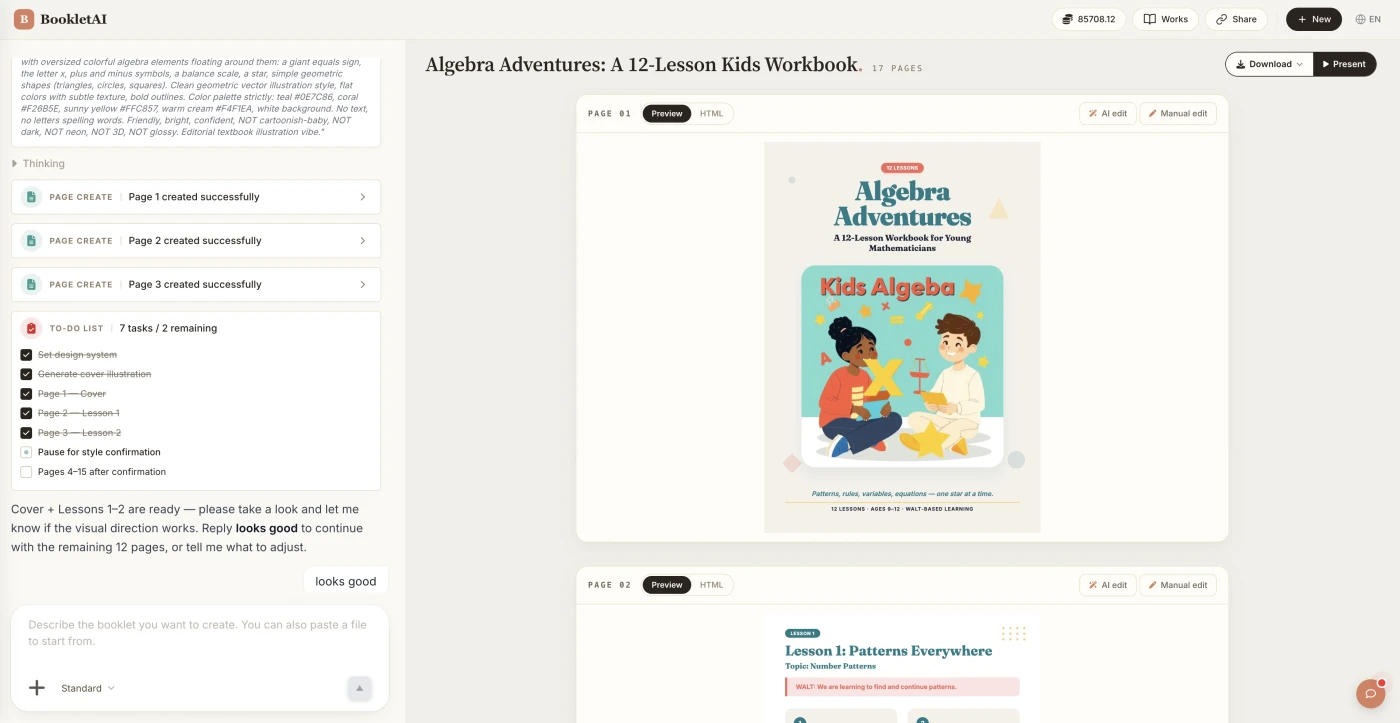
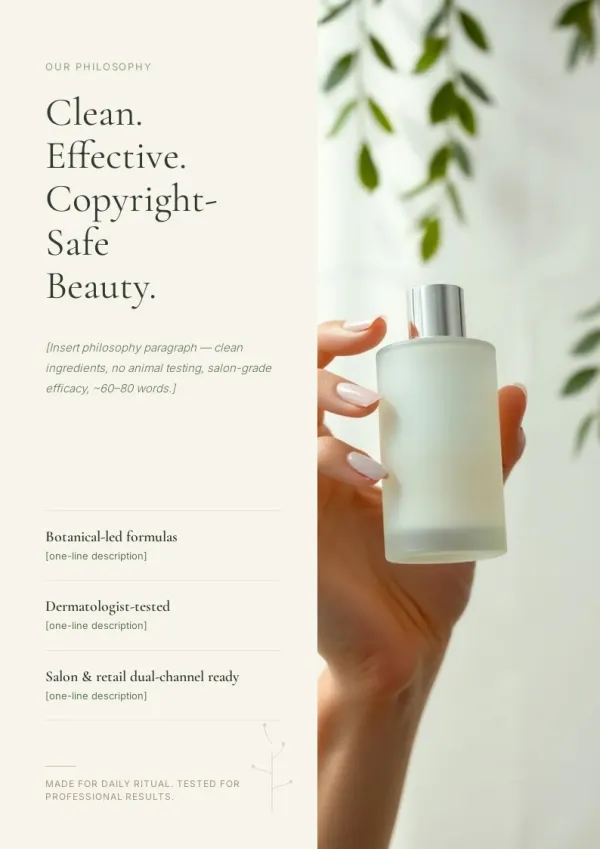
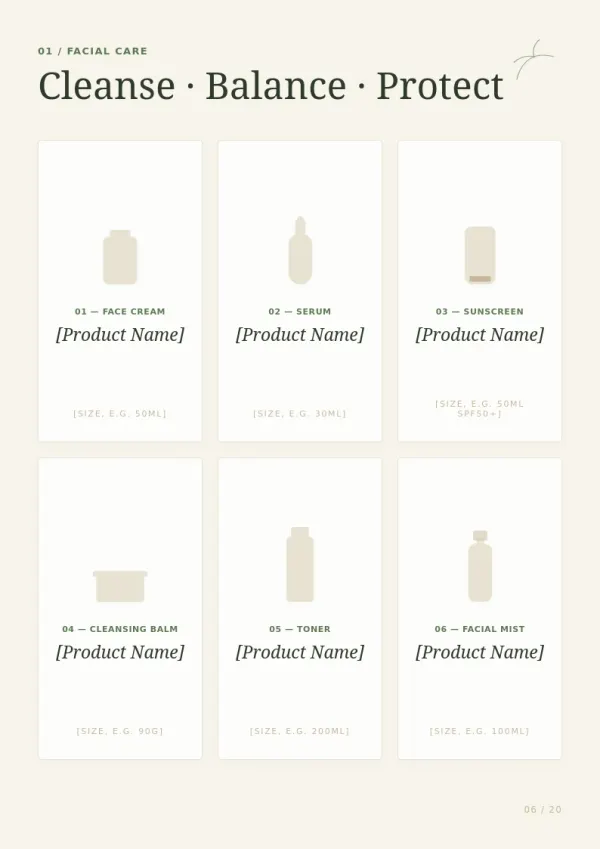
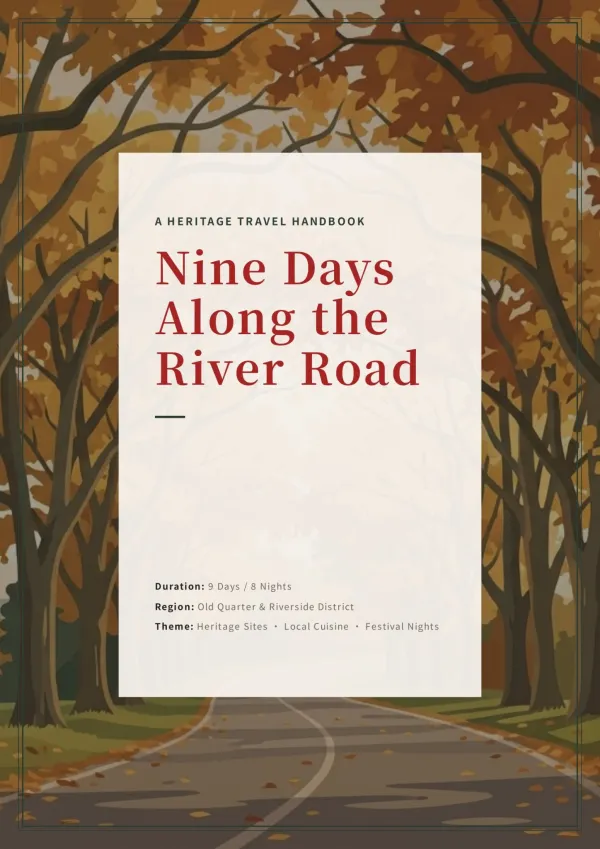
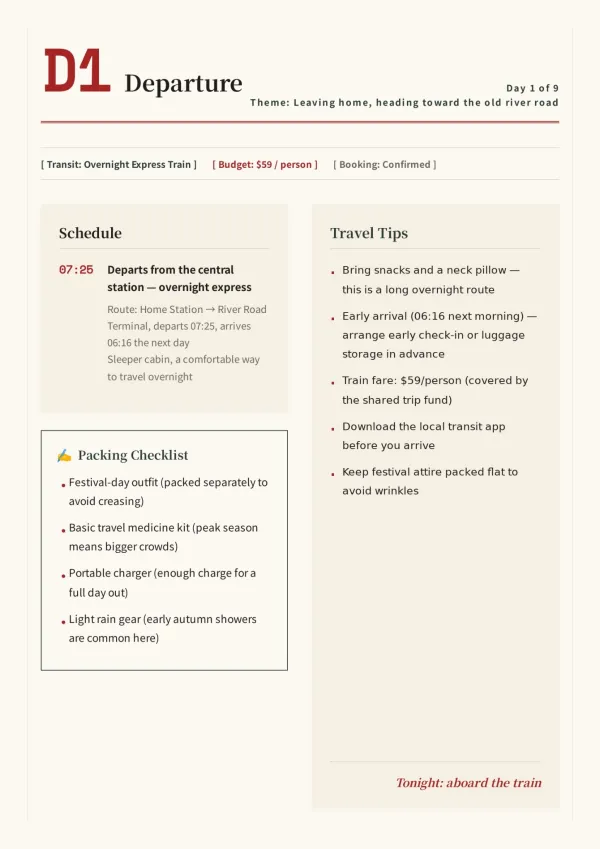
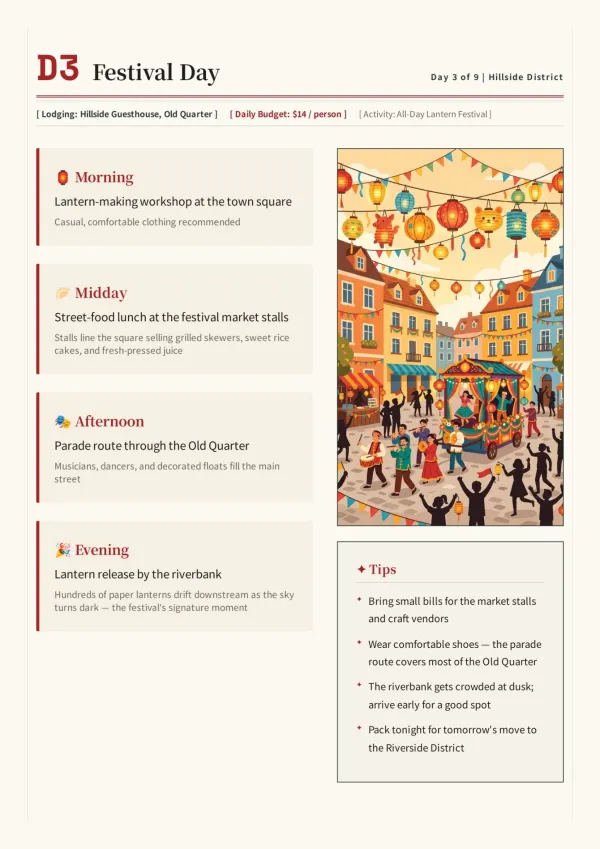
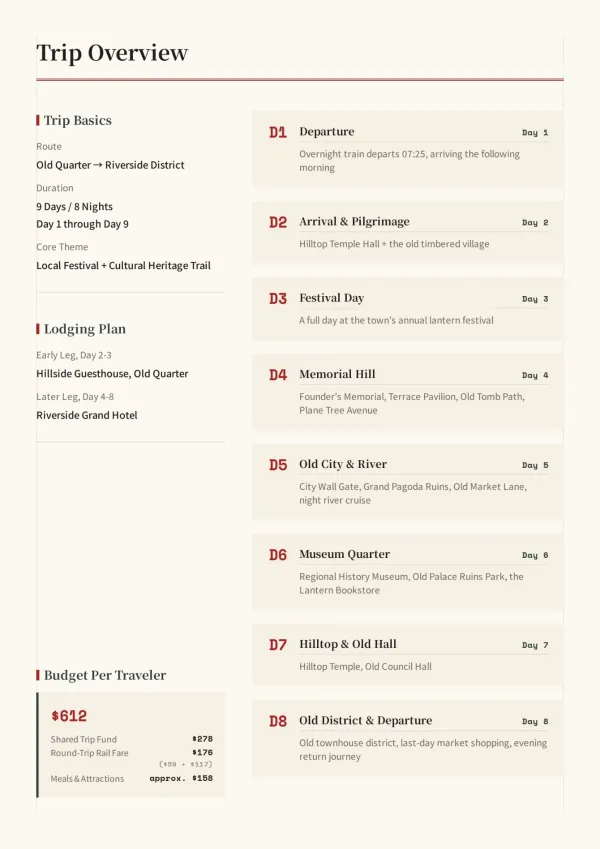
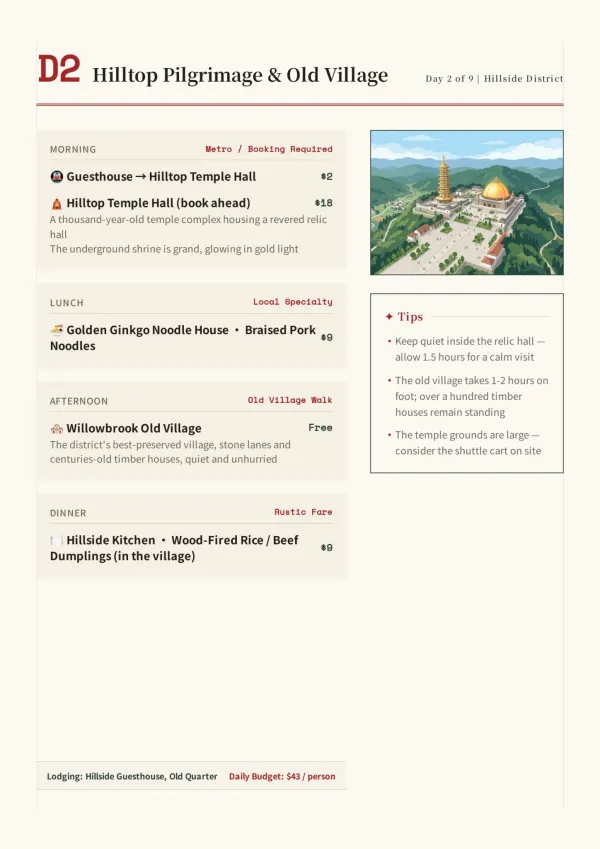
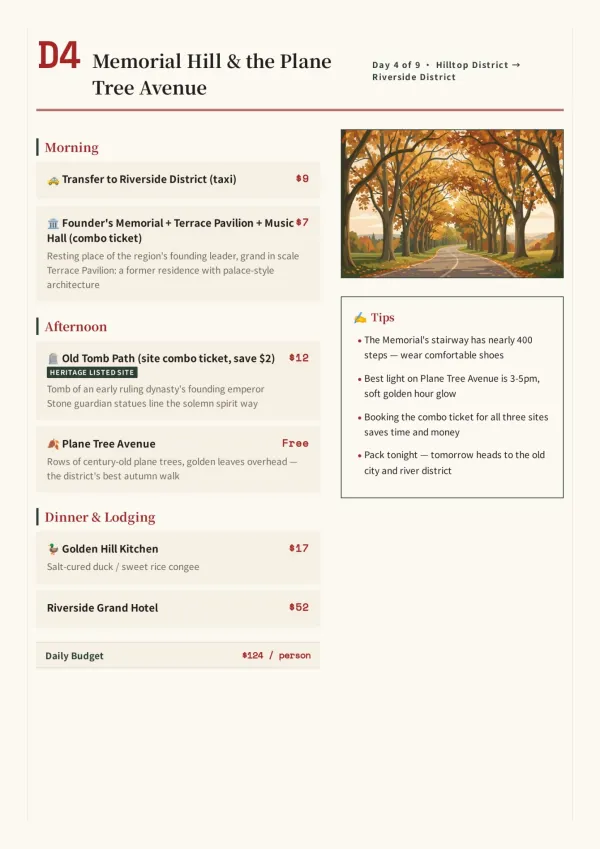
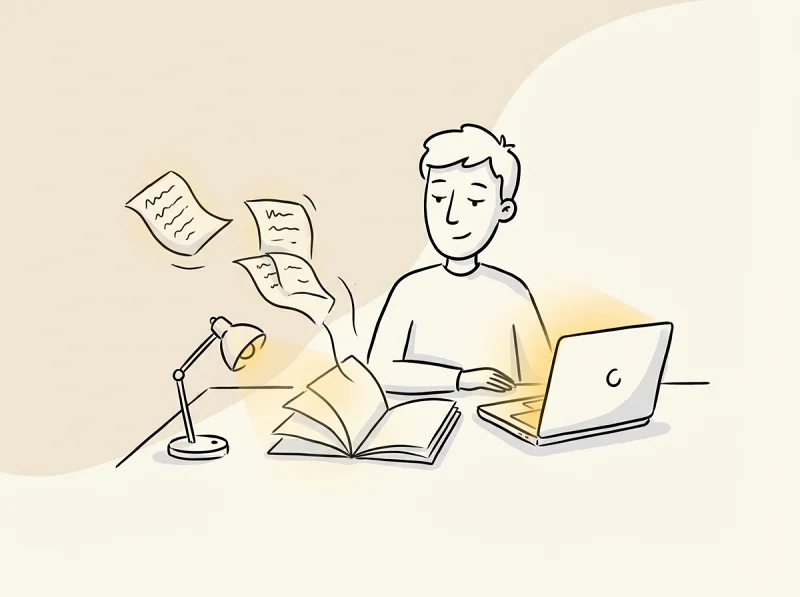
Booklet AI is an AI-powered booklet generator that turns a single chat conversation into a complete, designed A4 booklet. Instead of starting from a blank canvas, users describe a topic, paste existing content, or upload a PDF; the AI agent asks about audience, style, and goals, then researches the subject, writes and illustrates every page, and delivers a print-ready result in one session. It is designed as a no-design-skills alternative for anyone who needs polished booklets quickly, and the site reports more than 27,000 booklets created so far.
SpecificationsAI-estimated
Key Features of Booklet AI
Use Cases for Booklet AI
Product brochures & brand booklets
Sales and marketing teams can paste existing product docs or enter a topic to get client-ready illustrated feature spreads and use-case pages.
Training manuals & course materials
HR and L&D teams can enter a course title and objectives to generate a step-by-step illustrated handbook ready to print or share with new hires.
Exam prep & practice workbooks
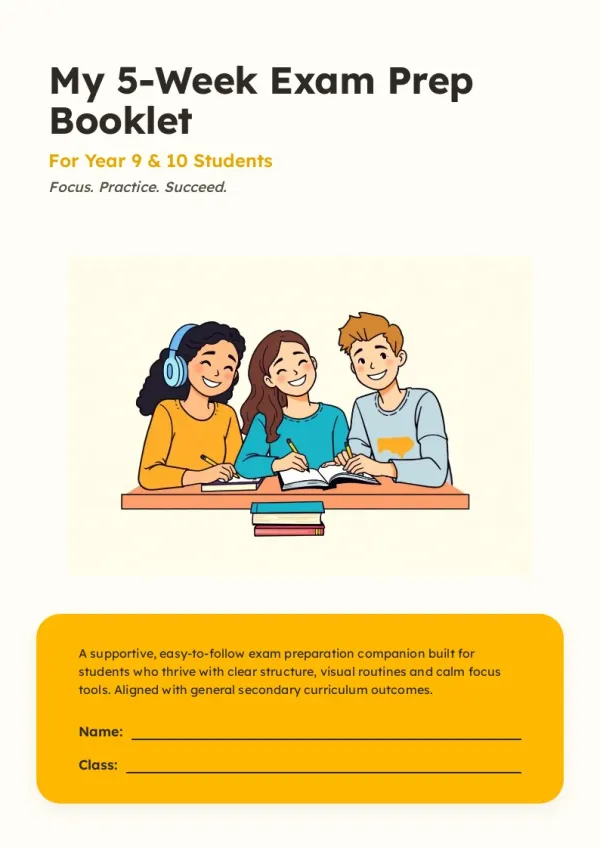
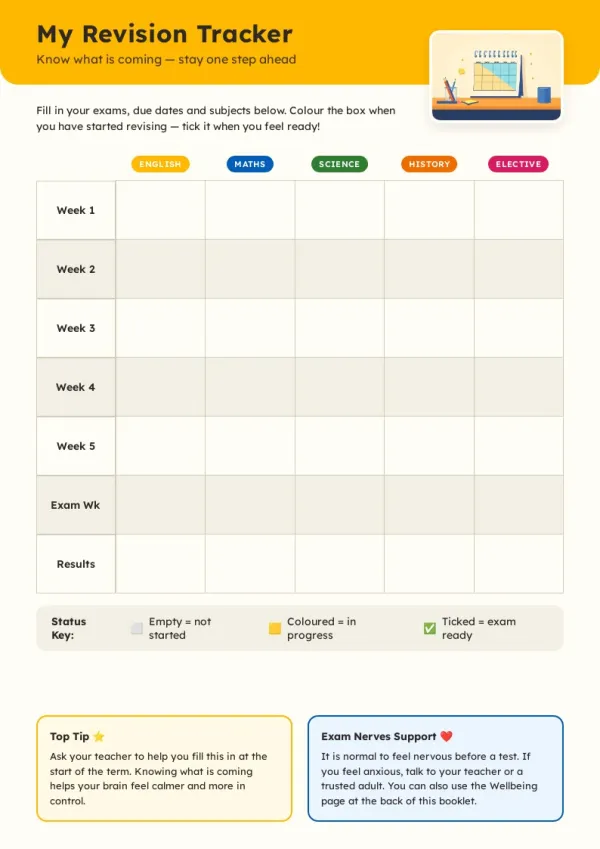
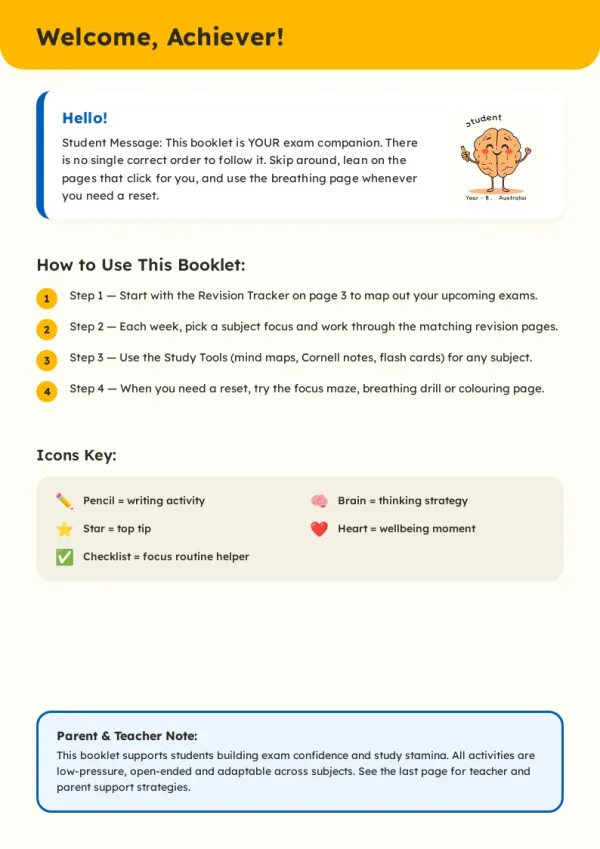
Students and tutors can create week-by-week revision workbooks with trackers, practice questions, and flashcards for a subject and exam date.
Internal knowledge handbooks & onboarding docs
Turn existing Word, PPT, PDF, or pasted content into a professionally designed booklet without rewriting the copy.
Marketing collateral
Marketers can produce polished A4 brand booklets and product materials without needing a designer or copywriter.
Educational workbooks & lesson plans
Teachers and tutors can generate illustrated lesson workbooks, course readers, and practice materials tailored to their students.
Multi-language content production
Write in English, Chinese, Japanese, Korean, German, French, Spanish, Italian, or Portuguese to get a booklet in the same language.
How to use Booklet AI?
Start a conversation with your booklet agent
Go to Booklet AI and describe a topic, paste your own content, or upload a PDF or other material. The AI agent asks about your audience, style, and goals before creating anything.
Review the outline and choose a style
Review the page-by-page outline the AI proposes and choose a visual style. Approve it and the AI begins writing and illustrating each page in real time.
Edit any page
Click Edit on any page to revise it independently. AI regenerates only that page so the rest of the booklet stays untouched.
Share, download, or export
When the booklet is ready, copy a public share link, download an offline HTML file, or export a print-ready A4 PDF from the Download menu.
Pros & Cons of Booklet AI
Pros
- No design skills required — layout, typography, and image placement are fully automated.
- Industry-aware AI adapts questions, structure, and tone for business, education, healthcare, and more.
- Real web research helps create comprehensive content from just a topic.
- Single-page editing lets you adjust one page without regenerating the whole booklet.
- Export options include public share links, offline HTML, and print-ready PDF.
Cons
- Credit-based pricing means every AI action consumes credits, so heavy use can require a paid plan.
- Free plan downloads include a watermark; removing it requires a paid subscription.
- AI-generated content and illustrations should be reviewed or fact-checked before use in high-stakes professional materials.
- Advanced features such as HD PDF, interactive flipbook, PDF screenshot OCR, and priority generation are limited to paid tiers.
Frequently Asked Questions
Is Booklet AI free?
Yes. The Booklet AI free plan gives you 300 credits on sign-up. No credit card is required to start, but free-plan downloads carry a small watermark; any paid plan removes it.
How many credits does each action cost?
Creating a page costs 30 credits, AI editing a page costs 15 credits, and generating an image costs 10 credits. Manual edits are always free. Chatting with the AI assistant also uses a small amount depending on task complexity.
What are Industry Skills and how do they affect my booklet?
Industry Skills are AI presets that load automatically when Booklet AI identifies your field, such as business, education, or healthcare. They shape the questions AI asks, the outline it builds, and the tone it uses so the result fits your context.
Can I start from a template instead of a topic?
Yes. The Templates section offers professionally designed booklet layouts you can start from immediately. Pick one, describe your content, and AI fills in the pages while keeping the structure and tailoring everything to your topic.
Do I need design experience?
No. Booklet AI handles all layout, typography, and image placement automatically. You only need to describe what you want.
How does Booklet AI research content?
When you create from a topic, the AI Booklet Generator searches the web and deep-scrapes 3 to 5 high-quality pages. Search cards appear in the chat as it works.
Can I edit a single page without changing the rest?
Yes. Click Edit on any page, describe the change, and AI regenerates only that page. Every other page stays exactly as it is.
What export formats are available?
You can download an offline HTML file or export a PDF where every A4 page is rendered at full print resolution. Both options are in the Download menu.
Reviews & Ratings0.0
No reviews yet. Be the first to write one!
Top Alternatives & Similar Software
View all alternatives & similar software→


People also viewed



Related searches
Is this your tool?
Claim this page to update details, reply to user reviews, and drive more traffic to your product.
Claim this Product →
Keep up with Booklet AI alternatives
New alternatives, pricing changes and the week's biggest movers - one email every Tuesday.