



BugBot
Your personal AI testing assistant that turns exploratory testing into fast, automated, and visual quality assurance.
What is BugBot?
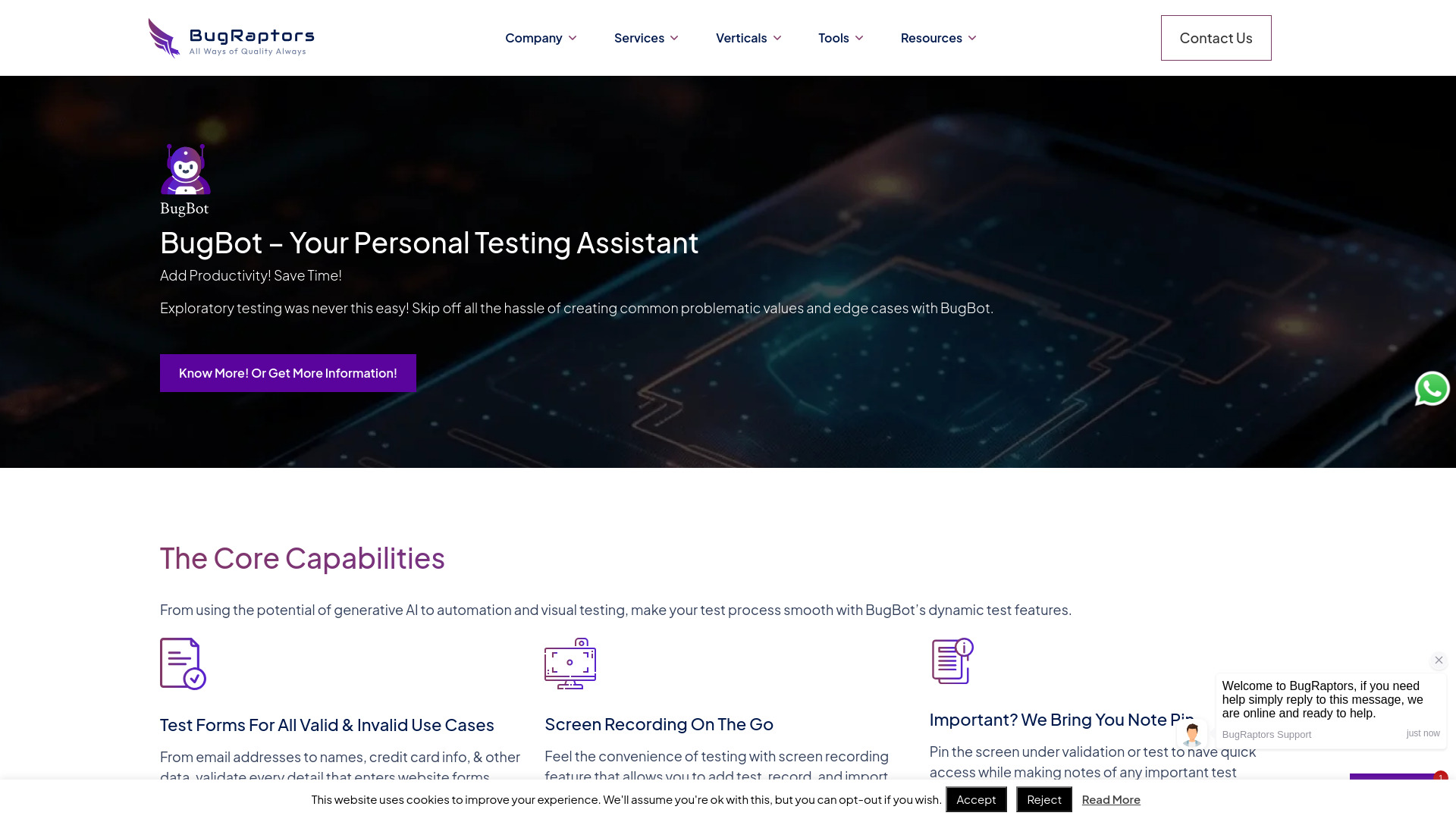
BugBot is an AI-based intelligent automation testing assistant developed by BugRaptors, designed to make exploratory testing faster and more productive. It acts as a personal testing assistant that takes over the tedious work of creating common problematic values, edge cases, and boundary scenarios. With built-in form validation for email addresses, names, credit card information, and other data inputs, it helps QA teams validate every detail that enters website forms through automation. BugBot is delivered as a Chrome plugin and supports front-end and back-end technologies including Dot Net, Java, PHP, and more. It combines generative AI, automation, screen recording, and a note pin feature so testers can record sessions, take quick notes, and keep important screens accessible while working. Its AI-powered visual testing uses captured screenshots for rapid UI comparison and identifies visual discrepancies on the go. For teams looking to improve quality assurance, BugBot promises 30-40% time savings, 70% reduction in manual intervention, 60-70% accuracy under specific environments, and 4X faster execution and delivery. It is backed by BugRaptors' experience with 500+ clients and zero defect leakage assurance, making it suitable for QA teams that need instant test scenarios, cross-platform technology support, and professional consultation throughout the software development lifecycle.
SpecificationsAI-estimated
Key Features of BugBot
Use Cases for BugBot
Form validation testing
Automate validation of email addresses, names, credit card numbers, and other form fields with pre-built valid and invalid test data.
Exploratory testing
Use pre-built scenarios and edge cases to discover bugs without manually creating test cases from scratch.
Visual regression testing
Capture screenshots and compare UIs to spot visual discrepancies after code changes or feature updates.
Test session documentation
Record testing sessions and pin important screens to create more accurate notes and QA reports.
QA test data preparation
Access a large library of pre-defined test data and subscription-based tailored data resources for unique testing requirements.
Cross-technology web testing
Run BugBot as a Chrome extension when testing front-end and back-end web projects built with Dot Net, Java, PHP, and more.
Speed up software delivery
Reduce manual intervention and execute tests up to 4X faster to align QA efforts with agile development cycles.
How to use BugBot?
Install BugBot
Add BugBot to Chrome as a plugin and access your personal testing assistant whenever you need to generate edge cases and test data.
Choose or generate test scenarios
Use pre-built test scenarios or let BugBot create valid and invalid values for forms such as emails, names, and credit cards.
Run form validation and record your session
Automate validation on website forms while using the built-in screen recording feature to capture the test session.
Pin key screens and take notes
Pin the screen under validation to keep it accessible, then document important test outcomes and visual discrepancies.
Review visual comparisons
Use AI-enabled visual testing on captured screenshots to identify UI differences and finalize your QA report.
Pros & Cons of BugBot
Pros
- Automated generation of test cases for valid and invalid form data such as emails, names, and credit cards
- Combines screen recording, note pinning, and AI visual testing in a single Chrome extension
- Reduces testing time by 30-40% and manual intervention by 70%
- Supports multiple front-end and back-end technologies like Dot Net, Java, and PHP
- Backed by a large QA company with 500+ clients and zero defect leakage assurance
Cons
- Currently available only as a Chrome plugin, limiting browser and platform reach
- Pricing and subscription plans are not disclosed on the product page
- Full setup may require BugRaptors consultation to tailor test data resources for unique needs
- Specific supported technology versions and detailed integration documentation are not listed
Frequently Asked Questions
What is BugBot?
BugBot is an AI-based intelligent automation testing tool from BugRaptors that acts as a personal testing assistant for exploratory testing, form validation, and visual testing.
Is BugBot a browser extension?
Yes, BugBot is currently delivered as a Chrome plugin, which makes it easy to access pre-built test scenarios and edge cases while testing web applications.
What kind of test data does BugBot provide?
BugBot provides a large volume of pre-defined test data, including common problematic values and edge cases for fields like email addresses, names, and credit card information.
Does BugBot support visual testing?
Yes, BugBot includes AI-enabled visual testing that uses captured screenshots for quick UI comparison and identifies visual discrepancies on the go.
Can BugBot be used for mobile application testing?
BugRaptors offers mobile application testing services for iOS and Android platforms, but BugBot is primarily described as a Chrome plugin for web form and UI testing.
Do I need a subscription to use BugBot?
The product page mentions subscriptions for access to tailored test data resources crafted to meet unique test requirements, while basic pre-defined test data appears to be directly accessible through the tool.
Which technologies does BugBot support?
BugBot aligns with front-end and back-end technologies like Dot Net, Java, PHP, and more, and currently works as a Chrome plugin.
How does BugBot improve testing speed and accuracy?
BugRaptors claims BugBot saves 30-40% testing time, reduces manual intervention by 70%, achieves 60-70% accuracy under specific environments, and enables 4X faster execution and delivery.
Reviews & Ratings0.0
No reviews yet. Be the first to write one!
Top Alternatives & Similar Software
View all alternatives & similar software→No alternatives available yet.
People also viewed



Related searches
About the Product
Is this your tool?
Claim this page to update details, reply to user reviews, and drive more traffic to your product.
Claim this Product →
Tags
Explore Related Topics
Keep up with BugBot alternatives
New alternatives, pricing changes and the week's biggest movers - one email every Tuesday.