


CapGen
The AI image caption generator that sounds like you.
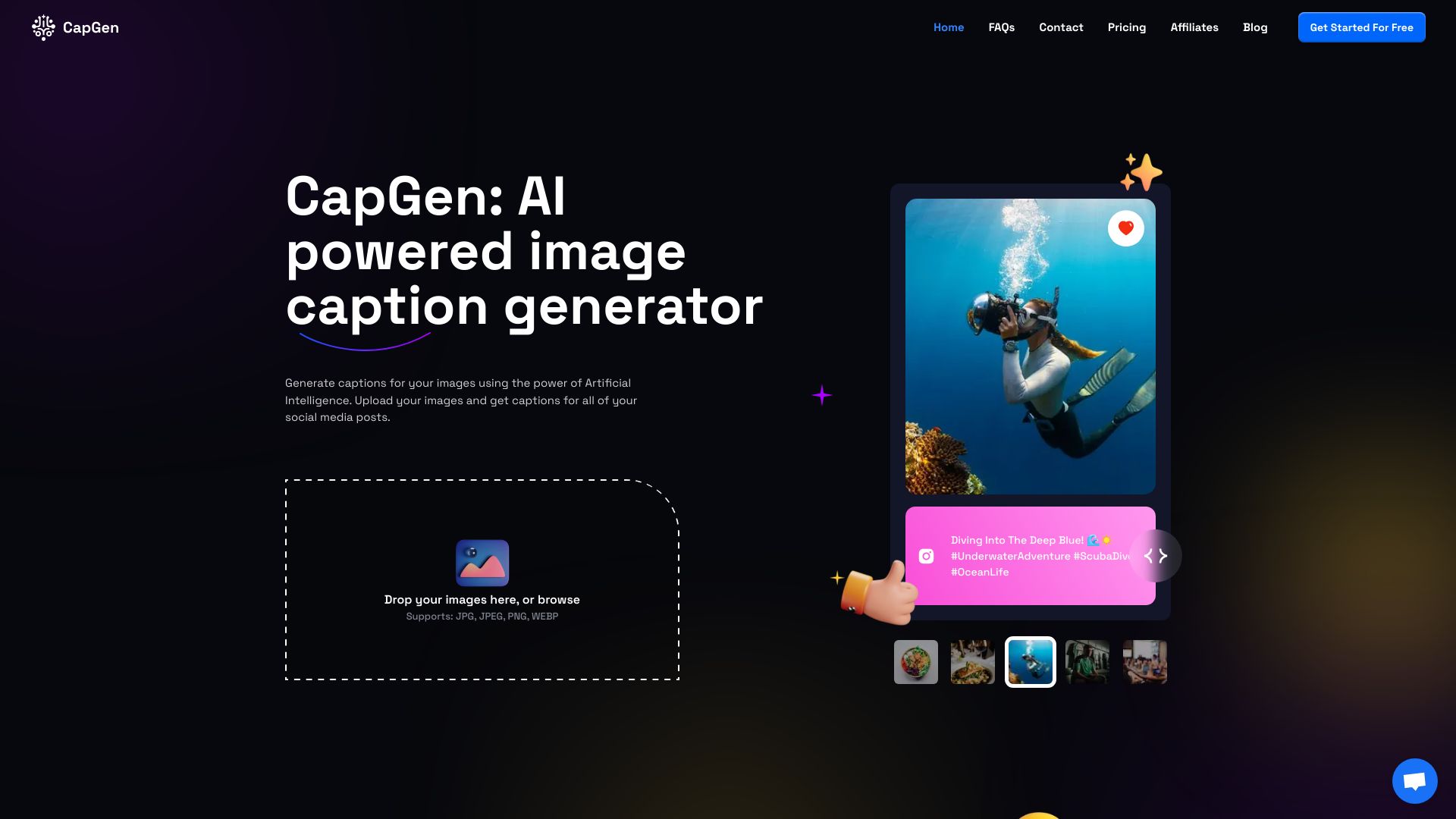
What is CapGen?
An AI-powered image caption generator that reads your photo and writes eight captions, one for each major social network, in 100+ languages. It adapts tone, length, and hashtags to match the platform and your personal style.
SpecificationsAI-estimated
Key Features of CapGen
Use Cases for CapGen
Social media managers
Quickly generate captions for multiple platforms without rewriting.
Content creators
Save time on caption writing and maintain consistent posting across networks.
Influencers
Get captions that match personal style and engage followers on each platform.
Small businesses
Create captions for product photos or lifestyle shots in multiple languages.
How to use CapGen?
Upload a photo
Click or drag an image into CapGen.
Pick your tone or themes (optional)
Set tone (Playful, Professional, etc.) or add themes/tags to steer captions.
Generate captions
CapGen reads the image and produces eight captions, one per network, in seconds.
Copy or tweak
Review, edit if needed, and copy captions to post. All generations are saved.
Pros & Cons of CapGen
Pros
- Generates captions for 8 major social networks (Instagram, TikTok, Facebook, X, Snapchat, LinkedIn, Threads, WhatsApp) in one go
- Supports 100+ languages with native fluency, not just translation
- Actually reads the image content (subject, mood, lighting, context) to ground captions
- Multiple tone options: Playful, Professional, Witty, Poetic, Hype, Minimal
- Saves all generations in an archive, searchable and re-copyable
- Can add personal signature or brand voice on paid plans
- Fast (about 4 seconds per photo)
- Privacy: photos not used for AI training, deletion options available
Cons
- No free plan? 'Start Free' is mentioned but details unclear; paid plans for brand voice
- Requires uploading photos to the service, which might be a concern for some users
- Captions may not always match user's exact intent without manual tweaking
- Limited control over specific hashtag or caption details unless using tone/theme controls
Frequently Asked Questions
How does CapGen generate captions from my image?
CapGen uses a vision-language model to read your photo (subject, mood, composition, lighting) and then writes a caption for each network that matches its voice, length and hashtag conventions.
Which social networks are supported?
Instagram, TikTok, Facebook, X (Twitter), Threads, WhatsApp, Snapchat, and LinkedIn.
Does it work for any kind of photo?
Yes. Portraits, food, landscapes, products, events, pets. CapGen handles them all.
Is my data safe when I upload a photo?
Your photo is processed only to generate your captions, then stored in your account. Delete a generation and its image is removed; delete your account and everything goes. Nothing you upload is used to train AI models.
How good are the captions?
For most everyday photos, they land on the first try. You can regenerate any network's caption in one click, or set the tone and length before generating.
Can I steer the captions toward a tone or theme?
Yes. Set a tone, theme, or the tags you want in the controls.
Can I add a personal signature or brand voice?
On any paid plan, yes. Save a signature or brand-voice note and CapGen applies it to every caption on your account.
Reviews & Ratings0.0
No reviews yet. Be the first to write one!
Top Alternatives & Similar Software
View all alternatives & similar software→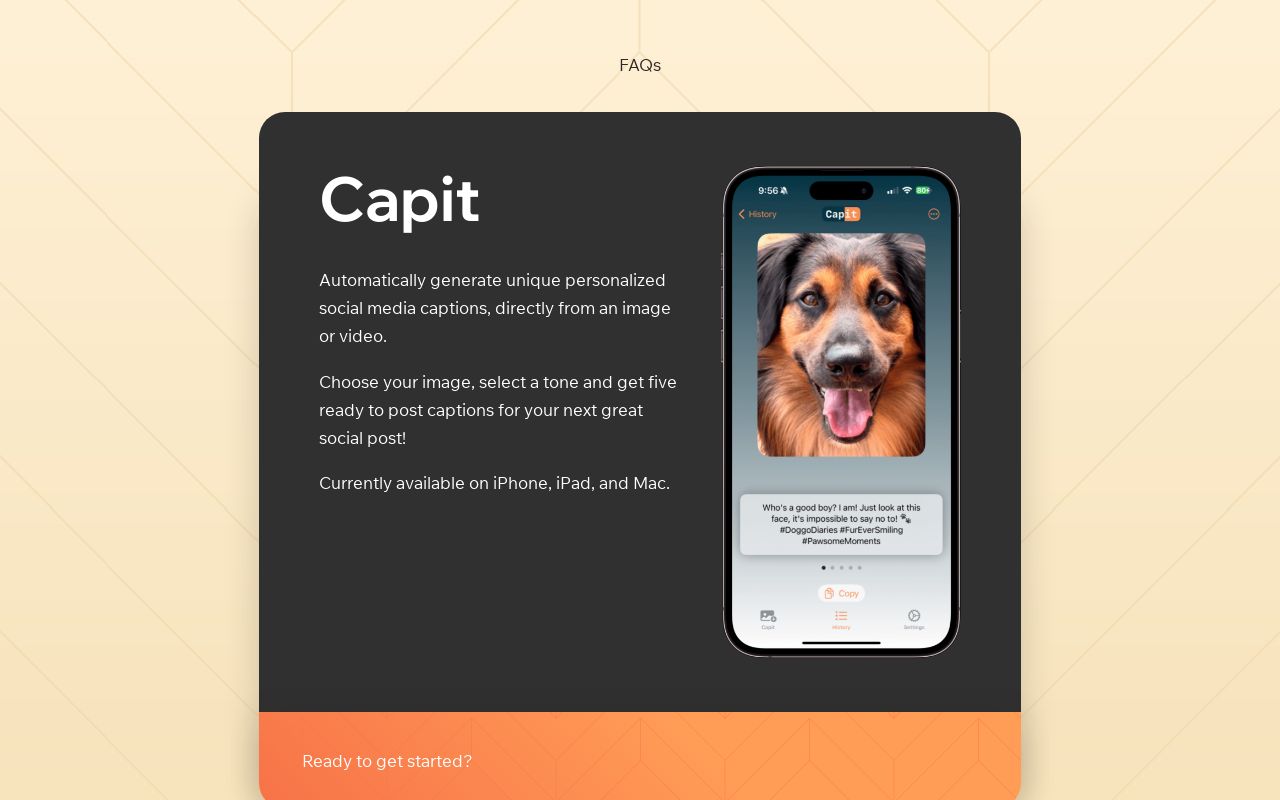



People also viewed


Related searches
About the Product
Is this your tool?
Claim this page to update details, reply to user reviews, and drive more traffic to your product.
Claim this Product →
Tags
Explore Related Topics
Keep up with CapGen alternatives
New alternatives, pricing changes and the week's biggest movers - one email every Tuesday.