


ChatTTS
Turn plain text into natural, conversational speech for LLM assistants and interactive applications.

What is ChatTTS?
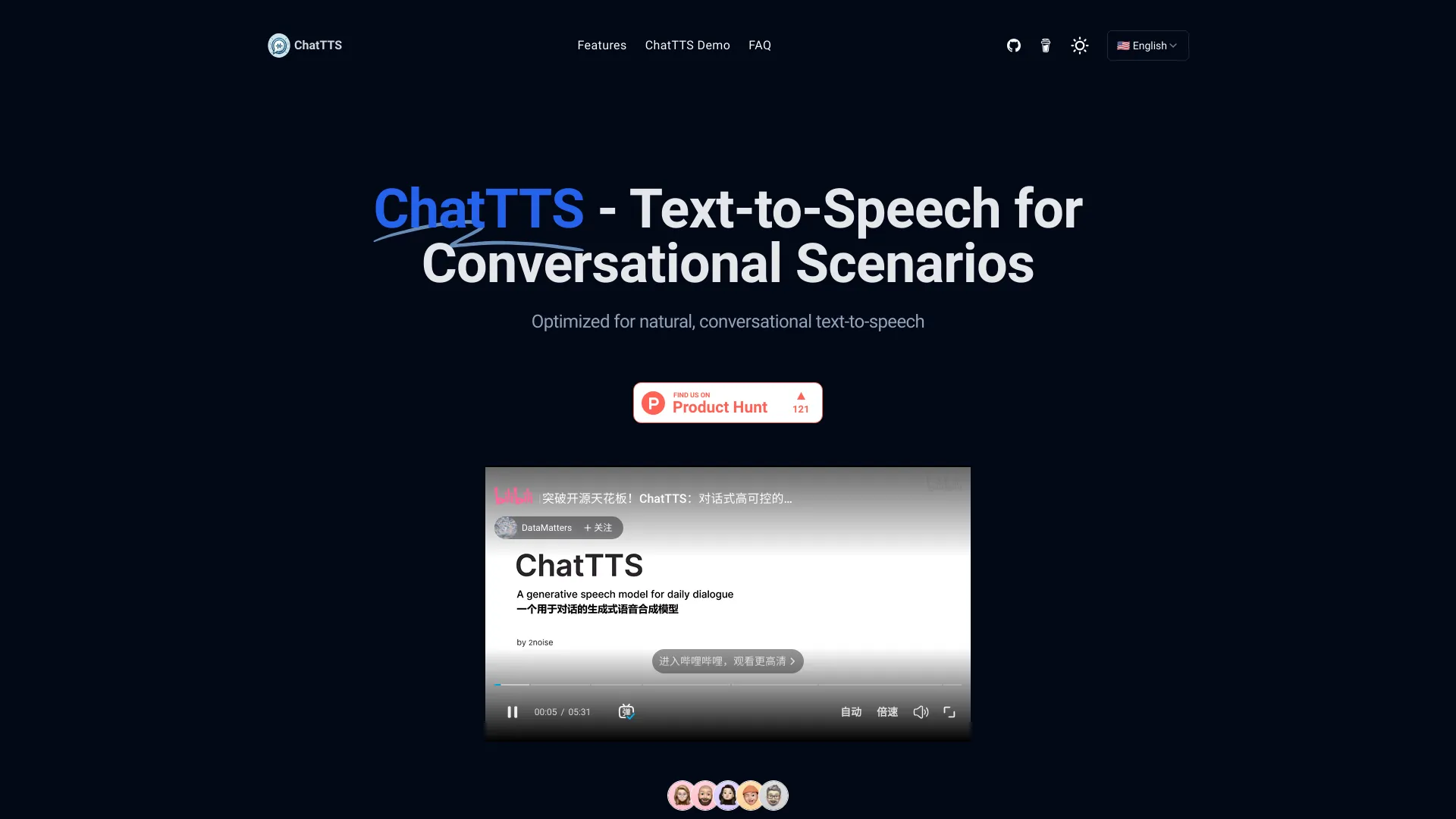
ChatTTS is an open-source text-to-speech model designed specifically for conversational scenarios, such as dialogue responses for large language model assistants, audio/video introductions, and interactive applications. It supports both Chinese and English and uses large-scale bilingual training data to produce natural, expressive synthesized speech. The project has gained significant community traction with 20K+ stars on GitHub and is available through a simple Python API. ChatTTS distinguishes itself by focusing on dialogue rather than generic narration. Instead of requiring a complex pipeline setup, users can install it with pip, load pre-trained models, and generate speech from plain text with just a few lines of code. It works well in Jupyter notebooks and can be integrated into web, mobile, desktop, or embedded systems through SDKs and APIs. Developers can also fine-tune the model on custom datasets to develop unique voice profiles. The project emphasizes safety and control, with ongoing work on model controllability, watermarking, and LLM integration. While the website mentions plans to open-source a trained base model for researchers, the GitHub repository and online demo make it immediately accessible. ChatTTS is a strong choice for developers looking to add natural conversational voice output to chatbots, learning tools, and other AI-driven applications.
SpecificationsAI-estimated
Key Features of ChatTTS
Use Cases for ChatTTS
LLM assistant responses
Give conversational AI agents natural spoken replies for chat and voice assistant experiences.
Video introductions
Generate narration for audio and video intro segments with a conversational tone.
Educational content
Turn training materials, lessons, and e-learning scripts into clear speech.
Multilingual applications
Provide Chinese and English text-to-speech within apps serving diverse language users.
Rapid prototyping
Quickly test TTS outputs in Jupyter notebooks with just a few lines of Python code.
Custom voice development
Fine-tune the model on custom datasets to create tailored voice profiles for specific products.
Accessibility features
Add read-aloud functionality to websites, apps, and services for improved accessibility.
How to use ChatTTS?
Clone and install
Clone the GitHub repository and install dependencies with `pip install torch ChatTTS`.
Import and initialize
Import torch, ChatTTS, and IPython.display.Audio; create a ChatTTS.Chat() instance and call load_models().
Prepare input text
Define the text or list of texts you want converted to speech.
Generate speech
Call chat.infer(texts, use_decoder=True) to produce audio from the input text.
Play audio
Use Audio(wavs[0], rate=24_000, autoplay=True) to listen to the generated speech in a notebook.
Pros & Cons of ChatTTS
Pros
- Optimized for conversational and dialogue scenarios rather than generic narration
- Supports both Chinese and English out of the box
- Simple Python API: install, load the model, and infer with just a few lines of code
- Strong community traction with 20K+ GitHub stars and open-source availability
- Fine-tunable for custom voices and specific application needs
Cons
- Synthesized speech quality can vary with long or complex input text
- Real-time high-quality generation may require significant computational resources
- Only supports Chinese and English, not additional languages
- License and open-source details are not fully specified on the product page
Frequently Asked Questions
How can developers integrate ChatTTS into their applications?
Developers can integrate ChatTTS by using the provided API and SDKs. The process typically involves initializing the ChatTTS model, loading pre-trained models, and calling the text-to-speech functions to generate audio from text.
What can ChatTTS be used for?
ChatTTS can be used for conversational tasks for LLM assistants, generating dialogue speech, video introductions, educational and training content narration, and any application that needs text-to-speech functionality.
Does ChatTTS support multiple languages?
Yes, ChatTTS supports both Chinese and English. It was trained on large datasets in these languages to generate high-quality, natural speech synthesis for multilingual environments.
What makes ChatTTS unique compared to other text-to-speech models?
ChatTTS is specifically optimized for dialogue scenarios, supports both Chinese and English, and is trained on a vast dataset for natural speech synthesis. The plan to open-source a trained base model also supports further research and development.
Can ChatTTS be customized for specific applications or voices?
Yes, ChatTTS can be fine-tuned using your own datasets to better suit particular use cases or create unique voice profiles, offering flexibility across different application contexts.
What platforms and environments is ChatTTS compatible with?
ChatTTS can be integrated into web applications, mobile apps, desktop software, and embedded systems. The provided SDKs and APIs support multiple programming languages for cross-platform implementation.
Are there any limitations to using ChatTTS?
The quality of synthesized speech may vary depending on the complexity and length of the input text. Real-time generation may also require significant processing power, though updates continue to improve performance.
How can users provide feedback or report issues with ChatTTS?
Users can provide feedback through email support, a support portal, or a community forum. Since the project is on GitHub, users can also submit issues or pull requests with detailed information and logs.
Reviews & Ratings0.0
No reviews yet. Be the first to write one!
Top Alternatives & Similar Software
View all alternatives & similar software→No alternatives available yet.
People also viewed




Related searches
About the Product
Is this your tool?
Claim this page to update details, reply to user reviews, and drive more traffic to your product.
Claim this Product →
Tags
Explore Related Topics
Keep up with ChatTTS alternatives
New alternatives, pricing changes and the week's biggest movers - one email every Tuesday.