



CleanAudio
Remove background noise from audio and video with AI
What is CleanAudio?
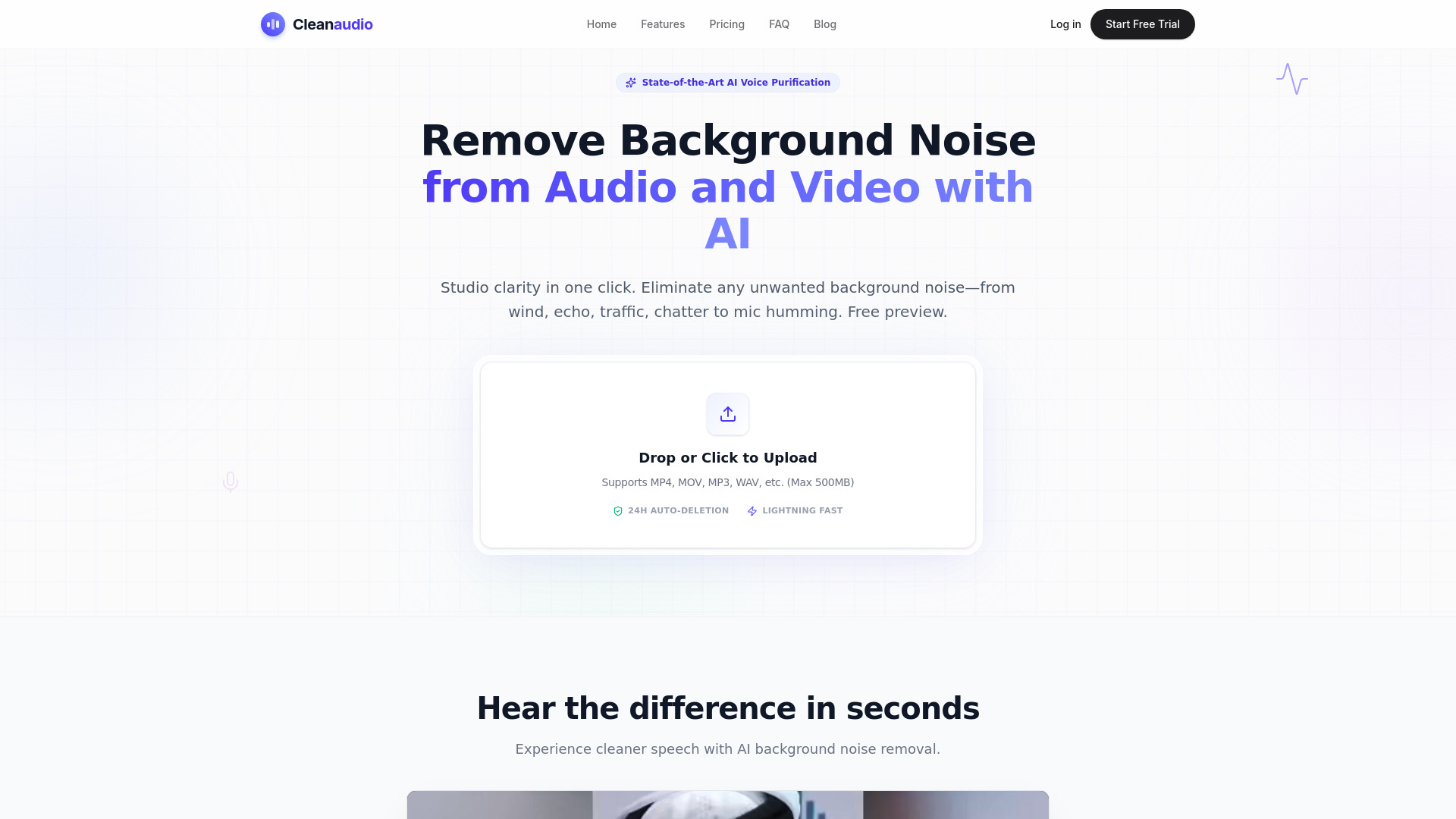
CleanAudio is a browser-based AI voice purification tool that removes unwanted background noise from audio and video files in one click. It is designed for creators who need studio-quality speech without complex desktop software. Users can upload files, hear a free 30-second cleaned preview, and pay only if they want the full processed download.
SpecificationsAI-estimated
Key Features of CleanAudio
Use Cases for CleanAudio
Podcast cleanup
Remove AC hum, buzzes, and echo from podcast recordings without re-recording.
YouTube video voiceovers
Improve video audio quality by removing traffic, wind, and background chatter.
Marketing audio
Clean up voiceovers and promotional audio without studio equipment.
Education and training
Make recorded lessons and training materials sound professional in any environment.
Casual voice notes
Crisp up phone recordings, voice notes, and interviews.
Audio engineering
Use as a quick first-pass cleanup tool before detailed mixing and mastering.
How to use CleanAudio?
Upload your file
Drag and drop a noisy audio or video file into the browser. The file must be under 2GB and under 60 minutes.
AI removes noise
The AI engine analyzes the waveform and removes background noise automatically.
Download clean audio
Hear a 30-second cleaned preview. Pay if you want the full download.
Pros & Cons of CleanAudio
Pros
- Fast, one-click AI noise removal
- Free preview without signup or credit card
- Handles many common noise types
- No complex desktop software needed
- Privacy-focused: no AI training and files are shredded within 24 hours
- Flexible pricing with pay-as-you-go and unlimited subscription options
Cons
- Full download requires payment after the 30-second preview
- Preview is limited to 30 seconds
- Upload limit of 2GB or 60 minutes per file
- PRO plan has a fair-use cap of 30 hours per billing cycle
- Requires internet connection and browser upload
Frequently Asked Questions
How does CleanAudio work?
Upload the file in the browser and the AI removes background noise automatically. A free 30-second preview is available without signup or credit card.
What types of noise can it remove?
Wind, fan/AC noise, dog barking, traffic, static/hum, and room echo.
Is my upload private?
Yes, files are processed in a secure sandbox and permanently shredded within 24 hours. The company states it does not use user data for AI training.
What file formats are supported?
MP4, MOV, FLV, MKV, WMV, MP3, WAV, AIFF, FLAC, M4A, and more.
Pricing Overview
View full pricing →All prices are in USD as shown on the page.
Reviews & Ratings0.0
No reviews yet. Be the first to write one!
Top Alternatives & Similar Software
View all alternatives & similar software→No alternatives available yet.
People also viewed



Related searches
About the Product
Is this your tool?
Claim this page to update details, reply to user reviews, and drive more traffic to your product.
Claim this Product →
Tags
Explore Related Topics
Keep up with CleanAudio alternatives
New alternatives, pricing changes and the week's biggest movers - one email every Tuesday.