


ColoringMaker
An AI generator that turns any text description or photo into a custom, print-ready coloring page in seconds.
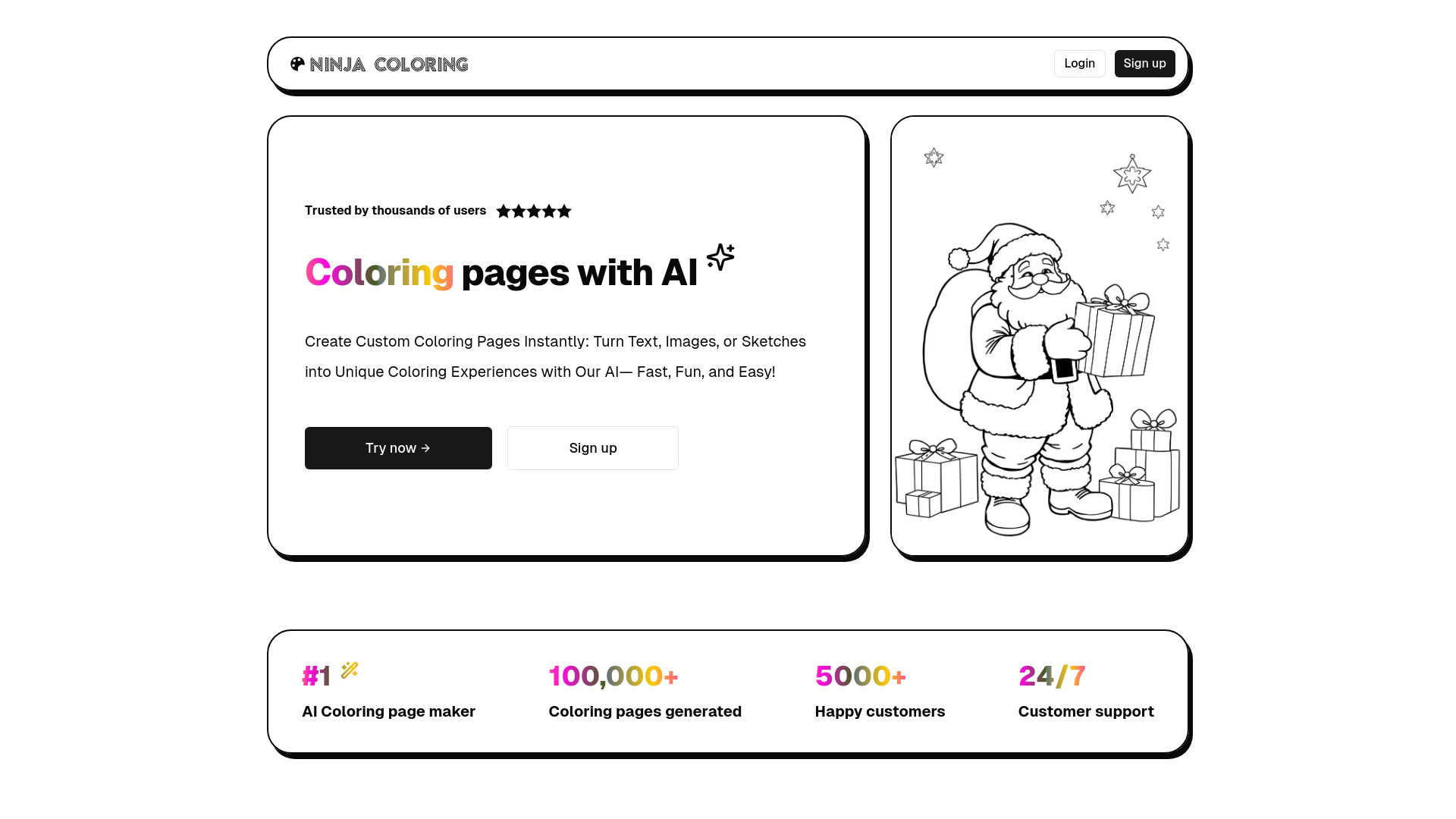




What is ColoringMaker?
ColoringMaker is an AI-powered web app that generates custom, print-ready coloring pages from short text descriptions. Users type a concept in plain words, such as a penguin playing guitar or a pirate ship sailing on lava, and the AI produces a line-art coloring page within seconds. The platform aims to replace the cluttered, ad-heavy coloring sites that offer only pre-made designs with a focused, distraction-free creation experience. Beyond text prompts, ColoringMaker offers two specialized modes: converting uploaded photos into coloring pages, such as turning a pet photo into a cartoon-style line drawing, and generating personalized name coloring pages in styles like graffiti, bubble letters, or Halloween-themed lettering. After each generation the AI suggests related ideas to keep creativity flowing. The tool is aimed at parents, teachers, homeschooling families, and adults who want relaxing coloring activities. It uses a credit-based, one-time-payment model rather than subscriptions: new users get three free images, and packages range from a 100-credit Starter plan to a 1,000-credit Professional plan that includes commercial use rights.
SpecificationsAI-estimated
Key Features of ColoringMaker
Use Cases for ColoringMaker
Classroom activities
Teachers can generate custom coloring sheets tied to lesson themes or student interests.
Homeschooling
Parents can create tailored coloring pages that match a child's curriculum or hobbies.
Personalized gifts
Users can create name coloring pages or pet portraits as personalized keepsakes.
Rainy-day kids entertainment
Families can quickly produce new designs to keep children occupied at home.
Adult relaxation
Adults can explore imaginative, mindful coloring with unique custom designs.
Commercial printables
Professionals using the Professional package can sell or use generated pages in commercial products.
How to use ColoringMaker?
Create a free account
Sign up to receive three free image credits to start generating coloring pages.
Describe your concept
Type your idea in plain words in the text box; no complex prompts are needed.
Generate the image
Click Create and wait a few seconds while the AI produces your coloring page.
Download and print
Download the finished page and print as many copies as you like.
Pros & Cons of ColoringMaker
Pros
- Generates custom coloring pages from simple plain-language descriptions with no prompt engineering required
- Photo-to-coloring-page and name coloring page modes add personalization beyond basic text prompts
- One-time payment packages with no subscriptions or recurring fees, and credits valid for a year
- Free tier of three images lets users try the tool before buying
Cons
- Credit-based pricing means heavy users must repurchase credits, which can be costly compared with unlimited subscription plans
- Commercial use rights are only included in the most expensive Professional package
- Output quality and style consistency depend on the AI model and may vary with complex prompts
- Requires an account and internet access; no offline or native app option is mentioned
Frequently Asked Questions
What is ColoringMaker?
ColoringMaker is a web app powered by AI that generates unique coloring pages from simple text descriptions, which can then be printed at home.
Do I need to write complex prompts?
No. The AI is designed to understand simple language, and it suggests related ideas after each generation.
Is there a free option?
Yes. New users get three free images after signing up, and additional images can be purchased with credits.
How does pricing work?
Packages are one-time payments with no subscriptions. Each credit generates one image, and credits remain valid for a year.
Which package should I choose?
Starter covers up to 100 images, Artist covers up to 1,000 images, and Professional includes 1,000 images plus commercial use rights.
Is my payment information secure?
Payments are processed by Stripe, and ColoringMaker does not handle or store credit card details.
Pricing Overview
View full pricing →ColoringMaker sells image credit packages as one-time payments with no subscriptions, with credits valid for one year: Starter at $8.99, Artist at $29.95, and Professional at $120.
Reviews & Ratings0.0
No reviews yet. Be the first to write one!
Top Alternatives & Similar Software
View all alternatives & similar software→No alternatives available yet.
People also viewed



Related searches
Is this your tool?
Claim this page to update details, reply to user reviews, and drive more traffic to your product.
Claim this Product →
Tags
Explore Related Topics
Keep up with ColoringMaker alternatives
New alternatives, pricing changes and the week's biggest movers - one email every Tuesday.