



Convly Image to Prompt Generator
A free, no-signup tool that turns any image into an editable text-to-image prompt with Midjourney and Stable Diffusion settings.
What is Convly Image to Prompt Generator?
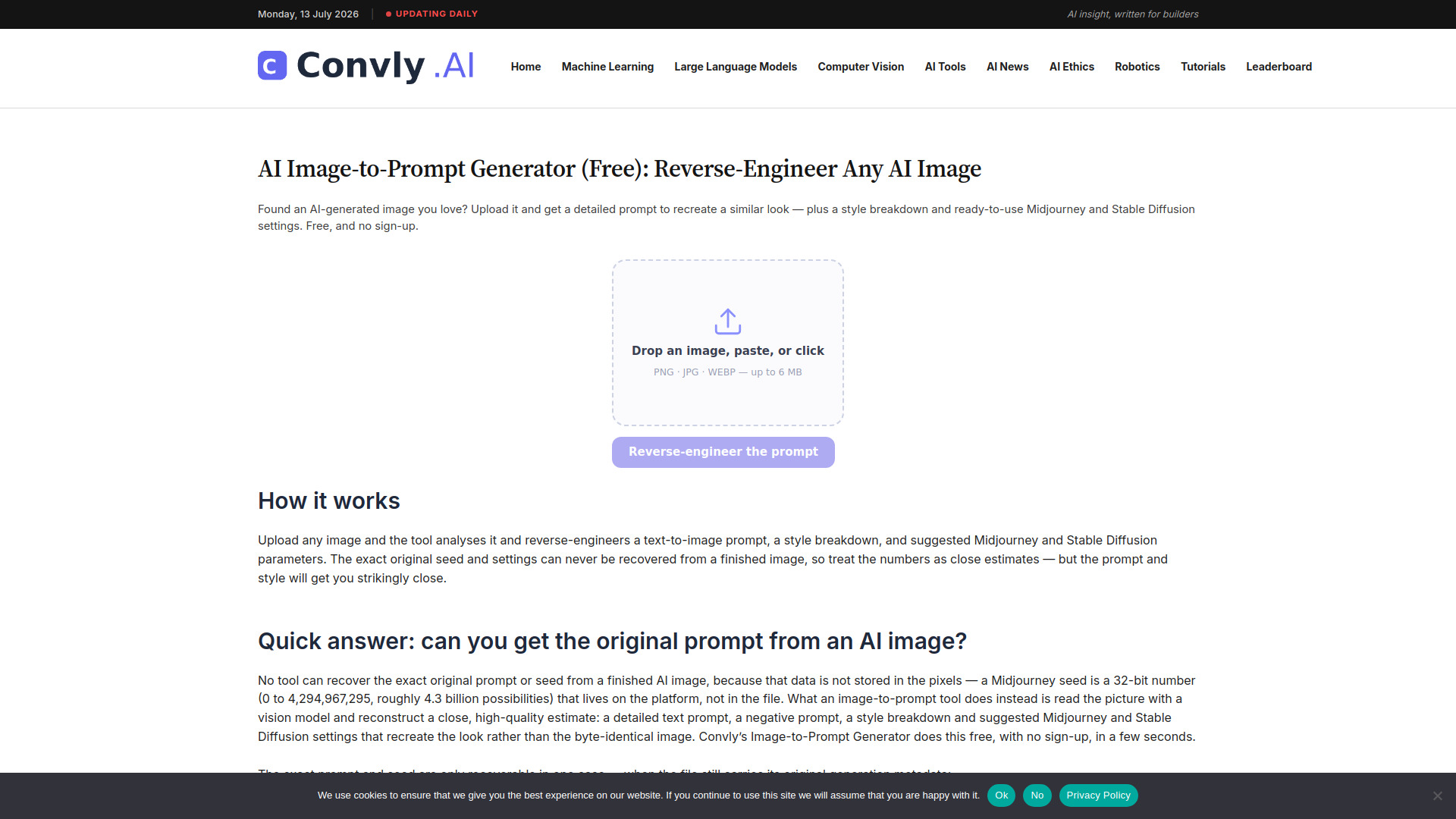
Convly's Image to Prompt Generator is a free, no-sign-up web tool that reverse-engineers an AI-generated or ordinary photo into a text prompt for image generators. You drop, paste or choose a PNG, JPG or WEBP file of up to about 6 MB, and a third-party vision-language model (via OpenRouter) analyzes the picture. The result is a single editable block containing a detailed text-to-image prompt, a negative prompt, a style breakdown covering medium, lighting, mood, colour palette and composition, a Midjourney command with an estimated --ar and --stylize value, and suggested Stable Diffusion sampler, steps and CFG settings. The tool is honest about its limits: it cannot recover the exact original prompt or seed from a finished image, because that data is not stored in the pixels. Instead it produces a close, high-quality reconstruction that recreates the look rather than the byte-identical image. The exact prompt is only recoverable when a Stable Diffusion PNG still carries its generation metadata, which most shared images no longer do. It suits creators who want to carry a lighting setup, palette or composition into a new subject, prompt learners who want to see the vocabulary image models respond to, and anyone moving a look between Midjourney, Stable Diffusion, Flux or DALL·E. Convly does not store uploaded images, and the interface is available in seven languages.
SpecificationsAI-estimated
Key Features of Convly Image to Prompt Generator
Use Cases for Convly Image to Prompt Generator
Recreate a visual style
Keep the lighting, palette and composition words from an image and apply them to a new subject.
Learn prompt vocabulary
Study the style terms the breakdown names to understand what image models respond to.
Move a look between generators
Adapt one base prompt across Midjourney, Stable Diffusion, Flux or DALL·E.
Start a Midjourney prompt faster
Use the generated Midjourney line as a first draft and refine it inside Midjourney.
Convert photos into prompts
Turn product shots, travel photos or screenshots into text prompts for generation.
Study photographic lighting
Reproduce the lighting and colour grade of a reference photo in a generated image.
How to use Convly Image to Prompt Generator?
Add your image
Drop, paste or choose a PNG, JPG or WEBP file of up to about 6 MB.
Run the analysis
Click Reverse-engineer the prompt and wait while the vision model reads the picture.
Copy the prompt
Copy the full block or just the Midjourney or Stable Diffusion line into your image generator.
Refine the result
Generate a few variations and adjust one part of the prompt at a time to get closer to your reference.
Pros & Cons of Convly Image to Prompt Generator
Pros
- Completely free with no account or sign-up required
- Returns prompt, negative prompt, style breakdown and model-specific settings in one copyable block
- Works on AI-generated images, photographs and screenshots alike
- Does not store uploaded images; they are sent only to a vision model for analysis
Cons
- Cannot recover the exact original prompt or seed; output is an estimate
- Limited to 15 requests per IP address per 24 hours
- Depends on third-party AI models, so it can be slow or busy at peak times
Frequently Asked Questions
Is there a free image to prompt generator?
Yes. Convly's Image to Prompt Generator is free with no account, limited to 15 requests per IP address per 24 hours.
Can I recover the exact prompt and seed of a Midjourney image?
No. A finished image does not contain the prompt or seed, which are held on Midjourney's servers. The tool produces a close estimate instead.
Does Convly keep my uploaded images?
No. Images are sent to a third-party vision model through OpenRouter for analysis and are not stored by Convly.
Why does the tool sometimes say it is busy?
The underlying AI models can be overloaded. The tool retries once automatically, and if they remain busy you should try again shortly.
Does it work with Midjourney, Stable Diffusion, DALL·E and Flux?
Yes. It describes any image and formats settings for Midjourney and Stable Diffusion, and the prompt works as a starting point for other text-to-image models.
Does it work on real photos and non-AI images?
Yes. It describes visual content rather than looking up a stored prompt, so photographs, screenshots and hand-drawn art all work.
Can I run an image-to-prompt model locally for free?
Yes, CLIP Interrogator is free and open source, but it requires Python and about 6.3 GB of GPU memory with default settings.
Pricing Overview
View full pricing →The Convly Image to Prompt Generator is free, with no sign-up or account required, subject to a limit of 15 requests per IP address per 24-hour window.
Reviews & Ratings0.0
No reviews yet. Be the first to write one!
Top Alternatives & Similar Software
View all alternatives & similar software→No alternatives available yet.
People also viewed


Related searches
Is this your tool?
Claim this page to update details, reply to user reviews, and drive more traffic to your product.
Claim this Product →
Tags
Explore Related Topics
Keep up with Convly Image to Prompt Generator alternatives
New alternatives, pricing changes and the week's biggest movers - one email every Tuesday.