



Crop For Me — Remove Background from People with AI
Fast AI person cutout with transparent PNG export
What is Crop For Me — Remove Background from People with AI?
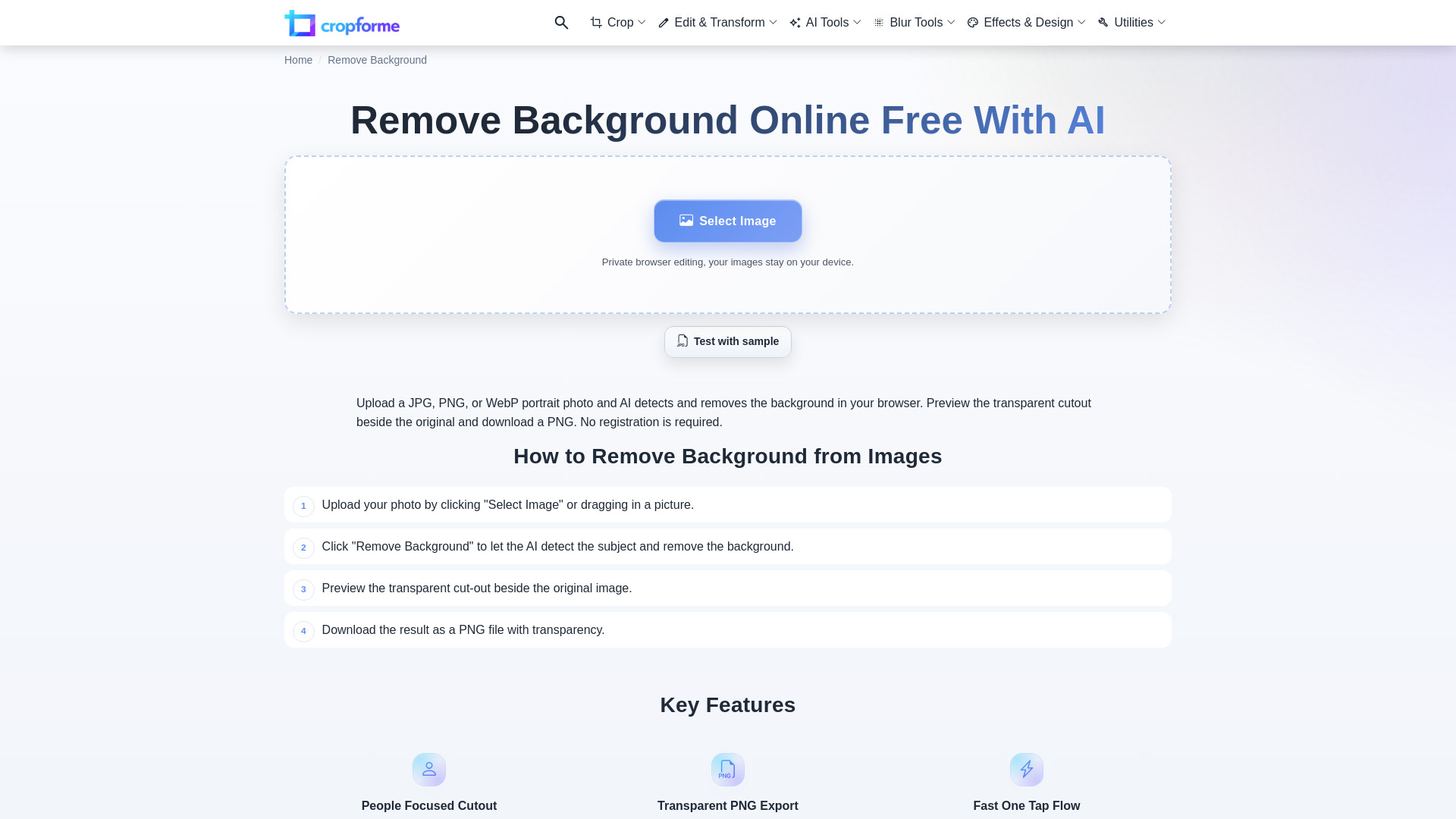
A web-based AI tool that automatically removes backgrounds from person photos—portraits, selfies, profile pictures, and full-body shots—and exports transparent PNGs or color-filled cutouts.
SpecificationsAI-estimated
Key Features of Crop For Me — Remove Background from People with AI
Use Cases for Crop For Me — Remove Background from People with AI
Resumes and profile photos
Create clean headshots for LinkedIn, resumes, and professional profiles.
Presentations and marketing assets
Use transparent person cutouts in slides, ads, social posts, and promotional graphics.
Ecommerce graphics
Cut out human models or product-with-person scenes for online stores.
Design projects
Place people onto custom backgrounds without losing image quality.
How to use Crop For Me — Remove Background from People with AI?
Upload
Click 'Select Image' or drag a photo into the uploader.
Automatic removal
The AI starts removing the background automatically after upload.
Preview
Check the transparent cutout in the editor.
Download
Save as a transparent PNG or add a solid background color first.
Pros & Cons of Crop For Me — Remove Background from People with AI
Pros
- Specialized for people, not just generic objects
- Automatic background removal starts right after upload
- Simple 4-step workflow: upload, remove, preview, download
- Supports transparent PNG export
- Optional solid color background fill before export
- No usage restrictions on processed images
Cons
- Best results require clear edges, simple backgrounds, and even lighting
- No pricing, free tier, batch processing, or API details are provided in the scraped content
- Complex hair or motion blur may reduce cutout quality
Frequently Asked Questions
What kind of photo should I use?
Use a sharp, evenly lit photo with a simple background, clear hair and shoulder edges, and little motion blur.
Can I use the output commercially?
Yes. You keep full rights to the processed image and can use it for resumes, profile photos, presentations, ecommerce graphics, social posts, ads, and other marketing or design assets.
Reviews & Ratings0.0
No reviews yet. Be the first to write one!
Top Alternatives & Similar Software
View all alternatives & similar software→No alternatives available yet.
People also viewed



Related searches
About the Product
Is this your tool?
Claim this page to update details, reply to user reviews, and drive more traffic to your product.
Claim this Product →
Tags
Explore Related Topics
Keep up with Crop For Me — Remove Background from People with AI alternatives
New alternatives, pricing changes and the week's biggest movers - one email every Tuesday.