


DesignMail Pro
Turn plain English prompts into professional, export-ready email templates in minutes.
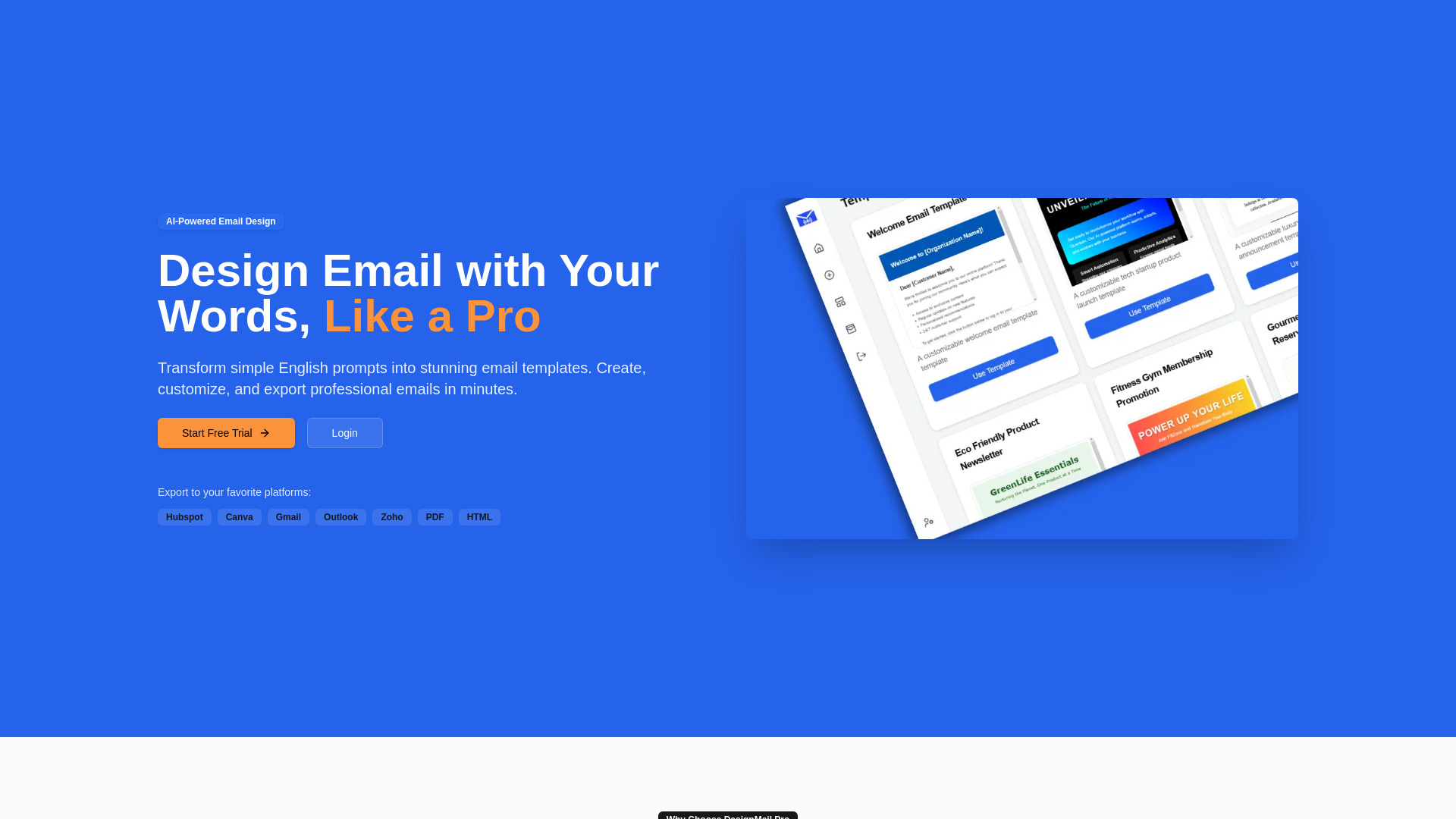


What is DesignMail Pro?
DesignMail Pro is a web-based, AI-powered email template design tool that lets users create professional emails simply by describing what they want in plain English. Instead of starting from scratch or wrestling with a complex design tool, marketers and business users can type a short prompt and receive a completed email template in moments. The platform is designed to bridge the gap between creative intent and production-ready email design, making polished templates accessible to everyone regardless of coding or design experience.
SpecificationsAI-estimated
Key Features of DesignMail Pro
Use Cases for DesignMail Pro
Marketing Campaigns
Create branded promotional email templates quickly by describing the campaign look and message you need.
Newsletters
Generate clean, readable newsletter templates for audience updates, announcements, and content roundups.
Event Invitations
Build polished invitation templates for webinars, product launches, or virtual and in-person events.
Transactional Emails
Design professional notification, welcome, or confirmation emails for common customer touchpoints.
Sales Outreach
Craft compelling sales outreach and follow-up templates that match your tone and goals.
Multi-Platform Publishing
Export the same email design to Gmail, Outlook, HubSpot, Zoho, Canva, PDF, or HTML and immediately use it in your workflow.
How to use DesignMail Pro?
Describe Your Email
Type a plain-English description of the email template you want, including the purpose, tone, and content.
Let AI Generate the Design
The AI transforms your description into a complete professional email template.
Fine-Tune with Drag & Drop
Use the drag-and-drop editor to adjust layouts, images, colors, and text if you want more control.
Export & Send
Choose your preferred destination—HubSpot, Canva, Gmail, Outlook, Zoho, PDF, or HTML—and start sending beautiful emails.
Pros & Cons of DesignMail Pro
Pros
- Turns simple English prompts into complete email templates instantly
- Includes 100+ professional templates for varied industries and purposes
- Drag-and-drop editor gives users full control over the final design
- Exports to major platforms like HubSpot, Canva, Gmail, Outlook, and Zoho
- Saves time and resources while maintaining professional design quality
Cons
- Exact pricing and subscription plan details are not disclosed on the landing page.
- No mention of native email sending, automation, or campaign analytics features.
- Export integrations are limited to the listed platforms; no API or broader developer tooling is mentioned.
- AI-generated designs may require manual fine-tuning for complex or highly brand-specific layouts.
Frequently Asked Questions
What is DesignMail Pro?
DesignMail Pro is an AI-powered email design tool from Bizzence Webtech Private Limited that turns simple English prompts into professional email templates.
How does the AI generation work?
You describe the email you want in natural language, and the AI transforms that description into a complete, professional email template that you can refine and export.
Can I edit the templates after the AI creates them?
Yes, DesignMail Pro includes a drag-and-drop editor so you can fine-tune the AI-generated template when you want more control over the layout and details.
What export options are available?
You can export your finished email templates to HubSpot, Canva, Gmail, Outlook, Zoho, PDF, and HTML.
How many templates are included?
DesignMail Pro includes a growing library of 100+ professional email templates designed for every industry and purpose.
Do I need design or coding skills to use DesignMail Pro?
No, the product is built around natural language prompts and a visual drag-and-drop editor, so no coding or graphic design skills are required.
How much does DesignMail Pro cost?
The landing page highlights premium features at a competitive price, but exact pricing is not listed; you would need to check the website for current plans and pricing.
Reviews & Ratings0.0
No reviews yet. Be the first to write one!
Top Alternatives & Similar Software
View all alternatives & similar software→
People also viewed




Related searches
Is this your tool?
Claim this page to update details, reply to user reviews, and drive more traffic to your product.
Claim this Product →
Tags
Explore Related Topics
Keep up with DesignMail Pro alternatives
New alternatives, pricing changes and the week's biggest movers - one email every Tuesday.