



Doclime
Chat with any PDF and get accurate answers in minutes instead of hours.
What is Doclime?
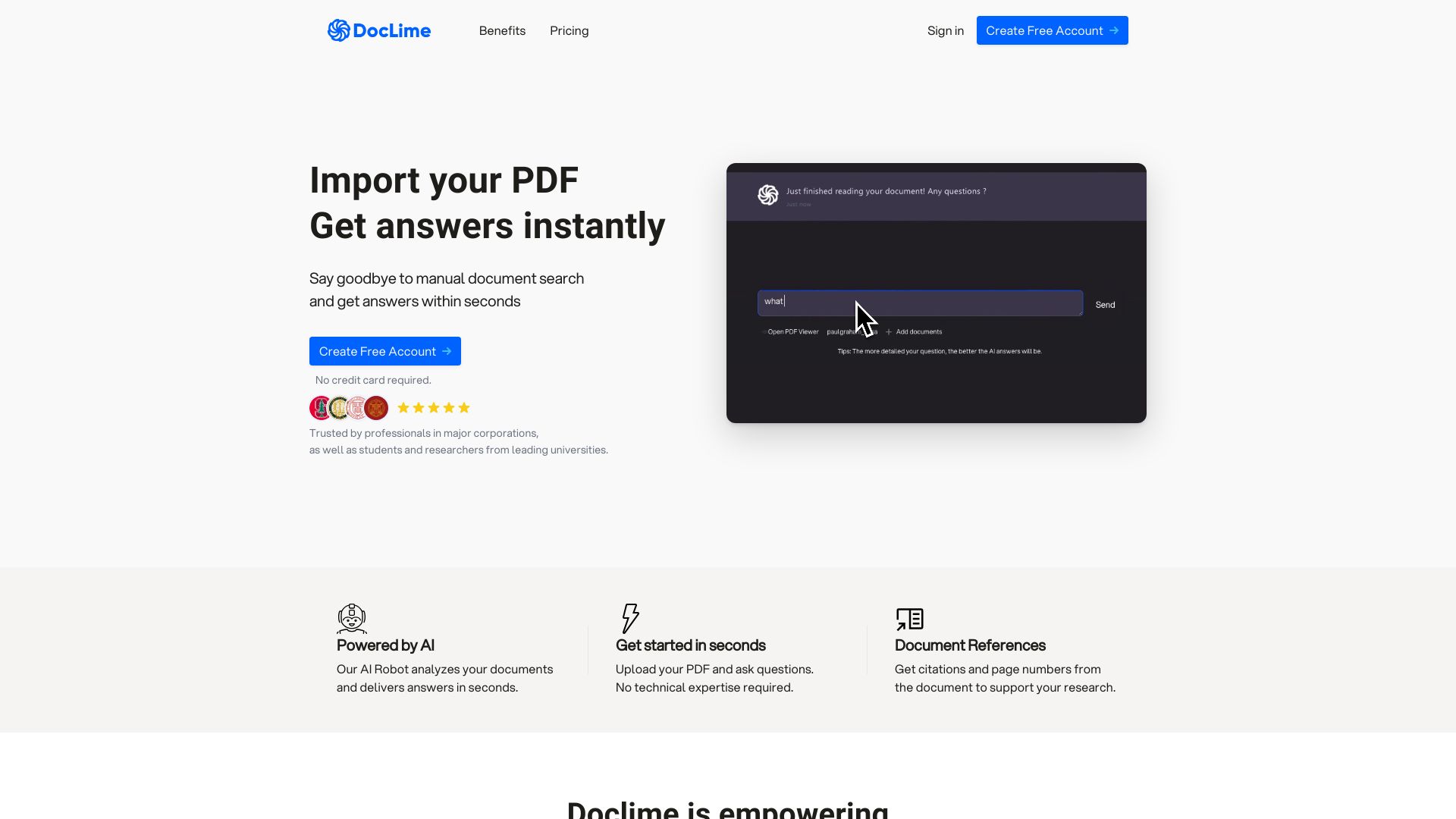
Doclime is an AI-powered PDF chat and document analysis tool that lets users upload PDFs and get instant answers with reference sources. It combines a context-aware AI chat interface, PDF viewer, note-taking, split-screen multitasking, file organization, context-aware search, and OCR support for scanned documents. Built on AWS with enterprise-grade security, it uses frontier AI models from OpenAI and Anthropic.
SpecificationsAI-estimated
Key Features of Doclime
Use Cases for Doclime
Academic Research
Students and researchers can quickly summarize chapters, find key details, and ask questions about textbooks and research papers.
Legal Document Review
Legal professionals can ask about obligations under sections, summarize agreements, and avoid missing important details.
Business Analysis
Professionals can analyze financial reports, technical manuals, and other PDFs without spending hours cross-referencing.
Content Creation
Educators and writers can create lesson plans or content using source materials directly referenced in the chat.
How to use Doclime?
Upload your PDF
Add the PDF document you want to analyze to the file organization system.
Select AI model and context
Choose a frontier model from OpenAI, Anthropic, or others, and add relevant context files if needed.
Ask questions
Use the AI chat interface to ask questions, request summaries, or extract specific information from the document.
Review references
Get answers backed by reference sources with citations to the original document sections.
Take notes and organize
Use the rich text editor to take notes, split-screen view to compare documents, and organize files in the hierarchical structure.
Pros & Cons of Doclime
Pros
- Saves time by quickly extracting answers from long documents
- Answers include reference sources from the uploaded PDFs
- Supports scanned PDFs using OCR
- Offers a full workspace: PDF viewer, notes, split-screen, and chat
- Enterprise-grade AWS security with encryption at rest and in transit
- Uses powerful frontier models from OpenAI and Anthropic
Cons
- Pricing is relatively expensive for individual users
- Monthly message and document limits may be restrictive for heavy usage
- Primarily focused on PDFs, with less clarity on other document formats
- Dependent on third-party AI models, which may affect long-term cost and availability
Frequently Asked Questions
What is Doclime?
Doclime is a tool that allows you to chat with any PDF file. It uses advanced AI models to understand the content of the PDF and answer questions about it.
Who can benefit from Doclime?
Students, researchers, professionals, and anyone needing to process large amounts of text will find it useful. It is ideal for research papers, legal texts, financial reports, and technical manuals.
Does Doclime support scanned PDFs?
Yes, Doclime supports scanned PDF files using OCR technology to convert scanned documents into machine-readable text.
Is Doclime secure?
Doclime is built on AWS enterprise-grade infrastructure, with data encrypted at rest and in transit. All documents are stored privately by default.
Reviews & Ratings0.0
No reviews yet. Be the first to write one!
Top Alternatives & Similar Software
View all alternatives & similar software→No alternatives available yet.
People also viewed




Related searches
About the Product
Is this your tool?
Claim this page to update details, reply to user reviews, and drive more traffic to your product.
Claim this Product →
Tags
Explore Related Topics
Keep up with Doclime alternatives
New alternatives, pricing changes and the week's biggest movers - one email every Tuesday.