



DopePics
An AI-powered image editor and upscaler that sharpens and enlarges photos in your browser.
What is DopePics?
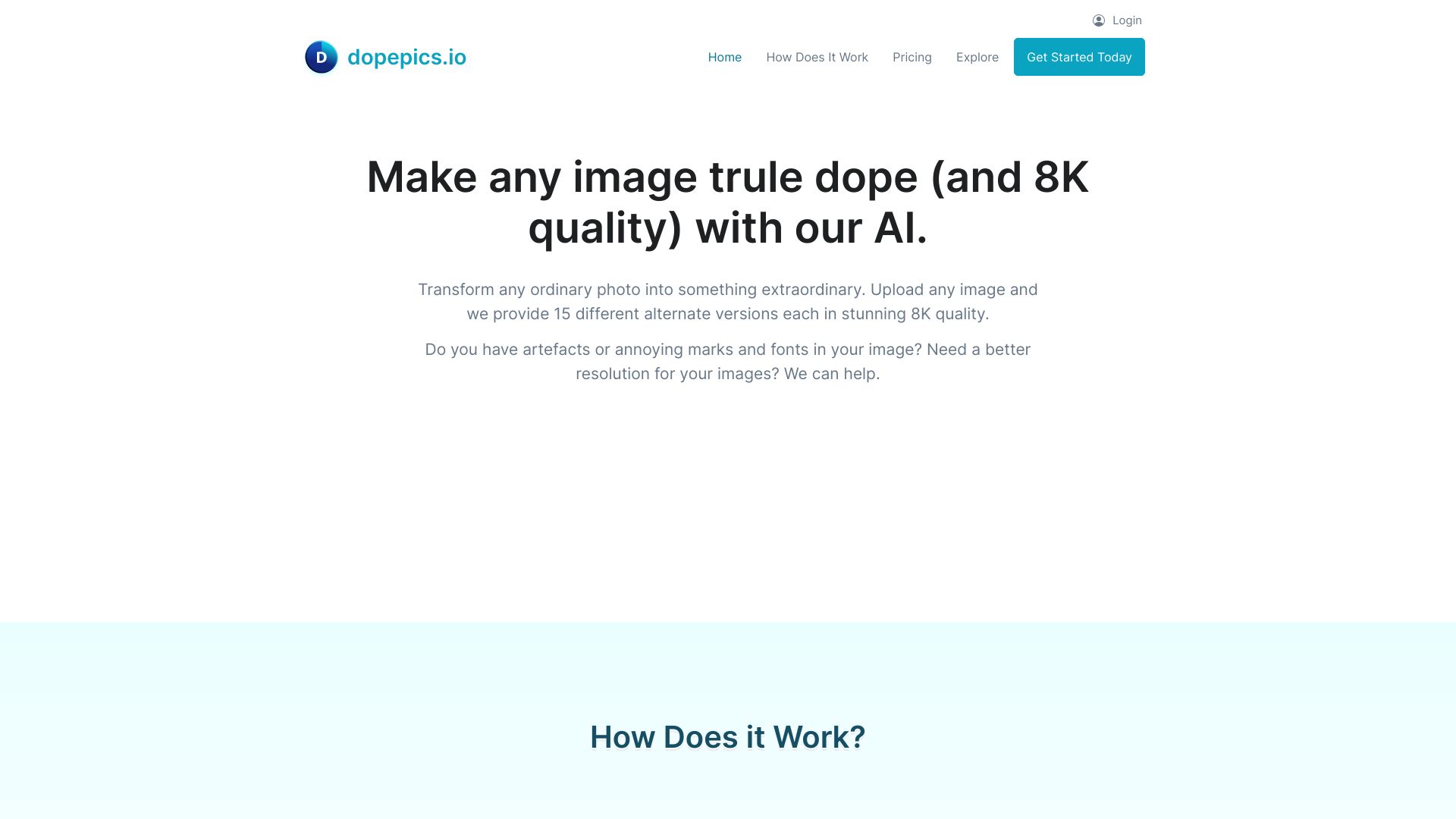
DopePics (dopepics.io) is an AI-powered image editor and upscaler that lets users enhance, restore, and transform photos directly in the browser. Based on the limited content available on the page, its core focus is on AI image processing, with upscaling as a headline capability for increasing resolution while attempting to preserve detail and sharpness. The platform is aimed at users who work with photos and need a quick way to improve image quality without a steep learning curve or specialized desktop software. Typical use involves uploading an image, selecting an enhancement or upscaling option, and downloading the refined result. Because the site presents itself as an AI image editor, it is positioned as an alternative to traditional editors that require manual retouching skills. DopePics appears to serve casual creators, social media users, small business owners, and photographers who want fast results. The page offers little detailed technical documentation, so specifics such as pricing, supported export formats, maximum upscale factors, and processing limits should be verified directly on the site before relying on the tool for professional work.
SpecificationsAI-estimated
Key Features of DopePics
Use Cases for DopePics
Upscaling low-resolution photos
Enlarge small or compressed images for printing or larger displays while retaining as much detail as possible.
Enhancing social media content
Improve the clarity and quality of photos before posting to social platforms.
Restoring old or blurry pictures
Sharpen and improve older or soft-focus photos for personal archives.
Preparing product images
Improve the quality of product photos for online stores and listings.
Improving portfolio visuals
Refine images for a freelance or creative portfolio without manual retouching.
Quick photo fixes for personal use
Make fast quality improvements to family photos and everyday snapshots.
How to use DopePics?
Visit the website
Open dopepics.io in your web browser.
Upload your image
Select the photo you want to enhance or upscale from your device.
Choose an enhancement option
Select upscaling or the enhancement tool you need for the image.
Process the image
Run the AI processing and wait for the enhanced result to generate.
Download the result
Review the output and download the improved image to your device.
Pros & Cons of DopePics
Pros
- AI-driven upscaling that aims to increase resolution while preserving detail
- Browser-based workflow requires no software installation
- Simple interface suited to users without advanced editing experience
- Fast turnaround for enhancing everyday photos
Cons
- Limited public information about features, pricing, and limits on the page
- Unclear export formats and maximum upscale factors
- Results depend on source image quality and may not suit professional print work
Frequently Asked Questions
What is DopePics?
DopePics is an AI image editor and upscaler that enhances and enlarges photos through a web browser.
Do I need to install any software?
No. DopePics is web-based, so you can use it directly in your browser without installing anything.
What does the upscaler do?
The upscaler uses AI to increase the resolution of an image while attempting to preserve or improve detail and sharpness.
Is DopePics free to use?
The page does not clearly state pricing details. Check the website for current plans and any free usage limits.
What image formats are supported?
Supported input and output formats are not specified on the page. Verify on the website before uploading.
Can I use it for professional work?
It may suit many everyday and semi-professional uses, but results depend on the source image, so test it on your own files before relying on it for professional or print output.
Reviews & Ratings0.0
No reviews yet. Be the first to write one!
Top Alternatives & Similar Software
View all alternatives & similar software→No alternatives available yet.
People also viewed


Related searches
Is this your tool?
Claim this page to update details, reply to user reviews, and drive more traffic to your product.
Claim this Product →
Tags
Explore Related Topics
Keep up with DopePics alternatives
New alternatives, pricing changes and the week's biggest movers - one email every Tuesday.