


DreamRoom AI
Redesign any room in one click with AI-powered interior design.




What is DreamRoom AI?
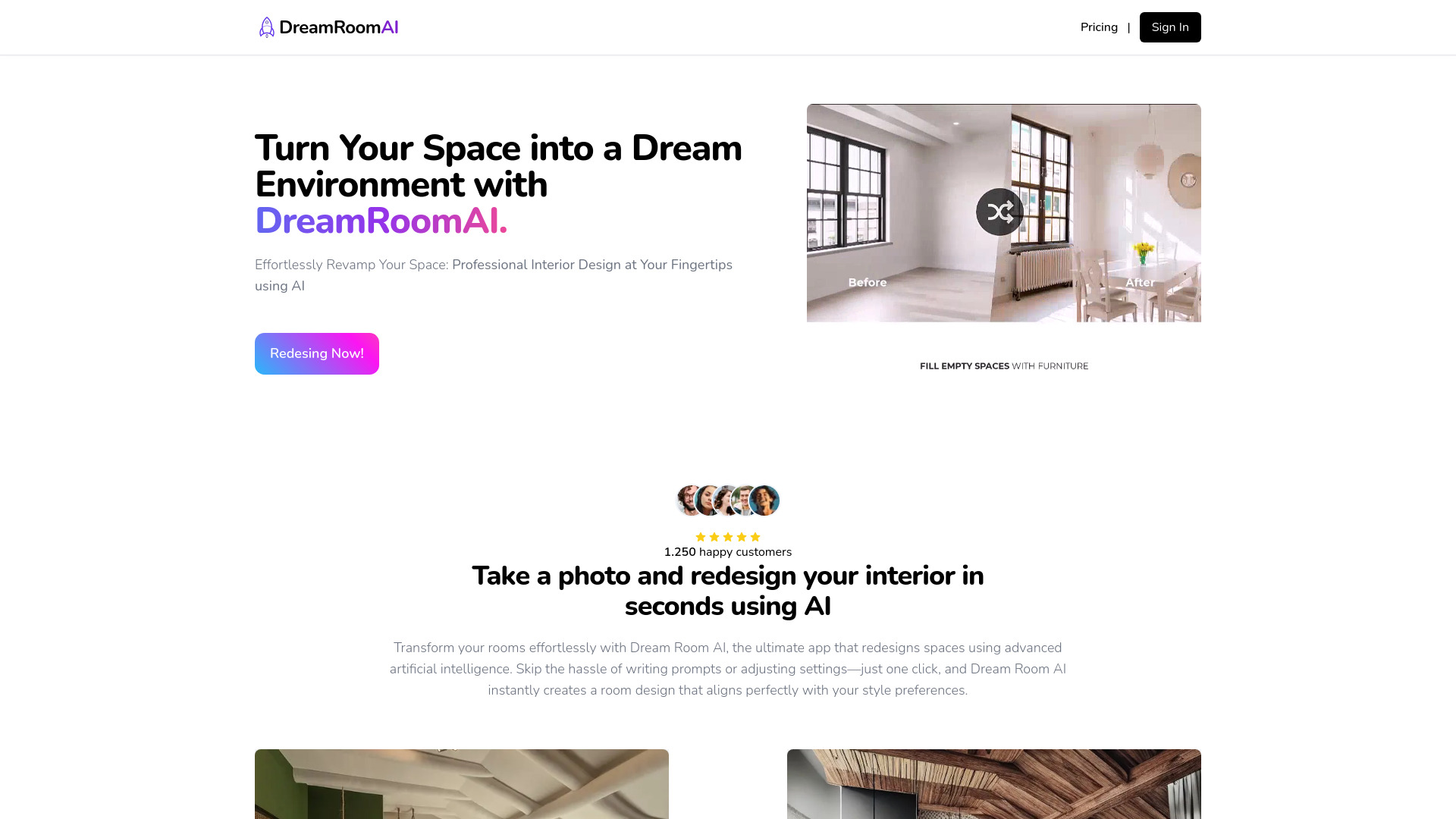
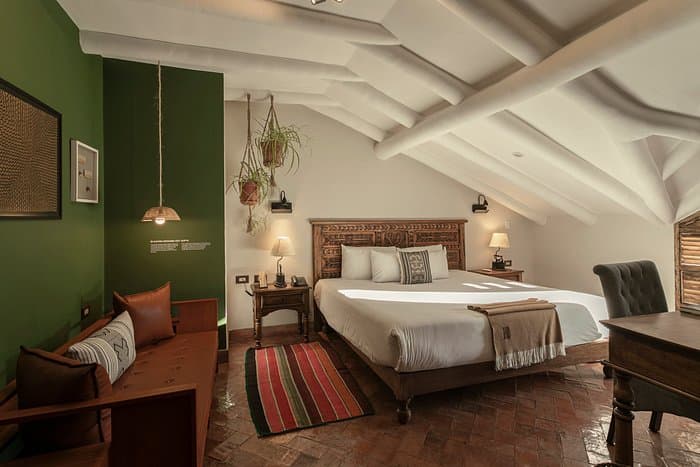
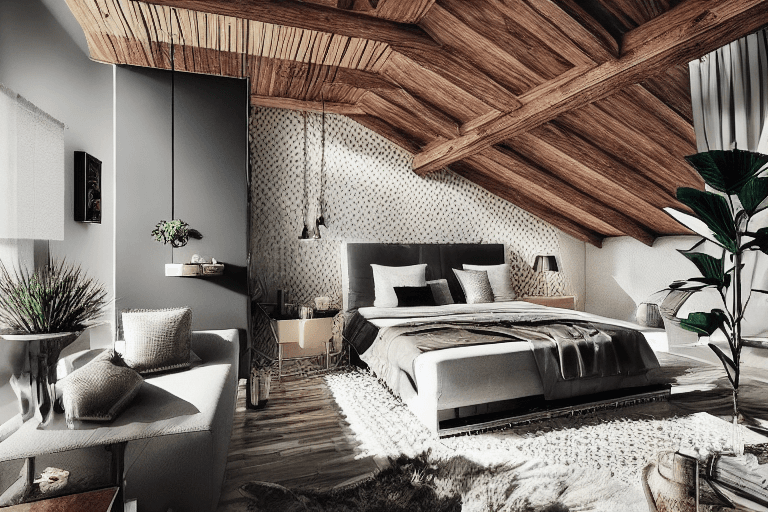
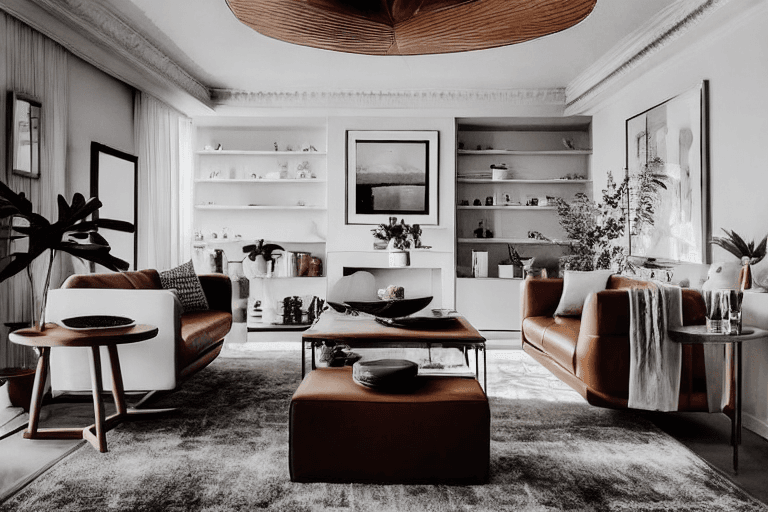
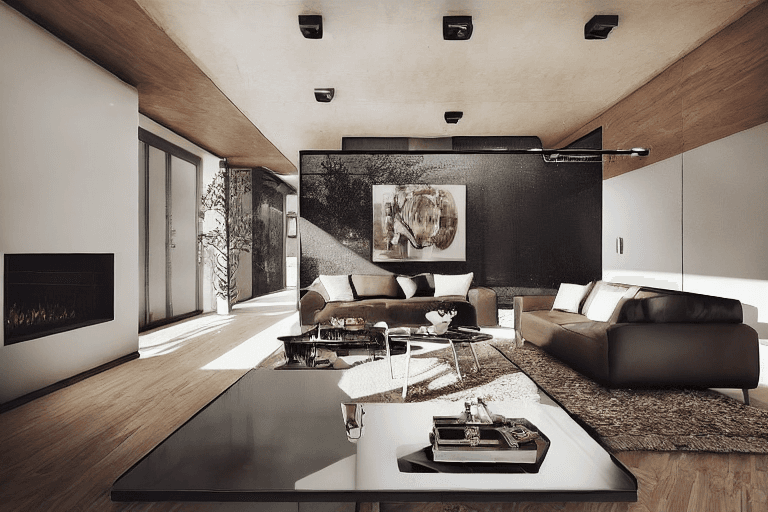
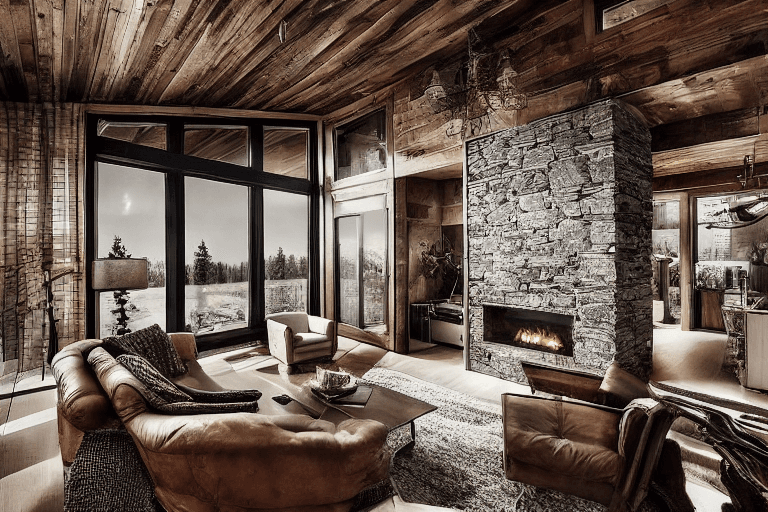
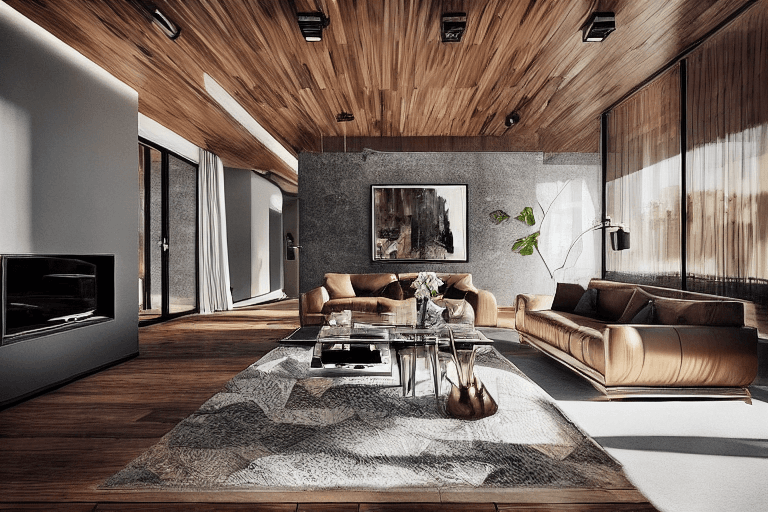
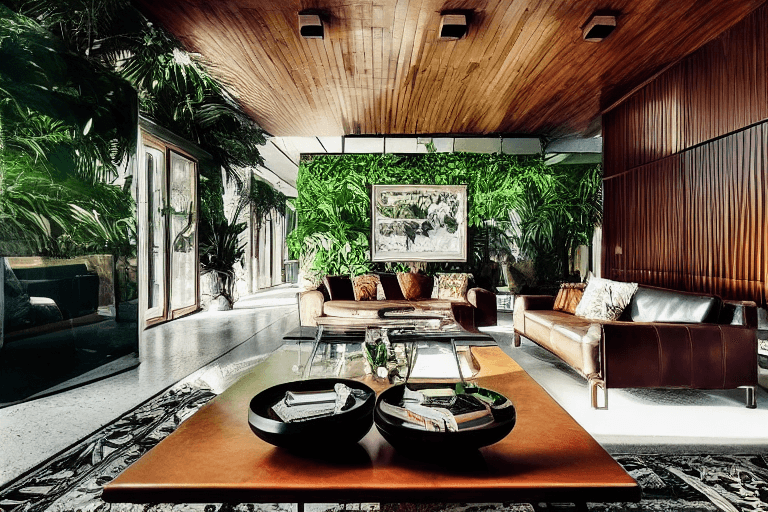
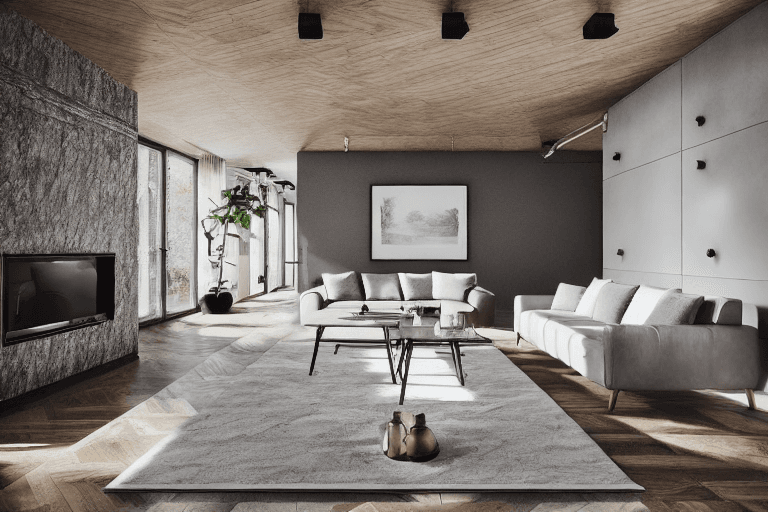
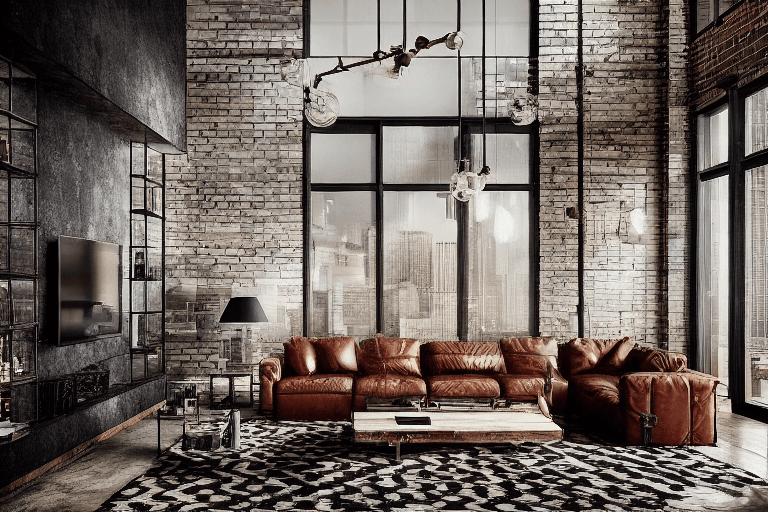
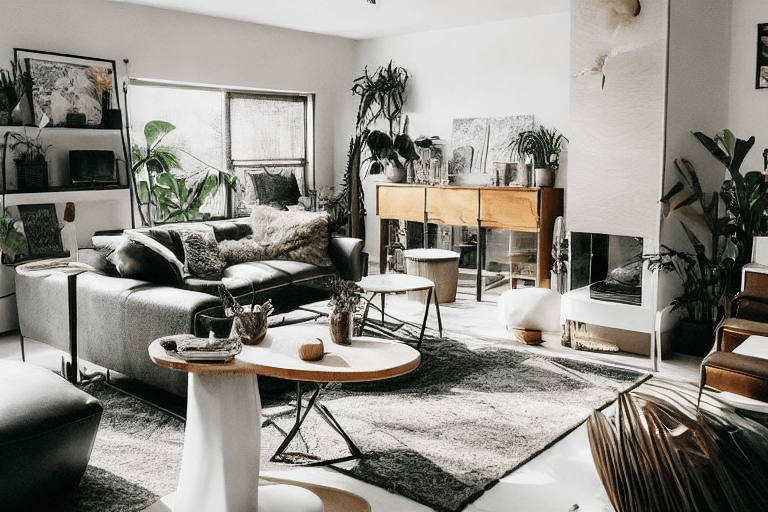
DreamRoom AI is an AI-powered interior redesign application that lets anyone transform a room with a single click. Instead of writing prompts or manually tuning complex settings, users simply upload a photo of any space—whether it's a bedroom, kitchen, office, garden, or whole house—and the tool instantly generates a new design concept aligned with their style preferences. It positions itself as professional-grade but accessible interior design software for homes and businesses. The workflow is built around three straightforward steps: take a photo and upload it, customize options such as room type, AI strength, custom instructions, mode, and design style, then generate. The service promises new decoration and design ideas in less than 30 seconds. DreamRoom AI also offers an extensive library of more than 70 unique styles—from Minimalism and Modern to Rustic, Contemporary, Tropical, Scandinavian, Industrial, and Eco-friendly—so users can experiment with different looks before committing to real-world changes. DreamRoom AI is marketed as an affordable alternative to hiring professional interior designers, saving both time and money. The landing page highlights over 1,250 happy customers, 3.6K+ users, and 48.7K+ photos generated, and it is trusted by homeowners and businesses worldwide. Its user-friendly, no-experience-required approach makes it useful for anyone who wants to visualize and revamp a space easily.
SpecificationsAI-estimated
Key Features of DreamRoom AI
Use Cases for DreamRoom AI
Home Room Makeover
Upload a photo of any room and instantly see fresh design possibilities before making physical changes.
Kitchen Redesign
Visualize different kitchen layouts and decor styles to plan a renovation with confidence.
Office Refresh
Create a stylish, productive workspace and preview options for a business interior upgrade.
Real Estate Staging
Show a property with appealing virtual furnishings and styles to help buyers imagine the space.
Outdoor & Garden Planning
Experiment with garden, patio, and outdoor area designs using the same AI-powered tool.
Rental & Vacation Spaces
Quickly explore affordable interior updates for rental properties or vacation homes.
Business Interior Makeover
Refresh a shop, office, or hospitality space without hiring a full design team.
How to use DreamRoom AI?
Take a photo and upload it
Capture any room type, house area, or garden and upload the image to DreamRoom AI.
Customize your redesign
Choose the room type, adjust AI strength, add custom instructions, select a mode, and pick a preferred design style.
Generate the design
Click generate and receive new decoration and design ideas in less than 30 seconds.
Review and apply
Use the generated design as inspiration, refine it if needed, and apply the concept to your real space.
Pros & Cons of DreamRoom AI
Pros
- One-click AI redesign—no prompt writing or complex setup
- Over 70 interior design styles to explore
- Results generated in less than 30 seconds
- Affordable, professional-grade alternative to hiring an interior designer
- No prior design experience needed; works for homes and businesses
Cons
- Limited transparency around data privacy and how uploaded room photos are handled.
- No clearly detailed free tier or pricing plan breakdown on the landing page.
- AI-generated results may need several attempts to perfectly match the user's vision, depending on photo quality.
- Requires an internet connection and browser; no offline or native mobile app details are provided.
Frequently Asked Questions
Do I need design experience or prompt-writing skills?
No. DreamRoom AI is designed to be user-friendly and creates a room design with one click, so no prior design experience or complex prompts are needed.
What spaces can I redesign with DreamRoom AI?
You can upload photos of any room type, house area, or garden, including bedrooms, bathrooms, offices, kitchens, and more.
How fast do I get a new design?
The tool generates new decoration and design ideas in less than 30 seconds.
What design styles are available?
There are over 70 unique styles, including Minimalism, Modern, Rustic, Contemporary, Tropical, Scandinavian, Industrial, and Eco-friendly.
Can I customize the AI's output?
Yes, you can customize the room type, AI strength, custom instructions, mode, and design style before generating.
How much does DreamRoom AI cost?
The landing page shows an offer starting before $39, with reference prices of $99 and $299, but the exact plan details are not fully described on the page.
Is DreamRoom AI only for homeowners?
No, it is trusted by homes and businesses worldwide and can be used for personal spaces, offices, and business makeovers.
Reviews & Ratings0.0
No reviews yet. Be the first to write one!
Top Alternatives & Similar Software
View all alternatives & similar software→No alternatives available yet.
People also viewed


Related searches
Is this your tool?
Claim this page to update details, reply to user reviews, and drive more traffic to your product.
Claim this Product →
Tags
Explore Related Topics
Keep up with DreamRoom AI alternatives
New alternatives, pricing changes and the week's biggest movers - one email every Tuesday.