


Emoji Combiner
A free online emoji mixer that blends any two emojis into unique custom creations you can copy, download, or share.
What is Emoji Combiner?
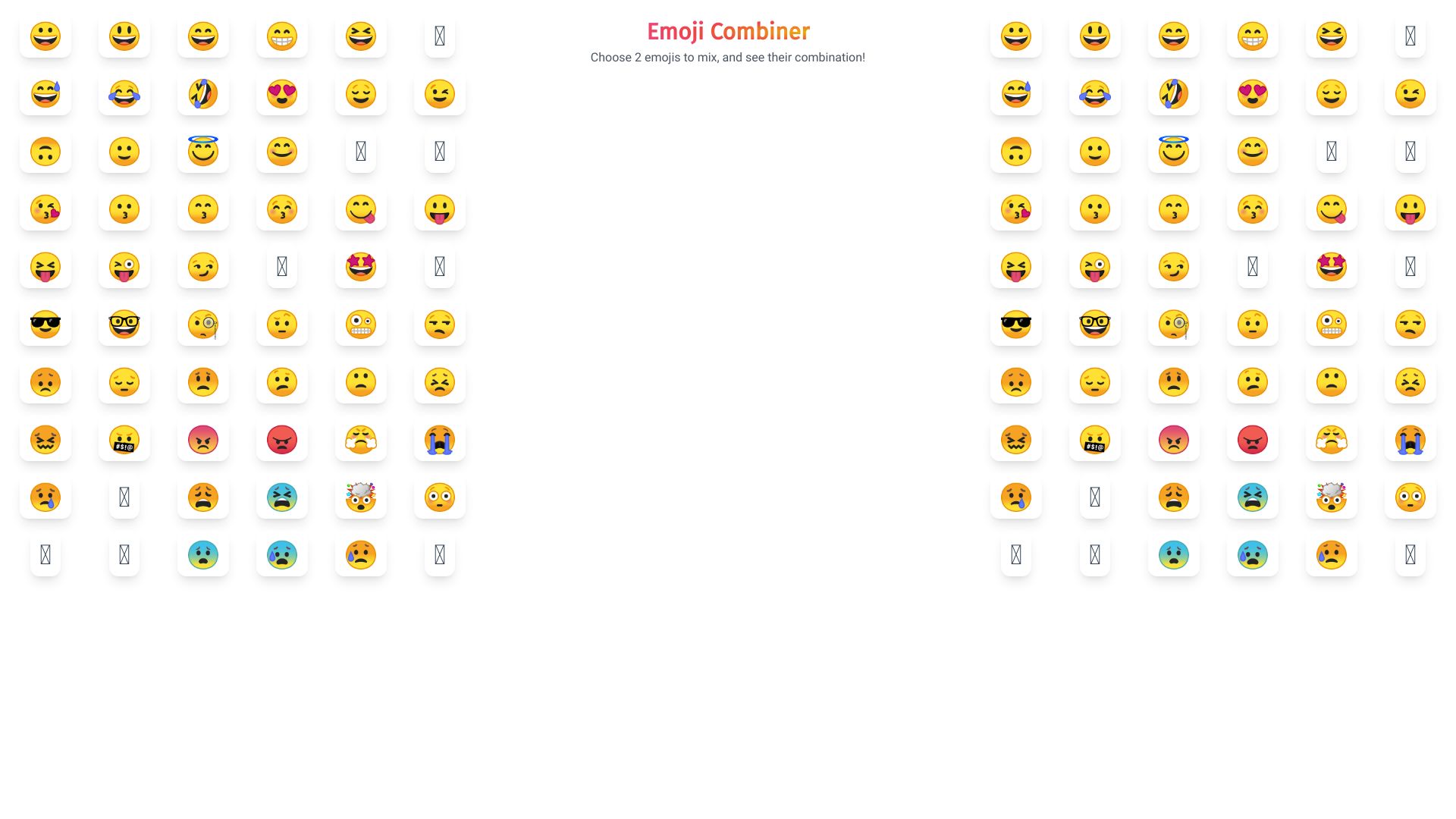
Emoji Combiner is a free online tool that lets you mix any two emojis together to create a brand-new, custom emoji. Instead of being limited to the standard emoji set, users can pair emojis in unexpected combinations, such as a heart that smiles or a cat that dances, and use the result in their everyday messaging. The platform positions itself as an emoji playground where creativity drives the experience. Under the hood, Emoji Combiner draws on Google's Emoji Kitchen, the feature originally introduced in Gboard that blends pairs of emojis into compound stickers. Emoji Combiner builds a streamlined interface around that capability, letting users pick two emojis, preview the blend, and then either copy the result to the clipboard for instant use, download it to their device, or share it directly to social media channels. The tool is aimed at anyone who wants more expressive ways to communicate online, from casual chat users and social media fans to artists and people looking to convey nuanced emotions or jokes that the standard emoji library cannot capture. Because it is free and requires no account setup, it is easy to try in seconds.
SpecificationsAI-estimated
Key Features of Emoji Combiner
Use Cases for Emoji Combiner
Expressive Messaging
Send a custom emoji that captures a specific mood or joke better than any standard emoji.
Social Media Posts
Create unique emoji mashups to make posts and comments stand out in feeds.
Chat Personalization
Build signature emojis that personalize conversations with friends and family.
Creative Experimentation
Explore unusual emoji pairings as a fun creative exercise or design inspiration.
Emotion Expression
Combine emojis to express complex or layered feelings that a single emoji cannot convey.
Content Creation
Generate custom emoji visuals for memes, stickers, or casual graphic content.
How to use Emoji Combiner?
Pick the first emoji
Select the first emoji you want to use as the base of your combination.
Pick the second emoji
Choose a second emoji to blend with the first and preview the resulting mashup.
Choose an output option
Copy the combined emoji to your clipboard, download it, or share it directly to social media.
Pros & Cons of Emoji Combiner
Pros
- Completely free to use with no sign-up required
- Simple two-emoji workflow that is quick to learn
- Multiple output options: clipboard copy, download, and social sharing
- Produces expressive combinations not available in the standard emoji set
Cons
- Relies on Google Emoji Kitchen, so the set of possible combinations is limited to what Google supports
- Website copy is heavily promotional and offers little technical detail about the platform
- No clear information on how combined emojis render across different devices and apps
Frequently Asked Questions
Is Emoji Combiner free to use?
Yes, the tool is free to use and does not require an account.
How does Emoji Combiner create new emojis?
It uses Google's Emoji Kitchen technology, which blends two emojis into a compound sticker.
Can I download my combined emojis?
Yes, you can download any combined emoji to your device to use however you like.
Do I need to download an emoji to use it?
No, you can copy the combined emoji to your clipboard and paste it straight into your messages.
Can I share my creations on social media?
Yes, the platform supports sharing your combined emojis directly to social media channels.
Can any two emojis be combined?
Combinations depend on what the underlying Google Emoji Kitchen supports, so not every pairing is guaranteed to produce a result.
Pricing Overview
View full pricing →The page content does not explicitly state any pricing plans or prices; its title describes the tool as a free online tool.
Detailed plans are not listed. Visit the official website for pricing information.
Reviews & Ratings0.0
No reviews yet. Be the first to write one!
Top Alternatives & Similar Software
View all alternatives & similar software→No alternatives available yet.
People also viewed




Related searches
Is this your tool?
Claim this page to update details, reply to user reviews, and drive more traffic to your product.
Claim this Product →
Tags
Explore Related Topics
Keep up with Emoji Combiner alternatives
New alternatives, pricing changes and the week's biggest movers - one email every Tuesday.