



Emoji Mixer
A free browser-based emoji fusion studio that mixes 2–3 emojis into custom 1024px PNG stickers.
What is Emoji Mixer?
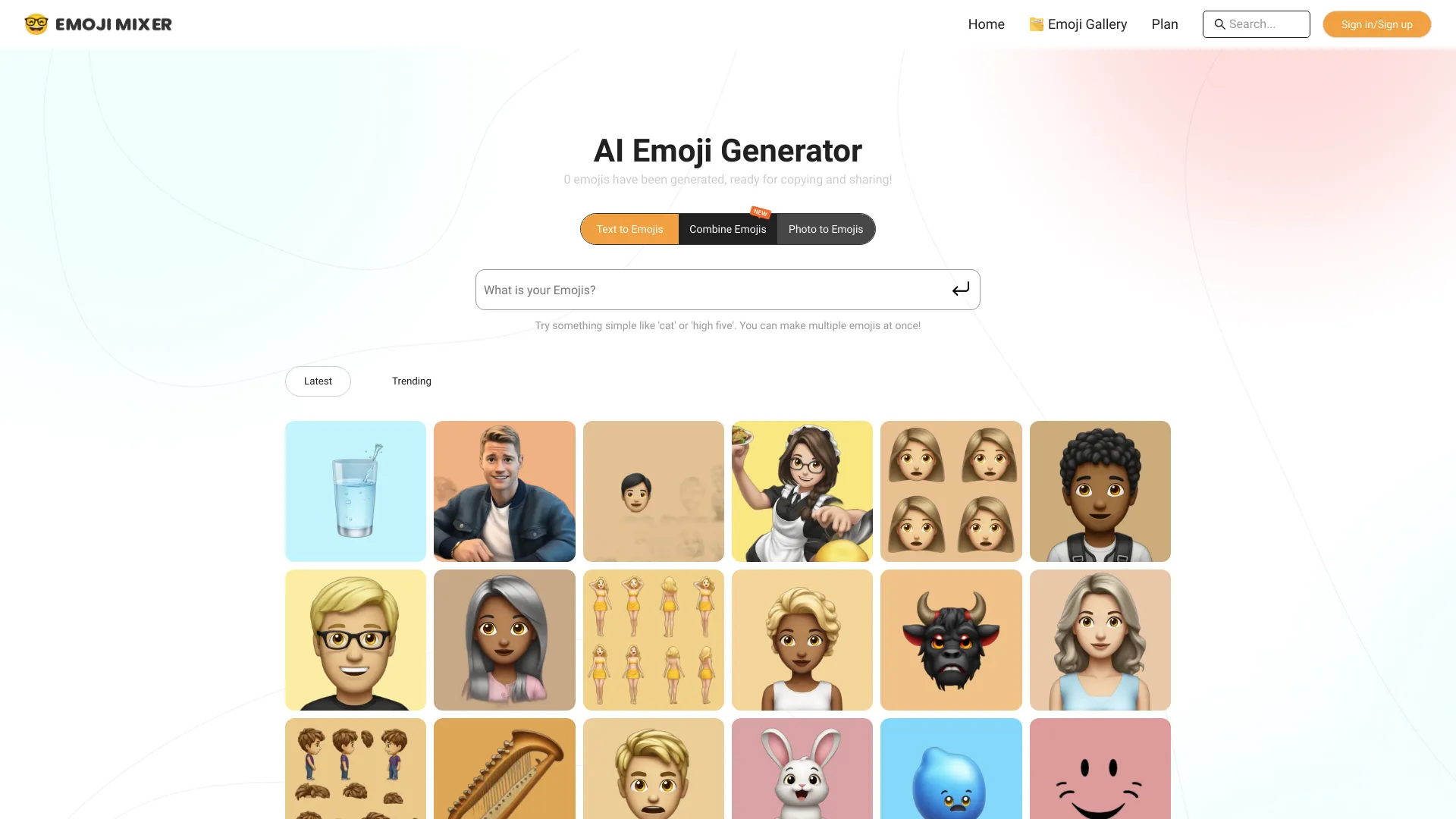
Emoji Mixer is a free, browser-based emoji fusion studio that lets you combine two or three Unicode emojis into a single high-resolution 1024×1024 PNG sticker. Rather than relying on a small archive of pre-rendered combinations, it draws every mix live on an HTML5 Canvas, so you can pair any faces, reactions, animals, food, flags, or custom-pasted emojis and see the result instantly. The tool offers six fusion layouts (Half & Half, Main Sticker, Chaos Burst, Meme Card, Avatar Badge, and Theme Poster) along with several background options, including fully transparent backgrounds for chat stickers and gradient or solid colors for avatars and social cards. An optional caption of up to 40 characters lets you turn a mix into a reaction meme, and exports can be downloaded or copied straight to the clipboard. Because all rendering happens locally in the browser, no account, subscription, or upload is required, and nothing leaves your device. It is aimed at casual users who want custom stickers for Discord, WhatsApp, Telegram, Slack, or WeChat, as well as anyone looking for profile images or shareable emoji mood cards.
SpecificationsAI-estimated
Key Features of Emoji Mixer
Use Cases for Emoji Mixer
Custom chat stickers
Create transparent PNG stickers to upload as custom stickers or emojis in Discord, WhatsApp, Telegram, Slack, or WeChat.
Reaction memes
Combine emojis with a short punchline to make captioned meme cards for group chats.
Profile pictures and server icons
Use the Avatar Badge style and a solid or gradient background to make circular avatars for social profiles or Discord servers.
Shareable mood posts
Build framed Theme Poster images to share on social media as daily mood expressions.
Quick emoji copying
Use the linked emoji and flag libraries to copy Unicode emojis and country flags for bios and messages.
Creative experimentation
Explore unusual emoji pairings and layouts to make playful or unique artwork.
How to use Emoji Mixer?
Choose your emoji slots
Click the Base, Mix, or Accent slot, then pick an emoji from the palette or paste any Unicode emoji into the custom box.
Select a fusion style
Pick one of six layouts such as Half & Half, Main Sticker, or Chaos Burst to match your mood.
Pick a background
Choose Transparent for chat stickers or a colored background for avatars and social cards.
Add an optional caption and export
Type a short caption if desired, then click Download PNG (1024px) or Copy Image.
Pros & Cons of Emoji Mixer
Pros
- Completely free with no signup, credits, or watermarks
- Runs locally in the browser so mixes and captions are never uploaded
- Exports crisp 1024×1024 transparent or colored PNG stickers
- Six distinct fusion layouts plus multiple background options
Cons
- Output depends on the operating system's native emoji artwork, so looks vary across platforms
- Captions are limited to 40 characters
- Only supports combining up to three emojis at a time
Frequently Asked Questions
Is Emoji Mixer free to use?
Yes. It runs entirely in your browser with no signup, credits, or watermarks.
Are my emoji mixes or captions uploaded to a server?
No. All mixing and PNG exports happen locally on your device, and selections and captions are never uploaded.
How do I make a transparent background emoji sticker?
Select the Transparent background option, then click Download PNG (1024px). The file can be imported into apps that support custom stickers.
Can I mix emojis that aren't in the quick palette?
Yes. Paste any Unicode emoji from your keyboard into the Custom Emoji box in any slot.
Does Emoji Mixer work on iPhone and Android?
Yes. It works in modern iOS Safari, Android Chrome, and desktop browsers without installing an app.
Why do mixed emojis look slightly different across devices?
The tool uses your device's built-in color emoji font, such as Apple Color Emoji, Noto Color Emoji, or Segoe UI Emoji, so artwork matches your platform.
Pricing Overview
View full pricing →Emoji Mixer is free to use, running entirely in the browser with no signup, credits, watermarks, or subscription required.
Reviews & Ratings0.0
No reviews yet. Be the first to write one!
Top Alternatives & Similar Software
View all alternatives & similar software→No alternatives available yet.
People also viewed


Related searches
Is this your tool?
Claim this page to update details, reply to user reviews, and drive more traffic to your product.
Claim this Product →
Tags
Explore Related Topics
Keep up with Emoji Mixer alternatives
New alternatives, pricing changes and the week's biggest movers - one email every Tuesday.