


Emojifyer
Turn any photo, idea, or reference into a custom AI-generated emoji in seconds.
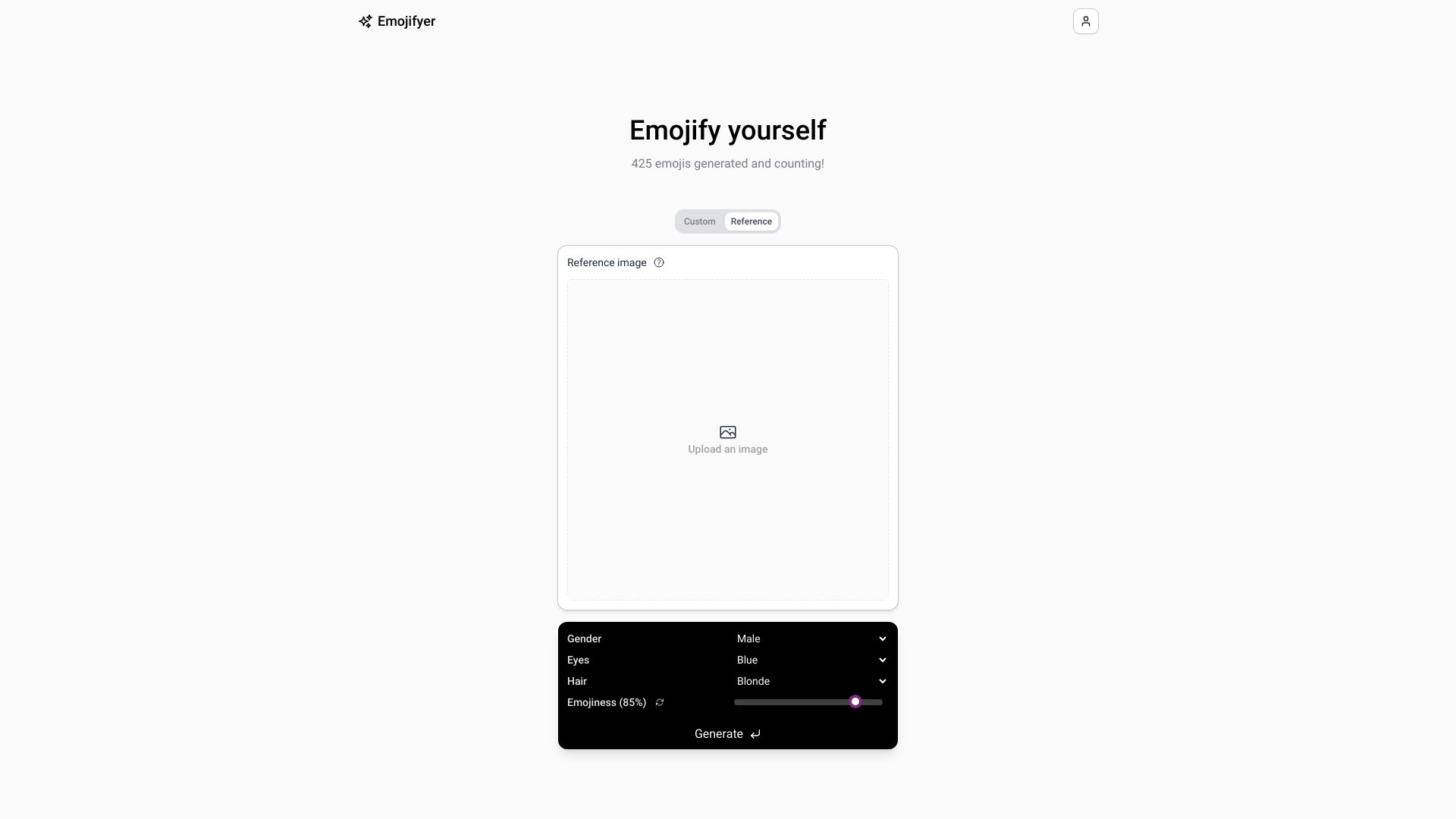
What is Emojifyer?
Emojifyer is an AI-powered emoji generator that transforms almost anything into a custom emoji. Users provide a reference image, a photo, or a text prompt, and the platform produces a stylized emoji that can be used across chats, social media, and creative projects. With more than 17,000 emojis generated so far, the service has built a sizable library of user creations and a related-emojis feature that helps people discover new ideas. The core experience is simple: the user uploads or describes a subject, and the AI renders it in a consistent emoji style with clean shapes, bold colors, and expressive detail. The custom reference option lets creators guide the output toward a particular look, so a person's own face, a pet, or a favorite object can be turned into a recognizable emoji. This makes the tool appealing for personalizing messaging apps and community servers. Emojifyer suits casual users who want a unique avatar-style emoji for friends or group chats, as well as designers, streamers, and community managers who need custom reactions for branded content. Its low-friction, browser-based workflow means no design skills are required, though users seeking pixel-perfect control over every detail may find the generated results less configurable than a manual design tool.
SpecificationsAI-estimated
Key Features of Emojifyer
Use Cases for Emojifyer
Personalized chat avatars
Turn a photo of yourself, a friend, or a pet into a custom emoji for messaging apps.
Community server reactions
Create custom reactions for Discord or Slack communities that reflect the group's identity.
Brand and creator emojis
Streamers and creators can generate signature emojis for fan engagement.
Gifts and inside jokes
Make a unique emoji based on a memorable moment or inside joke to share with friends.
Social media expression
Add distinctive visual reactions to posts and comments.
Quick creative exploration
Designers can rapidly prototype emoji-style concepts before committing to manual design.
How to use Emojifyer?
Open Emojifyer
Visit the website in your browser and choose the emoji generator.
Provide your input
Upload an image, add a custom reference, or describe what you want turned into an emoji.
Generate the emoji
Run the generator and wait for the AI to produce your custom emoji.
Review and refine
Explore the related emojis for ideas and regenerate with a different reference if needed.
Download and use
Save the emoji and upload it to your chosen platform or server.
Pros & Cons of Emojifyer
Pros
- Creates personalized emojis from photos, references, or text prompts
- No design or illustration skills required
- Custom reference option helps keep results closer to the intended subject
- Large existing library of community-generated emojis to explore
Cons
- Output style is largely dictated by the AI, limiting fine-grained manual control
- Results can vary in accuracy when the reference is complex or unusual
- Custom emojis are generated images rather than native platform emoji, so usage depends on the platform
Frequently Asked Questions
What is Emojifyer?
Emojifyer is an AI emoji generator that turns images, references, or text prompts into custom emojis.
Do I need design skills to use it?
No. The tool is designed so anyone can create an emoji by providing an input and letting the AI generate the result.
Can I use my own photo?
Yes, you can upload an image or use the custom reference option to guide the emoji toward a specific subject.
Is the service free to use?
The site does not clearly state pricing in the scraped content, so check the website for current plan details.
Where can I use the generated emojis?
Generated emojis are images that can be uploaded to chat apps, social media, and community servers that accept custom emoji.
How many emojis has the platform created?
The homepage reports more than 17,658 emojis generated so far.
Reviews & Ratings0.0
No reviews yet. Be the first to write one!
Top Alternatives & Similar Software
View all alternatives & similar software→No alternatives available yet.
People also viewed



Related searches
Is this your tool?
Claim this page to update details, reply to user reviews, and drive more traffic to your product.
Claim this Product →
Explore Related Topics
Keep up with Emojifyer alternatives
New alternatives, pricing changes and the week's biggest movers - one email every Tuesday.