


EnhancePhoto.ai
A free browser-based AI tool that sharpens, upscales, restores, and creatively edits photos and images in seconds.


What is EnhancePhoto.ai?
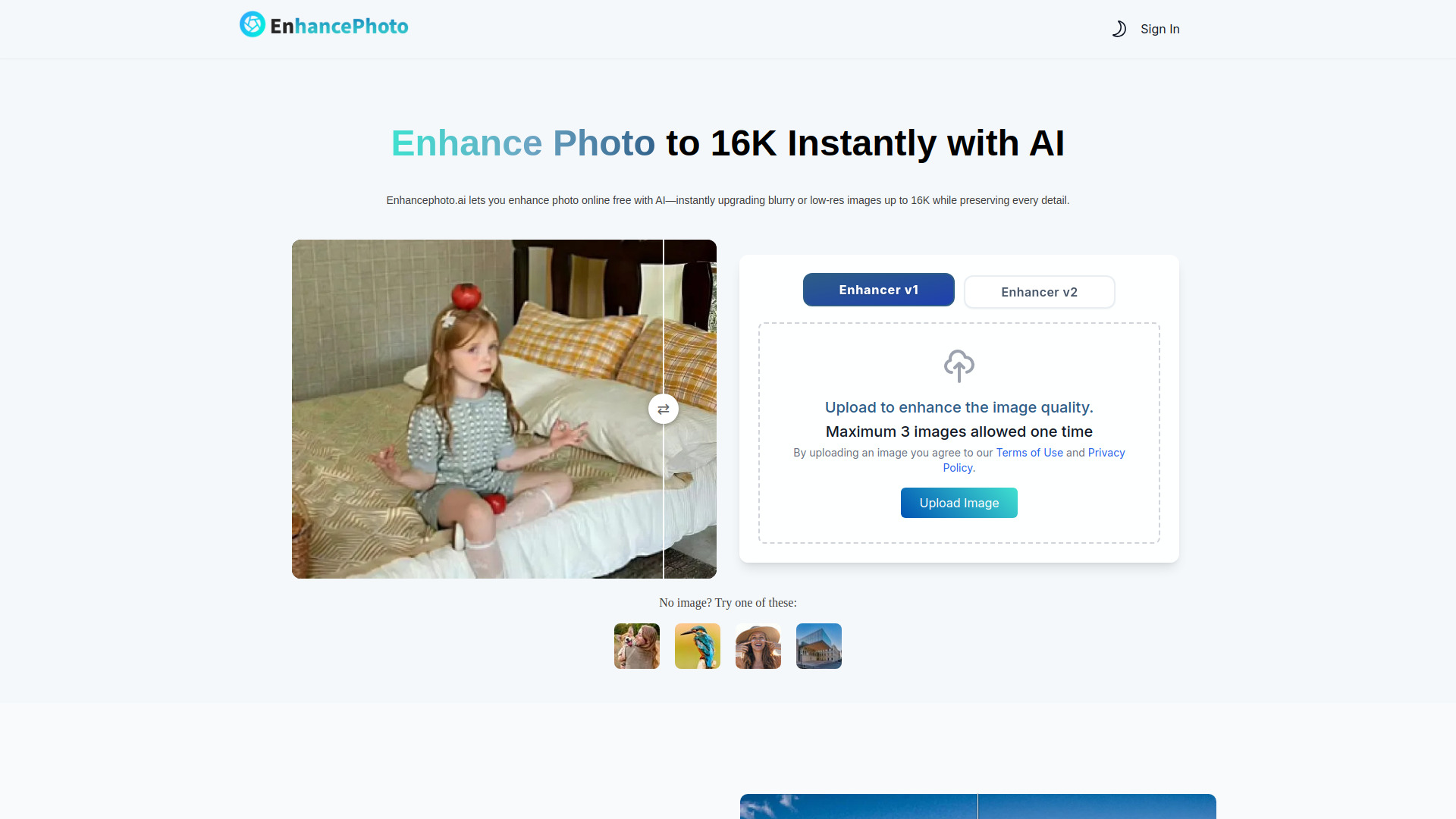
EnhancePhoto.ai is a free, browser-based AI toolkit for enhancing photos and images. Users upload a picture and the AI detects blur, noise, weak contrast, poor lighting, and low detail, then produces a sharper, cleaner, better-colored version. The same platform includes upscaling, unblurring, old photo restoration, colorization, watermark and object removal, and a range of creative tools covering AI headshots, pet portraits, clothing changes, image generation, and video enhancement and generation. The product is designed for low-friction use: no installation, no account required to start, watermark-free output within available daily credits, and a straightforward upload-process-download workflow. Batch processing of multiple images is available on higher tiers, and the site emphasizes privacy, stating that uploads are used only to generate the result and are automatically deleted. It suits a broad audience, from everyday users rescuing family photos and social media creators sharpening posts, to small businesses preparing product shots and professionals who need upscaled, print-ready files. Because it is a web tool rather than desktop software, it is best for quick, targeted fixes and creative experiments rather than fully manual, layer-based retouching.
SpecificationsAI-estimated
Key Features of EnhancePhoto.ai
Use Cases for EnhancePhoto.ai
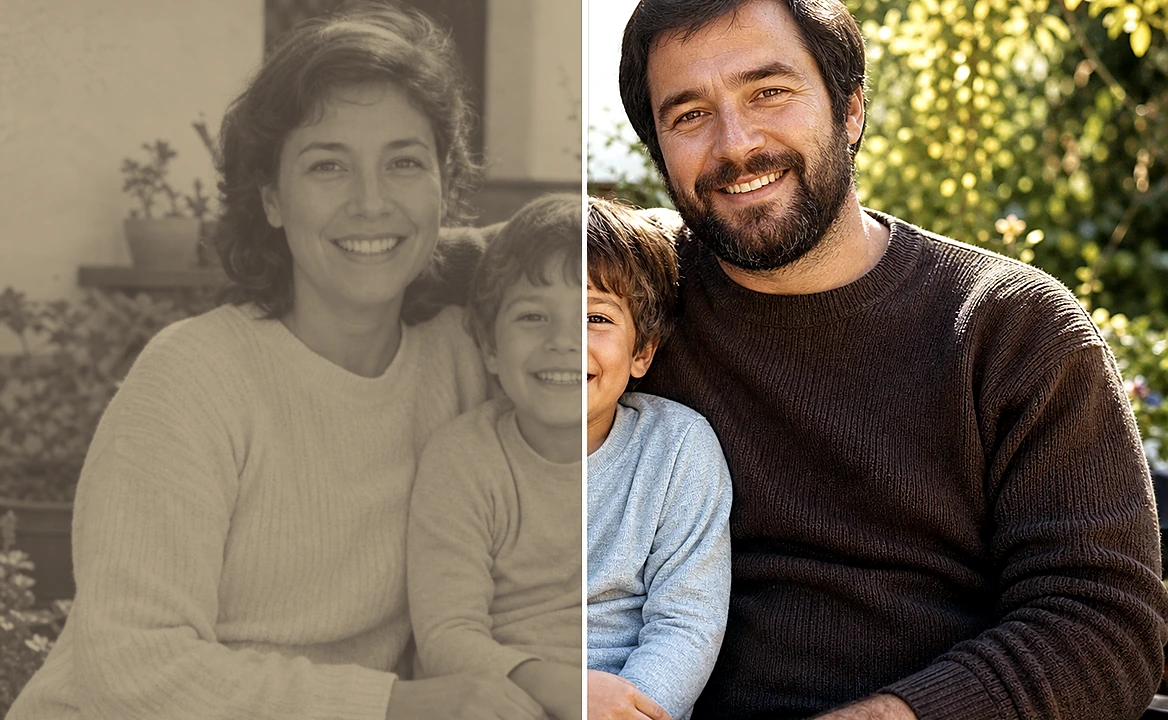
Rescuing old family photos
Restore faded, scratched, or damaged prints and colorize black and white memories.
Sharpening social media images
Enhance low-quality photos before posting to improve clarity and visual appeal.
Preparing product photos
Upscale and clean up product shots for e-commerce listings and catalogs.
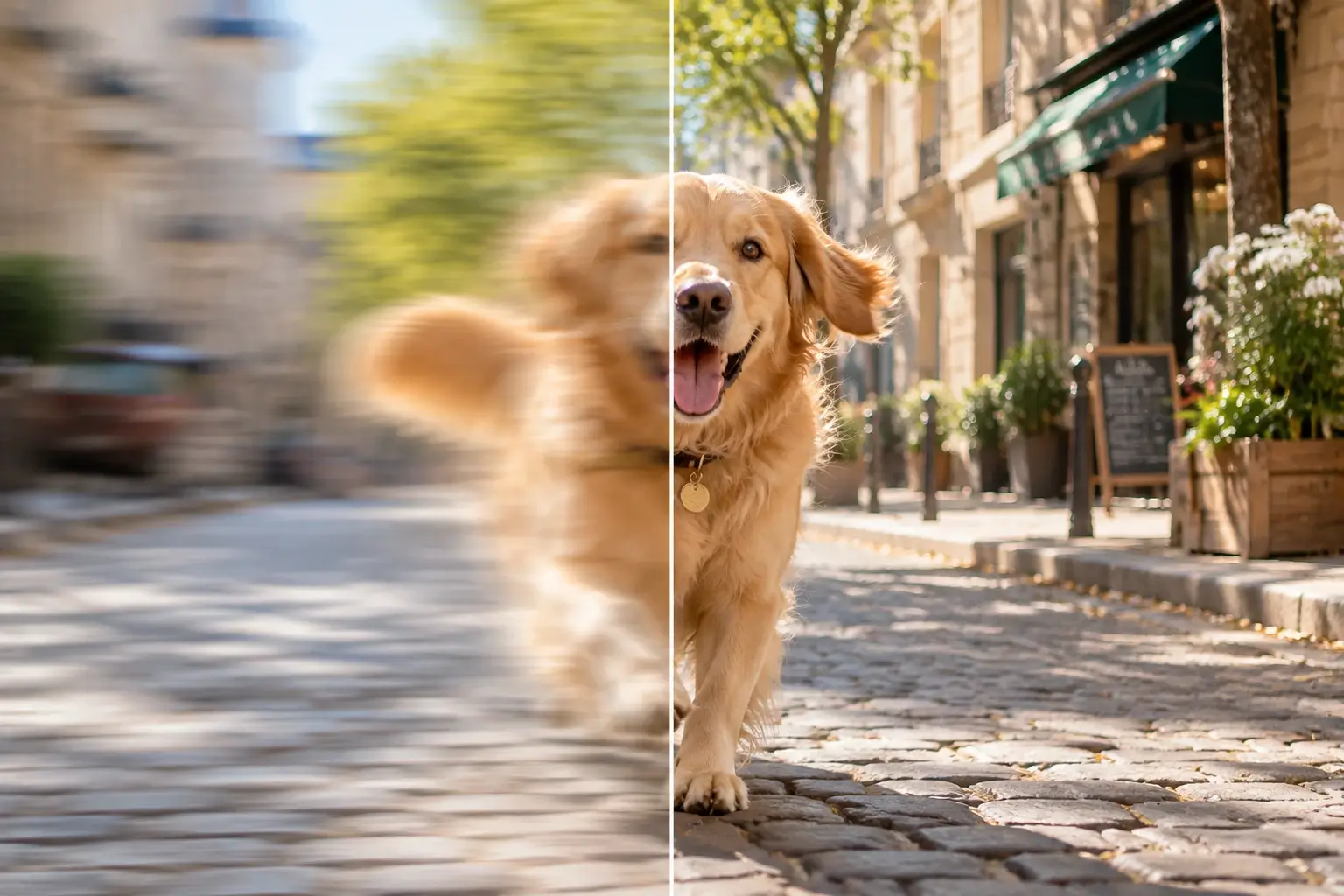
Fixing blurry shots
Recover detail from out-of-focus or motion-blurred photos.
Creating professional headshots
Turn a clear selfie into a polished headshot for LinkedIn or a team page.
Removing unwanted elements
Erase watermarks, logos, text, or people from photos with brush-based removal.
How to use EnhancePhoto.ai?
Upload your image
Drag and drop a photo or click to browse and select files from your device.
Choose a tool
Select the enhancer, upscaler, restorer, or other tool that fits your goal.
Let the AI process it
The AI analyzes blur, noise, lighting, and detail, then generates the improved version.
Compare and download
Review the before-and-after view and download the enhanced result directly.
Pros & Cons of EnhancePhoto.ai
Pros
- Free to start with daily credits and no login or installation required
- Covers a wide range of tasks in one place: enhancement, upscaling, restoration, colorization, and removal
- Fast results with a before-and-after comparison view
- Watermark-free downloads within available credits
Cons
- Free daily credits are limited, and heavy use requires a paid plan
- Batch processing is restricted to VIP tiers
- AI-generated results can look over-processed on some images and offer less control than manual editing software
Frequently Asked Questions
Is EnhancePhoto.ai free to use?
Yes, you get free daily credits for AI enhancement tasks. Paid plans and credit options are available for heavier use.
Do I need to create an account?
No. You can upload, process, and download images without logging in or signing up.
What image formats are supported?
Clear JPG, PNG, and WebP images generally work best.
Are my enhanced photos watermarked?
No, downloads are watermark-free within the available free credits.
What is the difference between enhancing a photo and enhancing an image?
Photo enhancement focuses on photography qualities like faces, lighting, and color, while image enhancement is broader and covers graphics, products, and compressed visuals.
Can I restore old photos and upscale images here too?
Yes. The platform includes old photo restoration, image upscaling, and photo colorization alongside enhancement.
Pricing Overview
View full pricing →EnhancePhoto AI offers a free tier with a 30/day free quota alongside paid monthly subscriptions (Starter $15/month, Pro $35/month, Ultra $65/month) that include monthly subscription credits and rollover limits, plus one-time credit packs.
Reviews & Ratings0.0
No reviews yet. Be the first to write one!
Top Alternatives & Similar Software
View all alternatives & similar software→No alternatives available yet.
People also viewed



Related searches
Is this your tool?
Claim this page to update details, reply to user reviews, and drive more traffic to your product.
Claim this Product →
Tags
Explore Related Topics
Keep up with EnhancePhoto.ai alternatives
New alternatives, pricing changes and the week's biggest movers - one email every Tuesday.