


Face Search
Find the same person across different photos with advanced reverse face search.
What is Face Search?
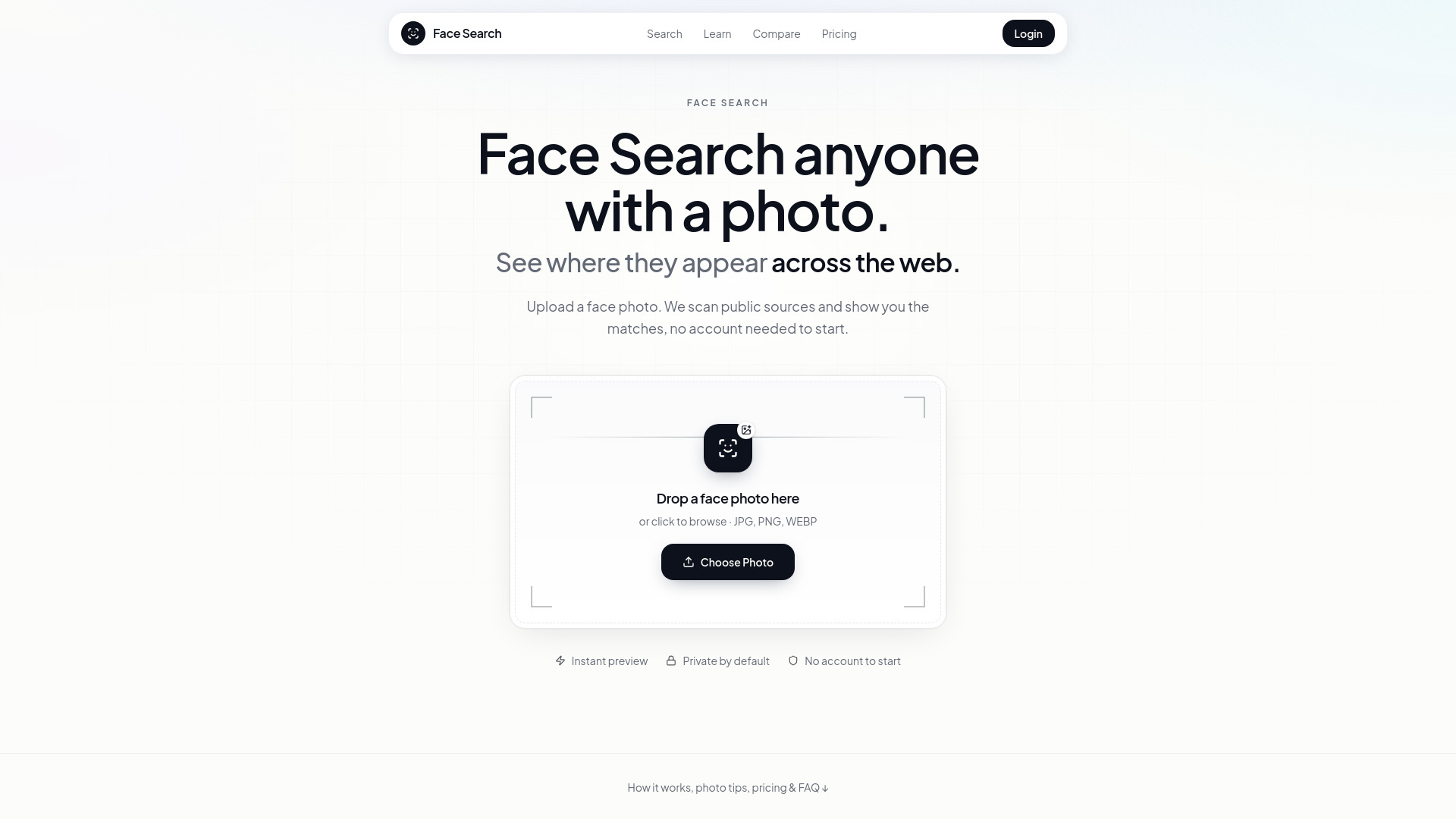
Face Search is a reverse face search tool that goes beyond traditional reverse image search by focusing on identifying the same person across different photos, rather than just matching identical or near-identical files. It works by detecting a face in an uploaded photo, creating a unique numerical representation (face embedding), and comparing it against a vast index of publicly available images. The results are presented as a list of scored links, including the source URL, context, and a similarity score to help users prioritize their investigation. This tool is designed to help users find individuals in different pictures, even if their appearance has changed due to different clothing, age, or cropping. It is particularly useful for tasks like verifying online identities, checking for romance scam profiles, auditing one's own online presence, or finding someone from a photo. Face Search emphasizes a responsible use policy, cautioning against misuse for stalking, harassment, or doxxing, and stresses the importance of verifying results through context and human judgment. While free tools like Google Lens and Yandex Images are recommended for initial checks to catch exact duplicates and common scam images, Face Search is positioned as the next step when those methods fail or when the goal is to find the same person across varied visual contexts. The service operates on a credit-based system with one-time purchases, ensuring that credits never expire, which is presented as a more cost-effective model for users who require occasional verification rather than continuous monitoring.
SpecificationsAI-estimated
Key Features of Face Search
Use Cases for Face Search
Dating and Catfish Checks
Verify the identity of online dating profiles by searching for the person in different photos, helping to detect romance scams and fake profiles.
Finding Someone from a Photo
Reconnect with old acquaintances or identify individuals in event photos by leveraging facial recognition to find their public online presence.
Auditing Personal Online Presence
Discover where your own face appears online to manage your digital footprint, identify unauthorized photo usage, or check for impersonation.
Investigating Image Theft
Creators and professionals can use the tool to find unauthorized republication of their portraits across the web and gather evidence for takedown requests.
Background Checks for Social Context
Gain context on individuals encountered online by searching for their presence across different public platforms, aiding in assessing credibility.
Identifying Public Figures or Sources
Determine the origin or other appearances of a face in public media or shared images to understand context and attribution.
How to use Face Search?
Prepare Your Photo
Select the clearest, front-facing photo of the individual. Crop to a single face if necessary, ensuring eyes are visible and lighting is even. Avoid heavy filters or obstructions.
Run Initial Free Searches
Use free tools like Google Lens or Yandex Images on the cropped photo to catch exact duplicates or common scam images before using paid credits.
Perform Face Search
If free tools fail, upload the photo to Face Search. Guest users see a preview; unlocking full results requires purchasing credits.
Review and Verify Results
Examine the scored sources provided. Open URLs in new tabs, read the context, and cross-reference information like names and locations to confirm matches. Treat scores as leads, not definitive proof.
Pros & Cons of Face Search
Pros
- Identifies individuals across different photos, not just duplicate files.
- Provides scored results with source URLs and similarity scores for efficient review.
- Emphasizes responsible use and provides extensive guides on ethics and privacy.
- Offers a one-time credit purchase model with credits that never expire.
- Includes a photo quality checker that runs locally in the browser.
Cons
- Results are leads and require manual verification; not definitive proof of identity.
- Effectiveness depends heavily on the quality and public availability of the source photo.
- May not find individuals with a minimal public online photo presence.
- AI-generated faces may yield no results, not indicating they are 'safe'.
Frequently Asked Questions
What is reverse face search?
Reverse face search, or face search, identifies the same person across different photos by analyzing facial geometry (face embeddings) rather than just matching image pixels. It helps find individuals even with changes in attire, age, or background.
How does Face Search differ from Google Images or Lens?
Google Images/Lens primarily match exact or near-duplicate image files. Face Search specifically analyzes facial features to find the same person in different photos, addressing scenarios where pixels don't match but the person is the same.
Can Face Search find anyone?
Face Search can only find individuals whose faces appear in publicly available images that are part of its index. If a person has a minimal online photo presence or their photos are private, the tool may yield weak or no results.
Are the search results proof of identity?
No, search results provide scored leads and potential matches based on visual similarity. It is crucial to verify these results by examining the context of the source pages and looking for corroborating information before drawing conclusions.
What happens if I get 'no results'?
'No results' typically means the person has a limited public photo footprint, the source photo is of poor quality, the face is AI-generated, or there are gaps in the index's coverage. It does not automatically mean the person is safe to trust.
What does 'match score' mean?
A match score indicates the calculated similarity between the uploaded face and a face found in the public index. Higher scores suggest a stronger visual lead, but always require contextual verification.
Pricing Overview
View full pricing →Credit packs with one-time payment. Credits never expire. 30-day money-back guarantee.
Reviews & Ratings0.0
No reviews yet. Be the first to write one!
Top Alternatives & Similar Software
View all alternatives & similar software→No alternatives available yet.
People also viewed



Related searches
Is this your tool?
Claim this page to update details, reply to user reviews, and drive more traffic to your product.
Claim this Product →
Tags
Explore Related Topics
Keep up with Face Search alternatives
New alternatives, pricing changes and the week's biggest movers - one email every Tuesday.