



ForgeGUI
The all-in-one AI creation platform that brings characters, stories, brands, and worlds to life for game creators.

What is ForgeGUI?
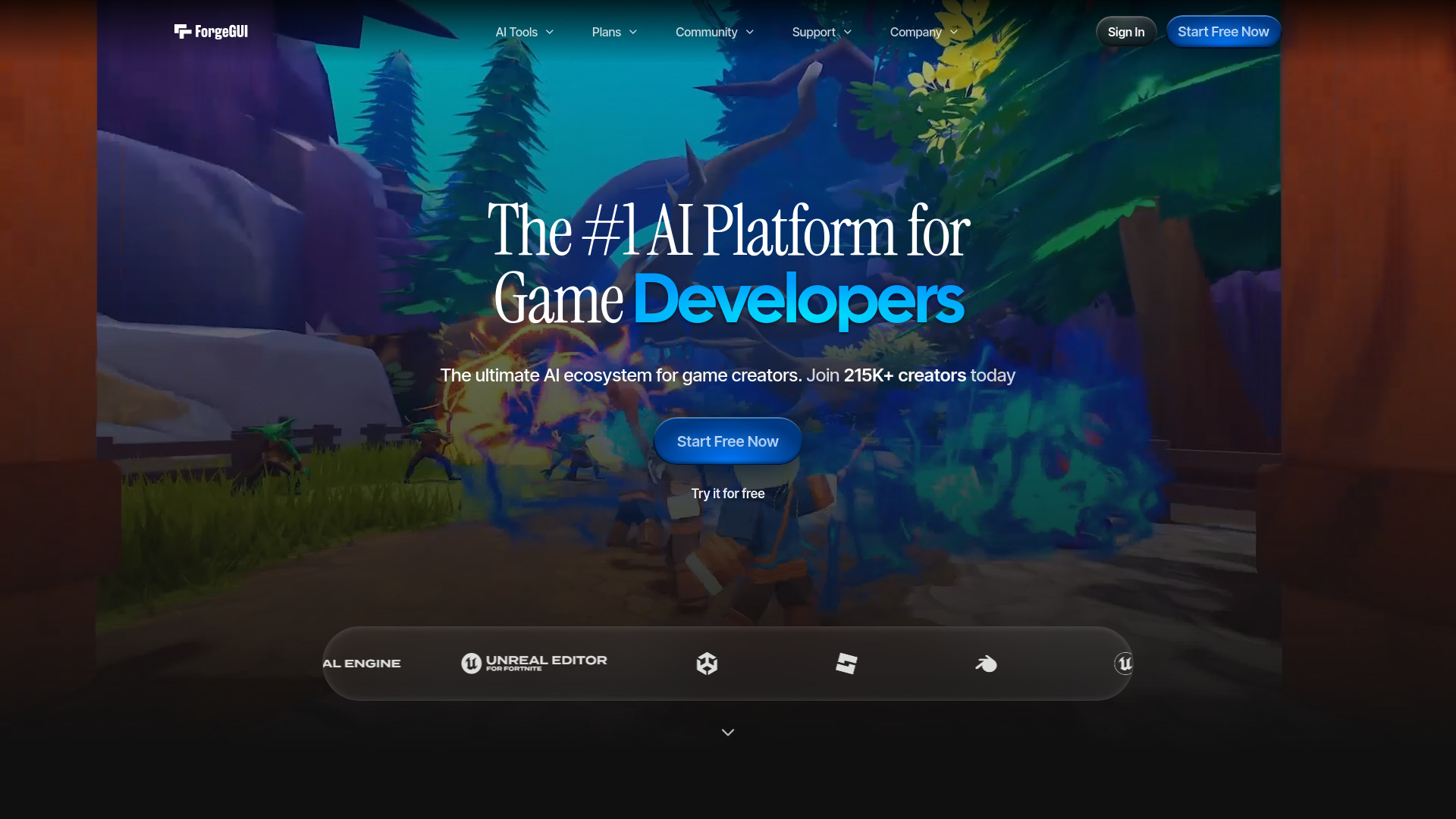
ForgeGUI is an AI-powered design platform built specifically for game creators, combining character, story, brand, and world-building tools in a single interface. Instead of juggling separate asset pipelines, users describe the game asset they want in the AI Toolbox and generate ready-to-use content that can be dropped into Roblox, UEFN, Unity, and other engines. The platform positions itself as the #1 AI platform for game creators, with a focus on delivering real-game results rather than generic image generation. At the core of ForgeGUI is an all-in-one interface that provides access to a wide range of top AI models, each configured for game creation workflows. ForgeMCP extends this by letting creators build anywhere using the Model Context Protocol, while community assets offer thousands of pre-built items published daily by a community of over 1 million creators. The platform also supports reference image uploads, so creators can steer the style of their generated assets to match their own art direction. ForgeGUI operates on a freemium model: creators can start for free and upgrade as their needs grow, with credits used as currency for asset generation. Free generations may be public with consent, while paid generations are private by default. Assets created with ForgeGUI are fully owned by the user, and the platform emphasizes that every showcase — from desert adventures to dinosaur park survival games — is a real, playable game built with the tool.
SpecificationsAI-estimated
Key Features of ForgeGUI
Use Cases for ForgeGUI
Desert Adventure Games
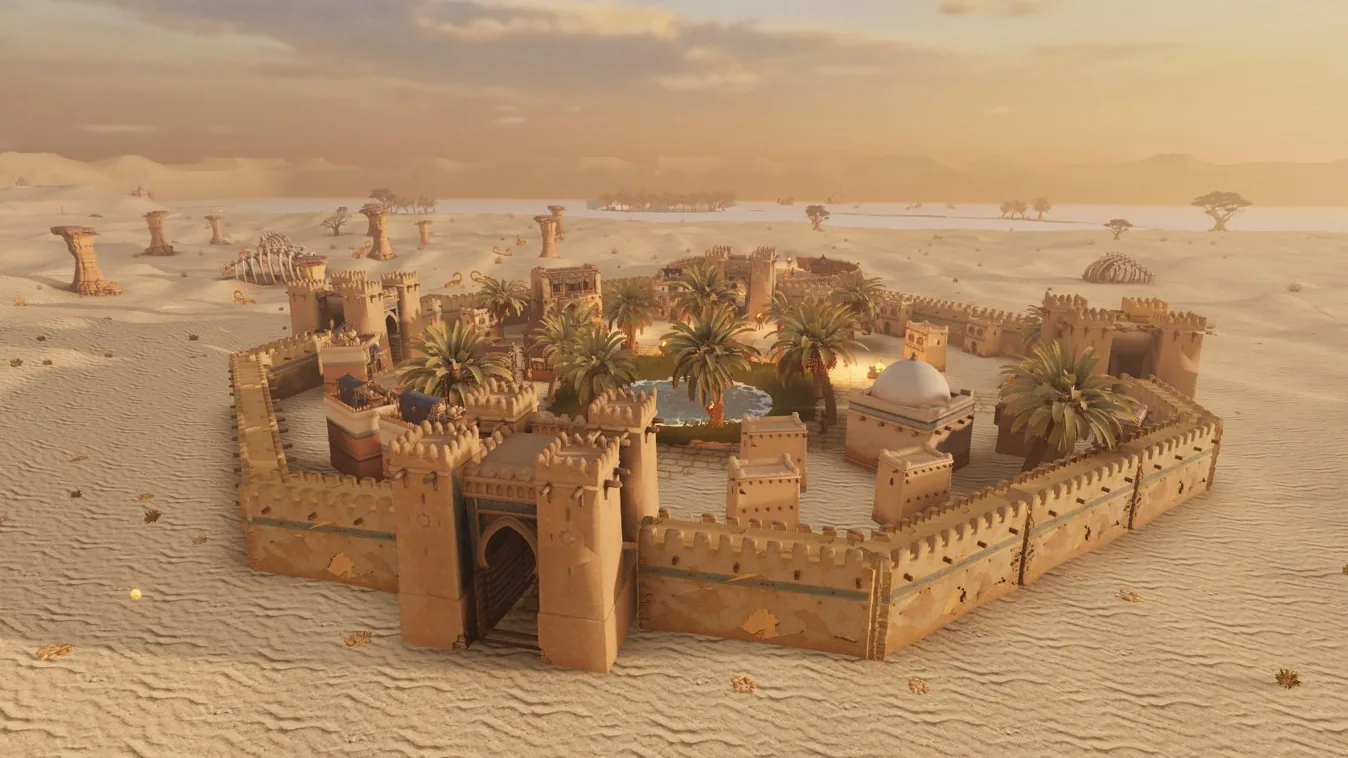
Generate an entire desert town with palm trees at golden hour, complete with assets ready for Roblox.
Dinosaur Park Survival Games
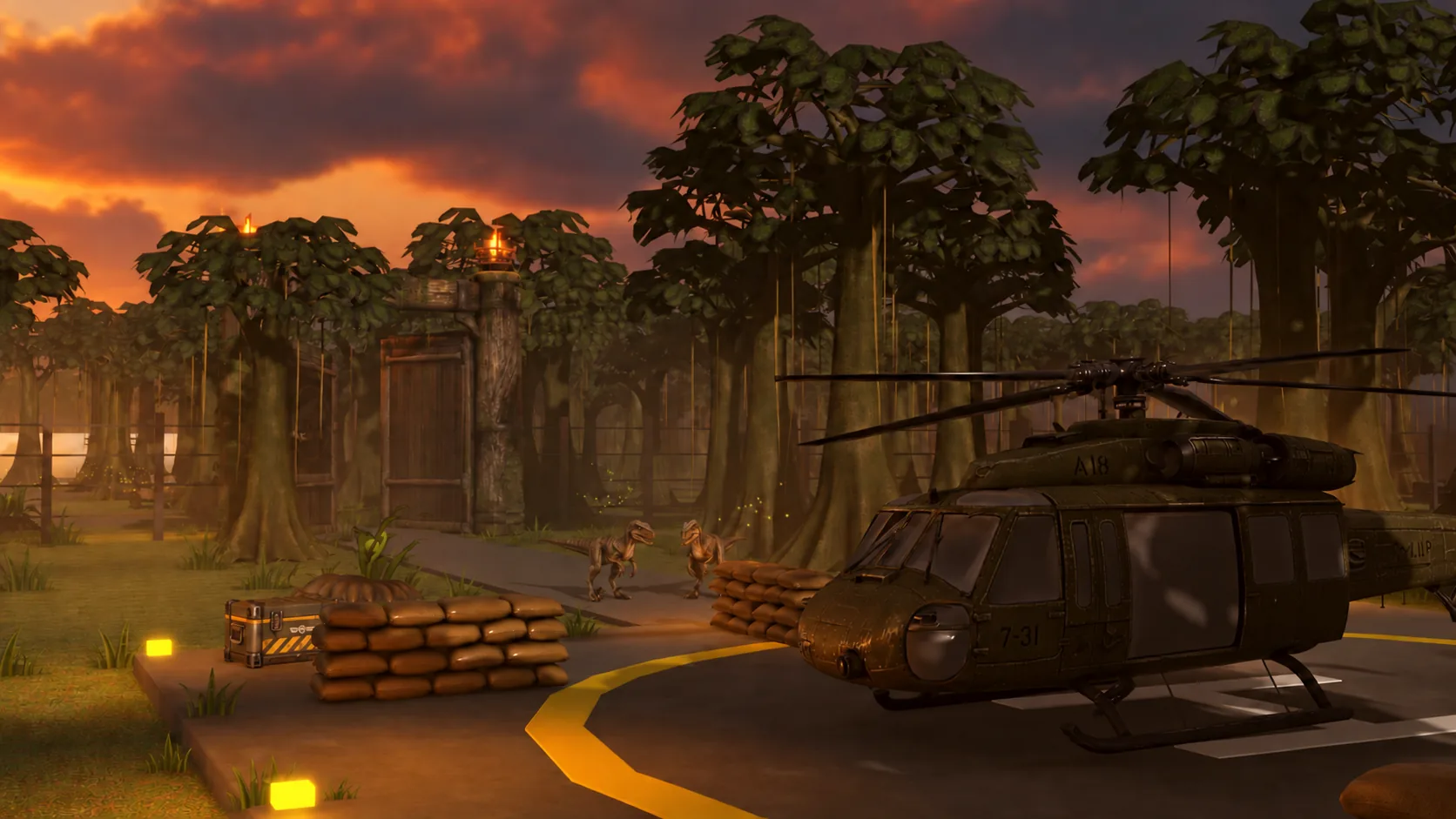
Create jungle helipads, dinosaurs, and park environments for survival gameplay.
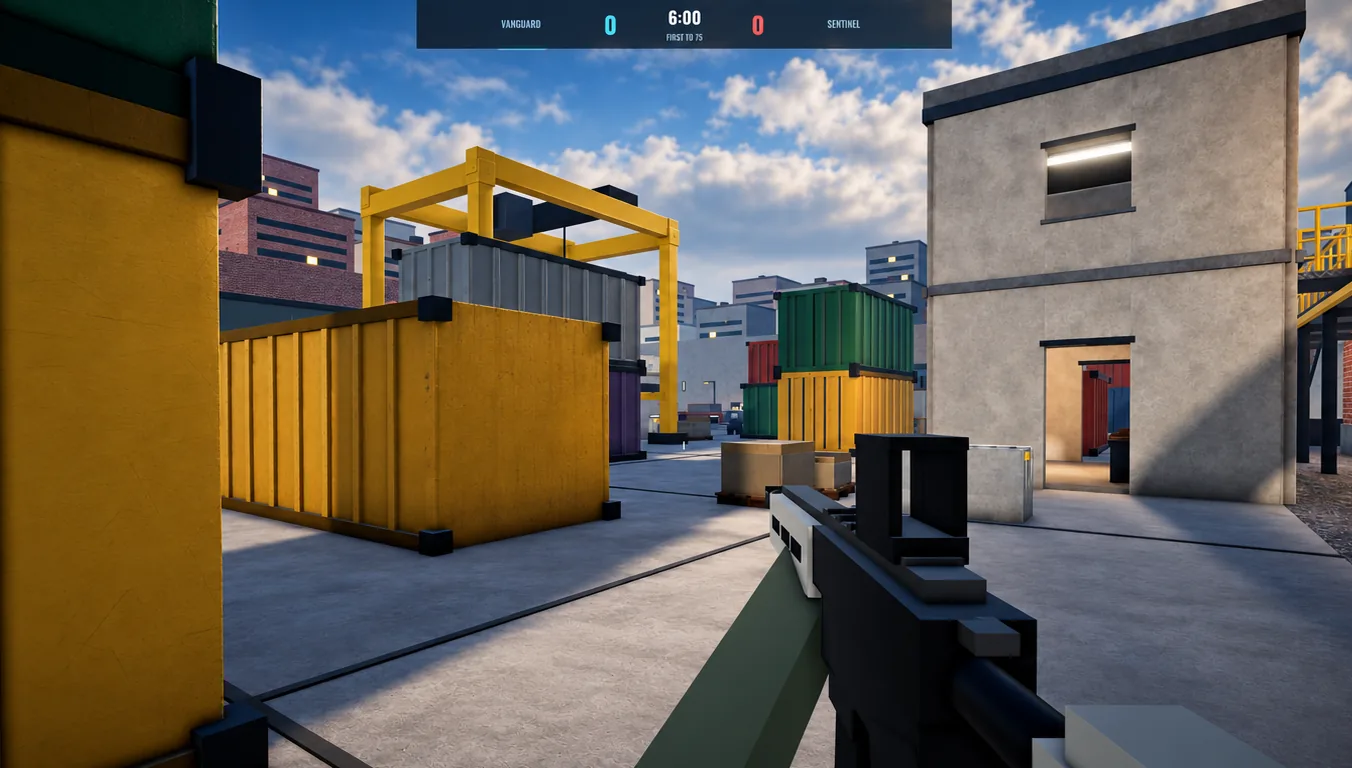
Team FPS Maps
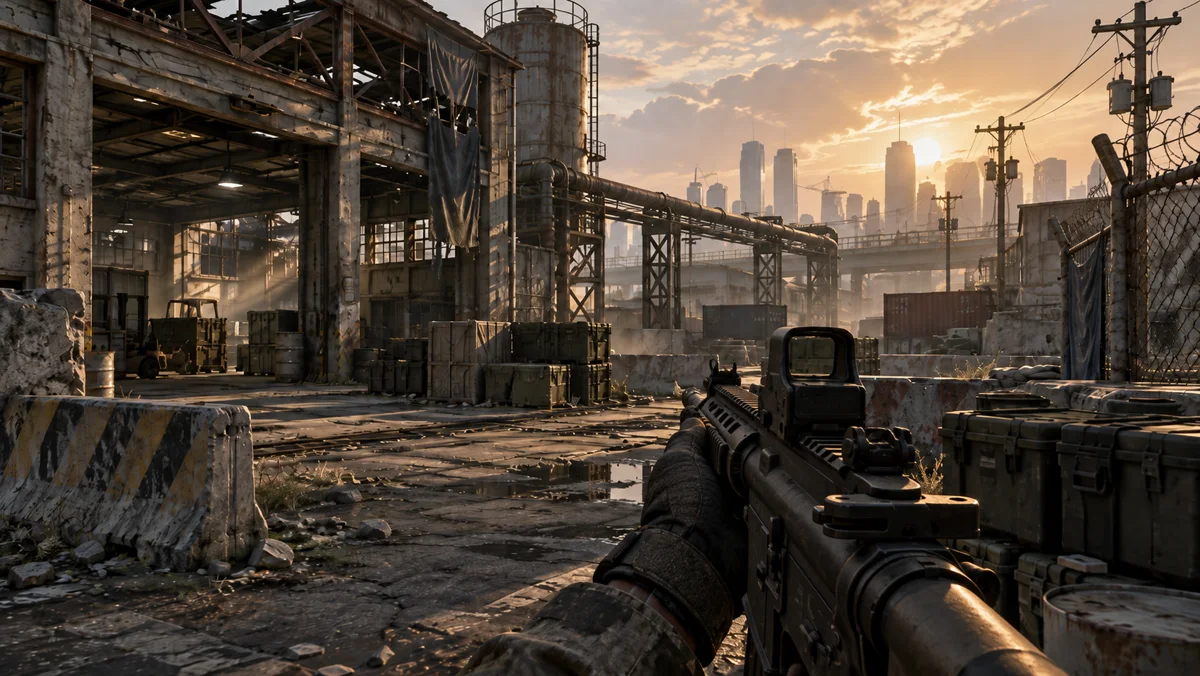
Build first-person shooter maps, including container yards and tactical environments.
Car Soccer Arenas
Create rocket-powered car arenas for sports-style multiplayer games.
Fantasy World Building
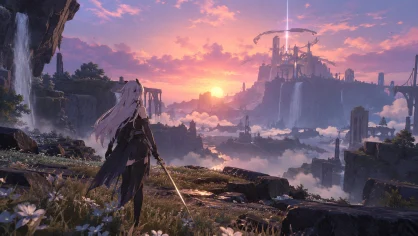
Craft fantasy worlds at sunset with epic lighting and environmental detail.
Pixel Art Game Worlds
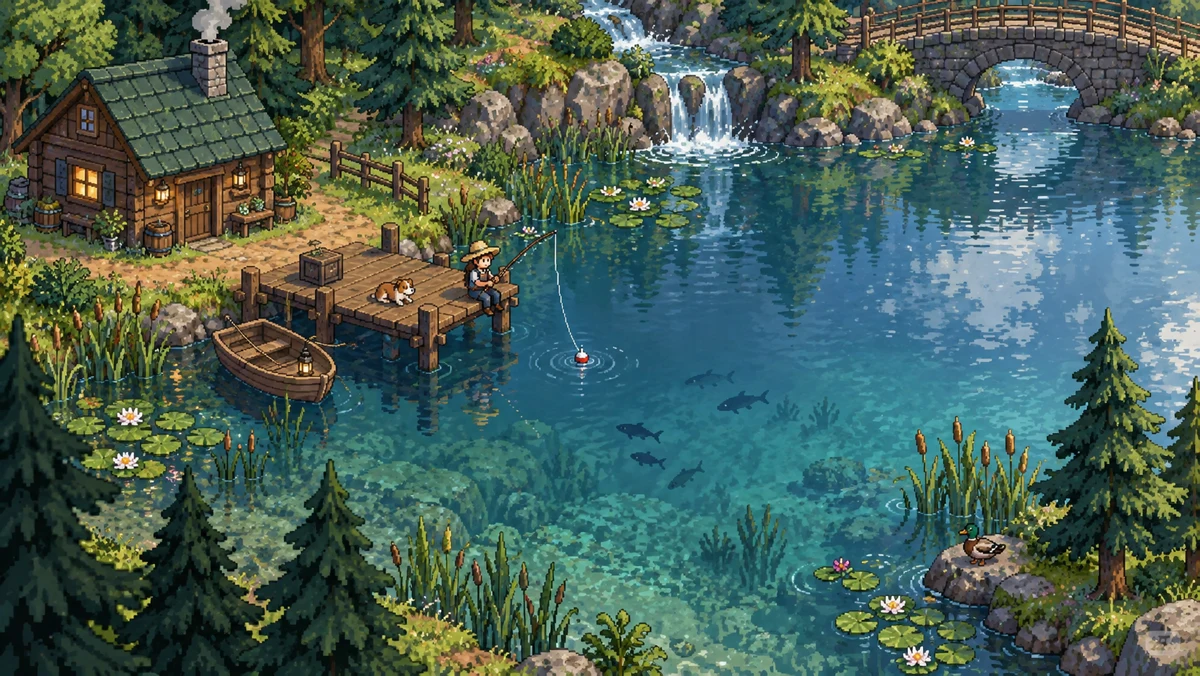
Generate pixel-art environments, such as lakes and landscapes, for indie games.
3D Character Creation
Design and build characters in 3D editors like Blender with AI-assisted generation.
Cinematic Roblox Experiences
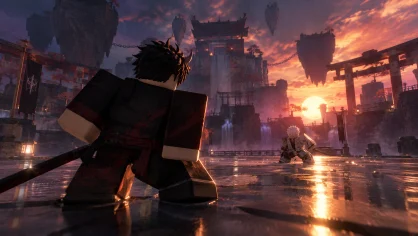
Produce visually striking duels and action scenes for Roblox games.
How to use ForgeGUI?
Create a free account
Sign up at forgegui.com to get started.
Open the AI Toolbox
Navigate to the Toolbox to begin describing your asset.
Describe the game asset you want
Enter a prompt like "make a desert adventure game" or specify a character, world, or item.
Optional: upload reference images
Upload your own assets to steer the style of the generated content.
Generate and export
Use credits to generate assets, then export them to Roblox, UEFN, Unity, or publish to the community.
Pros & Cons of ForgeGUI
Pros
- All-in-one AI platform tailored specifically for game creators
- Works across Roblox, UEFN, Unity, and more
- ForgeMCP integration lets you build anywhere with your preferred tools
- 1M+ creator community with thousands of daily-published community assets
- Free to start and full ownership of generated assets
Cons
- Free generations may be public with consent, which could be a privacy concern
- Asset generation relies on credits, so heavy usage requires a paid upgrade
- Highly game-centric, making it less useful for general-purpose design work
- No detailed pricing breakdown on the landing page beyond "start free and upgrade"
Frequently Asked Questions
What's ForgeGUI?
ForgeGUI is an AI design platform for game creators.
Is ForgeGUI free?
Yes, you can start free and upgrade as your needs grow.
What are credits?
Credits are a currency used when you generate assets.
Where can I use ForgeGUI?
ForgeGUI assets can be used across Roblox, UEFN, Unity and more.
What's the license for ForgeGUI-generated assets?
Assets created using ForgeGUI are fully yours.
Can I use my own assets as reference?
Yes, upload references to steer style across the assets you generate.
Are my generations public?
Free generations may be public with consent. Paid generations are private by default.
How do I get started with ForgeGUI?
Open the AI Toolbox and describe the game asset you want to make.
Reviews & Ratings0.0
No reviews yet. Be the first to write one!
Top Alternatives & Similar Software
View all alternatives & similar software→No alternatives available yet.
People also viewed


Related searches
Is this your tool?
Claim this page to update details, reply to user reviews, and drive more traffic to your product.
Claim this Product →
Tags
Explore Related Topics
Keep up with ForgeGUI alternatives
New alternatives, pricing changes and the week's biggest movers - one email every Tuesday.