


Gen3D
Turn images, text prompts, and sketches into production-ready 3D models and CAD files in minutes—right in your browser.

What is Gen3D?
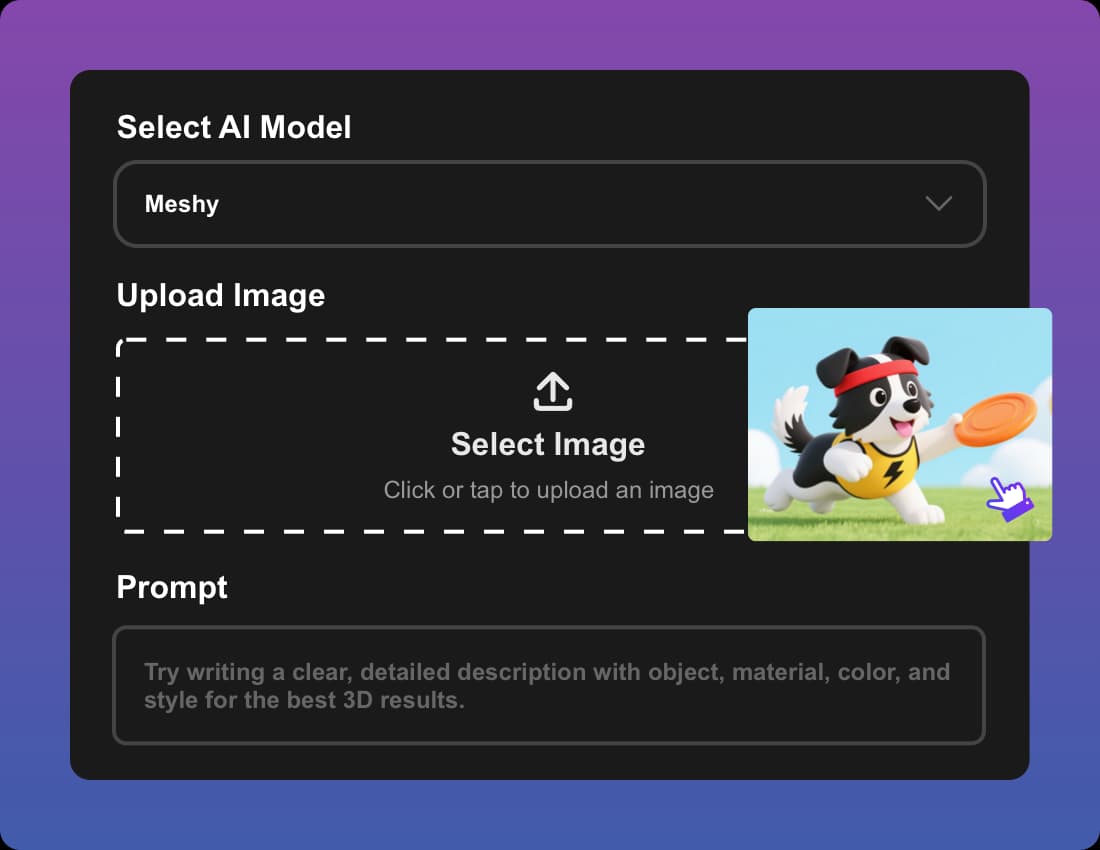
Gen3D is a browser-based AI 3D generation platform that turns images, text prompts, and sketches into 3D models and CAD files. Instead of requiring traditional modeling skills or specialized software, users can upload a photo or type a short description and receive a generated 3D asset in roughly one to two minutes. The service is designed to be accessible from any connected device, making it a low-barrier entry point for both professionals and hobbyists.
SpecificationsAI-estimated
Key Features of Gen3D
Use Cases for Gen3D
Game Asset Prototyping
Turn sketches or concept art into detailed prototype assets quickly during pre-production.
Product Design & Engineering
Convert concept photos and sketches into CAD-ready parts for faster iteration and prototyping.
E-commerce Product Previews
Create interactive 3D models from catalog images so customers can view products from all angles.
3D Printing
Generate printable 3D models from photos or prompts, making the design-to-print process faster.
Education & Research
Turn diagrams or text prompts into interactive 3D visual aids for teaching and scientific visualization.
VFX & Media
Generate base models from text prompts that can be refined with textures and details for film-style work.
How to use Gen3D?
Select & Upload
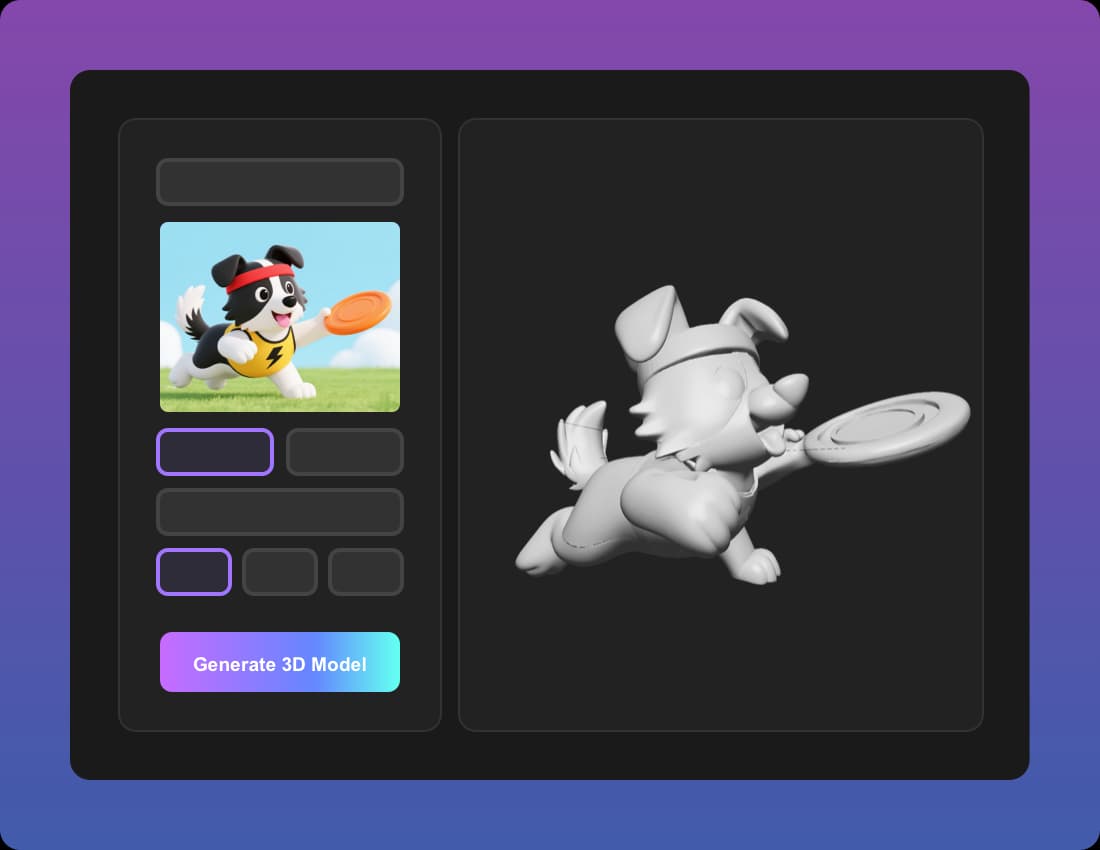
Choose the type of 3D model you need, then upload an image or enter a short text prompt for the AI to interpret.
Configure Your Settings
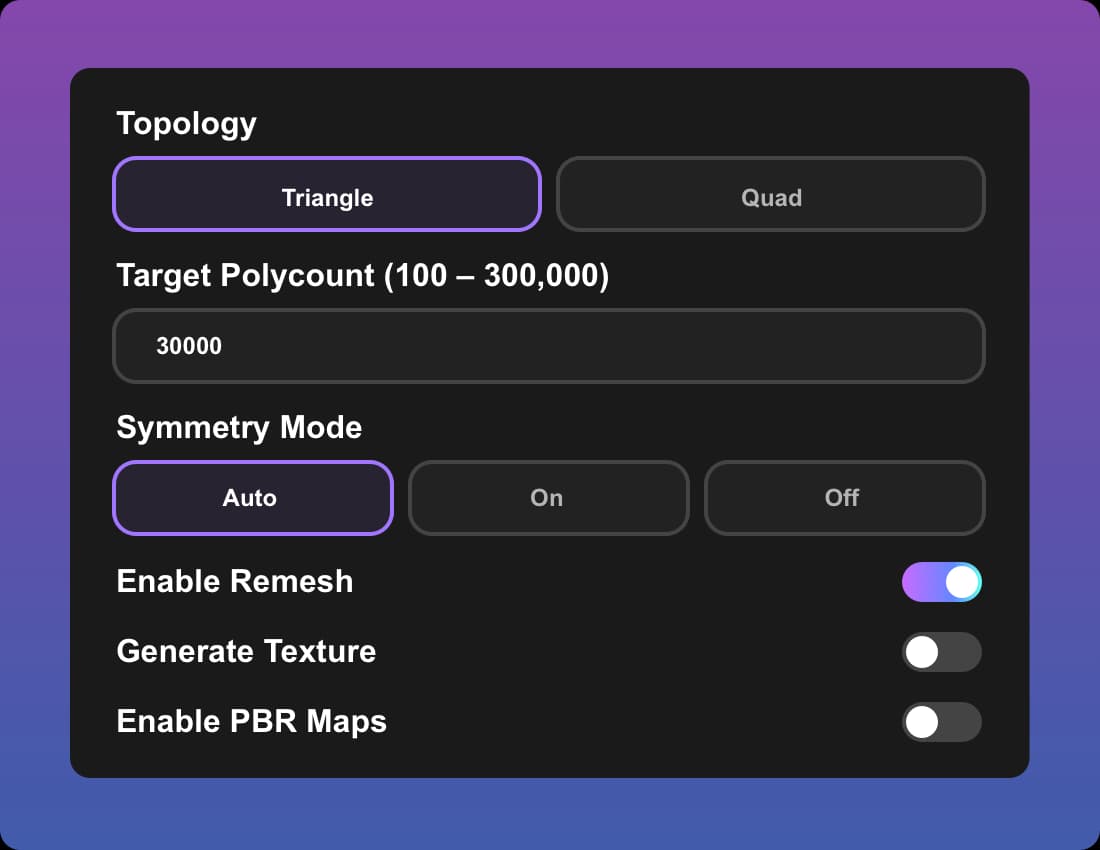
Adjust mesh type, polycount, and output style to balance detail, compatibility, and performance.
Generate Your 3D Model
Let the AI 3D generator transform your input into a fully realized, optimized 3D object.
Preview and Export
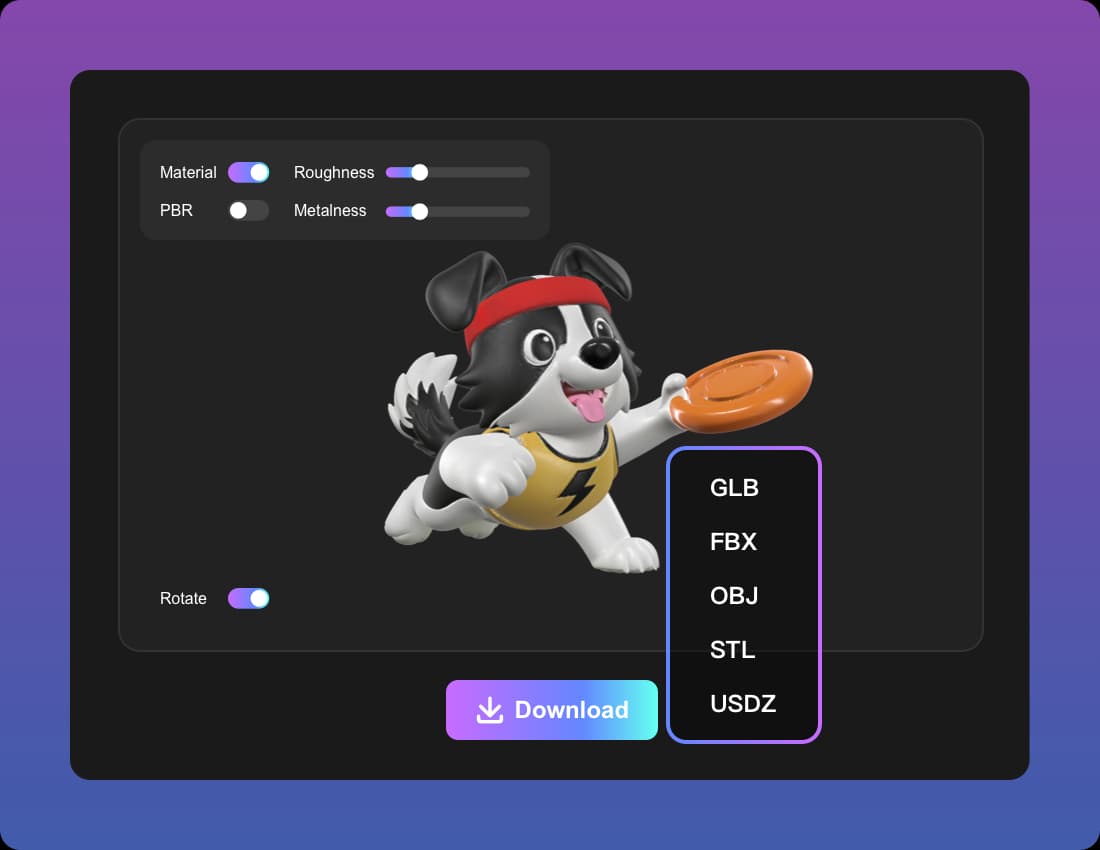
Review the result, make refinements, and export in standard 3D formats such as OBJ, GLB, STL, or CAD.
Pros & Cons of Gen3D
Pros
- Generates 3D models from images or text prompts in roughly 1–2 minutes
- Image to CAD feature creates editable geometry with automated mesh repair, UV packing, and texture baking
- Fully browser-based and works on any device without installation or high-end hardware
- Exports in standard formats including OBJ, GLB, STL, and CAD
- Generated models can be used commercially under the platform's licensing terms
Cons
- CAD outputs for critical parts still require manual validation and engineering review
- Generation time can vary depending on server load and model complexity
- No detailed pricing or plan costs are shown on the homepage
- Requires an internet connection; no offline or desktop mode
Frequently Asked Questions
Can I use the generated models commercially?
Yes. The AI 3D model generator provides exports that are enabled for commercial use under its licensing terms, supporting professional and commercial endeavors.
Are the outputs accurate enough for manufacturing?
Using the CAD-ready profile provides editable geometry that is highly accurate. However, for critical parts and large-scale manufacturing, final validation and an engineering review are recommended.
How long does a generation take?
Typically, a text to 3D or image to 3D generation takes between 1 and 2 minutes. The exact time can vary based on request complexity and current server load.
Do you offer refunds?
Yes. If you are dissatisfied with the service or the quality of a generated model, you can contact [email protected] within the specified period for a full refund.
What file formats are supported for download?
The AI 3D generator supports popular 3D file formats including OBJ, GLB, STL, and CAD, ensuring compatibility with most 3D software and printing services.
Is this the best way to create an AI 3D model online?
The platform emphasizes superior speed, quality, and ease of use. Its AI handles the most complex parts of modeling, allowing users to create professional-quality 3D models online without prior experience.
Reviews & Ratings0.0
No reviews yet. Be the first to write one!
Top Alternatives & Similar Software
View all alternatives & similar software→No alternatives available yet.
People also viewed


Related searches
Is this your tool?
Claim this page to update details, reply to user reviews, and drive more traffic to your product.
Claim this Product →
Tags
Explore Related Topics
Keep up with Gen3D alternatives
New alternatives, pricing changes and the week's biggest movers - one email every Tuesday.