


GraphicInfo
Turn prompts and references into polished, editable infographics in minutes.
What is GraphicInfo?
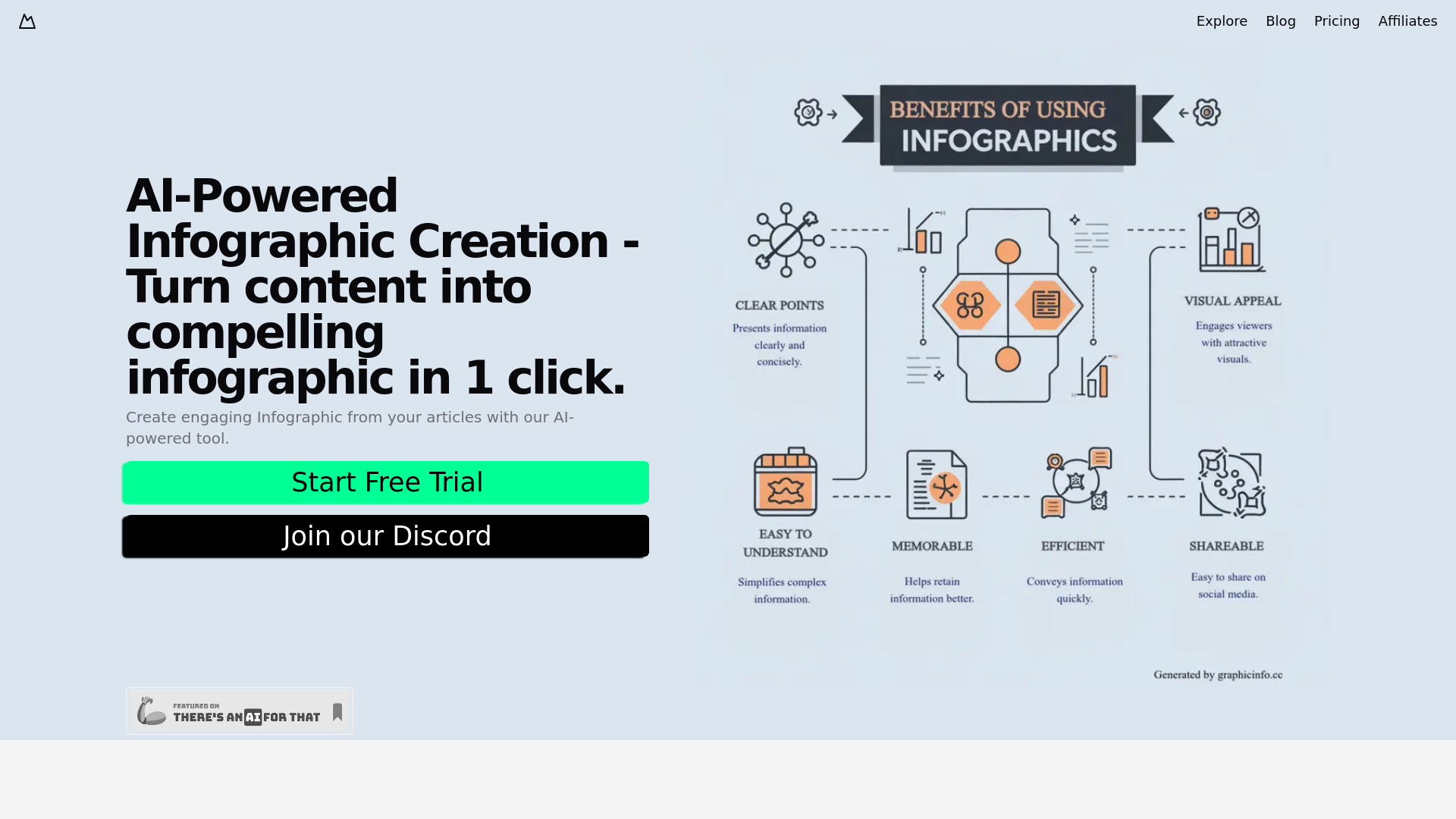
GraphicInfo is an online infographic maker that uses an AI agent to convert a text prompt and optional references into a complete, polished HTML infographic. Users describe their topic, audience, and visual direction, and the AI builds a structured visual story that can be refined immediately. Instead of starting from a blank template, you get a working design in seconds, then customize it to match your needs. The platform combines three core workflows: prompt-to-infographic AI generation, chat-based revisions, and a fully editable visual canvas. You can ask the AI to rewrite, restyle, reorganize, or add visuals through conversation, or you can select elements directly on the canvas to adjust text, fonts, colors, size, position, and layer order. It also supports reference-aware design, meaning you can upload images or text references and mention them in your prompt so the final infographic reflects your own source material. GraphicInfo is designed for anyone who needs to turn information into a visual story quickly, including content creators, marketers, educators, and business professionals. The workflow is simple: describe your infographic, let the AI build it, then refine and export the finished design as PNG, JPEG, or WebP. It is an all-in-one workspace for moving from rough idea to publish-ready visual without requiring professional design skills.
SpecificationsAI-estimated
Key Features of GraphicInfo
Use Cases for GraphicInfo
Marketing content
Turn campaign facts and audience insights into shareable branded infographics.
Educational materials
Create visual summaries of lessons, processes, or study guides for students and readers.
Data storytelling
Transform statistics and key facts into easy-to-understand visual narratives.
Social media posts
Design infographics optimized for social sharing by selecting the right aspect ratio and export format.
Internal presentations
Convert meeting notes, research briefs, or strategy documents into visual communication tools.
Client deliverables
Produce polished visuals for proposals, reports, and case studies.
Content repurposing
Turn blog posts, articles, or white papers into visual summaries for wider distribution.
How to use GraphicInfo?
Describe your infographic
Enter a topic, paste the key facts, choose an aspect ratio, and attach any useful image or text references.
Let the AI build it
GraphicInfo turns your brief into a complete, editable HTML infographic with a structured visual story.
Refine by chat
Continue the conversation and ask the agent to rewrite, restyle, reorganize, or add visuals.
Edit on the canvas
Select elements directly and adjust text, fonts, colors, size, position, and layer order manually.
Export your design
Export the finished infographic as PNG, JPEG, or WebP for sharing or publishing.
Pros & Cons of GraphicInfo
Pros
- Prompt-to-infographic AI generation saves time by creating a complete design from a text brief.
- Editable visual canvas gives precise control over text, fonts, colors, size, position, and layer order.
- Chat-based revisions let you rewrite, restyle, reorganize, or add visuals without starting over.
- Reference-aware design uses uploaded images and text to keep the output aligned with your source material.
- Export options include PNG, JPEG, and WebP for easy sharing and publishing.
Cons
- Requires an internet connection since it is an online tool.
- AI-generated layouts may still need manual refinement for complex data or highly specific branding.
- Export formats are limited to PNG, JPEG, and WebP, with no PDF or SVG mentioned.
- Advanced design control may have a learning curve for users unfamiliar with canvas-based editing.
Frequently Asked Questions
What is GraphicInfo?
GraphicInfo is an online infographic maker that uses AI to generate editable HTML infographics from prompts and references.
How does the AI infographic generator work?
You describe your topic, audience, and visual direction, and the AI agent creates a complete, editable HTML infographic for you.
Can I edit the AI-generated infographic?
Yes, you can use the editable visual canvas to change text, fonts, colors, size, position, and layer order.
Can I use my own images or text references?
Yes, upload images or text references and mention them in your prompt so the result reflects your source material.
Can I make changes by chatting?
Yes, you can keep the conversation going and ask the agent to rewrite, restyle, reorganize, or add visuals without starting over.
What file formats can I export?
You can export the finished infographic as PNG, JPEG, or WebP.
Do I need design skills to use GraphicInfo?
No, the AI handles the initial layout and design, and you can refine it further with chat or simple canvas edits.
What can GraphicInfo be used for?
It can be used for marketing visuals, educational content, data storytelling, social media posts, internal documents, client deliverables, and repurposing existing written content.
Reviews & Ratings0.0
No reviews yet. Be the first to write one!
Top Alternatives & Similar Software
View all alternatives & similar software→


People also viewed



Related searches
Is this your tool?
Claim this page to update details, reply to user reviews, and drive more traffic to your product.
Claim this Product →
Tags
Keep up with GraphicInfo alternatives
New alternatives, pricing changes and the week's biggest movers - one email every Tuesday.