


Graphis
One canvas for every AI model, every content type, every idea.












What is Graphis?
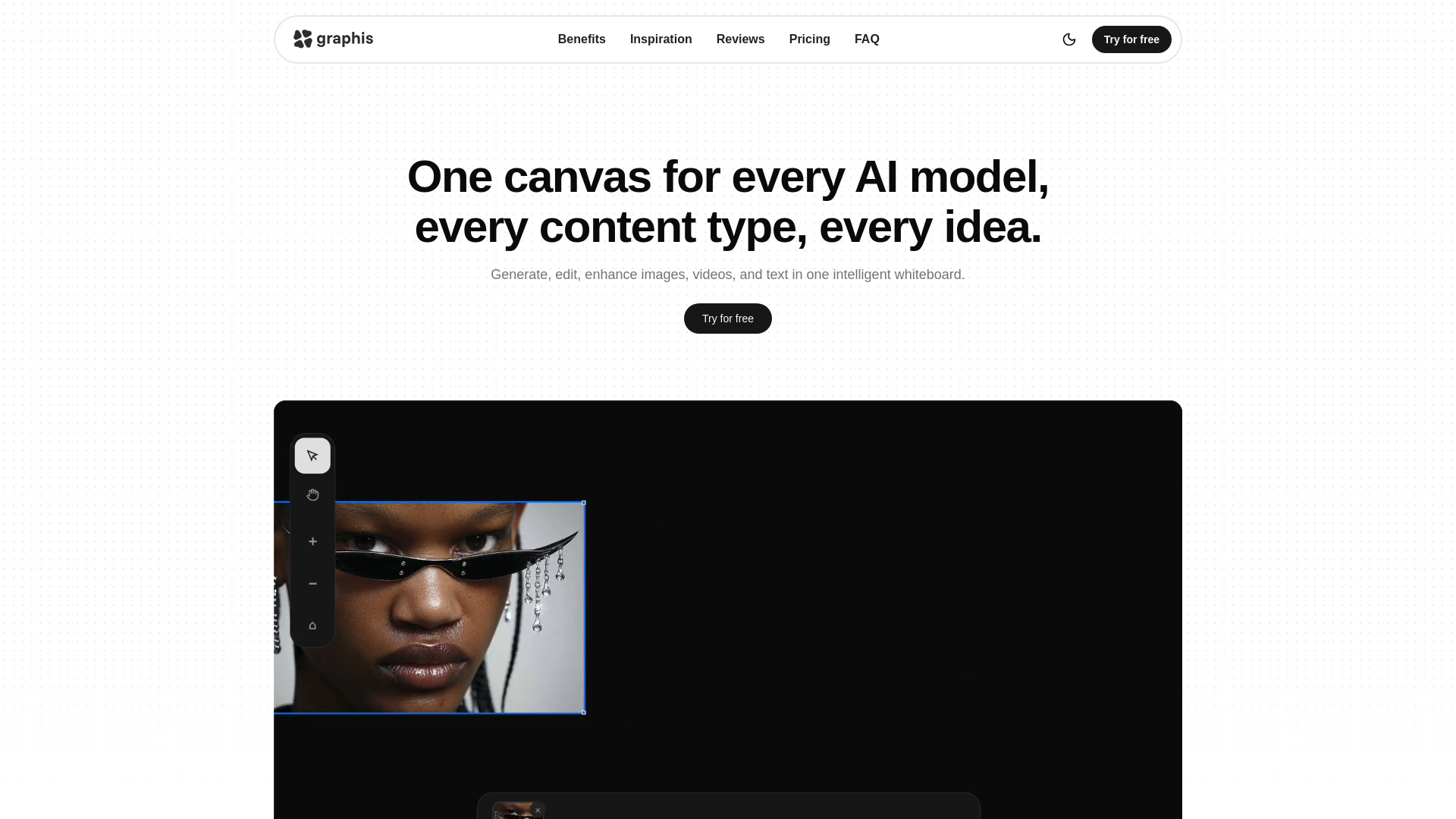
Graphis is an AI-powered creative workspace that brings image, video, and text generation together on a single intelligent whiteboard. Instead of jumping between separate AI tools and constantly exporting and re-importing assets, creators can blend text, images, and video directly on one canvas. The platform is designed to support the full creative flow, from initial idea and storyboard to polished visuals, while keeping every piece of a project in one shared space. Under the hood, Graphis connects to an extensive lineup of leading AI providers, including Veo, Gemini, ByteDance, Wan, Qwen, Kling, LTX, and Black Forest Lab. Users can customize their own AI palette for each project, control model parameters, manage LoRAs, and use external models when needed. The canvas also includes editing tools, an actions system, plugins, and an AI agent, making it a versatile production hub for generating, editing, enhancing, and upscaling media. Graphis is built for designers, marketers, and creators who want a no-code, no-node approach to AI content production. With multiuser support, it is also suitable for small teams collaborating on campaigns, storyboards, or product visuals. Transparent credit-based pricing starts at 10 dollars per month and all paid plans include a commercial license, making it easy to start creating and publish or sell the results.
SpecificationsAI-estimated
Key Features of Graphis
Use Cases for Graphis
AI image generation
Create studio-quality photos, illustrations, and concept art from text prompts using advanced models.
AI video generation
Produce short videos from prompts or turn static images into motion content without leaving the canvas.
Image editing and enhancement
Edit, retouch, cloth-swap, or enhance existing images using integrated tools and AI models.
Video upscaling
Improve video resolution and overall quality directly on the same board where the footage was created.
Storyboarding and character design
Build consistent storyboards, character poses, locations, and lighting setups for films, games, and ads.
Product photography and e-commerce
Generate clean studio backgrounds, perfume shots, and catalogue-style product visuals on white backgrounds.
Fashion and cloth swap
Quickly test outfit variations on models by swapping clothing with simple prompts.
Team creative collaboration
Use multiuser boards, shared AI palettes, and automation to collaborate on marketing and design projects.
How to use Graphis?
Create an account
Sign up at graphis.ai and choose a credit plan that matches your creative workload.
Set up your canvas
Create a new project and add text, images, or video blocks to the intelligent whiteboard.
Choose your AI model
Pick a provider from your AI palette or build a custom model set for the specific task.
Generate or edit content
Enter prompts, adjust model parameters, or use editing and action tools to create, enhance, or upscale media.
Collaborate, automate, and export
Invite teammates, use plugins or the AI agent for automation, then export or share your finished work.
Pros & Cons of Graphis
Pros
- Combines generation, editing, and video upscaling in one canvas, eliminating tool switching.
- Access to leading AI models like Veo 3, Gemini, Kling, Wan, Qwen, and Black Forest Lab from one subscription.
- No-code and no-node visual workflow that feels approachable for designers and marketers.
- Built-in collaboration, custom model sets, LoRA management, and automation via actions, plugins, and an AI agent.
- Transparent credit-based pricing with a commercial license included on every paid plan.
Cons
- Credits can be consumed quickly by video generation, and the Basic plan only includes roughly 33 videos per month.
- No free plan is mentioned, so users must pay to fully experience the tool.
- As a cloud-based SaaS product, it requires a stable internet connection and offers no full offline mode.
- Output quality and available models depend on third-party AI providers, which may change over time.
Frequently Asked Questions
What is Graphis and what is it for?
Graphis is a creative tool that helps designers, marketers, and creators use artificial intelligence in their daily work. It combines generation, editing, and automation of visual content in one place.
Can I use the results commercially?
Yes. All paid plans include a commercial license, so you can use the generated images and videos in commercial projects.
Do I need to code, write prompts, or build nodes?
No. Graphis is a no-code and no-node solution. You work visually on a canvas without building node graphs, though writing prompts is still the main way to guide the AI models.
Does Graphis support teamwork?
Yes. Graphis includes multiuser support, which allows teams to collaborate on the same board and share creative workflows.
Which AI models are available in Graphis?
Graphis provides access to models from providers such as Veo, Gemini, ByteDance, Wan, Qwen, Kling, LTX, and Black Forest Lab. Users can customize their AI palette per project.
How does pricing work?
Graphis uses monthly credit plans. Basic is $10/month with 500 credits, Standards is $35/month with 2,300 credits, Pro is $60/month with 5,500 credits, and Mega is $250/month with 20,000 credits.
Can I edit and upscale images and videos too?
Yes. Graphis supports generating, editing, enhancing, and upscaling both images and videos all within the same canvas.
Reviews & Ratings0.0
No reviews yet. Be the first to write one!
Top Alternatives & Similar Software
View all alternatives & similar software→No alternatives available yet.
People also viewed



Related searches
Is this your tool?
Claim this page to update details, reply to user reviews, and drive more traffic to your product.
Claim this Product →
Tags
Explore Related Topics
Keep up with Graphis alternatives
New alternatives, pricing changes and the week's biggest movers - one email every Tuesday.