


HideMyAI
Turn AI-generated text into undetectable, humanlike copy in seconds.


What is HideMyAI?
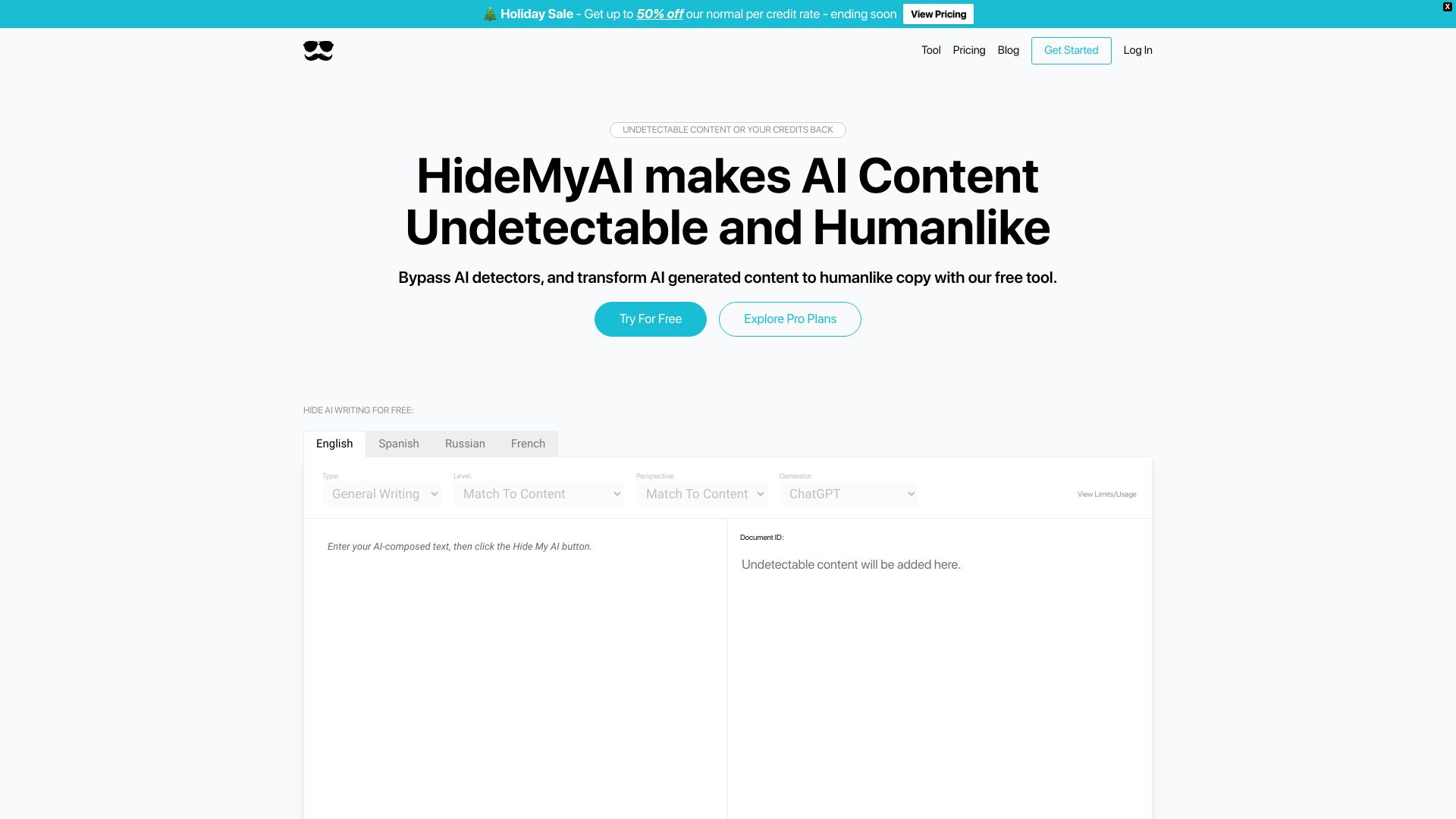
HideMyAI is a web-based AI content humanizer that rewrites text produced by ChatGPT, Jasper, Word.ai, and similar AI writing tools. Its stated purpose is to make AI-generated copy sound like it was written by a human so it can pass popular AI detection systems. The service is designed for writers, marketers, and publishers who want to use AI-assisted drafting without leaving obvious watermarks or automated phrasing in the final output. The rewriting engine works in several stages: it first interprets the meaning of the source content, then identifies and removes AI watermarks or markers, and then restructures the copy while preserving facts and information. HideMyAI claims to bypass detectors such as Originality.ai, GPTZero, TurnItIn, CopyLeaks, OpenAI Classifier, ZeroGPT, and ContentScale. It also automatically checks the rewritten text against detectors and will reprocess it for free if the content does not pass. HideMyAI offers a public demo with limited usage for visitors. Registering for a free account grants 300 words, while a paid plan is available for higher limits, multilingual processing, document uploads, and stronger undetectable output. The company behind the tool says it stands behind the product with a credit-back guarantee for verified cases where content cannot beat leading AI detectors. Because the tool is browser-based, users can access it from any device with an internet connection.
SpecificationsAI-estimated
Key Features of HideMyAI
Use Cases for HideMyAI
Publishing AI-generated drafts
Writers can humanize AI drafts before posting them on blogs or websites to reduce the chance of being flagged by AI detectors.
SEO content production
Marketers can rework AI-generated articles so search engines like Google and Bing treat the content as human-written and rank it normally.
Marketing copy improvement
Product descriptions, ads, and email campaigns generated by AI can be made to sound more natural and less template-like.
Document-based content editing
Paid users can upload documents and have the AI humanize long-form content without copying and pasting manually.
Multilingual rewriting
Paid users can process content in multiple languages, making AI copy readable and natural beyond English.
Consistent publishing with detector safety
Teams that need to pass originality and AI scanner checks can use the automatic detection and reprocessing feature.
How to use HideMyAI?
Access HideMyAI
Go to the HideMyAI website and optionally register for a free account to get 300 words and higher usage limits.
Add your content
Paste AI-generated text from ChatGPT, Jasper, or another tool into the input box, or upload a document if you are on the paid plan.
Humanize the text
Run the humanizer. The AI semantically understands the content, removes AI watermarks, and restructures the copy while keeping key facts.
Review and publish
The tool automatically checks the output against AI detectors and can reprocess it for free if needed. Review the final copy and use it in your project.
Pros & Cons of HideMyAI
Pros
- Bypasses popular AI detectors including Originality.ai, GPTZero, TurnItIn, CopyLeaks, OpenAI Classifier, ZeroGPT, and ContentScale.
- Free to start: visitors get limited usage and registered users receive 300 free words.
- Guarantee: verified content that fails leading AI detectors earns credits back.
- SEO-friendly output designed to be indexed and ranked normally by Google and Bing.
- Automatic checking and reprocessing until content passes detectors.
Cons
- Visitor usage is limited; full use requires registering and/or upgrading to a paid plan.
- Advanced features such as multilingual processing and document upload are only on the paid plan.
- The undetectability guarantee requires reporting and verification before credits are refunded.
- No offline or desktop version; the tool only works through the website.
Frequently Asked Questions
What is HideMyAI?
HideMyAI is an AI content humanizer that rewrites AI-generated text so it reads as if written by a human and can bypass leading AI detectors.
Is HideMyAI free?
There is a public demo with limited usage for visitors, and registering for a free account gives you 300 words. Higher limits and extra features require the paid plan.
Which AI detectors can it bypass?
The tool claims to beat Originality.ai, GPTZero, TurnItIn, CopyLeaks, OpenAI Classifier, ZeroGPT, ContentScale, and proprietary checkers.
How does HideMyAI make content undetectable?
It analyzes the meaning of the content, removes AI watermarks and markers, restructures the text while keeping facts intact, and then automatically checks it against detectors.
What is the undetectable guarantee?
If your content cannot beat the leading AI detectors and you report it through the platform, HideMyAI will verify the claim and refund your credits.
What extra features come with the paid plan?
The paid plan adds multilingual processing, document uploads, and even better undetectable content compared to the free tier.
Does HideMyAI require technical skills?
No. You simply paste or upload content, run the humanizer, and review the rewritten output. It is designed for non-technical users.
Will humanized content be indexed by Google and Bing?
HideMyAI says its reworded content is indexed and ranked like normal human-written content, so users avoid the SEO penalties historically associated with AI-generated text.
Reviews & Ratings0.0
No reviews yet. Be the first to write one!
Top Alternatives & Similar Software
View all alternatives & similar software→No alternatives available yet.
People also viewed


Related searches
Is this your tool?
Claim this page to update details, reply to user reviews, and drive more traffic to your product.
Claim this Product →
Tags
Explore Related Topics
Keep up with HideMyAI alternatives
New alternatives, pricing changes and the week's biggest movers - one email every Tuesday.