



iColoring AI
Turn any photo or text prompt into a printable, watermark-free coloring page in seconds.


What is iColoring AI?
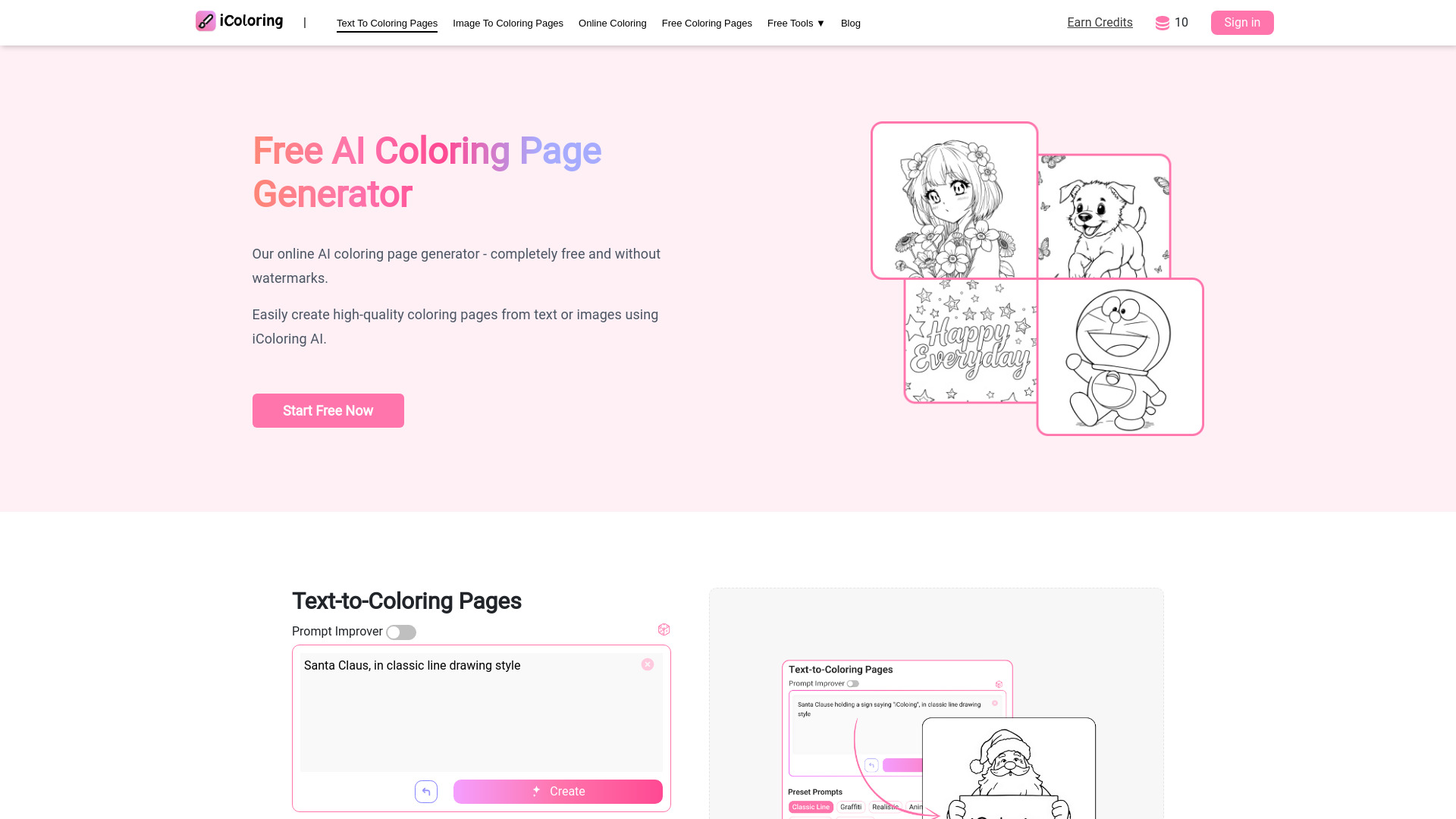
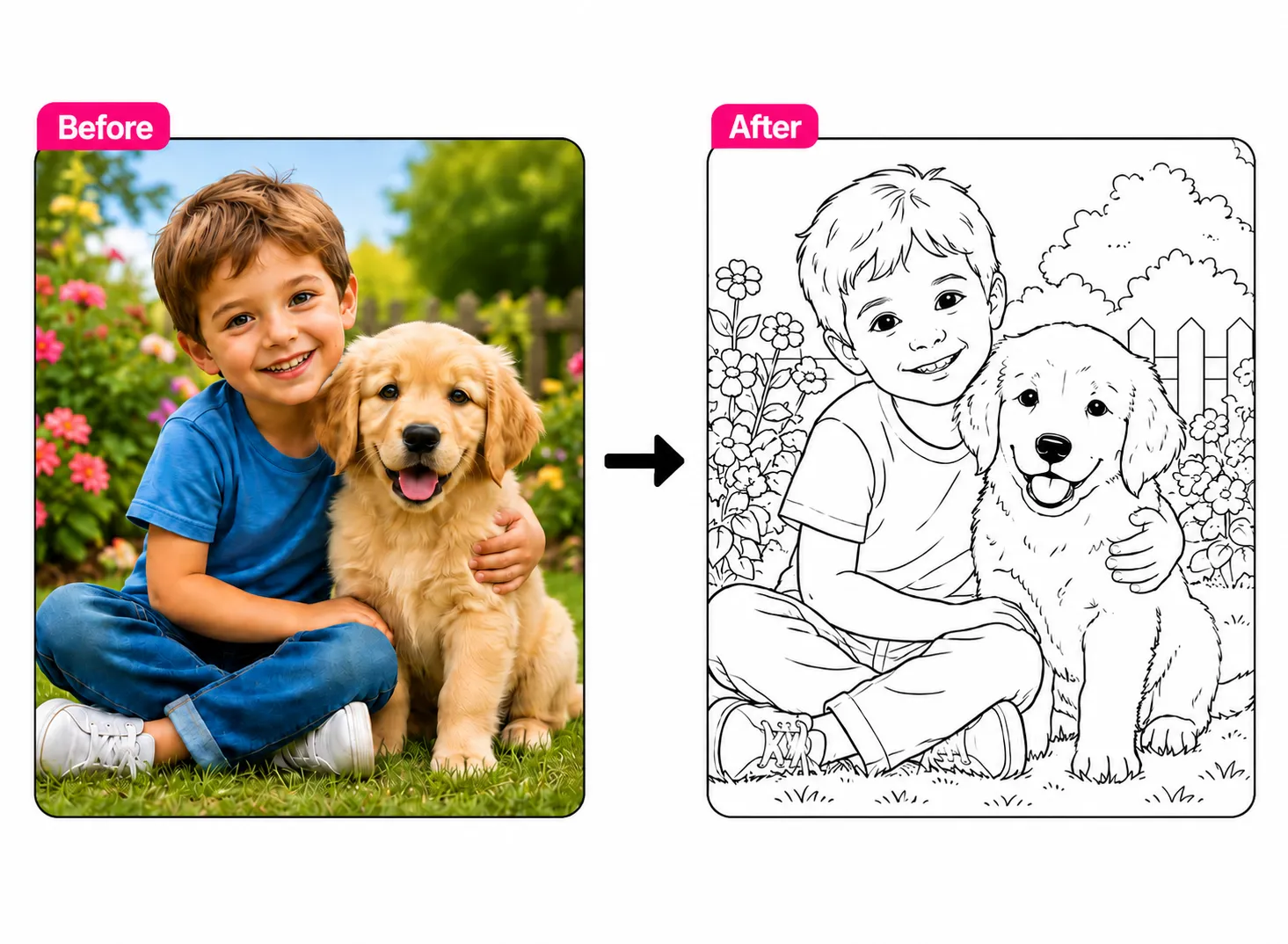
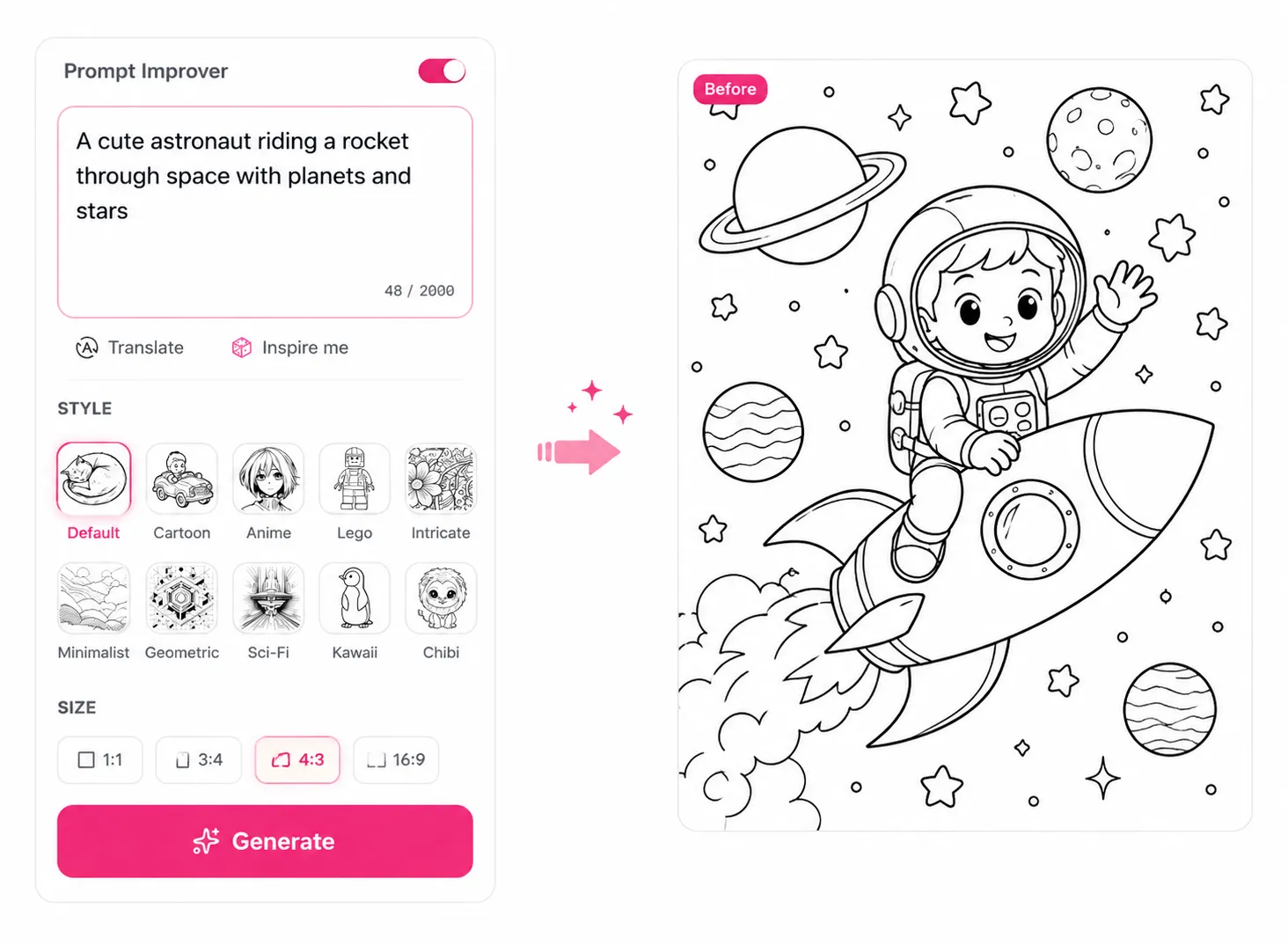
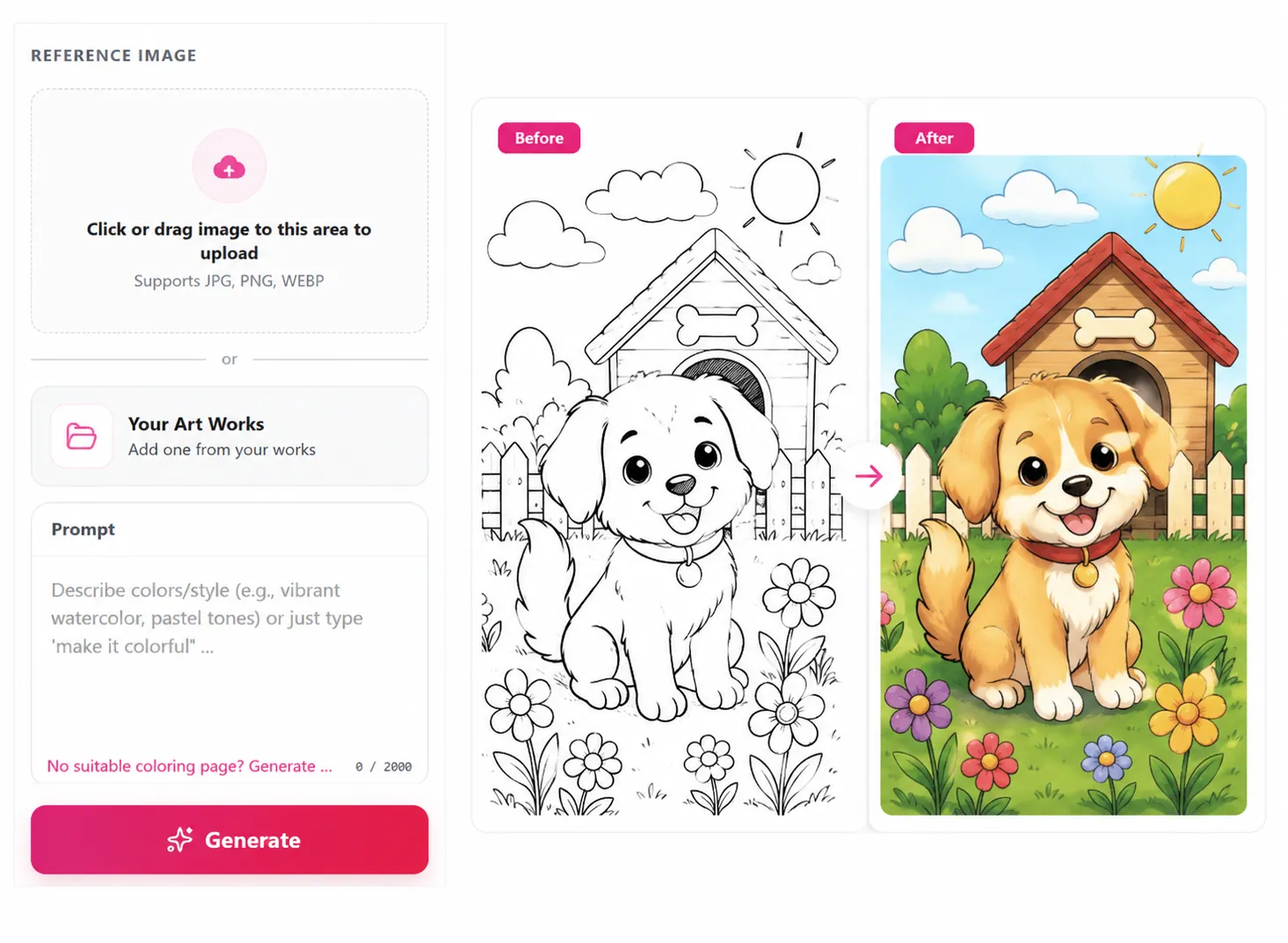
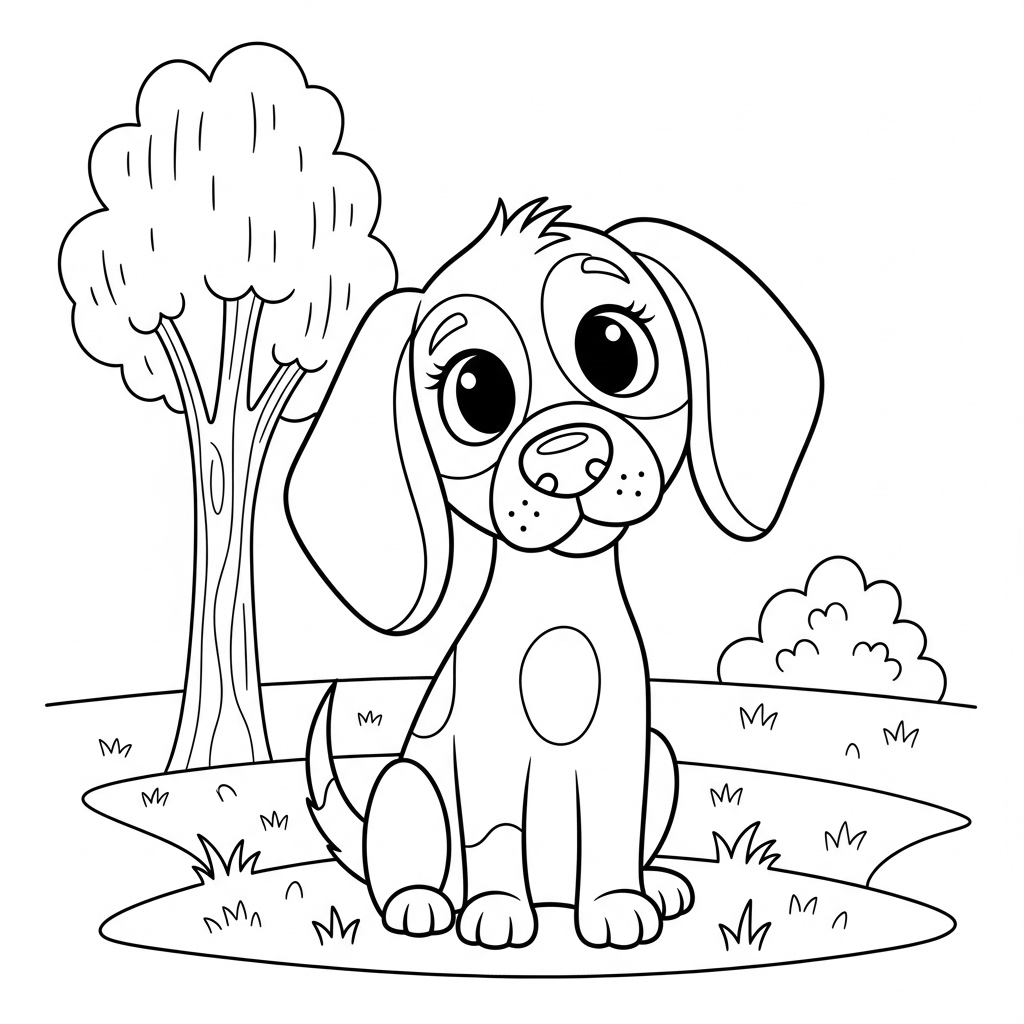
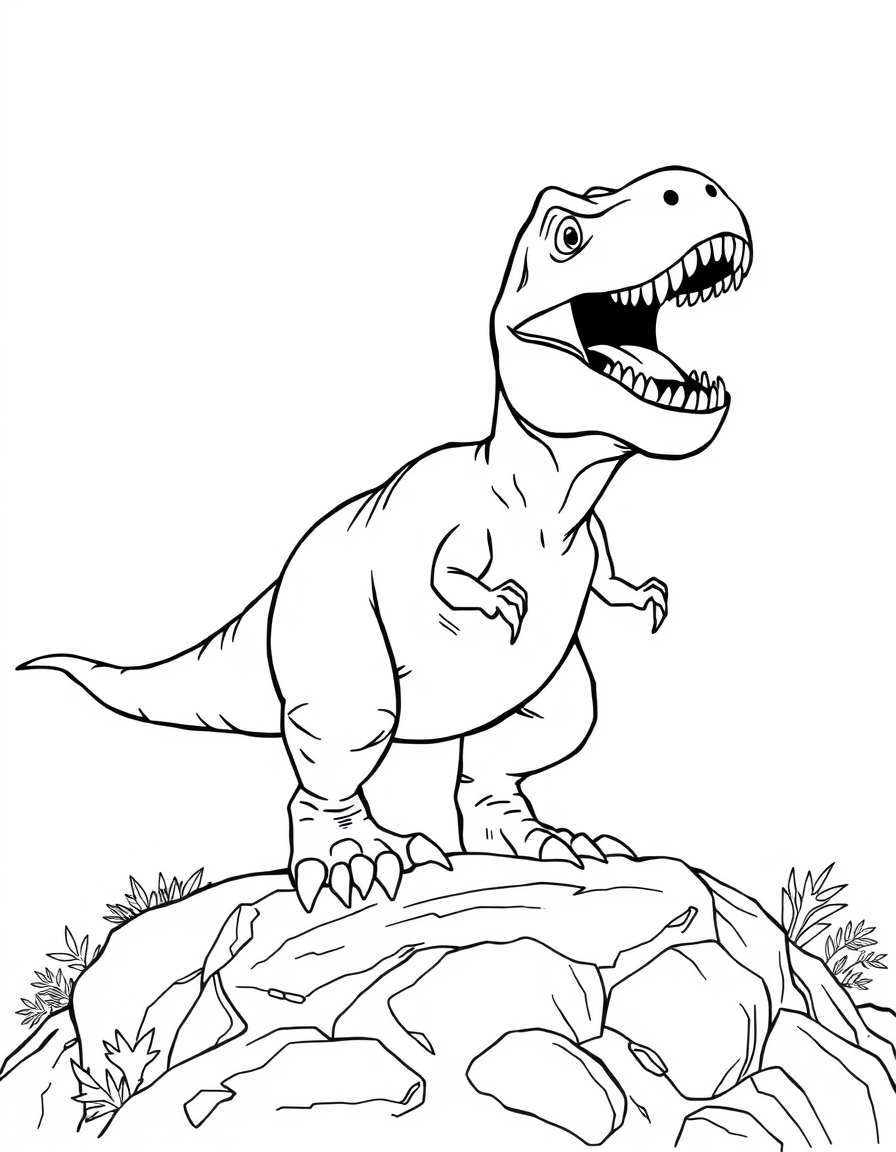
iColoring AI is a free, browser-based AI coloring page generator that lets users create printable coloring sheets from either a photo or a plain-text description. Users can upload a photograph and have it converted into a clean line-art coloring page in Classic, Cartoon, or Pencil Sketch styles, or type a description and receive a high-quality line drawing in seconds. The output is delivered as watermark-free PNG or PDF files suitable for home or classroom printing. Beyond conversion and text-to-image generation, the platform also includes an AI colorizer. Users upload an existing line-art page, describe a color theme, and receive a colored version, which is useful both for finished artwork and for getting inspiration on palette choices. The site also hosts a library of hundreds of pre-generated, free printable pages across categories such as animals, dinosaurs, and unicorns, along with prompt ideas that help users get started quickly. The tool is aimed at a broad range of people: parents and children looking for screen-free activities, adults using coloring as a stress-relief hobby, teachers building lesson materials, designers seeking artistic inspiration, and small publishers who want to produce original coloring books. No sign-up is required to start, and the service is positioned as fully free to use.
SpecificationsAI-estimated
Key Features of iColoring AI
Use Cases for iColoring AI
Kids' screen-free activity
Parents generate custom pages featuring a child's favorite characters or animals for quiet, creative play.
Classroom lesson materials
Teachers create science, nature, or themed coloring sheets to reinforce lessons and keep students engaged.
Adult stress relief
Adults generate personalized, intricate designs as a relaxing hobby to unwind and reduce anxiety.
Turning memories into art
Users convert family photos or pet pictures into unique coloring pages as gifts or keepsakes.
Design inspiration
Designers explore retro, futuristic, or other artistic styles to spark new ideas for illustration projects.
Coloring book publishing
Small publishers rapidly produce original coloring books for sale on online marketplaces.
How to use iColoring AI?
Choose an input method
Upload a photo, type a text description, or upload an existing coloring page you want to colorize.
Select a style or prompt
Pick a Classic, Cartoon, or Pencil Sketch style for photos, or use a preset prompt idea for text generation.
Generate the page
Click generate and wait a few seconds for the AI to produce the line art or colored version.
Download your creation
Save the result as a watermark-free PNG or PDF file.
Print and color
Print the page at home or in class and start coloring.
Pros & Cons of iColoring AI
Pros
- Completely free with no sign-up required and no watermarks on downloads
- Converts photos into coloring pages in multiple styles (Classic, Cartoon, Pencil Sketch)
- Fast generation, typically producing pages within seconds from text or images
- Includes an AI colorizer to add color themes to existing line art
Cons
- Output quality and detail depend heavily on prompt wording and source photo clarity
- Limited control over fine-grained editing of generated lines after creation
- Free-tier usage limits and long-term availability of the free model are not clearly documented
Frequently Asked Questions
Is iColoring AI free to use?
Yes, the site describes its coloring page generator as free, with watermark-free downloads and no sign-up required to start.
Do I need an account to generate coloring pages?
No. The homepage states that you can create pages without signing up, though creations can be synced to the cloud on supported platforms.
What file formats can I download?
Generated pages can be downloaded as PNG or PDF files.
Can I turn my own photo into a coloring page?
Yes. Upload a photo and choose from Classic, Cartoon, or Pencil Sketch styles to convert it into line art.
Can I color an existing coloring page with AI?
Yes. Upload a line-art page and describe the color theme you want, and the AI colorizer will produce a colored version.
Can I use the generated pages commercially?
The site does not clearly state commercial usage terms on the homepage; users should check the terms of service before selling or publishing generated pages.
Which devices does it support?
The service works across computers and phones through a web browser, with work synchronized in the cloud.
Pricing Overview
View full pricing →iColoring AI's coloring page generator is advertised as free to use, with no sign-up and no watermarks on downloads; no paid tiers or prices are stated on the page.
Reviews & Ratings0.0
No reviews yet. Be the first to write one!
Top Alternatives & Similar Software
View all alternatives & similar software→No alternatives available yet.
People also viewed


Related searches
Is this your tool?
Claim this page to update details, reply to user reviews, and drive more traffic to your product.
Claim this Product →
Tags
Explore Related Topics
Keep up with iColoring AI alternatives
New alternatives, pricing changes and the week's biggest movers - one email every Tuesday.