



Image 2
An AI image and video workspace powered by GPT Image 2 that produces finished, text-accurate visuals for marketing, product, and UI design.
What is Image 2?
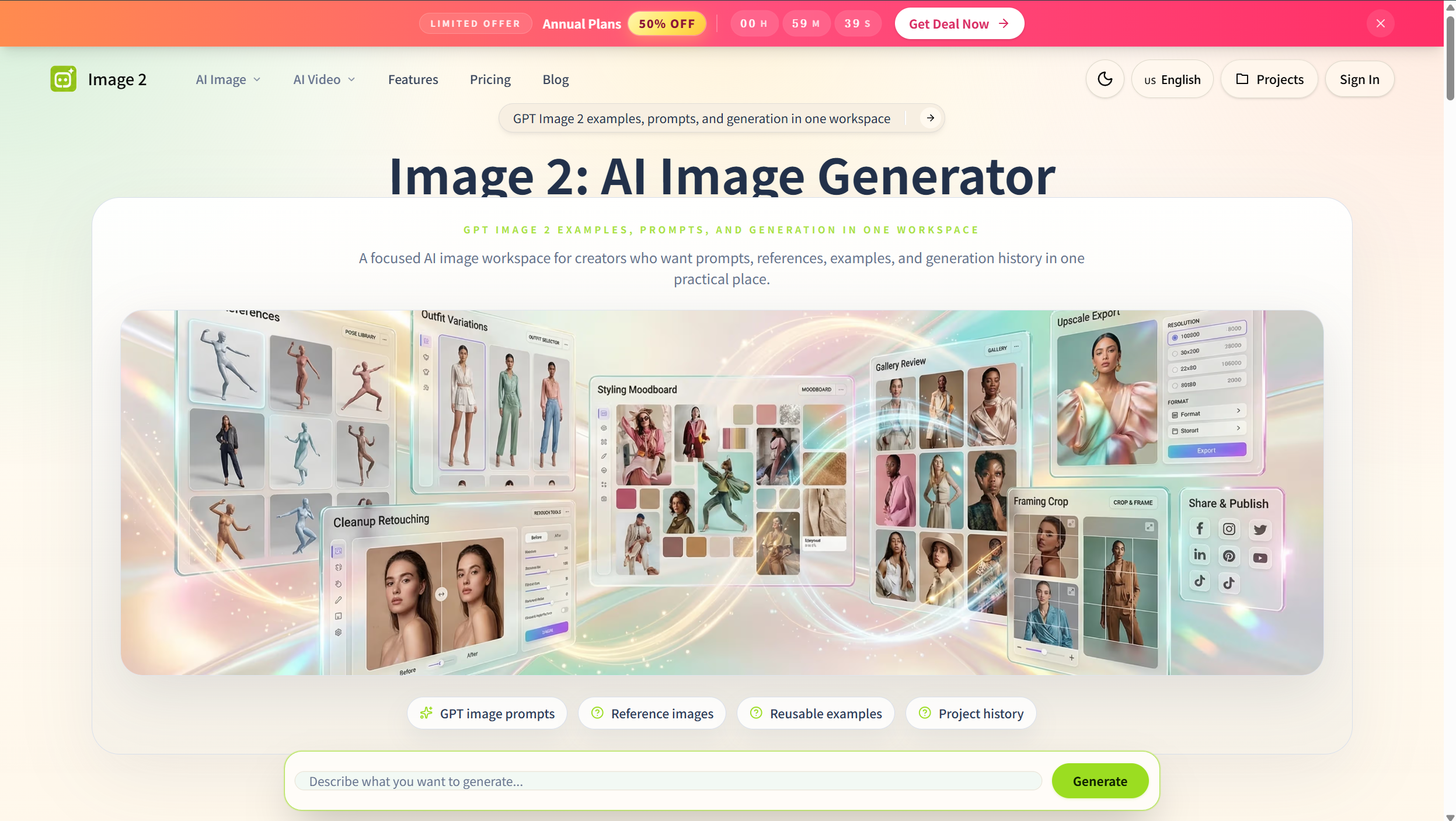
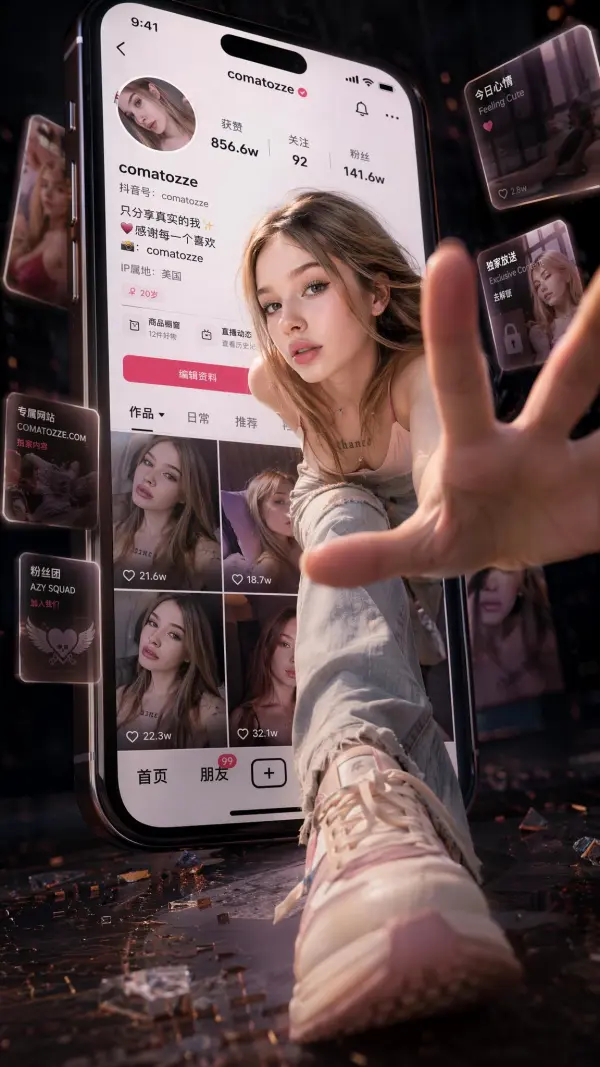
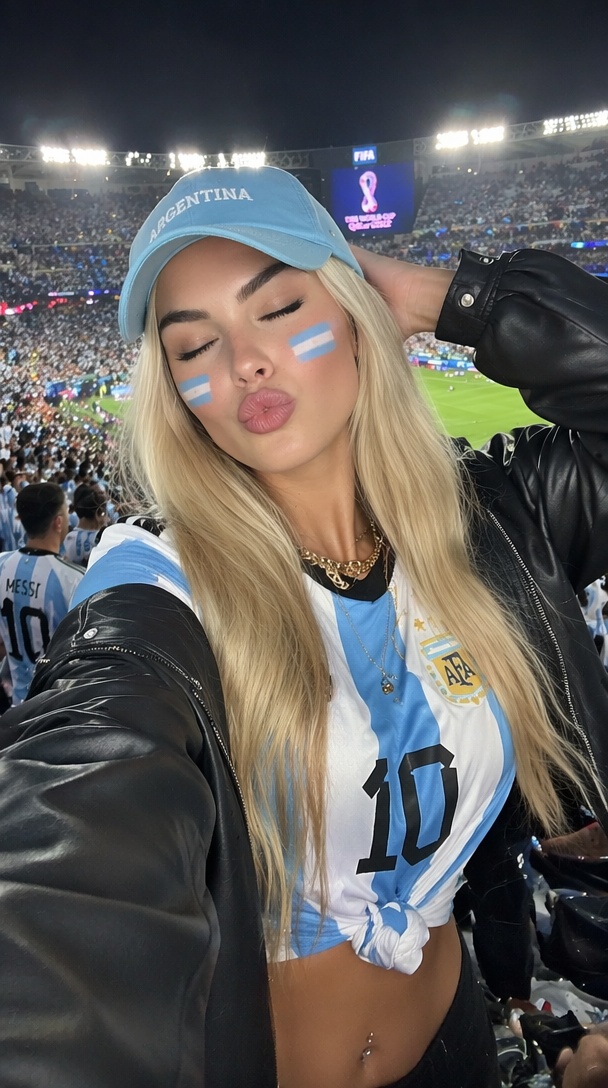
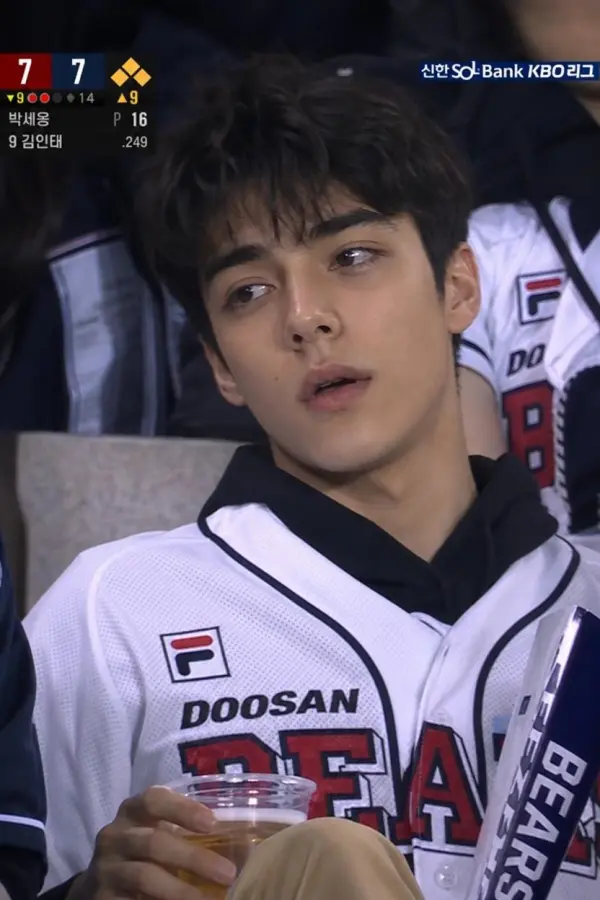
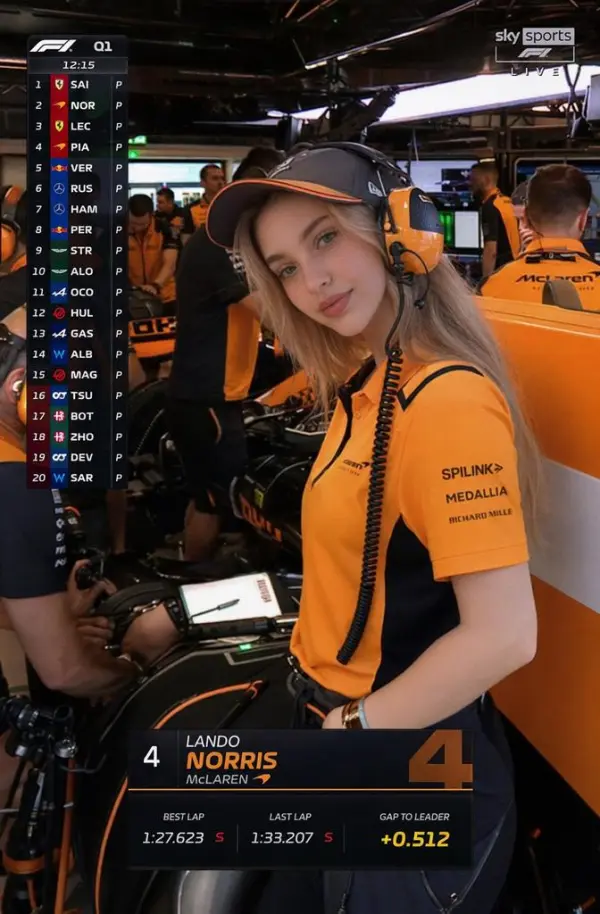
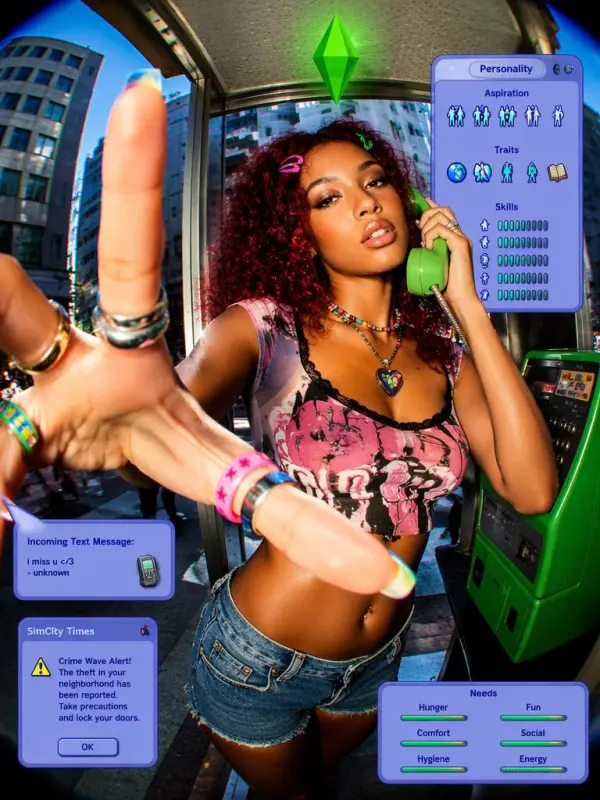
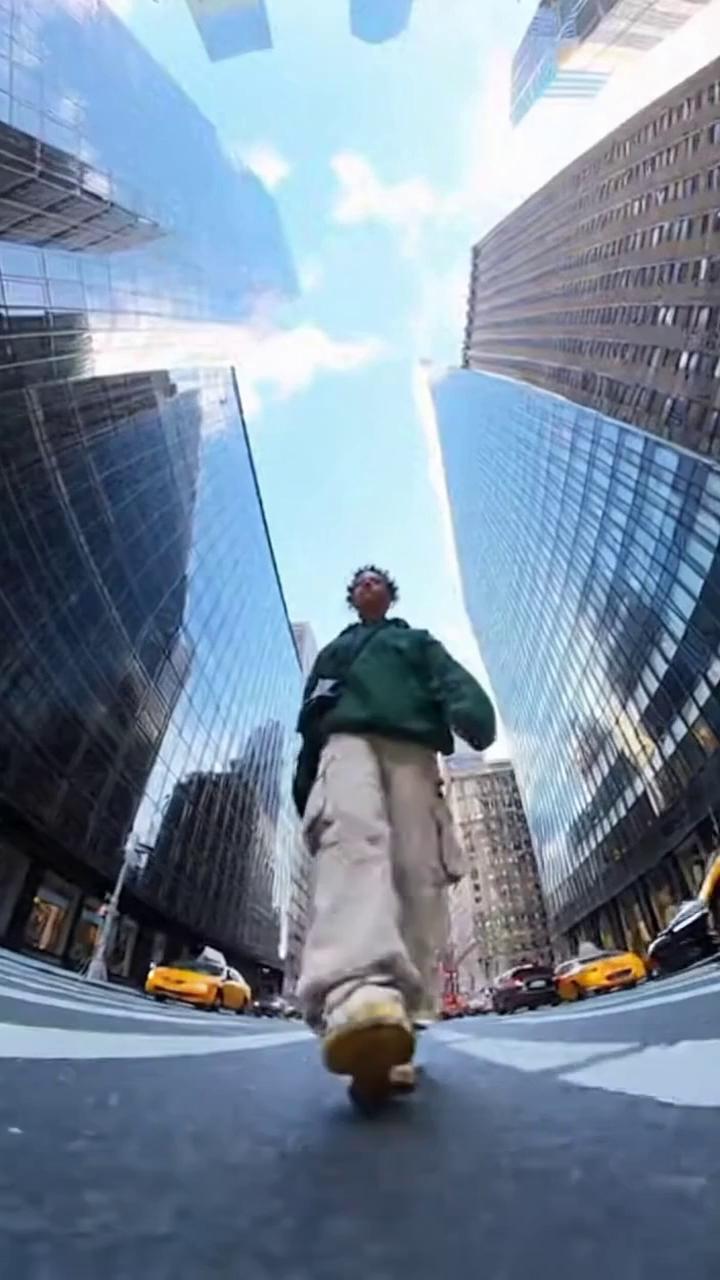
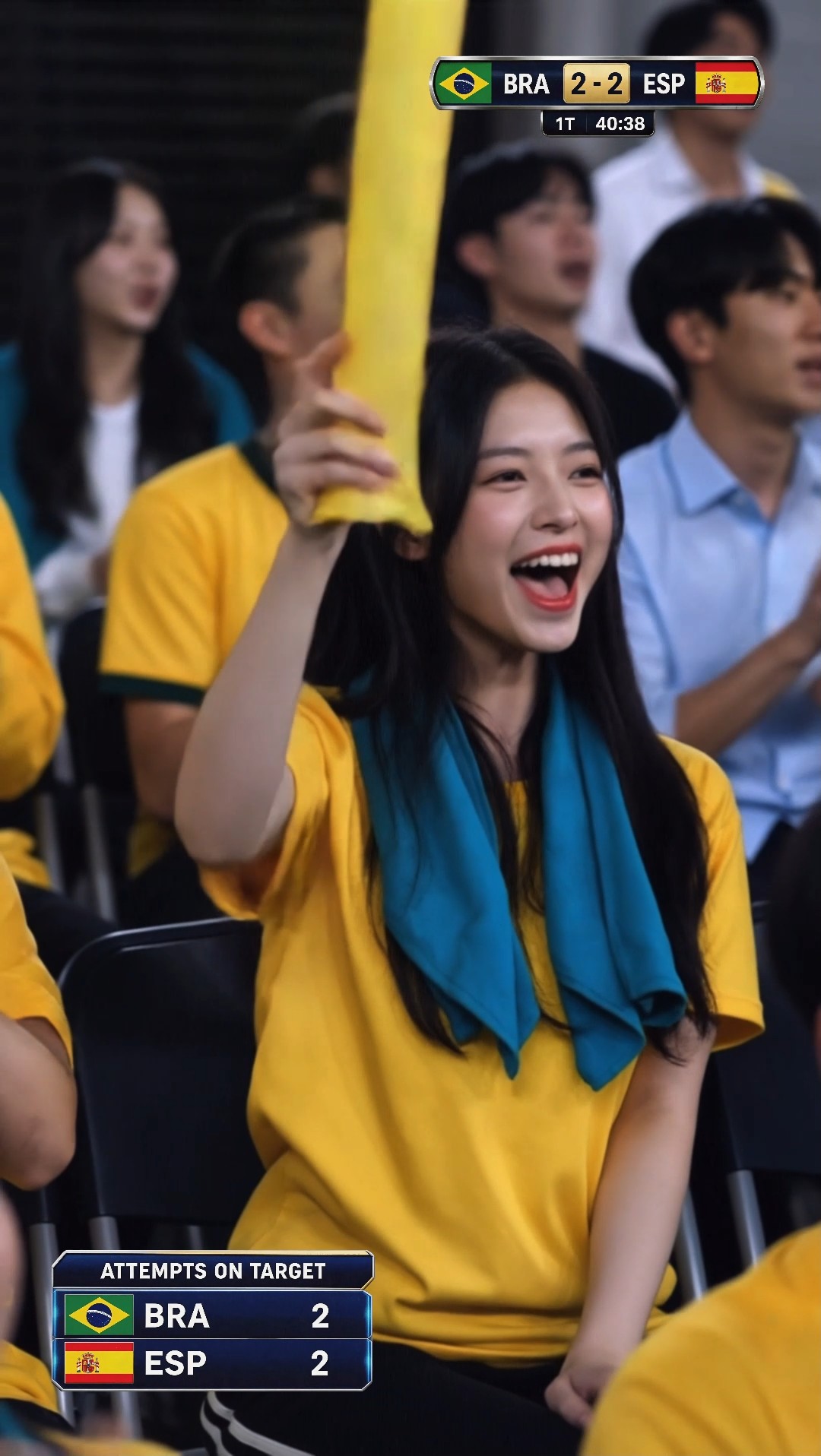
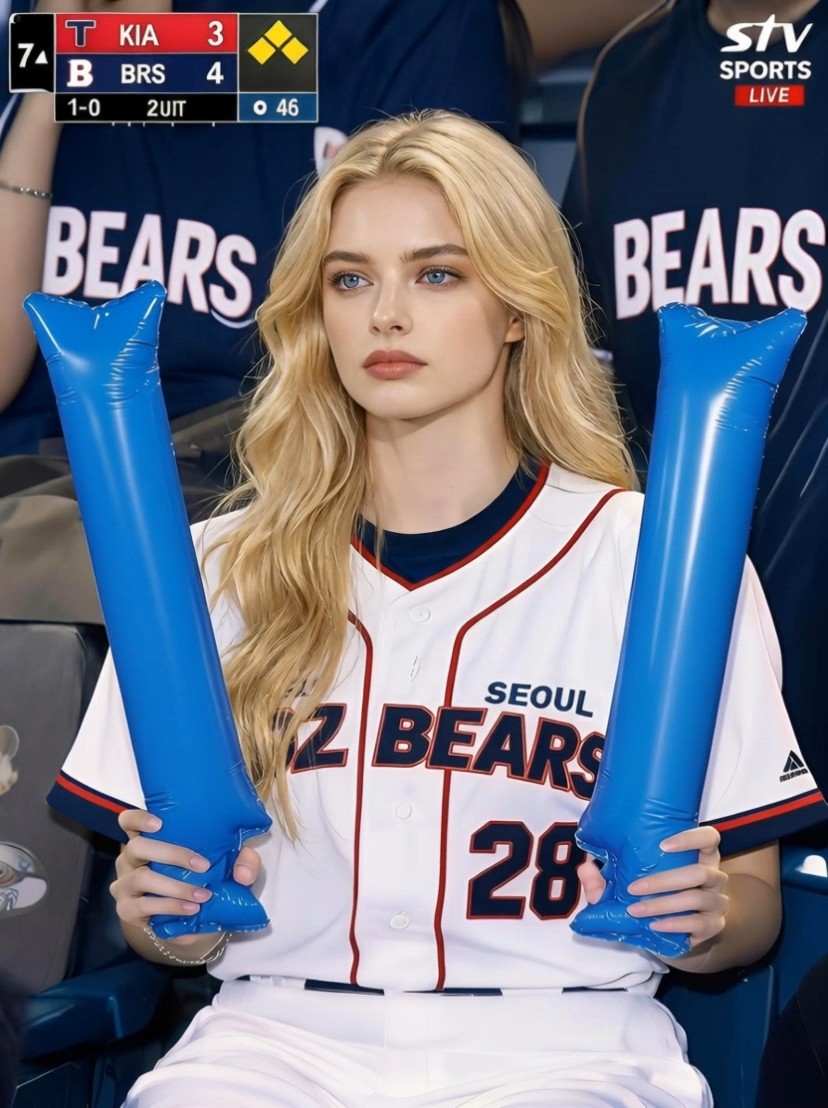
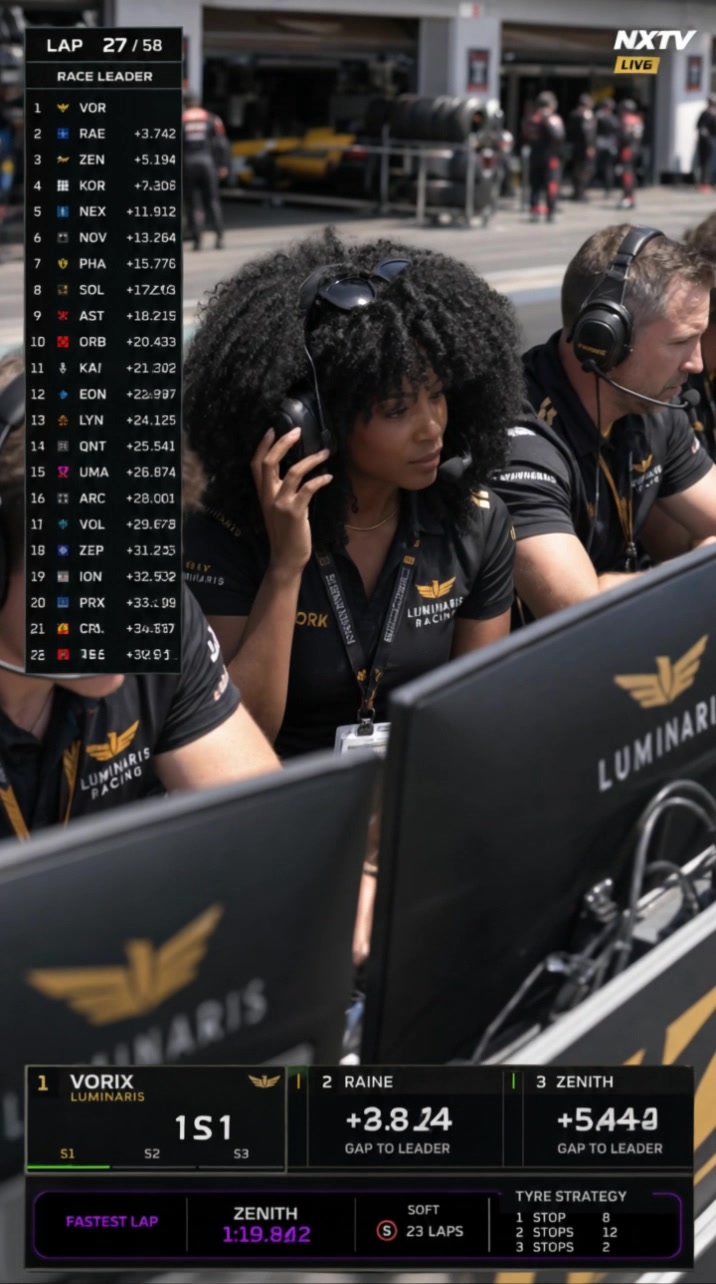
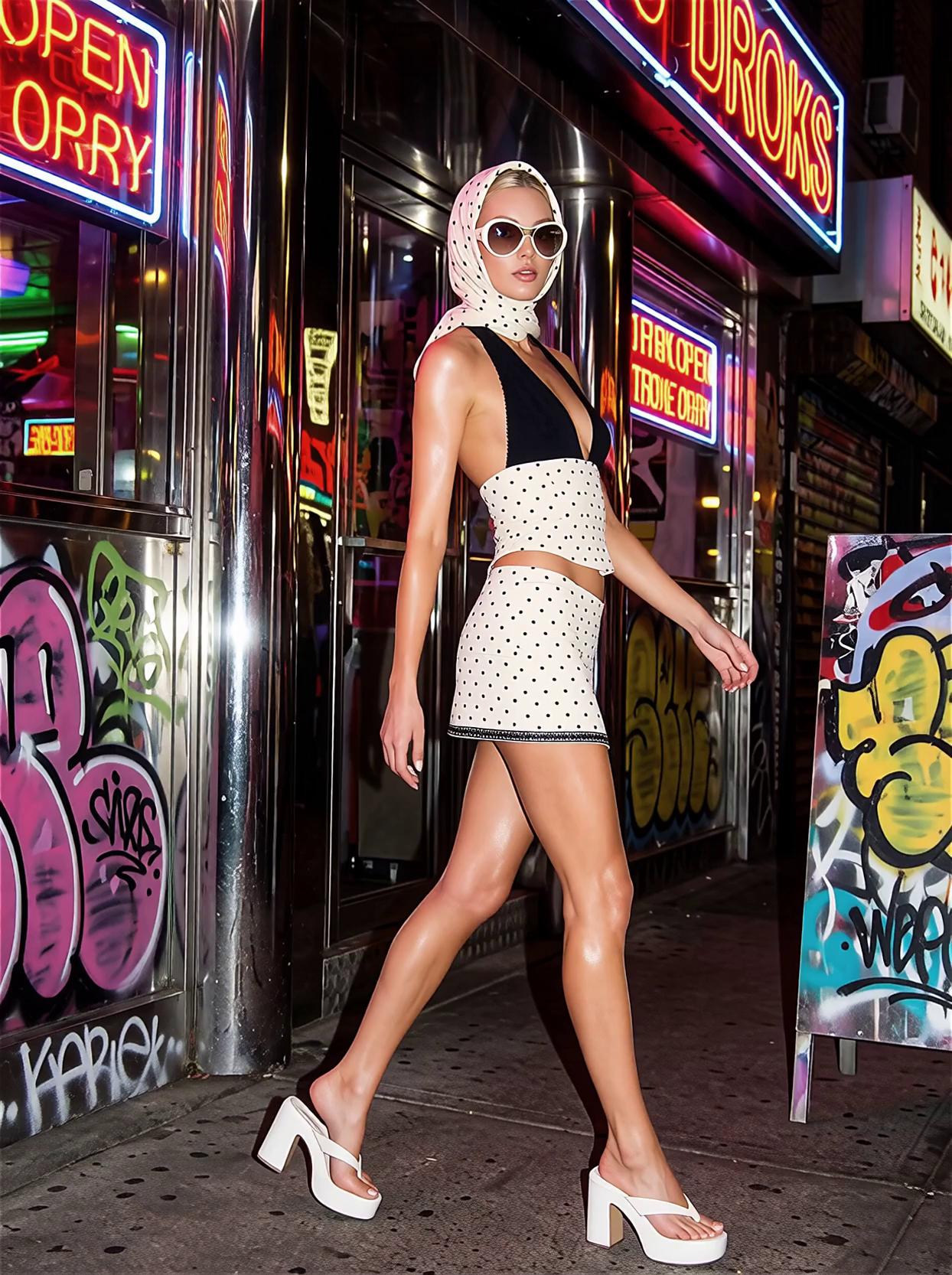
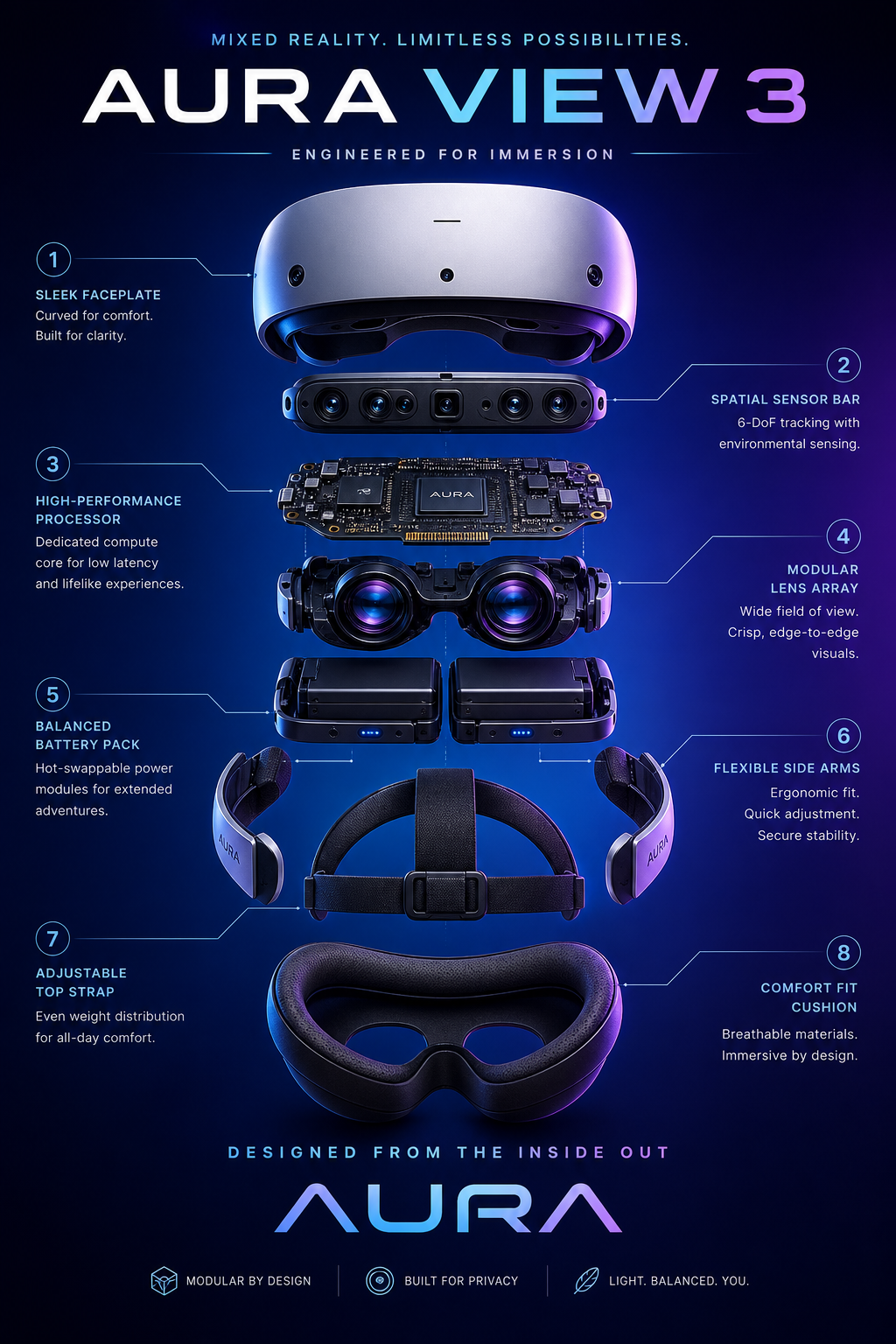
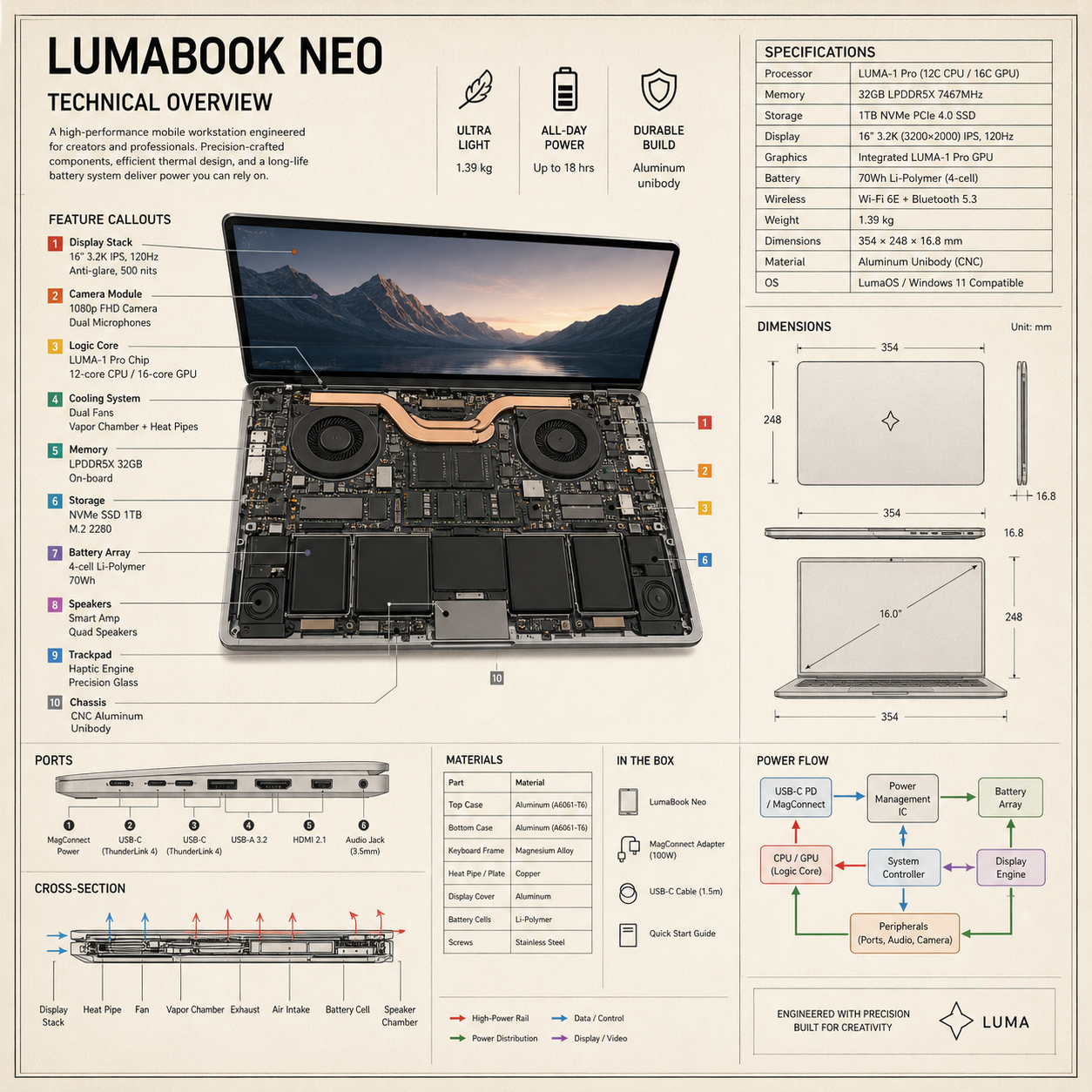
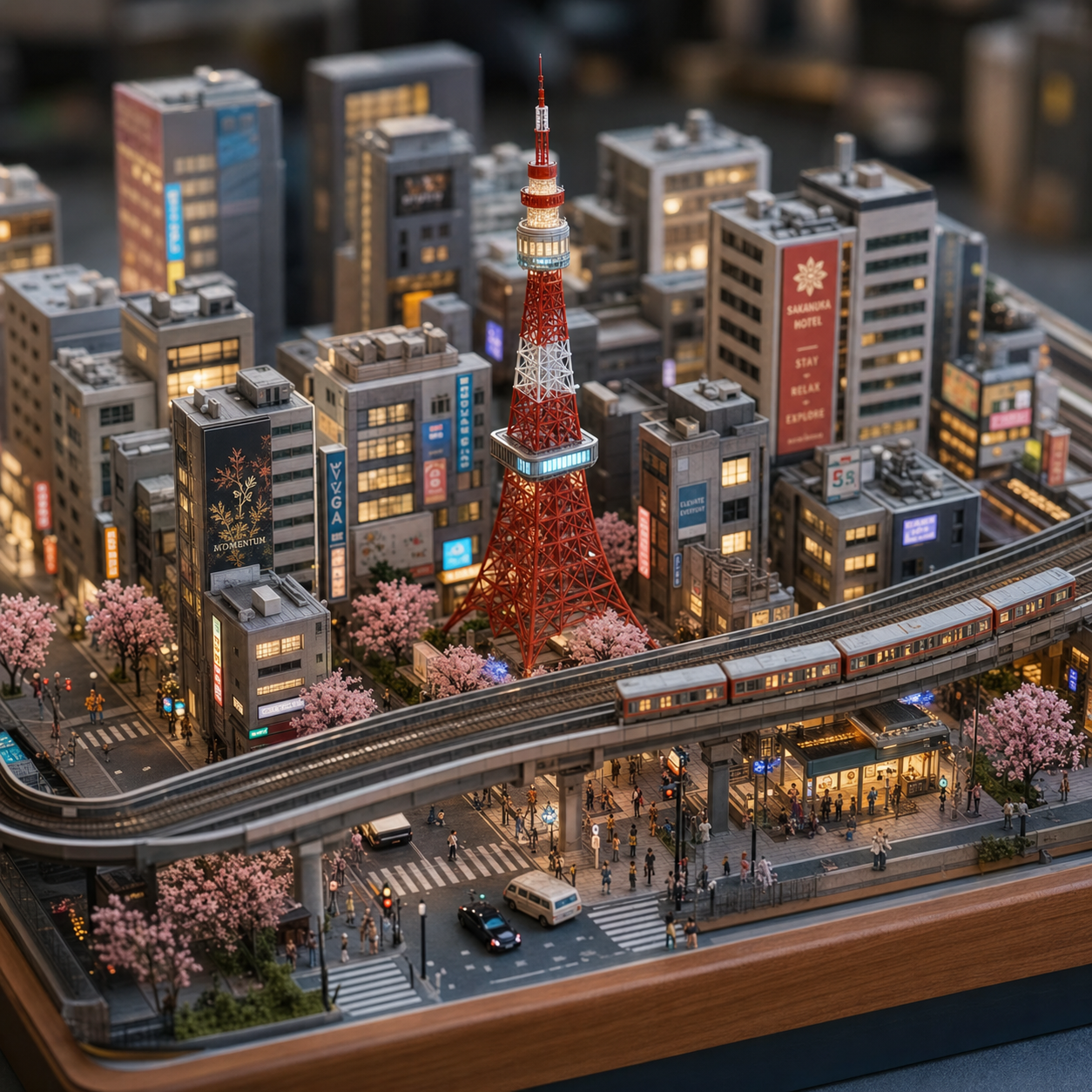
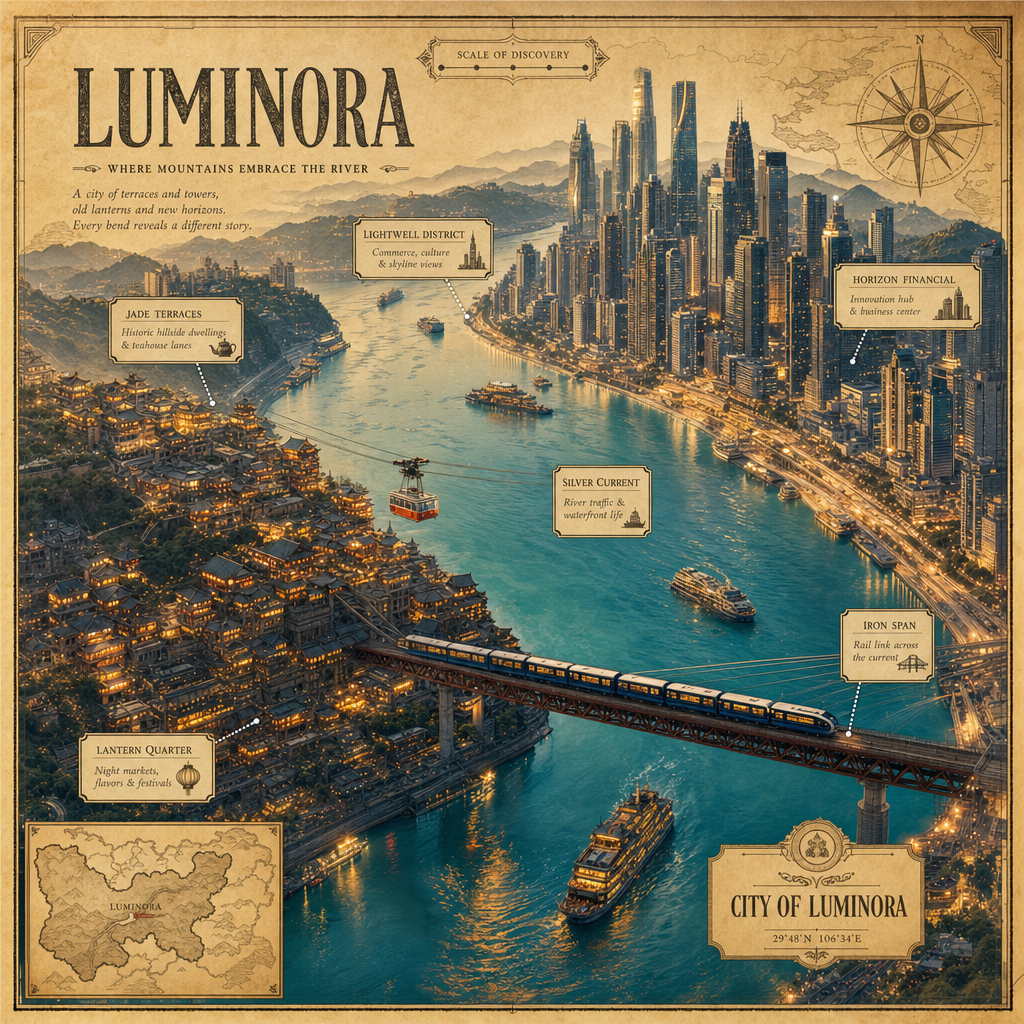
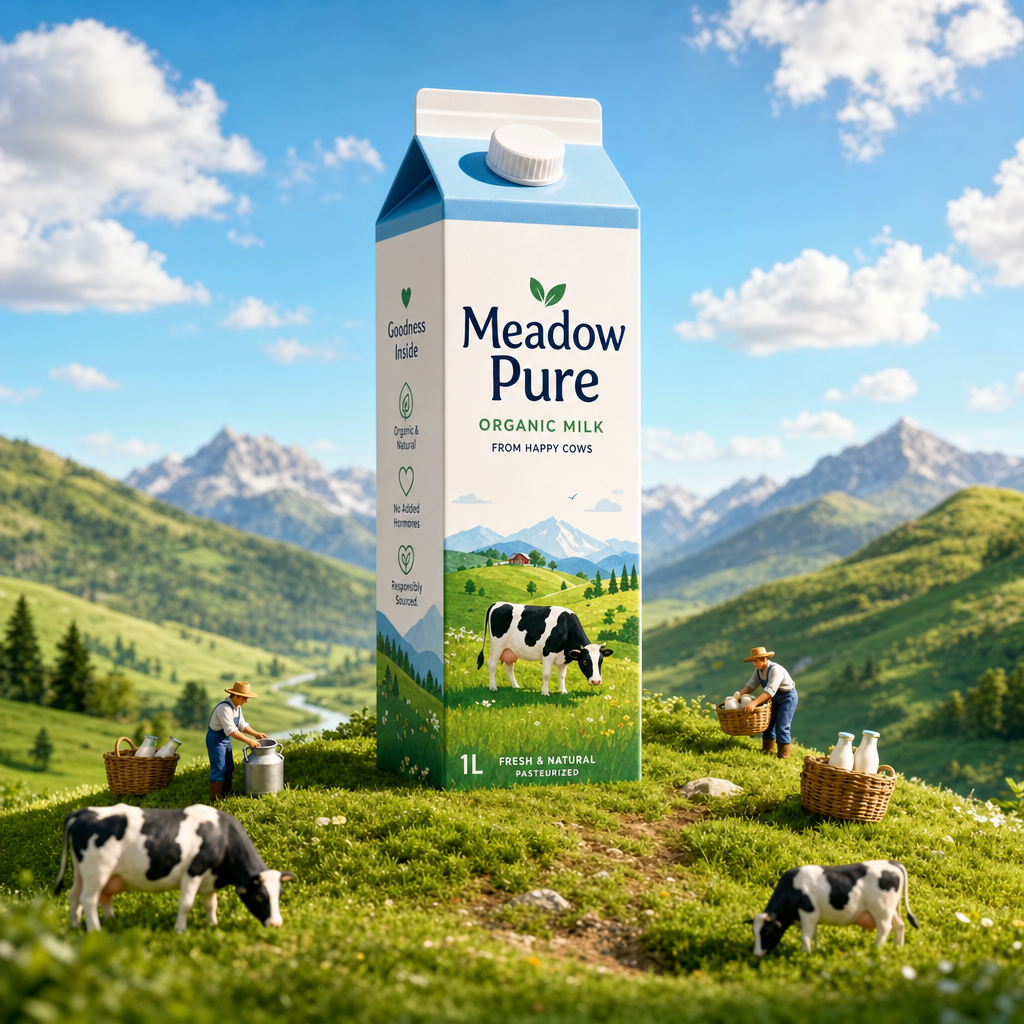
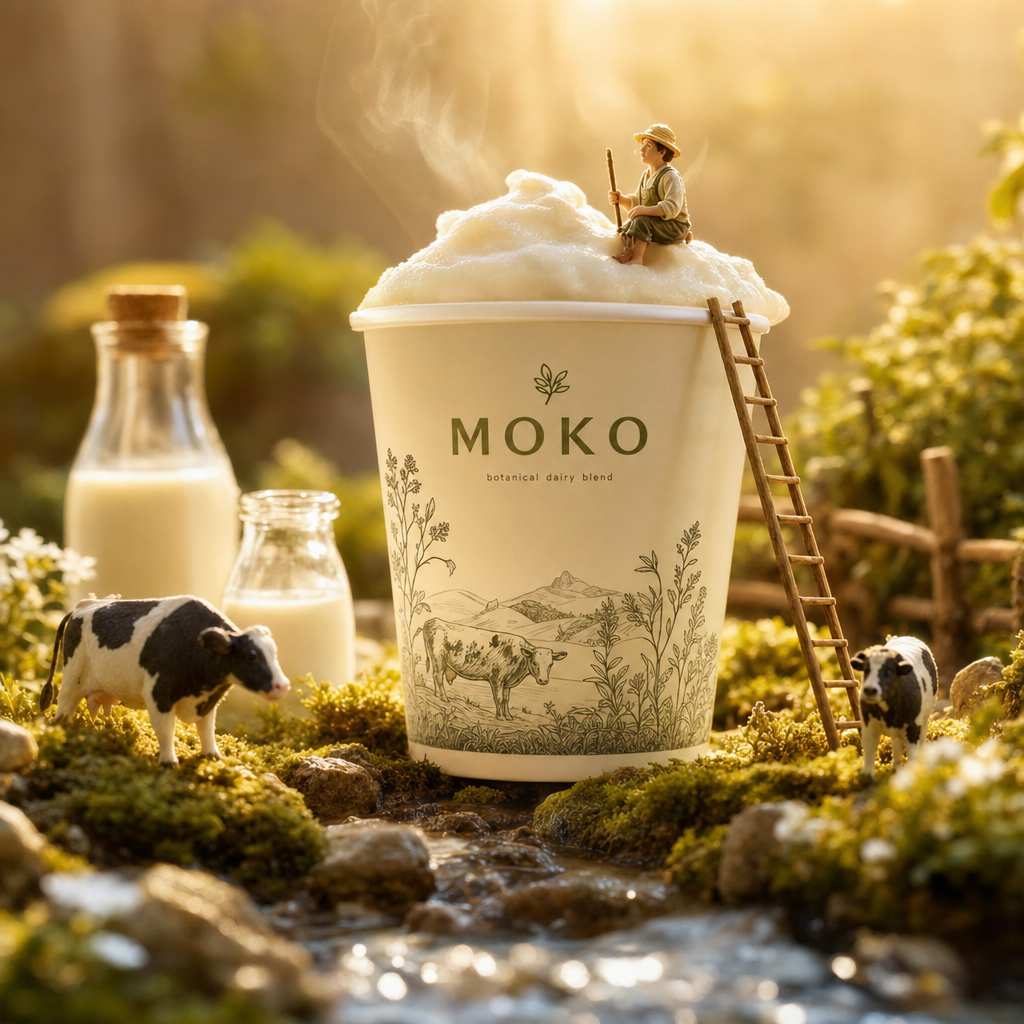
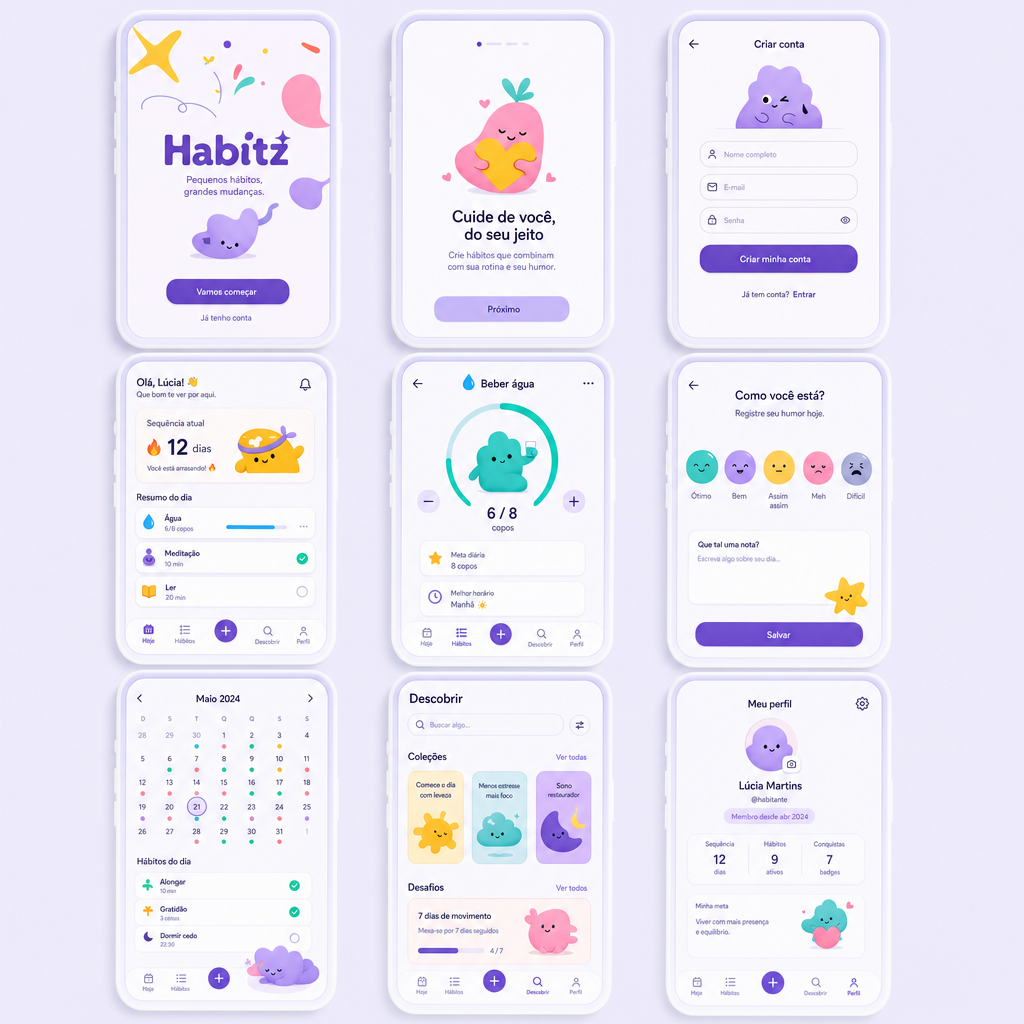
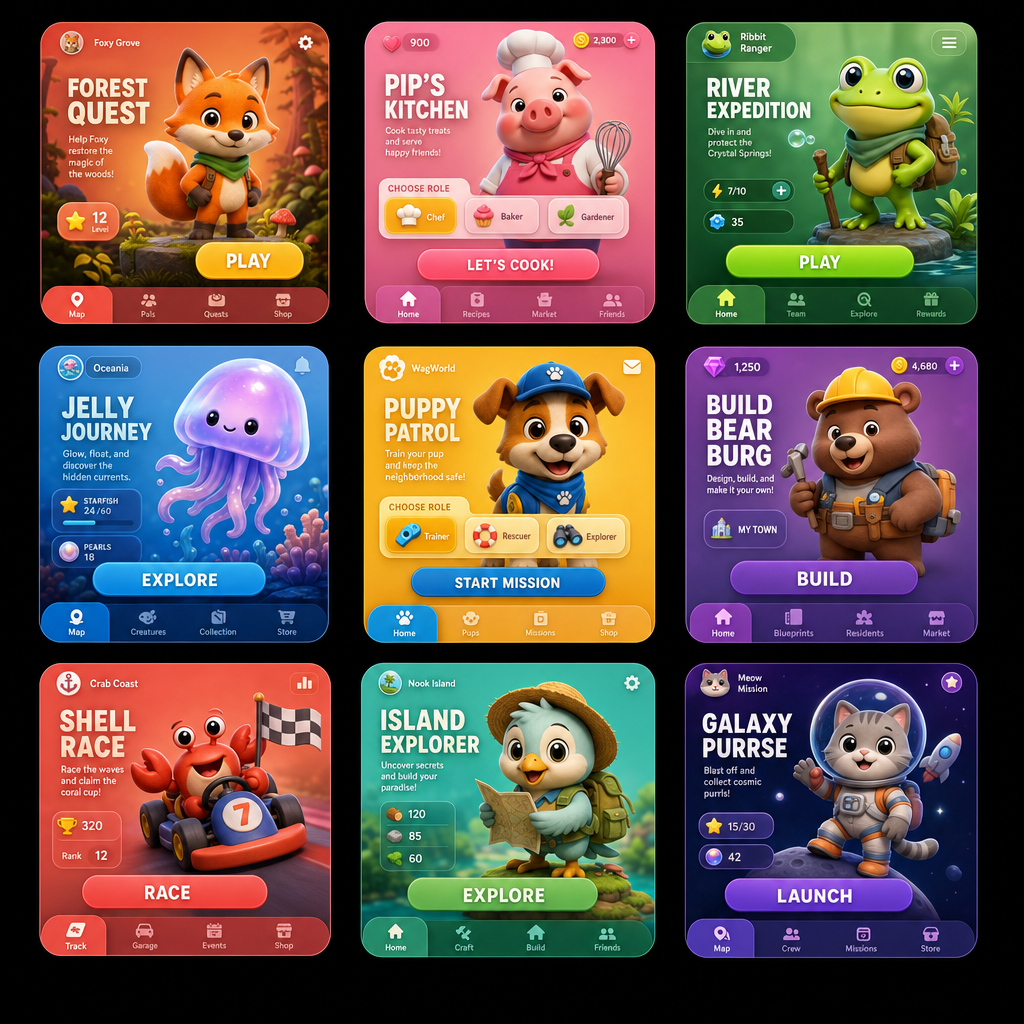
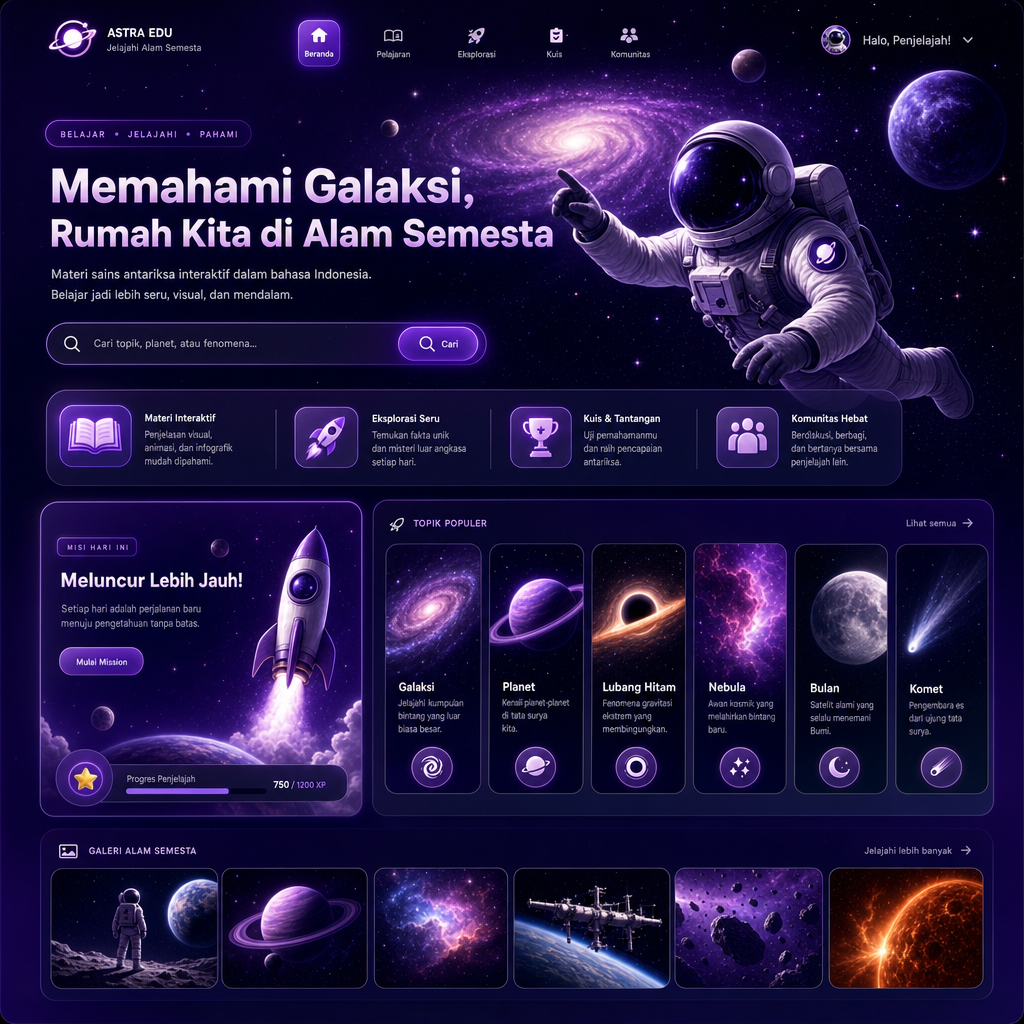
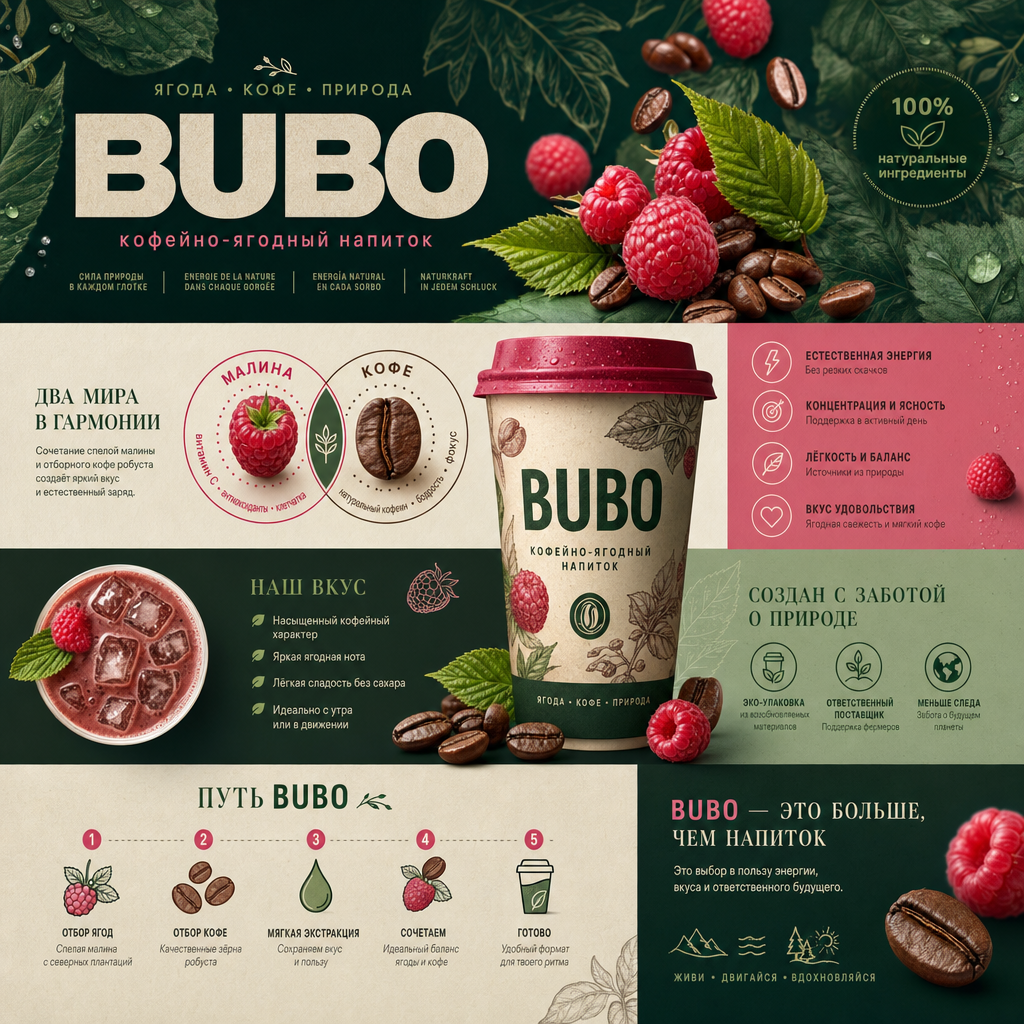
Image 2 is an AI creative workspace that lets users generate still images and videos from a single synced prompt environment, built around the GPT Image 2 model. The platform keeps discovery focused: visitors can open an image generator for still visuals or move into an AI video generator when they want motion, all while continuing to edit and iterate within the same flow. Its emphasis is on finished-looking output rather than rough concept art, with particular strength in readable typography, photorealistic lighting and materials, and layouts that hold up for posters, product sheets, and multilingual designs. The model's standout capabilities center on text rendering and visual fidelity. Where many generators struggle with copy, Image 2 is positioned to handle headlines, labels, dense information panels, and localized text in Japanese, Cyrillic-style, Indonesian, and other scripts with cleaner placement. Product photography, UI mockups, app screens, livestream interfaces, and editorial illustrations are all showcased, suggesting a tool aimed at turning a single brief into multiple usable formats for ads, e-commerce, and interface exploration. The workflow is designed to stay accessible for first-time visitors while supporting repeated creative work. Users describe subject, style, lighting, and intended use, optionally add a reference image as a visual anchor, generate and compare several variations, then save or continue refining inside projects. Image 2 is best suited for marketers, e-commerce teams, designers prototyping interfaces, and creators who need copy-accurate visuals quickly without a full photo shoot or production pipeline.
SpecificationsAI-estimated
Key Features of Image 2
Use Cases for Image 2
E-commerce product shots
Create lifestyle and hero images for product listings without arranging a full photo shoot.
Marketing and social graphics
Produce posters, carousels, and campaign visuals where headlines and copy must stay readable.
UI and app mockups
Explore screen concepts, dashboards, and onboarding flows before development begins.
Multilingual campaigns
Test localized layouts in Japanese, Cyrillic-style, Indonesian, and other languages.
Livestream and commerce screens
Mock up livestream interfaces, chat overlays, and product callouts for commerce campaigns.
Editorial and technical illustration
Generate detailed explainers, miniature scenes, and illustrated articles with clear hierarchy.
How to use Image 2?
Write the prompt
Describe the subject, scene, style, lighting, and where the image will be used.
Add a reference if needed
Upload a visual anchor when text alone is not specific enough to guide composition or style.
Generate and compare
Create several variations and evaluate detail, composition, and style fidelity.
Save or continue
Keep the best output in your projects or move into the next iteration for refinement.
Pros & Cons of Image 2
Pros
- Strong text rendering that keeps headlines, labels, and multilingual copy readable
- Photorealistic output with believable materials, lighting, and depth
- Image and video generation from one synced prompt workspace
- Reference image support for more precise visual direction
- Useful for rapid iteration on product shots, UI mockups, and campaign assets
Cons
- Public-facing details on pricing, usage limits, and credit costs are not clearly visible on the homepage
- Output quality for highly specific brand assets may still require manual refinement
- Video tools appear to be a separate surface, so the still and motion workflows may not be fully unified
Frequently Asked Questions
What model does Image 2 use?
Image 2 is built around GPT Image 2 for still image generation, with separate AI video tools available from the homepage.
Can it render readable text in images?
Yes, GPT Image 2 is positioned as especially strong at real typography, including posters, labels, dense information layouts, and multilingual copy.
Can I generate video as well as images?
Yes, the AI Video Generator is accessible from the homepage when you want to move from a still image to motion.
Can I use a reference image?
Yes, you can provide a reference image as a visual anchor when a text prompt alone is not specific enough.
What kinds of images work best?
Product shots, marketing and social graphics, UI mockups, editorial illustrations, and multilingual layouts are the main showcased use cases.
Can I save my work?
Yes, outputs can be saved to projects so you can return to them and continue refining.
Pricing Overview
View full pricing →The page content does not state any pricing, plans, or costs.
Detailed plans are not listed. Visit the official website for pricing information.
Reviews & Ratings0.0
No reviews yet. Be the first to write one!
Top Alternatives & Similar Software
View all alternatives & similar software→No alternatives available yet.
People also viewed


Related searches
Is this your tool?
Claim this page to update details, reply to user reviews, and drive more traffic to your product.
Claim this Product →
Tags
Explore Related Topics
Keep up with Image 2 alternatives
New alternatives, pricing changes and the week's biggest movers - one email every Tuesday.