


image-upscaling.net
Free AI Image Upscaler - No Sign-Up, No Watermarks, Up to 16K

What is image-upscaling.net?
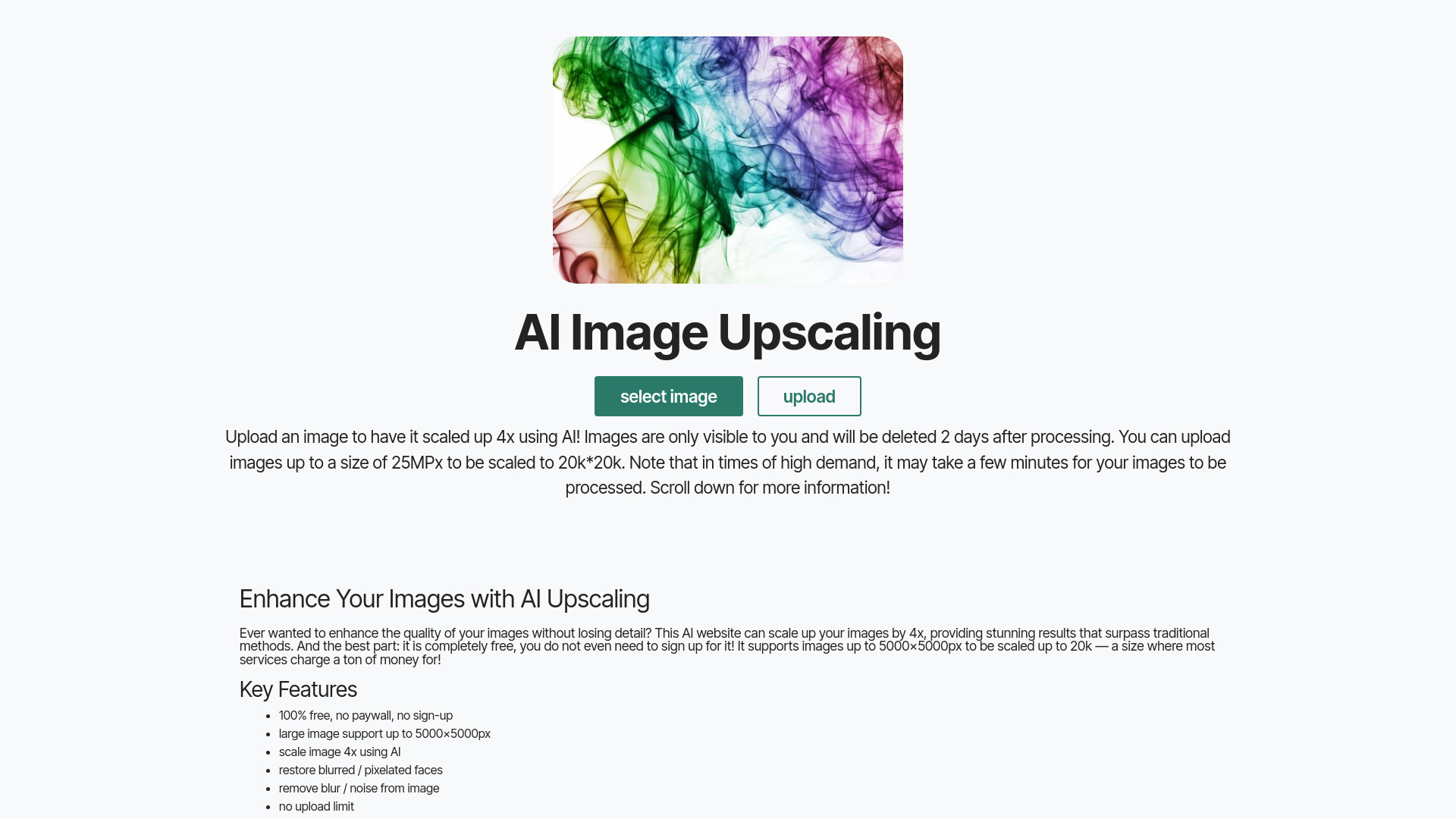
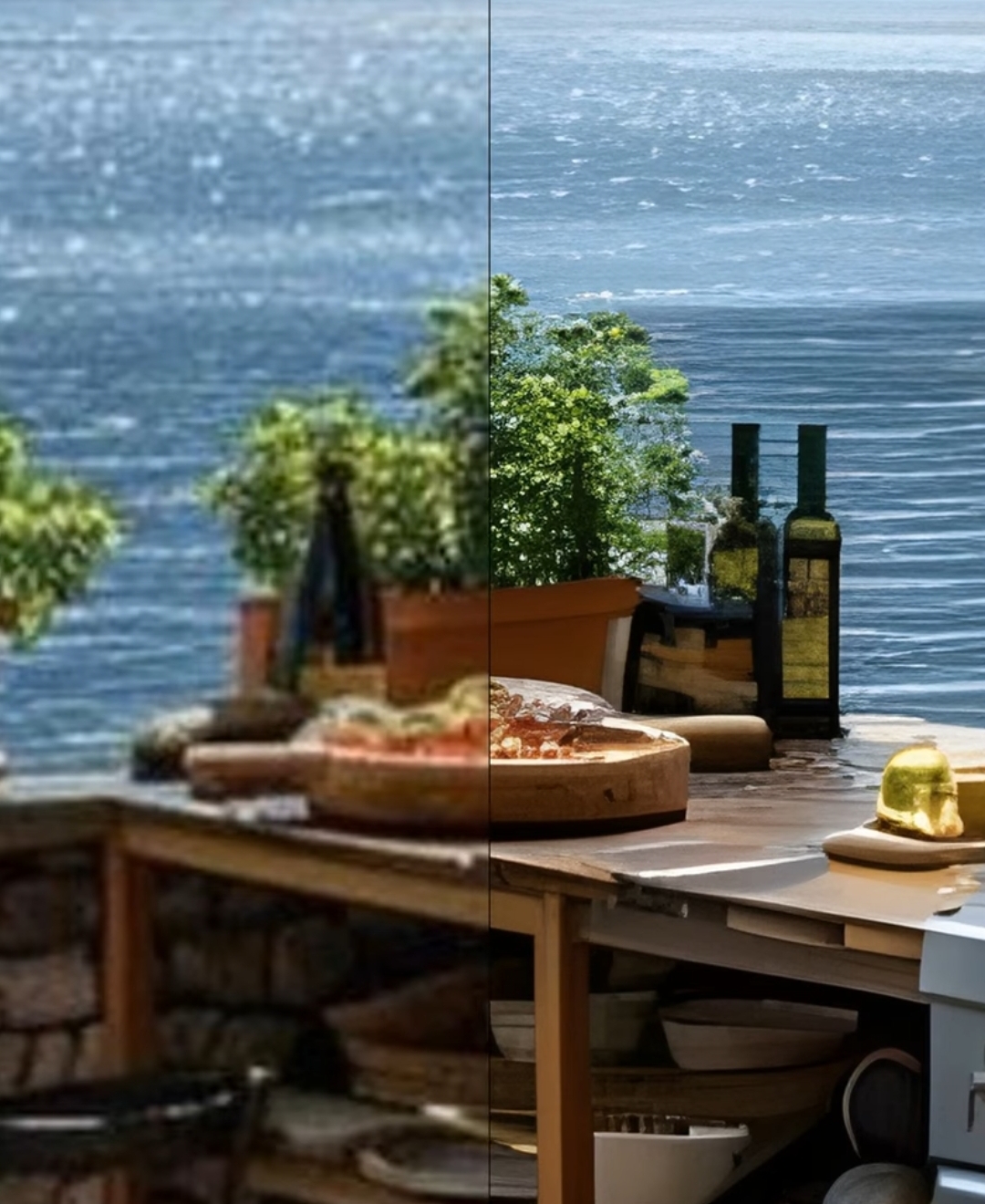
A free AI-powered image upscaling web service that lets users enlarge images up to 4x (and up to 16K/256MP with the General model) without requiring sign-up or adding watermarks. It offers multiple AI models for different use cases, supports PNG/JPG/WebP, preserves transparency in compatible models, and automatically deletes uploaded images shortly after processing.
SpecificationsAI-estimated
Key Features of image-upscaling.net
Use Cases for image-upscaling.net
Upscaling AI art, anime, and drawings
The Plus and General models are specifically recommended for art and drawings.
Restoring low-resolution photos
The Diffuser model is excellent at restoring poor-quality or blurry photos.
Improving blurred or pixelated faces
Face Enhance can improve faces when using the Plus or General models.
Post-processing SeedVR2 outputs
SeedVR2-3b can be used first for structural upscaling, then passed through the Diffuser at 1x for refined textures.
How to use image-upscaling.net?
Upload Your Image
Select an image from your device using the upload button or drag-and-drop onto the preview.
Processing
Choose a model and scale, then the server processes the image. This usually takes only a few seconds.
Download Your Upscaled Image
Return to the site after a few minutes and download the high-resolution image from the gallery.
Cleaning Up
Images are deleted a few minutes after processing to free up space for new requests.
Pros & Cons of image-upscaling.net
Pros
- 100% free for small-scale use
- No sign-up required
- No watermarks
- High-quality AI results for drawings, AI art, anime, and photos
- Private: images are only accessible via a random cookie and deleted shortly after processing
- Multiple specialized AI models
- Supports transparent images and bulk processing
- Available as an Android app
Cons
- Daily free quota can be exhausted, causing temporary capacity messages
- Animated formats like GIF are not supported
- High upscale ratios can introduce structural artifacts or blur
- Some models are slow or expensive for large/complex images
- Images are ephemeral and are deleted shortly after processing
Frequently Asked Questions
Is this service free?
Yes, it is 100% free for small-scale use. A daily free quota applies.
Do I need to create an account?
No, no sign-up is required for the free quota.
Can I upscale transparent images?
Yes, the Plus and General models support transparent images.
What image formats are supported?
PNG, JPG, and WebP. Animated formats like GIF are not supported.
Where are my images stored?
Images are stored on the server in Germany and are deleted shortly after processing.
Pricing Overview
View full pricing →The page states the service is free for everyone with a daily request limit. No fixed pricing plans or dollar amounts for paid tiers are listed on this page. Donations are accepted for extra quota, but amounts are not specified as a set price. No explicit price or plan structure is provided here.
Detailed plans are not listed. Visit the official website for pricing information.
Reviews & Ratings0.0
No reviews yet. Be the first to write one!
Top Alternatives & Similar Software
View all alternatives & similar software→No alternatives available yet.
People also viewed


Related searches
Is this your tool?
Claim this page to update details, reply to user reviews, and drive more traffic to your product.
Claim this Product →
Tags
Explore Related Topics
Keep up with image-upscaling.net alternatives
New alternatives, pricing changes and the week's biggest movers - one email every Tuesday.