



ImagineMe
Generate stunning AI art of yourself from a simple text description.
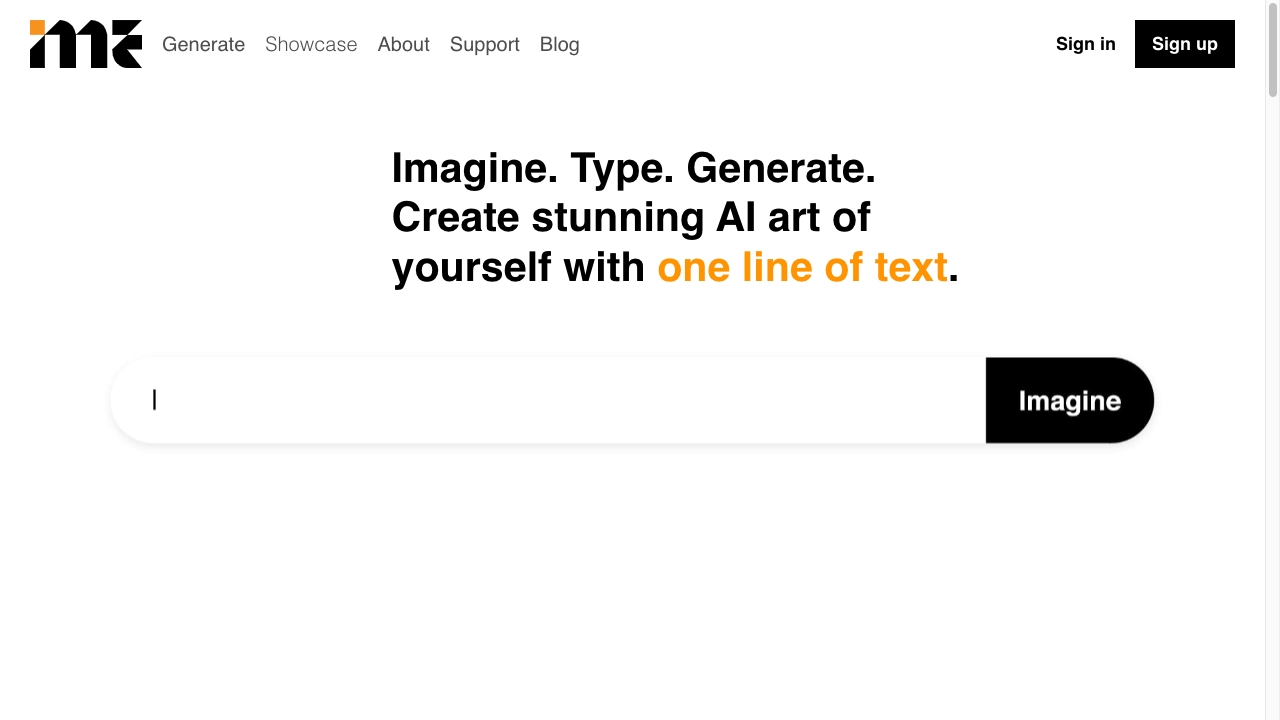
What is ImagineMe?
ImagineMe is a personal AI art generator that creates a private AI model for each user. After uploading 10-20 varied photos, the model is trained and can generate personalized images from text prompts, allowing users to see themselves in any scenario or art style.
SpecificationsAI-estimated
Key Features of ImagineMe
Use Cases for ImagineMe
D&D characters
Create D&D characters that look like you or your friends.
Epic self-portraits
See yourself as a hero, in armor, or in fantasy settings.
Pet portraits
Turn pets into adorable cartoon versions or world travelers.
Historical art
Generate classical-style portraits like paintings.
Pop-culture mashups
Become a LEGO figure, Hulk, superhero, or anime character.
How to use ImagineMe?
Upload images
Upload 10 to 20 images. The more the better.
Let it train
Training can take up to 5 hours but is usually faster.
Start creating
Select your model and see what you can create.
Pros & Cons of ImagineMe
Pros
- Easy 3-step process: upload photos, wait for training, create images.
- Private AI model for each user.
- Works for people and pets.
- Affordable pricing starting at $5.
- Multiple styles: poster, photorealistic, fashion, artistic, cosplay.
- Fast generations after initial cold start.
Cons
- Requires 10-20 quality photos for best results.
- Training can take up to 5 hours.
- Cold start takes a couple of minutes.
- Credit-based pricing may require experimentation.
Frequently Asked Questions
How many images do I need to upload?
You should upload 10 to 20 images of yourself or your pet. More images generally produce better results.
How long does training take?
Training can take up to 5 hours, but it is usually faster.
How fast is image generation?
The first generation has a cold start that takes a couple of minutes. After that, generations take about 10 seconds.
Can I use it for pets?
Yes. Users have created cute and hilarious images of their pets, including travel-themed pictures.
Reviews & Ratings0.0
No reviews yet. Be the first to write one!
Top Alternatives & Similar Software
View all alternatives & similar software→No alternatives available yet.
People also viewed



Related searches
About the Product
Is this your tool?
Claim this page to update details, reply to user reviews, and drive more traffic to your product.
Claim this Product →
Tags
Explore Related Topics
Keep up with ImagineMe alternatives
New alternatives, pricing changes and the week's biggest movers - one email every Tuesday.