


ImagineQr
Create stunning and fully customizable AI QR codes














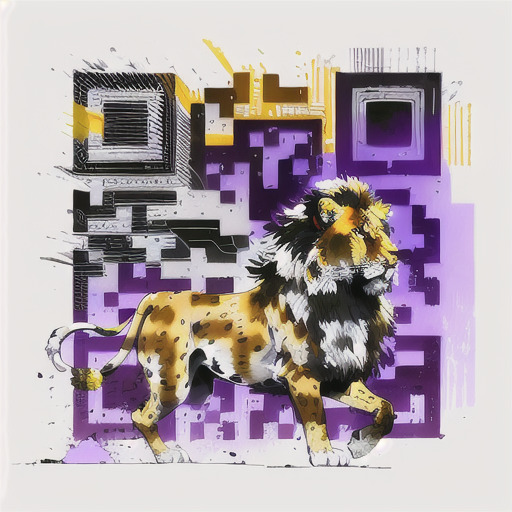




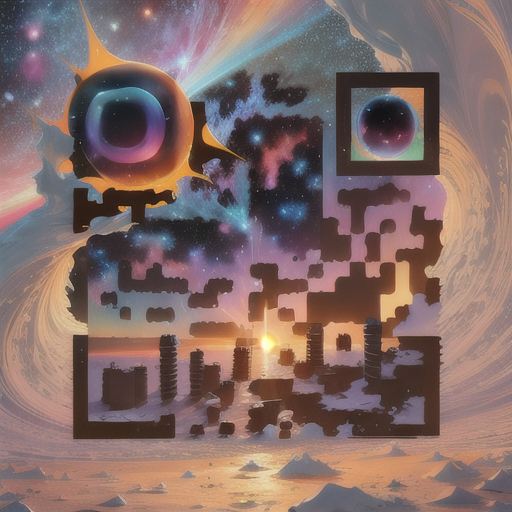






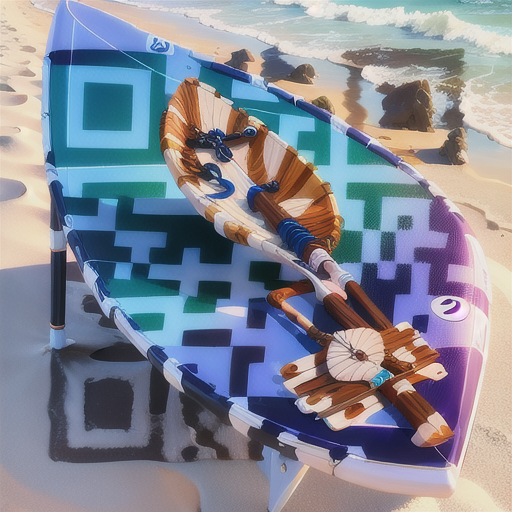
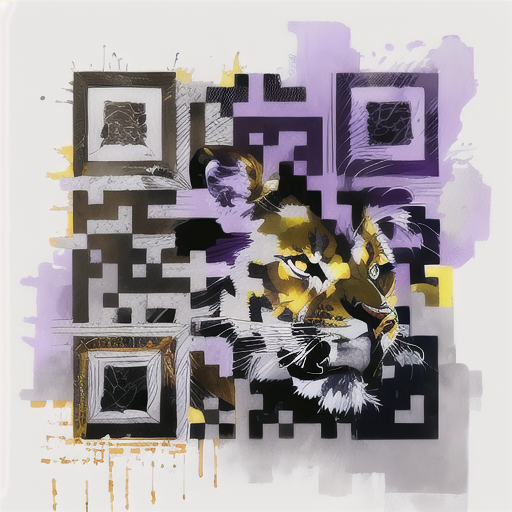
















What is ImagineQr?
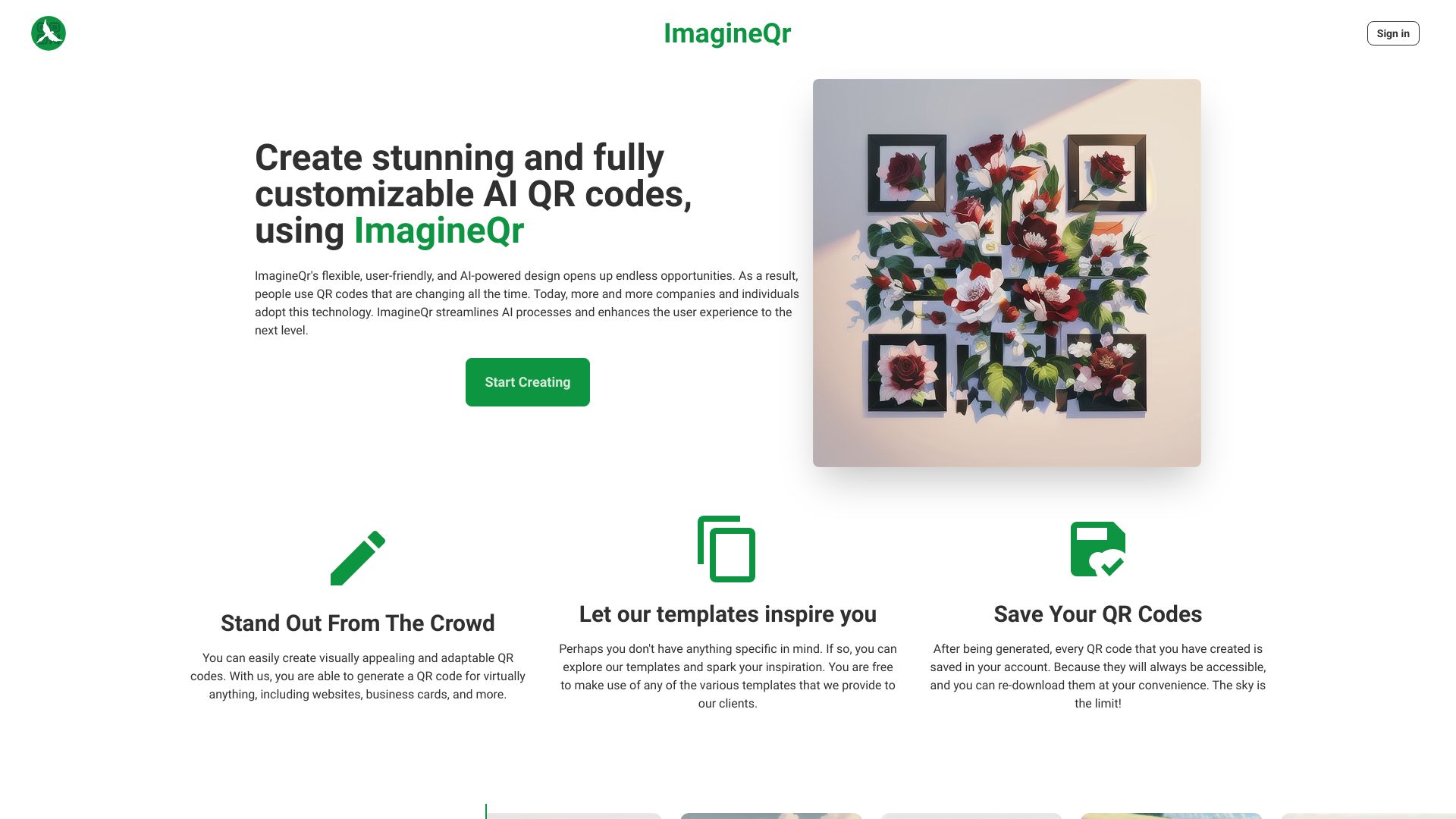
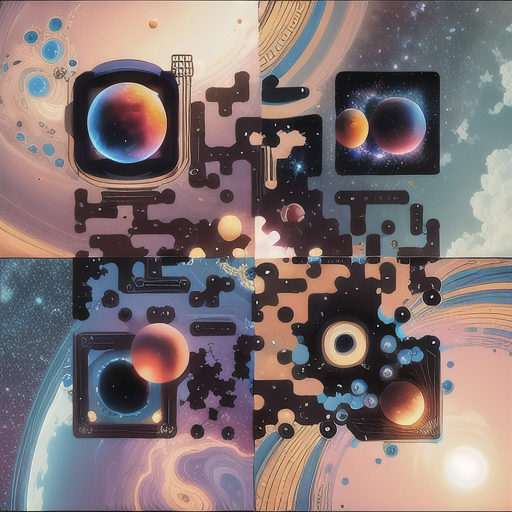
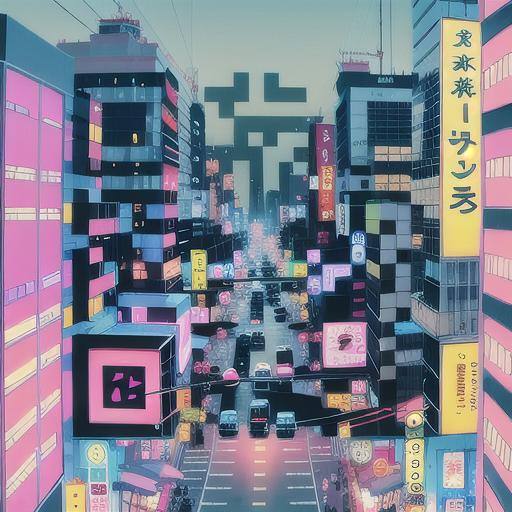
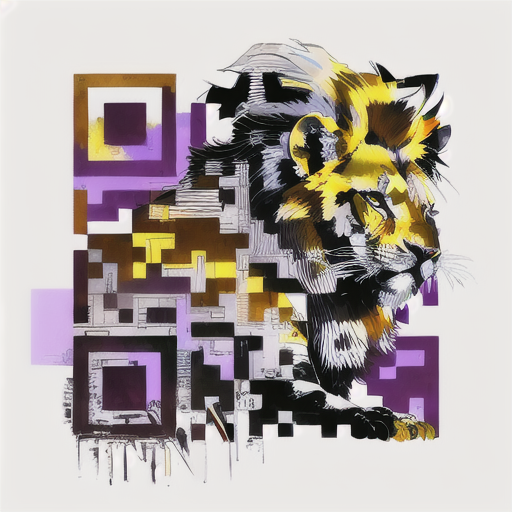
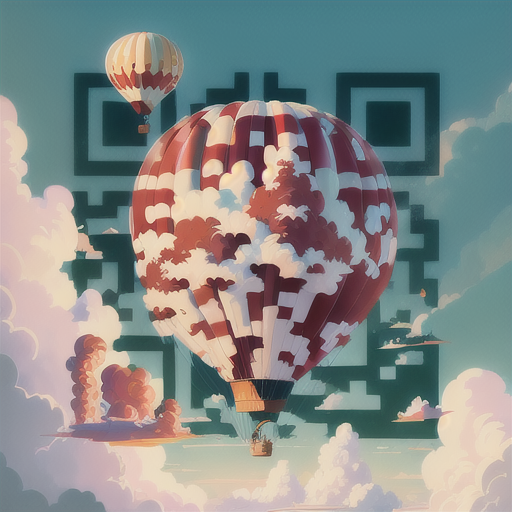
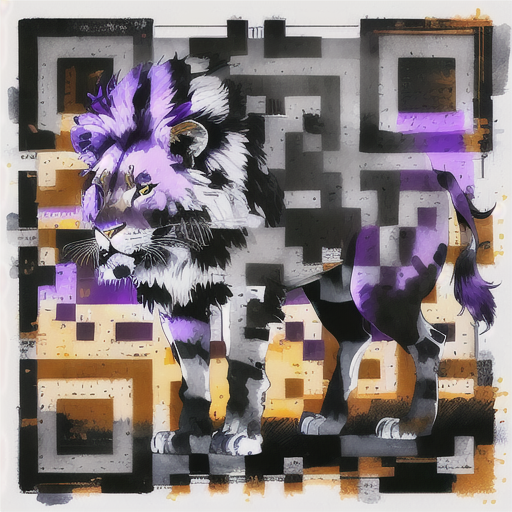
ImagineQr is an AI-powered QR code generator that allows users to create visually stunning and fully customizable AI QR codes. It combines AI technology with QR code generation, enabling users to produce interactive and adaptive codes that can redirect to websites, social profiles, and more. The platform offers templates, a user-friendly interface, and a history feature to save and re-download generated codes. It aims to make AI technology accessible for both individuals and businesses, enhancing marketing effectiveness with personalized offers and engaging experiences.
SpecificationsAI-estimated
Key Features of ImagineQr
Use Cases for ImagineQr
Marketing campaigns
Create personalized offers and engaging experiences by embedding AI-designed QR codes in marketing materials.
Branding
Generate unique QR codes that align with brand identity for product packaging, business cards, and advertisements.
Social media
Direct scanners to social profiles or specific posts with aesthetically pleasing QR codes.
Personal projects
Use for fun or personal use, like linking to a meme or a personal website.
Events and invitations
Create decorative QR codes for event details, RSVPs, or location maps.
How to use ImagineQr?
Go to the Create page
Navigate to the (https://imagineqr.io/generate) page on the ImagineQr website.
Enter your target URL
Fill in the website field with the link you want the QR code to redirect to (e.g., social profile, website, or other content).
Craft your prompt
Write a detailed prompt describing the image you want for the QR code (e.g., 'a cow riding a motorbike while playing piano'). Optionally, use the negative prompt field to exclude certain elements.
Generate and download
Generate your AI QR code, view it in your dashboard, and download or re-download it later.
Pros & Cons of ImagineQr
Pros
- AI-powered design produces unique, visually appealing QR codes
- User-friendly interface and intuitive workflow
- Templates available to inspire creativity
- All generated QR codes are saved in account history for re-download
- Free plan with no watermark
- Negative prompt field to control content generation
Cons
- Free plan limited to 5 QR codes per month
- Readability can be affected by complex prompts or long URLs (requires optimization)
- AI-generated QR codes may not be scannable by all older smartphones
Frequently Asked Questions
How does AI improve the making of QR codes?
AI enables the generation of QR codes that are uniquely tailored to any use, user, brand, or use case, making them more interactive and adaptive.
What devices can scan these QR codes?
Most modern smartphones can scan them, including iPhones. However, as it's bleeding-edge technology, not all older devices were initially compatible.
How can I improve the readability of my QR code?
Reduce the character count of your data field (optimal between 10-30 characters), use words that create good contrast (e.g., 'White Sheep in Space' better than 'Black Sheep at Night'), restructure prompts to be concise, and practice with the generator.
Reviews & Ratings0.0
No reviews yet. Be the first to write one!
Top Alternatives & Similar Software
View all alternatives & similar software→No alternatives available yet.
People also viewed



Related searches
About the Product
Is this your tool?
Claim this page to update details, reply to user reviews, and drive more traffic to your product.
Claim this Product →
Tags
Explore Related Topics
Keep up with ImagineQr alternatives
New alternatives, pricing changes and the week's biggest movers - one email every Tuesday.