


IMG2HTML
Turn any image, mockup, or screenshot into clean, responsive HTML/CSS code in seconds with AI.




What is IMG2HTML?
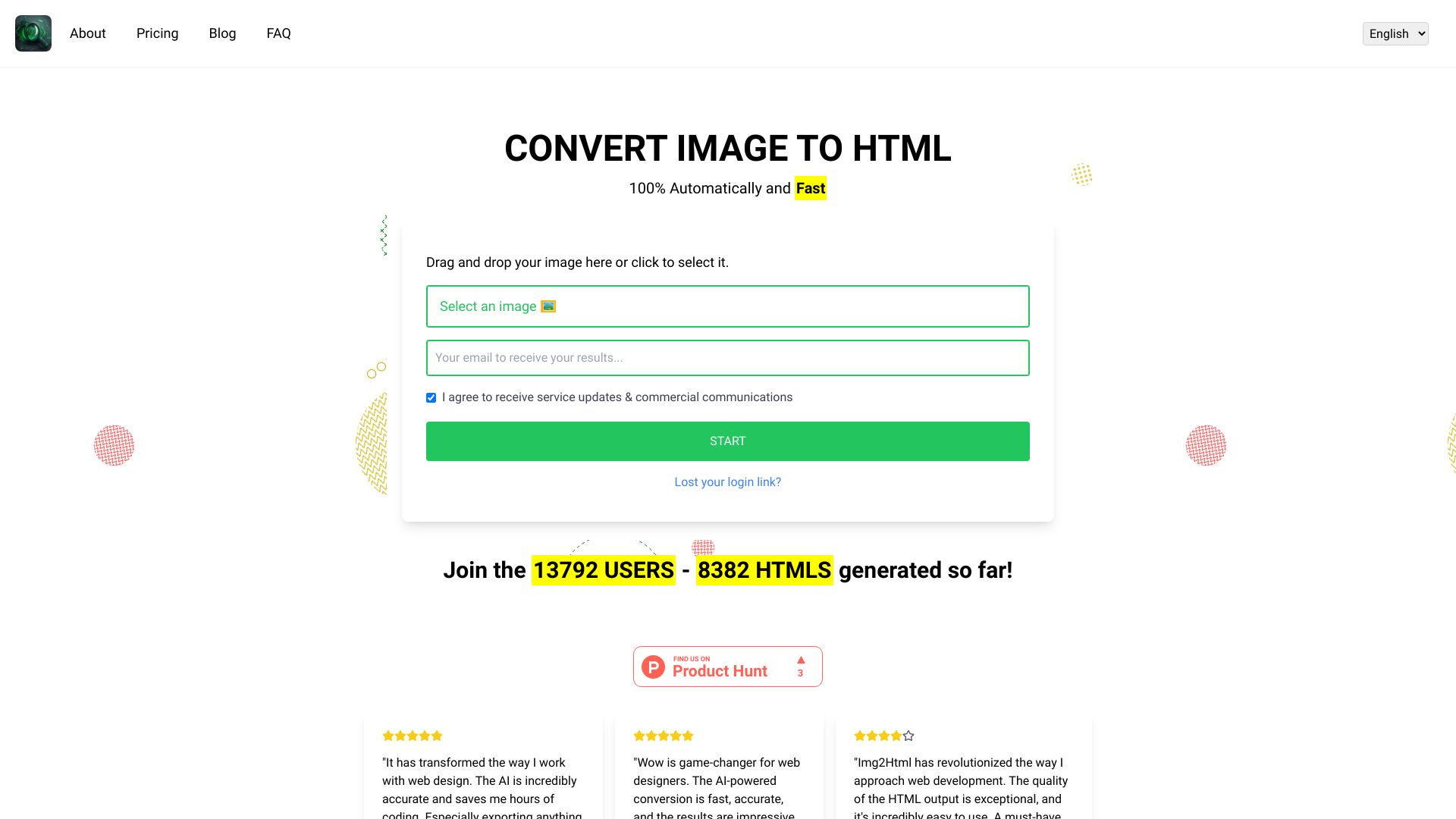
IMG2HTML is an AI-powered image-to-code converter that transforms images, design mockups, and website screenshots into clean HTML, CSS, and JavaScript. It is built for modern front-end development and goes beyond simple markup generation by supporting popular frameworks such as ReactJS, VueJS, and AngularJS, as well as Tailwind CSS. The workflow is intentionally simple: users upload an image, the AI analyzes the layout and styling, and the platform returns responsive, production-ready code in seconds. No coding experience is required for basic conversions, while developers can take advantage of component exports, an AI HTML editor, and API integration. IMG2HTML positions itself as a complete ecosystem rather than just a converter. Alongside image-to-code conversion, it includes text recognition, AI image generation, URL cloning, and a Chrome extension for Windows, Mac, and Linux that enables background transformation and quick conversions directly from the browser. The platform is cross-device and works from desktops, tablets, and mobile devices. It also provides flexible deployment paths: users can edit generated code in the built-in AI editor, export it into a framework of their choice, or connect the service to existing tools through its API. The product is aimed at web developers, designers, students, marketing teams, e-commerce teams, and enterprises looking to accelerate design-to-code workflows. It is especially useful for converting Figma-style mockups or screenshots into live interfaces, recreating existing sites, and reducing repetitive coding tasks. IMG2HTML uses a credit-based pricing model, with one credit consumed per image conversion, and offers Starter, Plus, Advanced, and Trial plans to accommodate different usage levels. While it is a paid service, its combination of speed, framework support, and automation makes it a notable option for teams that want to bridge visual design and front-end code efficiently.
SpecificationsAI-estimated
Key Features of IMG2HTML
Use Cases for IMG2HTML
Design-to-code conversion
Upload design mockups or screenshots from tools like Figma and Photoshop, and get clean HTML/CSS/Javascript code ready for the web.
Rapid prototyping
Rapidly turn sketches or wireframes into working web pages, allowing teams to validate ideas without writing code from scratch.
Website recreation and enhancement
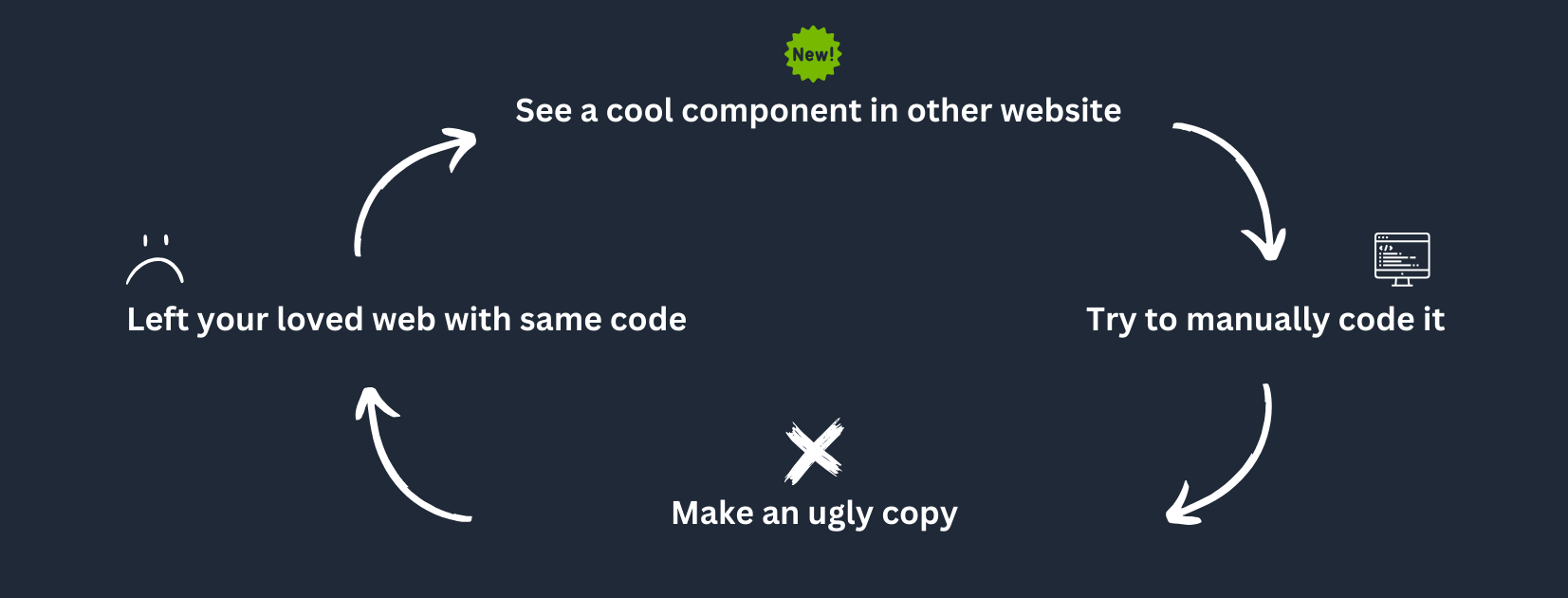
Use URL cloning and screenshot-based conversion to recreate existing layouts, then enhance or modernize the generated code.
Component export for modern frameworks
Generate component-level code and export it directly as ReactJS, VueJS, or AngularJS components for use in existing front-end projects.
Marketing and e-commerce page creation
Convert marketing banners, landing page designs, and e-commerce product mockups into responsive HTML/CSS pages quickly.
Learning web development
Use the tool to see how visual designs map to semantic HTML and CSS, making it easier to learn front-end development.
Browser-based image editing
Use the Chrome extension to transform image backgrounds or quickly convert visuals into code while browsing on Windows, Mac, or Linux.
Enterprise workflow automation
Integrate the IMG2HTML API into internal tools, content platforms, or enterprise systems to automate design-to-code pipelines.
How to use IMG2HTML?
Upload your image
Go to the IMG2HTML web interface and upload a design file, screenshot, or any image you want to convert into a website.
Let the AI convert the design
The AI automatically analyzes the image and generates clean HTML, CSS, and JavaScript code. Each image conversion uses one credit.
Edit the generated code
Use the built-in AI HTML editor to adjust the generated layout, styles, or content. The editor is unlimited on paid plans.
Export to your preferred framework
Export the final result to plain HTML/CSS, ReactJS, VueJS, AngularJS, or with Tailwind CSS integration, ready for use in your project.
Use the Chrome extension or API
For faster workflows, install the Chrome extension or integrate the IMG2HTML API into your existing tools and services.
Pros & Cons of IMG2HTML
Pros
- Fully automatic AI conversion turns images into clean HTML/CSS/JS code in seconds
- Multi-framework support including ReactJS, VueJS, AngularJS, and Tailwind CSS
- Fast conversion speed with production-ready, semantic, responsive output
- Includes useful extras like an AI HTML editor, text recognition, URL cloning, and AI image generation
- Works across desktop, tablet, and mobile, with a dedicated Chrome extension for Windows, Mac, and Linux
Cons
- No free credits are available; the only way to test is through a limited 3-day trial, after which paid credits are required.
- Credit purchases are non-refundable, and the company explicitly states it cannot offer refunds due to GPU processing costs.
- Every image conversion consumes one credit, so high-volume design-to-code workflows require ongoing credit purchases.
- The service is cloud-based with no self-hosted or open-source option, meaning users depend on IMG2HTML's platform and availability.
Frequently Asked Questions
How do I convert an image to HTML using IMG2HTML?
With IMG2HTML, you simply upload your image through the web interface, and the AI automatically converts it into clean HTML, CSS, and JavaScript code. One credit is used per image conversion, and no coding experience is required.
How many credits does an image conversion use?
Each image conversion uses one credit. Credits can be purchased as a one-time pack or through a monthly or annual subscription.
Do credits expire?
Credits purchased as a one-time purchase do not expire and remain in your account indefinitely. Subscription credits remain available as long as your subscription is active.
Are refunds available?
No, IMG2HTML does not offer refunds. The company states that upstream GPU processing costs make refunds financially infeasible, and by purchasing credits you agree to waive the right to a refund.
What payment methods are accepted?
IMG2HTML accepts major credit cards including Visa, MasterCard, and American Express, and also supports PayPal for online payments.
Can I try IMG2HTML for free?
There is a 3-day free trial that includes 5 credits to test the service. No other free credits are currently available, and you will need to choose a subscription or buy credits to continue using the service.
Which frameworks can I export to?
Yes, IMG2HTML supports exporting to HTML, CSS, JavaScript, ReactJS, VueJS, and AngularJS. It also offers Tailwind CSS integration for utility-first responsive styling.
Does IMG2HTML support Tailwind CSS?
Yes, Tailwind CSS is supported out of the box, and the generated code can be produced with Tailwind classes for stylish and responsive designs.
Does IMG2HTML offer an API?
IMG2HTML provides an API that can be integrated into existing tools and services to streamline design-to-code workflows.
How can I manage my credits?
You can manage your credits by logging into your account and navigating to the 'My Profile' section, where you can view your current balance, purchase history, and usage details.
Reviews & Ratings0.0
No reviews yet. Be the first to write one!
Top Alternatives & Similar Software
View all alternatives & similar software→
People also viewed



Related searches
About the Product
Is this your tool?
Claim this page to update details, reply to user reviews, and drive more traffic to your product.
Claim this Product →
Tags
Explore Related Topics
Keep up with IMG2HTML alternatives
New alternatives, pricing changes and the week's biggest movers - one email every Tuesday.