



Kidgeni
The safe AI art studio where kids turn wild ideas into art, stories, comics & books
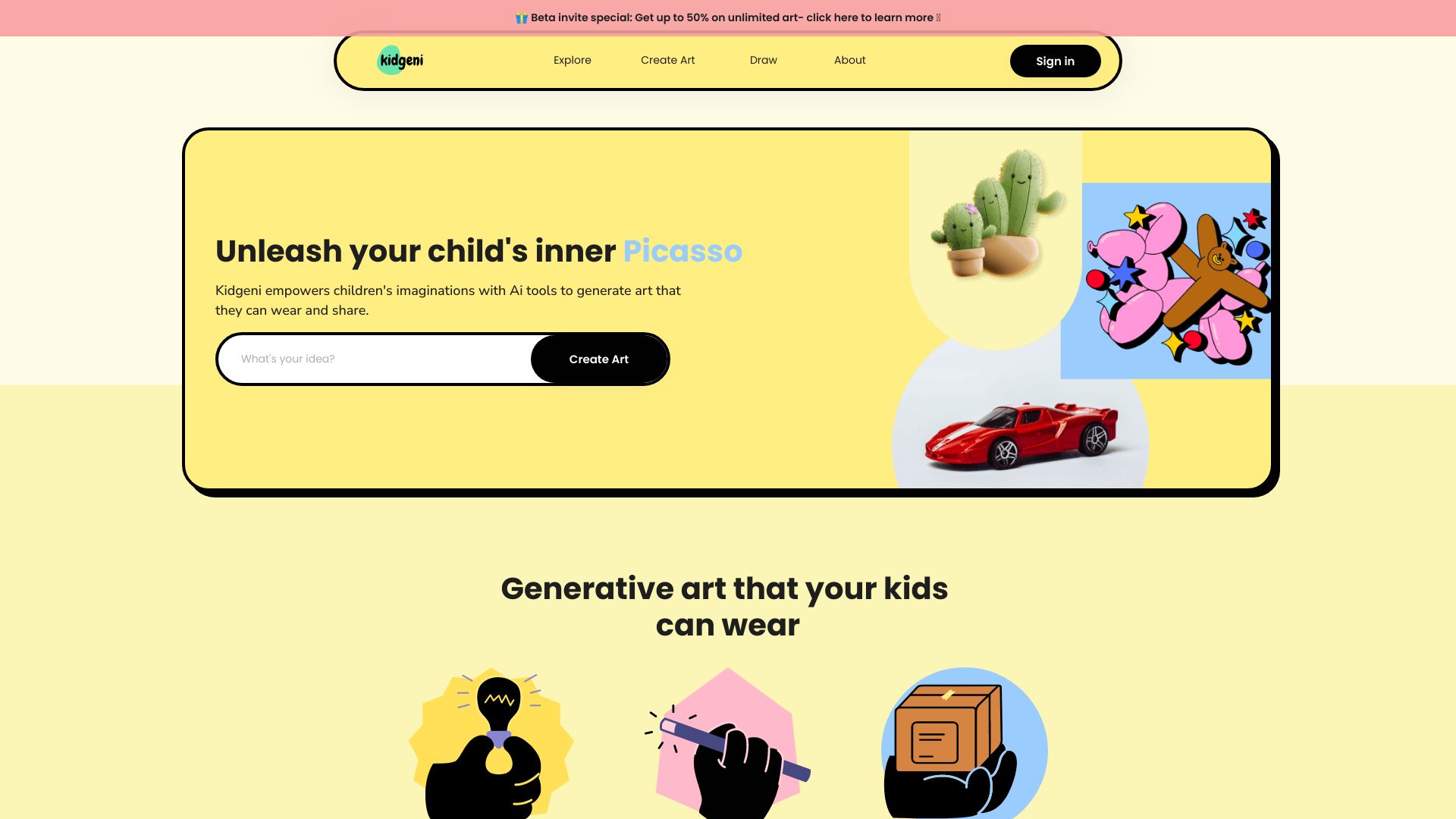
What is Kidgeni?
Kidgeni is a safe, walled-garden AI creative studio for kids ages 5-12. It lets children turn their imagination into AI-generated art, stories, comics, movies, and illustrated learning answers — all inside a parent- or teacher-controlled environment.
SpecificationsAI-estimated
Key Features of Kidgeni
Use Cases for Kidgeni
Creative play at home
Kids create art, stories, comics, and movies in a safe digital environment without exposure to inappropriate content.
Classroom storytelling
Teachers use Kidgeni to spark creative writing, build class stories, and improve literacy with AI-assisted prompts.
Curiosity and learning
Children can ask questions like 'Why is lava hot?' and receive illustrated, kid-level explanations from curated safe sources.
Family creative projects
Parents and younger kids can co-create personalized books, comics, and animated adventures together.
How to use Kidgeni?
Create a grown-up account
A parent, guardian, or teacher sets up the account and controls the child's access.
Add a child profile
Kids sign in with a screened username and PIN — no email or phone number required.
Choose a creative tool
Pick AI art, stories, comics, movies, or 'Learn About Anything' to start creating.
Create and share safely
Creations are saved privately; sharing only happens via moderated Spaces owned by a grown-up.
Pros & Cons of Kidgeni
Pros
- 100% kid-safe with prompt screening and AI output filtering
- COPPA-compliant with parent/teacher account controls
- No direct messaging or public exposure by default
- Wide range of creative tools: art, stories, comics, movies, learning
- Classroom-friendly with teacher-managed Spaces and class codes
- Encourages creative writing, storytelling, and digital literacy
Cons
- Free plan is limited to 500 Sparks per month
- Advanced features like video/animation require the most expensive plan
- Designed for ages 5-12, not suitable for older teens or adults
- Sparks-based pricing may feel restrictive for heavy creative use
Frequently Asked Questions
Is Kidgeni safe for kids?
Yes. Every prompt is screened and gently rewritten toward kid-friendly art, and every image, story, and comment passes an AI safety check before a child sees it. There is no direct messaging, and users can flag anything with 'ask a grown-up.'
Is Kidgeni COPPA-compliant?
Kidgeni is built for COPPA compliance. Parents/teachers control accounts, kids use screened usernames and PINs, grown-ups can review/delete data, and children's data is never used for advertising.
What ages is Kidgeni for?
Kidgeni is designed for children roughly ages 5-12, always inside a grown-up-managed account.
Can kids make their own comics?
Yes. The comic maker generates a cover and four pages in the child's chosen style, with editable speech balloons and cliffhanger choices.
Can teachers use Kidgeni in the classroom?
Yes. Teachers can run classroom Spaces with class codes, moderate shared work, manage rosters, and use the Schools plan for pooled Sparks and learning journeys.
Reviews & Ratings0.0
No reviews yet. Be the first to write one!
Top Alternatives & Similar Software
View all alternatives & similar software→No alternatives available yet.
People also viewed


Related searches
About the Product
Is this your tool?
Claim this page to update details, reply to user reviews, and drive more traffic to your product.
Claim this Product →
Tags
Explore Related Topics
Keep up with Kidgeni alternatives
New alternatives, pricing changes and the week's biggest movers - one email every Tuesday.