



Lebenslauf.de
Create a professional German résumé in minutes with 30+ templates, smart writing assistance, and one-click PDF export.
What is Lebenslauf.de?
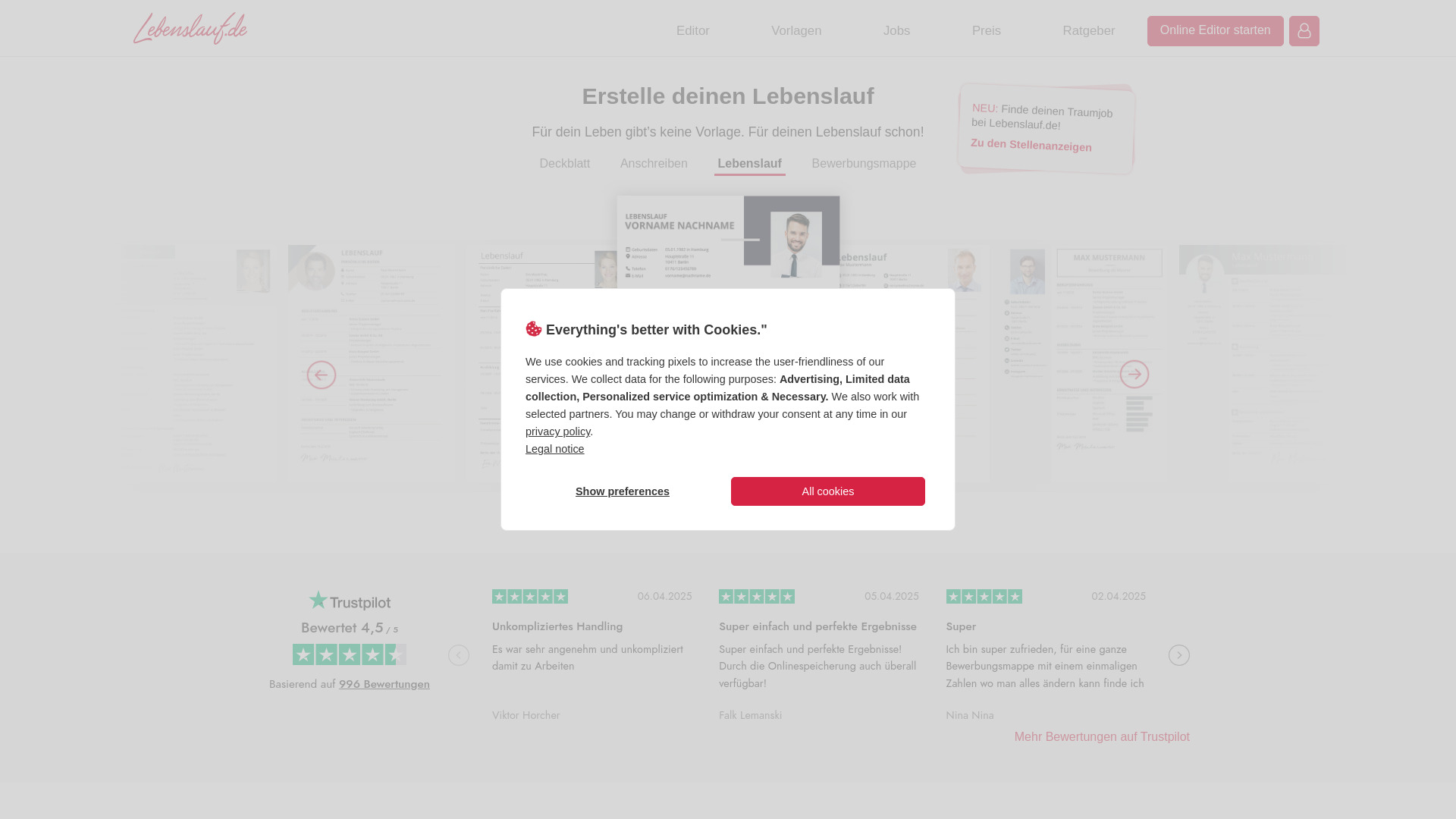
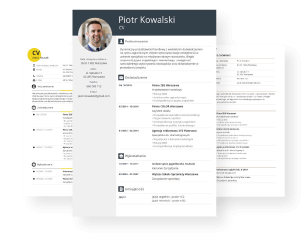
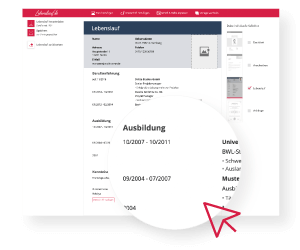
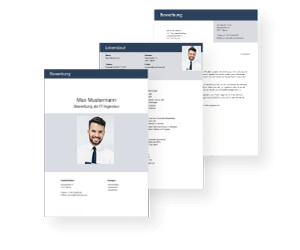
Lebenslauf.de is an online resume editor tailored to the German-speaking job market. It allows users to create a convincing, professional CV in minutes by choosing from more than 30 templates and using clever text tools. The editor runs directly in the browser, so no software installation is required, and it promises a print-ready, send-ready PDF download once the resume is complete. The workflow is deliberately simple: pick a template, fill in personal details and experience, and download the finished document. To help with content, Lebenslauf.de includes TextCheck for error-free writing with a few clicks and SmartWrite, which automatically formulates text. Beyond the CV itself, the platform supports building complete application folders – from cover letters to certificates – and offers additional helpers like application photo editing and signature generation. Lebenslauf.de reports over 1.4 million applications created by users. The pricing model is flexible: instead of a subscription, Premium access is offered as a one-time payment for 1, 3, or 6 months. With a helpful guide section and practical tips for applications and interviews, Lebenslauf.de positions itself as an all-in-one tool for job seekers who want to produce polished application documents in German.
SpecificationsAI-estimated
Key Features of Lebenslauf.de
Use Cases for Lebenslauf.de
Creating a professional CV
Choose a template and fill in your details to get a polished CV in minutes.
Building a complete application folder
Combine cover letter, CV, and references into a unified application package.
Preparing job applications quickly
Complete a resume in about 10 minutes without prior knowledge.
Improving application texts
Use TextCheck and SmartWrite to ensure grammar and formulation are polished.
Tailoring multiple applications
Create several versions of your resume for different job postings.
Generating signatures and edited photos
Prepare all visual elements of your application in one place.
How to use Lebenslauf.de?
Choose a template
Select one of the 30+ professional templates that match your style.
Fill in your details
Enter your personal information, work experience, and skills.
Refine with smart tools
Use TextCheck for error checking and SmartWrite to automatically formulate texts.
Add attachments and download
Attach certificates and references, then download your resume as a ready-to-send PDF.
Pros & Cons of Lebenslauf.de
Pros
- 30+ professional templates for CVs and cover letters
- TextCheck ensures error-free application documents
- SmartWrite automatically formulates text
- PDF download ready for printing and sending
- One-time payment options without a recurring subscription
Cons
- Full features require a paid Premium membership
- Premium is time-limited to 1, 3, or 6 months, not lifetime
- Interface and content primarily in German, limiting international users
- No offline desktop app; requires an internet browser
Frequently Asked Questions
Is Lebenslauf.de free to use?
The editor can be tried for free, and if you like the result you can become a Premium member to unlock full features.
How many templates are available?
There are more than 30 customizable templates for CVs and cover letters.
Can I download my resume as a PDF?
Yes, you can download a print-ready, send-ready PDF of your application.
How long does it take to create a resume?
With the editor you can finish in about 10 minutes, even without prior knowledge.
What is TextCheck?
TextCheck is a feature that helps you write error-free application documents with just a few clicks.
What is SmartWrite?
SmartWrite is a smart tool that automatically formulates texts, helping you phrase your application content.
Is there a subscription?
No, Premium is offered as a one-time payment for 1, 3, or 6 months, without a recurring subscription.
Can I save my progress?
Yes, all entries and drafts are stored in your account.
Pricing Overview
View full pricing →No explicit prices are stated in the provided content.
Reviews & Ratings0.0
No reviews yet. Be the first to write one!
Top Alternatives & Similar Software
View all alternatives & similar software→No alternatives available yet.
People also viewed



Related searches
Is this your tool?
Claim this page to update details, reply to user reviews, and drive more traffic to your product.
Claim this Product →
Tags
Explore Related Topics
Keep up with Lebenslauf.de alternatives
New alternatives, pricing changes and the week's biggest movers - one email every Tuesday.