


Lunchbreak AI
Turn AI-generated drafts into writing that reads like yours—and see what Turnitin, GPTZero, and other detectors actually see before you submit.
What is Lunchbreak AI?
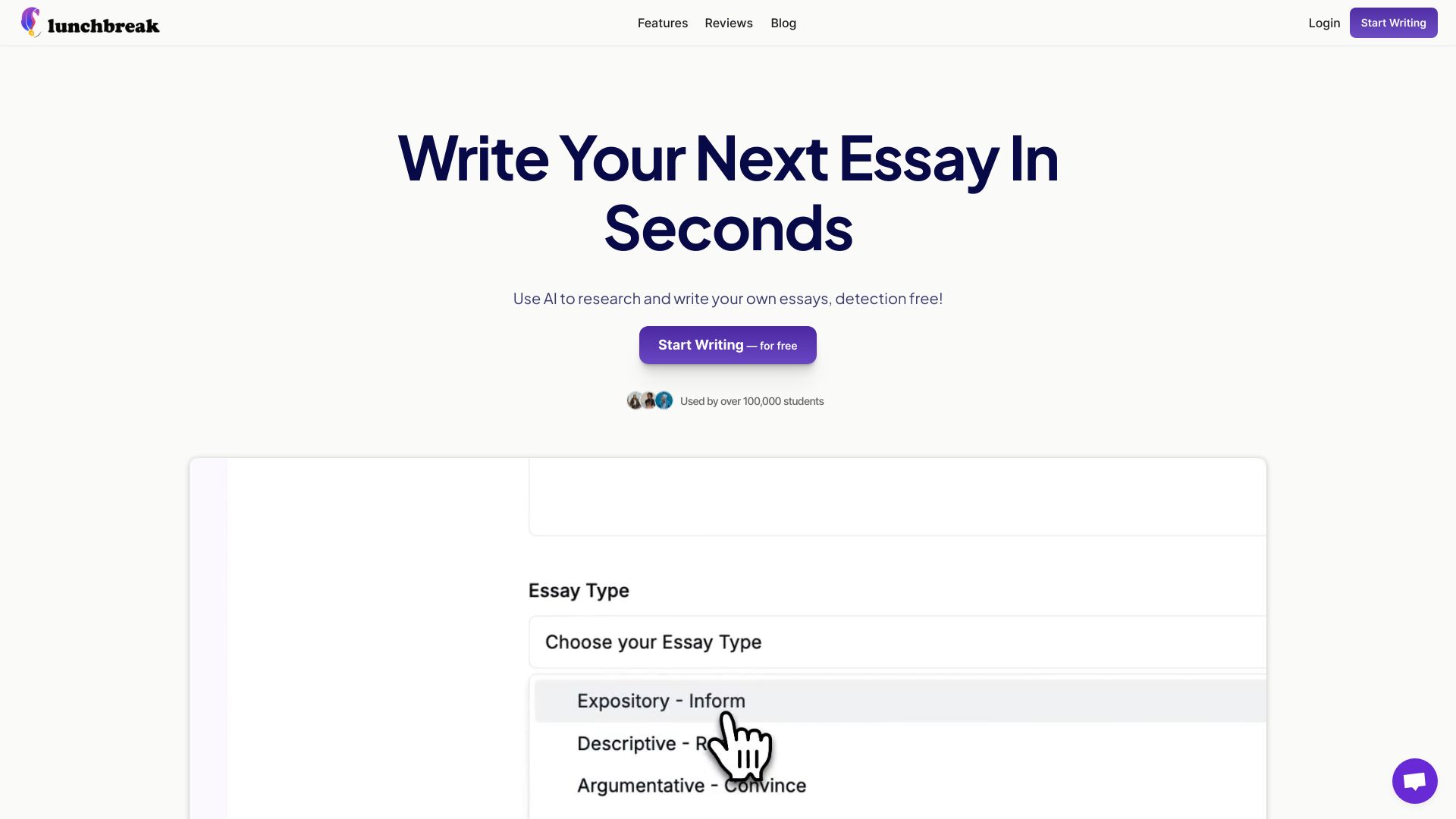
Lunchbreak AI is a browser-based writing safety net for anyone who drafts with ChatGPT, Claude, Gemini, or other AI assistants and wants the final work to genuinely read as their own. It combines an AI-detection checker with a humanizing rewrite engine, targeting the phrasing patterns detectors commonly react to, such as uniform sentence lengths, stock transitions, and hedging language. The service is positioned as a final review tool before submitting essays, assignments, or papers.
SpecificationsAI-estimated
Key Features of Lunchbreak AI
Use Cases for Lunchbreak AI
Pre-submission essay check
Run an essay through multiple AI detectors before submitting to avoid false positives and last-minute surprises.
Humanizing AI-assisted drafts
Turn ChatGPT, Claude, or Gemini output into text that sounds like the student's own voice rather than robotic AI prose.
Final review for research papers
Make humanization part of a weekly revision routine for research papers, theses, and long-form academic work.
Detecting robotic phrasing
Identify uniform sentence length, stock transitions, and hedging language before a professor or publisher calls it out.
False-positive safety net
Verify genuine human-written work that may still be false-flagged as AI by one or more detection services.
Professional writing cleanup
Professional writers who draft with AI can de-flag content before publishing or delivering it to clients.
How to use Lunchbreak AI?
Paste your writing
Go to lunchbreak.ai and paste your draft, essay, or assignment into the AI checker.
Run the AI detection check
Run the check to see how your text scores against Turnitin, GPTZero, Originality, Copyleaks, Writer, and Sapling.
Review flagged phrasing
Look at exactly which passages or patterns are flagged as AI-generated, such as uniform sentence length or hedging language.
Humanize your draft
Apply the humanizing rewrite to rephrase only the flagged sections while keeping your original meaning and voice.
Re-check and finalize
Run the check again to see updated detector scores, then save, reopen, or export your finished document when you are satisfied.
Pros & Cons of Lunchbreak AI
Pros
- Checks a single text against six major AI detectors at once
- Free checking with no card required
- Humanizer rewrites flagged phrasing and then re-checks the results
- Privacy-focused: no selling of writing and no advertising use
- Backed by student testimonials and positioned as a final review safety net
Cons
- Results vary by detector and by text, so the tool cannot guarantee a specific AI score on any platform.
- The humanizing rewrite changes wording, so users should review the output carefully to ensure their original meaning and voice are preserved.
- It is a web-based workflow only; no dedicated desktop or mobile app is mentioned.
- Because it relies on third-party detection APIs, effectiveness can shift whenever those services update their models.
Frequently Asked Questions
Is Lunchbreak AI really free to check my writing?
Checking is always free and does not require a card. It acts as a safety net: detectors can flag human-written work as AI, so checking before submission lets you find out first and fix anything that reads as robotic.
What happens to my text and is it private?
Your text is stored in Lunchbreak's own database so you can save, reopen, and export documents. It is sent to detection services over their APIs to produce scores. Lunchbreak does not sell your writing and does not use it for advertising.
How often are the detector models updated?
Detectors change their models regularly, and Lunchbreak updates its integrations as they do. In practice, you can re-check a draft against current versions rather than trusting an old score from months ago.
How does the humanizing rewrite work?
It rewrites the phrasing detectors react to, such as uniform sentence length, stock transitions, and hedging language, into wording that reads naturally. Then it re-checks the rewritten text so you can see what each detector reports.
Can Lunchbreak guarantee a specific AI-detection score?
No. Results differ between detectors and no tool can promise a particular score. Lunchbreak shows exactly what each detector flags, then rewrites only what needs fixing so your meaning stays intact.
Who is Lunchbreak AI designed for?
Students, researchers, and professional writers who draft with AI and want the final work to read as their own. It is especially popular among undergraduate and graduate students as part of a final review routine.
Can I change or manage my plan later?
Yes. You can change your plan whenever you want from your account settings. The core checking feature is free, with plan options available if you need more.
How do I get support if I have a problem?
Support is available by email, and the team usually replies the same day.
Reviews & Ratings0.0
No reviews yet. Be the first to write one!
Top Alternatives & Similar Software
View all alternatives & similar software→No alternatives available yet.
People also viewed

.png)


Related searches
Is this your tool?
Claim this page to update details, reply to user reviews, and drive more traffic to your product.
Claim this Product →
Tags
Explore Related Topics
Keep up with Lunchbreak AI alternatives
New alternatives, pricing changes and the week's biggest movers - one email every Tuesday.