


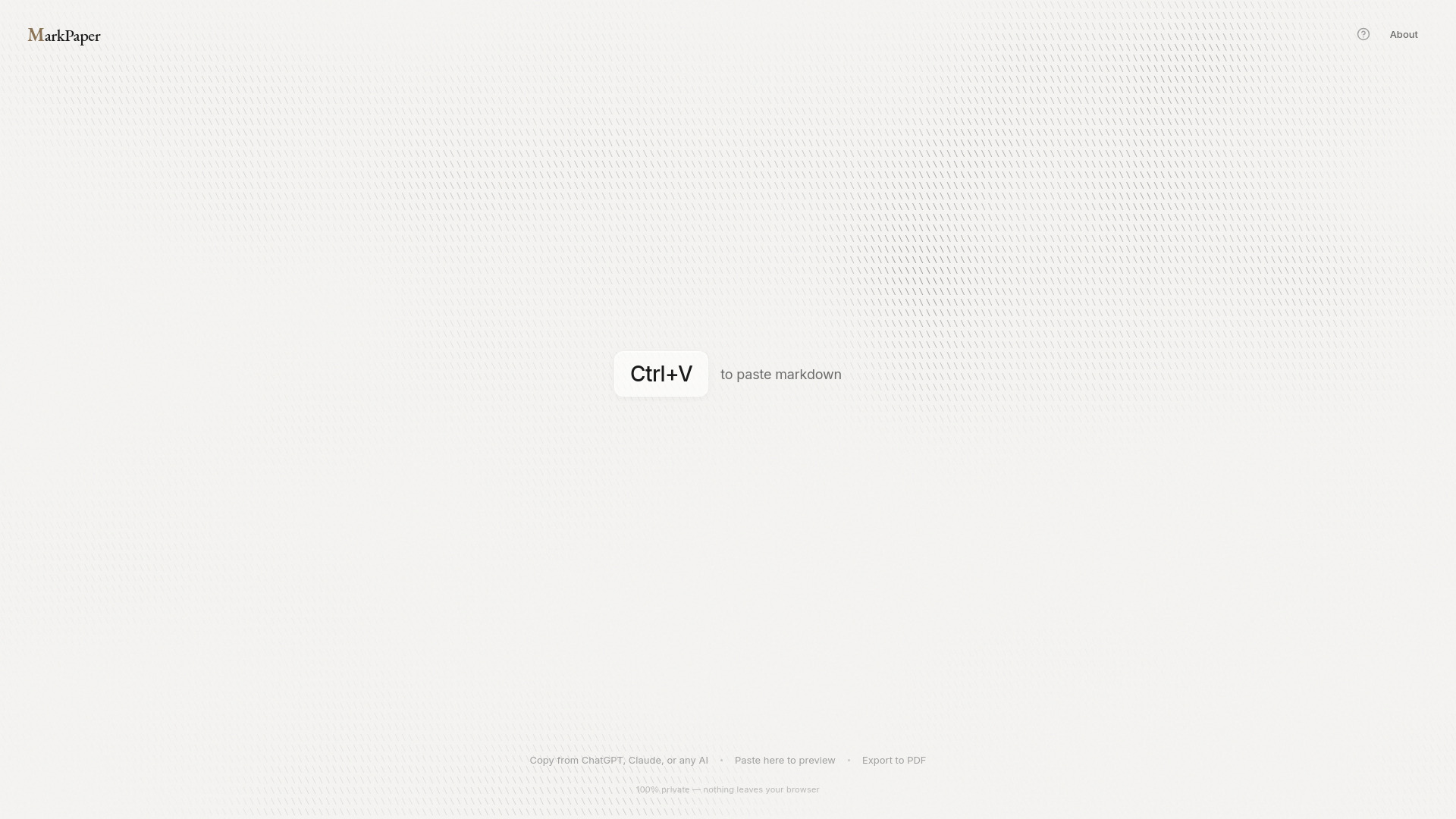
What is MarkPaper?
MarkPaper is a free, browser-based markdown to PDF renderer. Users paste markdown from sources like ChatGPT, Claude, GitHub, or their own notes, choose a professional theme, and render a formatted PDF in seconds—without installing pandoc, LaTeX, or any other tool.
SpecificationsAI-estimated
Key Features of MarkPaper
Use Cases for MarkPaper
Save AI conversations as PDFs
Users can paste ChatGPT or Claude markdown responses and export them as clean, shareable PDFs instead of using screenshots.
Render documentation and README files
Markdown files from GitHub, project docs, and READMEs can be converted into printable PDF documents quickly.
Create polished documents from notes
Meeting notes, research notes, or any markdown content can be turned into professional-looking documents with themes.
How to use MarkPaper?
Copy markdown
Copy markdown from ChatGPT, Claude, GitHub, or any source.
Paste into MarkPaper
Open markpaper.app and paste the markdown with Ctrl+C / Ctrl+V or Cmd+V.
Pick a theme
Choose Academic, Modern, or Editorial for the PDF styling.
Render PDF
Click the print button, select 'Save as PDF', and you're done.
Pros & Cons of MarkPaper
Pros
- No installation required
- Instant markdown rendering
- Professional-looking themes: Academic, Modern, Editorial
- Code highlighting and table support
- 100% private, browser-based processing
- Free forever with no account or limits
Cons
- Requires manual copy-paste of markdown content
- PDF generation relies on the browser's print dialog
- No desktop app, API, or cloud sync mentioned
- Markdown input only, not a full document editor
Frequently Asked Questions
How do I render markdown to PDF with MarkPaper?
Paste markdown into MarkPaper, choose a theme, and click 'Print / PDF'. Then choose 'Save as PDF' in the browser print dialog.
Is MarkPaper really private?
Yes. MarkPaper renders markdown entirely in the browser, and nothing is uploaded to a server.
Can I export ChatGPT or Claude markdown as PDF?
Yes. MarkPaper is designed for AI-generated markdown and works with ChatGPT, Claude, Gemini, Copilot, and other assistants.
Do I need to install anything?
No. MarkPaper is a web app and works directly in your browser on any device.
What makes MarkPaper better than pandoc or Typora?
MarkPaper has no command line, no installation, no cost, and works entirely in the browser while keeping your content private.
Reviews & Ratings0.0
No reviews yet. Be the first to write one!
Top Alternatives & Similar Software
View all alternatives & similar software→No alternatives available yet.
People also viewed




Related searches
About the Product
Is this your tool?
Claim this page to update details, reply to user reviews, and drive more traffic to your product.
Claim this Product →
Tags
Explore Related Topics
Keep up with MarkPaper alternatives
New alternatives, pricing changes and the week's biggest movers - one email every Tuesday.