


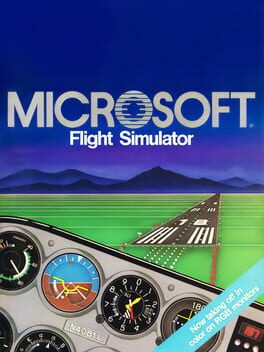
Microsoft Flight Simulator 2.0
A pioneering 1984 flight sim with expanded hardware support and deeper realism.
Best for
Retro aviation hobbyists with vintage PCs seeking classic flight dynamics
Skip if
Players needing modern graphics or worldwide scenery
What is Microsoft Flight Simulator 2.0?
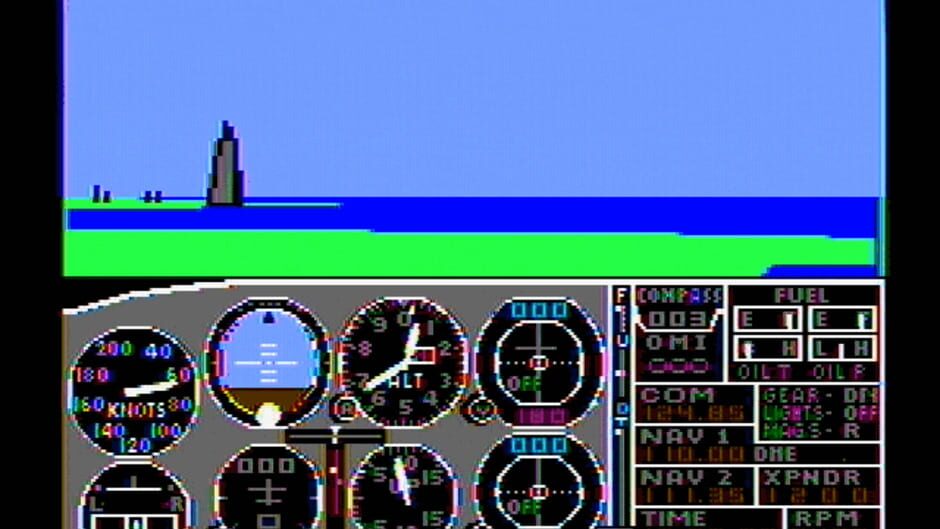
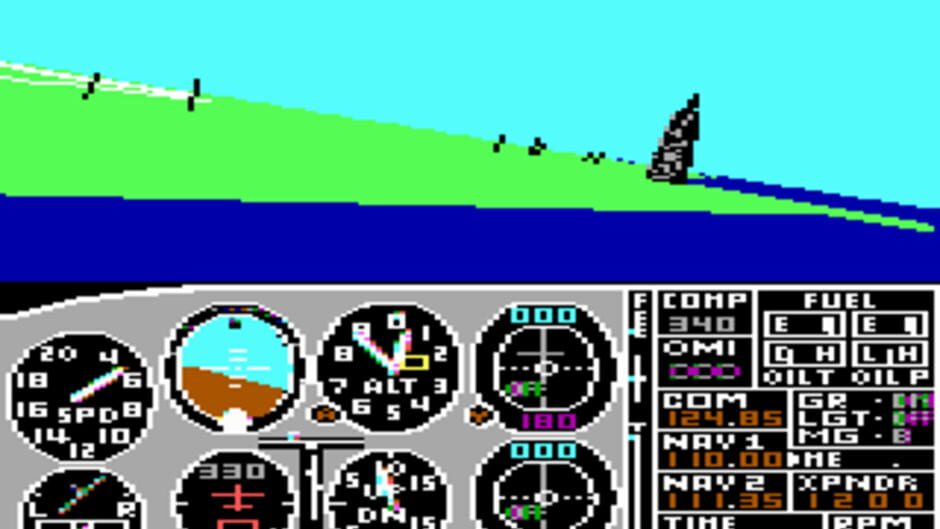
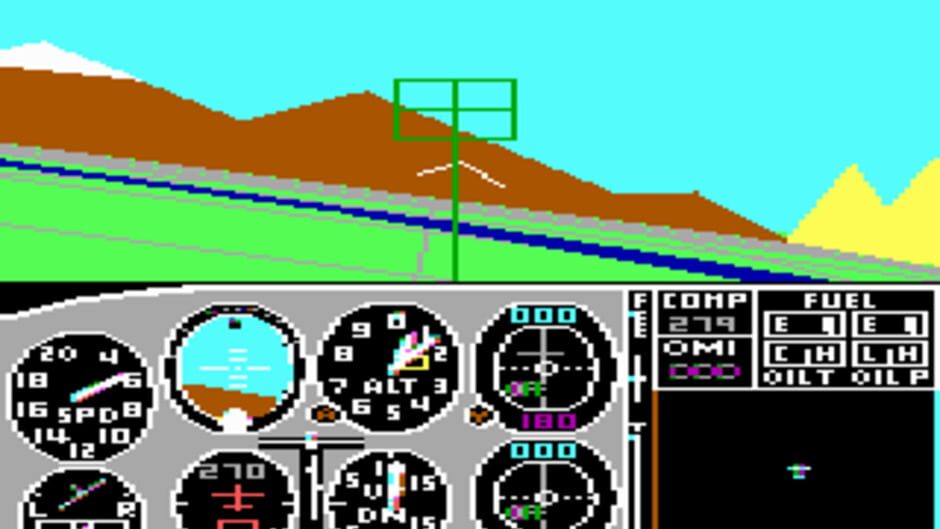
Microsoft Flight Simulator 2.0 built on the foundation of its predecessor, adding more sophisticated simulation variables and broader hardware compatibility for the era. It delivered a richer flying experience on early personal computers, letting enthusiasts explore realistic flight dynamics and instrument panels. Despite its vintage graphics, the title set standards for future simulators with its attention to detail and extensibility, making it a landmark in the evolution of flight simulation software.
SpecificationsAI-estimated
Key Features of Microsoft Flight Simulator 2.0
Use Cases for Microsoft Flight Simulator 2.0
Historical Flight Enthusiasts
Experience early flight simulation technology as it existed in 1984.
Retro Gaming Collectors
Add a classic Microsoft title to a vintage PC game library.
Aviation Education
Teach basic aeronautical concepts using a simple, physics‑based simulator.
Hardware Compatibility Testing
Validate old joystick and controller functionality on legacy software.
Pros & Cons of Microsoft Flight Simulator 2.0
Pros
- Pioneering simulation depth for its time
- Broad hardware peripheral support
- Extensible configuration files
- Influential legacy in later flight sims
Cons
- Primitive graphics by modern standards
- Limited global scenery and airports
- Runs only on legacy PC hardware
Frequently Asked Questions
What platforms can I run Microsoft Flight Simulator 2.0 on?
It was released for IBM PC compatibles running MS-DOS.
Do I need a joystick to play?
A joystick is supported but not required; the game can be played with keyboard controls.
Is the game compatible with modern Windows versions?
It can run under DOS emulators such as DOSBox on current Windows systems.
Can I modify the flight parameters?
Yes, many variables are editable via plain‑text configuration files included with the game.
Pricing Overview
View full pricing →Detailed plans are not listed. Visit the official website for pricing information.
Reviews & Ratings0.0
No reviews yet. Be the first to write one!
Top Alternatives & Similar Games
View all alternatives & similar games→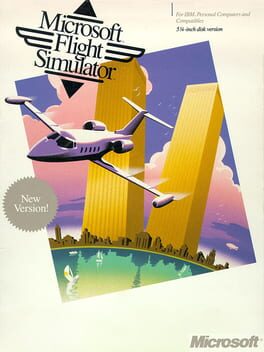
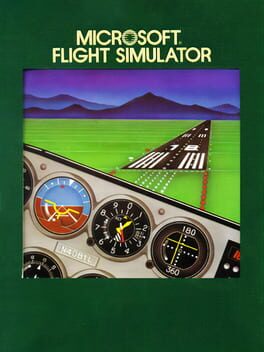
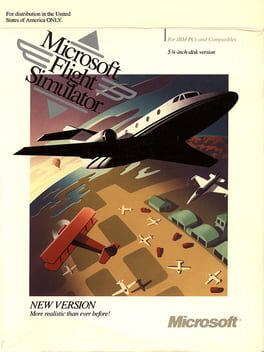
People also viewed

Best For
Related searches
About the Product
Is this your tool?
Claim this page to update details, reply to user reviews, and drive more traffic to your product.
Claim this Product →
Explore Related Topics
Keep up with Microsoft Flight Simulator 2.0 alternatives
New alternatives, pricing changes and the week's biggest movers - one email every Tuesday.